Grok AI Review 2026: Is xAI’s Chatbot Worth Using?
Read this in-depth Grok AI review for pricing, X search, reasoning tools, and a full comparison against ChatGPT and Claude in 2026.
Introduction
This Grok AI review looks closely at whether xAI's chatbot earns a real spot in your daily toolkit right now, in 2026. Grok stands out for its live link to X search and its fast, blunt answers on almost any topic you ask. It also carries real downsides, like credits that vanish each month and facts that can drift off track during busy news cycles.
This guide
walks through the core features, pricing tiers, and
common complaints in plain, simple terms. You will see how Grok's reasoning
model stacks up next to tools like ChatGPT and Claude. By the
end, you will know if Grok truly fits your daily needs.
Grok AI Review:
Quick Verdict on Strengths and Weaknesses
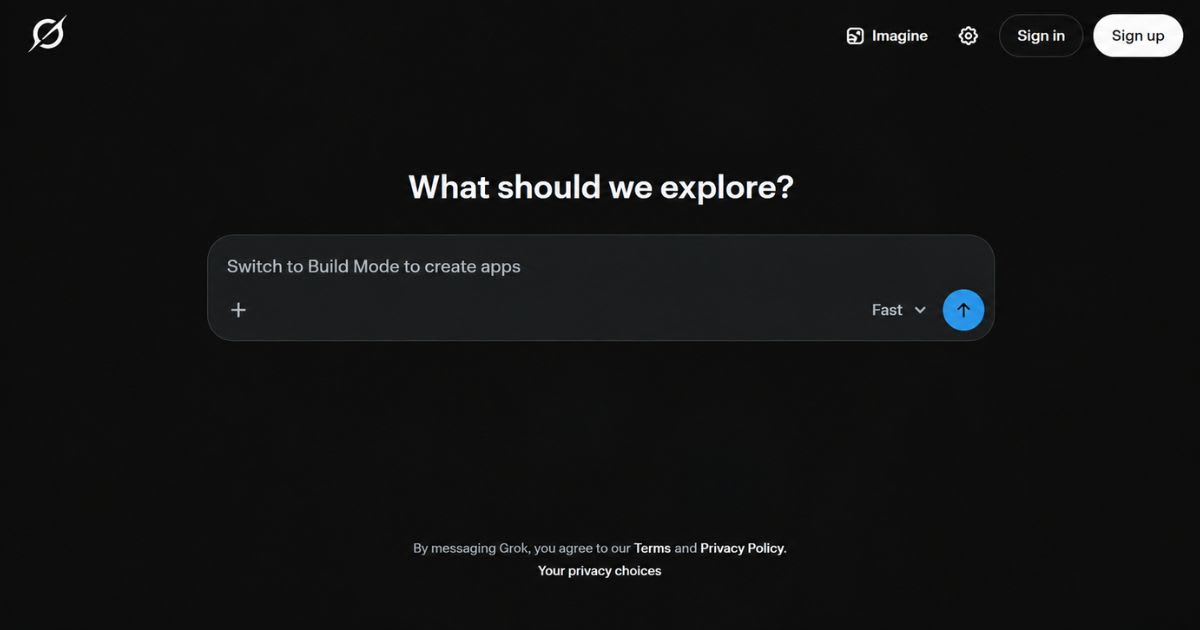
Grok gives
you fast, live replies from real-time X search data. Its reasoning
model handles hard math and code well. It also skips many strict rules
found in other AI chatbots, which some users like. Billing can still
surprise new users fast. Your unused monthly credits vanish at the end
of each cycle. Some quick replies also drift into small, odd fact errors.
|
Category |
Grok
Strength |
Grok
Weakness |
|
Speed |
Fast, live X
search results |
Occasional
factual drift |
|
Reasoning |
Strong
step-by-step math and code |
Hard tasks
can burn more credits |
|
Billing |
Simple flat
monthly plans |
No credit
rollover each month |
|
Content
rules |
Fewer
strict content limits |
Riskier for
sensitive topics |
How Grok's AI Models Work: Speed vs. Reasoning
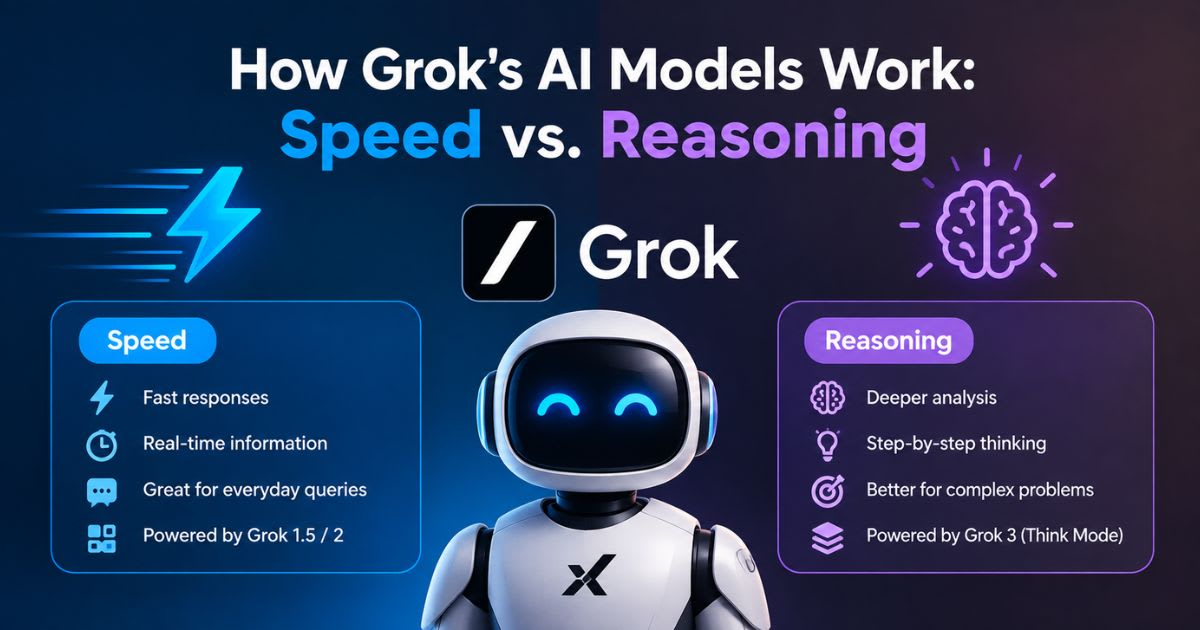
Fast Mode vs. Think Mode
Grok splits work into two clear paths. Quick chat replies come out
fast, with no delay. Hard math and logic tasks trigger Think Mode, which walks
through each reasoning step slowly and with care.
Why the Split Matters for Daily Use
This split
saves you time on small, easy questions. You still get real chain-of-thought
power for tough STEM or code work. Most users switch between these two AI
models without much thought at all.
Real-Time X Search and Deep Research Tools
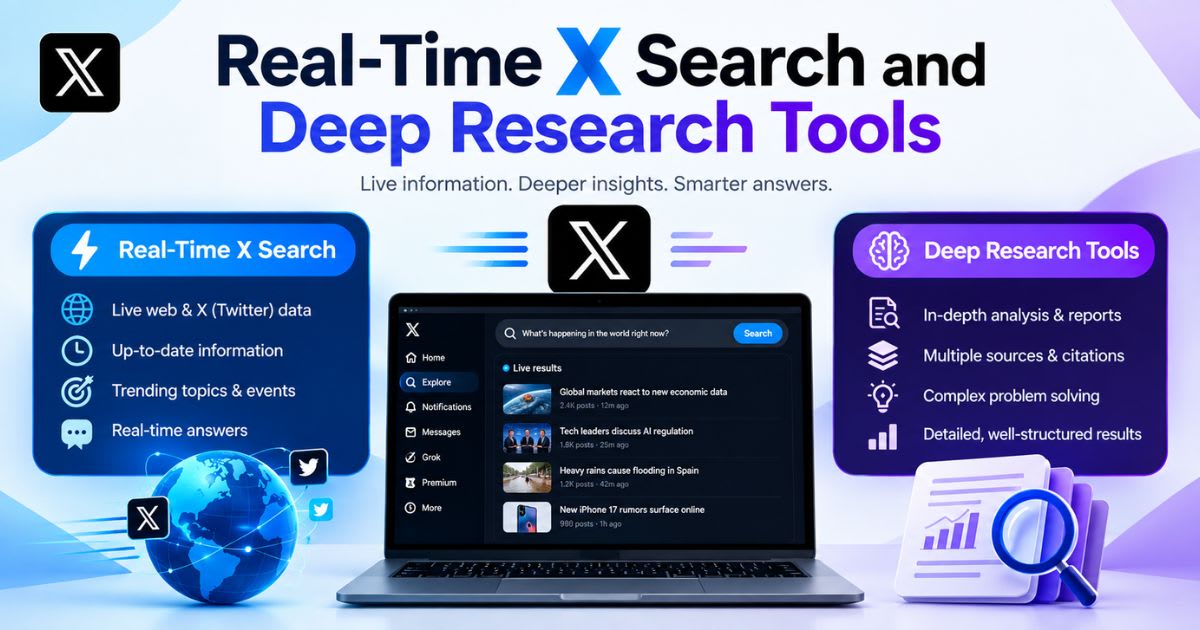
This part of
the Grok AI review looks at Grok’s live data edge. Real-time access changes how
fast you can track breaking trends and fresh news events.
Live X Search: Grok’s Core Advantage
Grok’s biggest edge comes from its
live feed into X search data. This lets it catch breaking news fast, often
before other AI chatbots even notice. Marketers use this real-time data to test
public mood.
DeepSearch Mode for Longer Research Tasks
DeepSearch
mode sends Grok out to scan many web pages at once. It works well for deep
topic research and quick fact checks. Always review the links it finds, since
social posts can carry weak claims.
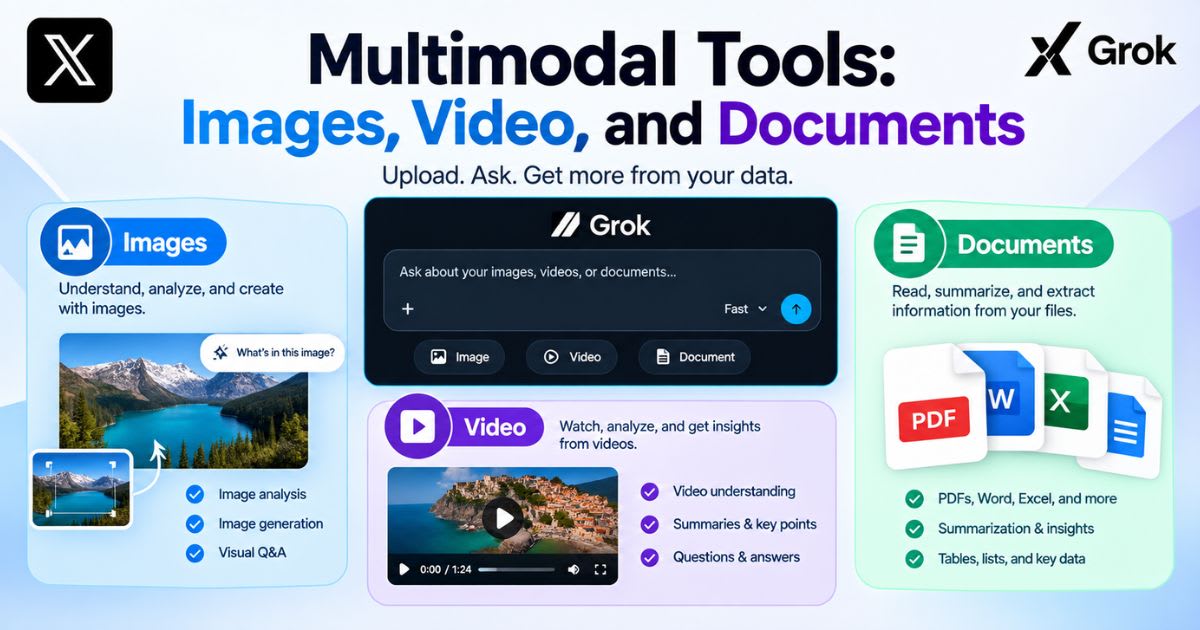
Multimodal Tools: Images, Video, and
Documents
Aurora Image Generation
Grok’s Aurora engine powers fast, bold image generation right in
the chat box. Results often look bright and sharp. Faces and hands can still
glitch on busy, complex image scenes.
Grok Imagine: Video and Document Tools
Grok Imagine
turns short text prompts into brief video clips. The tool also reads PDFs and
slides to pull out key data. Clip length and video quality still trail top
rival video tools.
Daily Experience: Interface, Personas, and
Voice Mode
Fun Mode vs. Normal Mode
Grok offers a playful fun mode with sharp jokes built in. A plain
normal mode handles serious study and work tasks well. This mix suits both
quick fun and focused study time.
AI Companions and Voice Mode
Grok’s AI companions, like Ani and
Valentine, add a fun chat persona. A hands-free voice mode lets you talk to
Grok on the go. Both features suit casual, everyday voice chats well.
Ease of Use: Setting Up and Learning Grok
Getting Started on Web and Mobile
Grok’s web app and mobile app
share a clean, simple layout. New users find the main chat box within seconds of signup. A short
setup guide helps you pick your first reasoning mode.
Learning the Different Modes
Learning when to use Think Mode
versus fast mode takes a few tries. Most users get comfortable with the switch
within one week. Clear labels inside the app guide first-time users through
basic setup.
Grok’s Coding and Developer Tools
Code Generation and Debugging
Grok can write, fix, and explain code across many programming
languages. Its reasoning model helps trace bugs step by step. Developers use it
for quick scripts and small code reviews.
API Access for Developers
Developers can plug Grok into their own apps through a paid API
access plan. This suits teams building custom AI agents or chat tools. Costs
run per token, not as a flat fee.
Can AI Detectors Catch Grok’s Writing?
Why Detection Tools Flag AI Text
Tools like Turnitin and GPTZero
look for uniform, even sentence patterns. Grok’s raw text often lacks
burstiness, the mix of short and long lines that real people write. This makes
raw drafts easy to flag as AI-written text.
How to Lower Your Detection Risk
Editing drafts by hand breaks up
repeat sentence patterns fast. Add real examples, short quotes, and your own
writing voice throughout the piece. This step cuts your detection risk with
tools like Originality.ai and CopyLeaks.
SuperGrok vs. X Premium+: Which Plan to
Choose
Picking
between a standalone plan and a bundled X Premium+ plan trips up many new
users. This part of the Grok AI review breaks the choice down simply. SuperGrok
gives you Grok tools with no extra social perks attached. X Premium+ bundles
Grok access with X checkmarks and other social perks.
•
Want AI tools only, no social perks: pick SuperGrok
•
Want blue checks and X perks too: pick X Premium+
•
Need heavy compute for big work: pick SuperGrok Heavy
SuperGrok Heavy: Extra Power for Big Projects
SuperGrok
Heavy gives you a bigger context window for big files and code. It also gives
priority access at busy times. This plan suits teams that run big AI agents on
hard tasks.
Customer Support and Help Resources
Support Channels for Paid Users
Paid Grok plans get faster email
support and quicker replies. Free users mostly use public help pages and
forums. Higher plans get priority queues at busy times.
Community and Help Docs
xAI keeps a public help center with setup guides and FAQ pages.
Active user forums also share fixes for common login issues. Most simple
problems get solved through these self-serve guides.
Team and Enterprise Options
Team Licensing and Seats
Business teams can buy grouped seats under one shared team plan.
Admins manage billing and user access from one central admin dashboard. This
setup suits small teams that share one Grok account.
Admin Controls and Data Rules
Enterprise buyers get extra data privacy tools and usage logs.
Admins can limit which AI models each team member can use. This helps big firms
meet security rules.
Pricing Breakdown: Free, SuperGrok, and
Heavy Plans
Prices for
Grok plans shift often, so check current rates on xAI’s official site first.
This Grok AI review lists the current tiers below for quick reference. Public
listings show a free plan with limited daily prompts. SuperGrok Lite runs about
$10 a month, the main SuperGrok plan runs about $30 a month, and SuperGrok
Heavy runs about $300 a month.
|
Plan |
Monthly
Price |
Best For |
|
Free |
$0 |
Light,
casual use |
|
SuperGrok
Lite |
About $10 |
Basic image
tools |
|
SuperGrok |
About $30 |
Full reasoning
model access |
|
SuperGrok
Heavy |
About $300 |
Heavy
compute and AI agents |
What You Get on the Free Plan
The free plan limits your
prompts every few hours. It also runs an older reasoning model with a
smaller context window. It works fine for light, casual questions only.
The Vanishing Credit Problem
Grok wipes unused monthly
credits at the end of each cycle. This makes the $30 plan a poor fit
for light, rare users. Heavy daily users get far more value from the same plan.
Content Depth and Fact-Checking
How Grok Handles Facts
Grok pulls fast answers from live posts, which can carry small
errors. Always run a quick fact-check on names, dates, and numbers. This
step matters most during fast-moving news events.
Comparing Source Quality
Rival tools like Perplexity lean on cited, source-backed search
results. Grok often skips deep source citations in favor of speed.
Cross-check big claims with a second, trusted fact source first.
Grok vs. Top Alternatives:
ChatGPT, Claude, and Perplexity
Grok vs. ChatGPT
ChatGPT leads on coding assistant tools and third-party
plugins. Grok wins on live news speed through its X search feed. Pick
ChatGPT for dev work, Grok for fast, current events.
Grok vs. Claude and Perplexity
Claude offers safer, more careful long-form
content and document work. Perplexity focuses on cited, source-backed AI
search results. Grok trades some of that polish for speed and fewer
limits.
Final Verdict: Is Grok Worth Your
Money?
This Grok
AI review finds a fast, bold tool with real trade-offs. Grok fits well if
you want live news and blunt, fast answers. It fits less well if you need
careful, source-checked written content.
Choose Grok If You Want Speed and Live
Data
Pick Grok if
breaking news, fast replies, and fewer content limits matter most to
you. Its live X search feed beats most rivals for current events.
Choose a Rival If You Want Polished
Writing
Pick Claude
or ChatGPT if you need careful long-form content or strong coding
support. Grok’s speed can come at the cost of some final polish.
Frequently asked questions
Is Grok AI actually good?+
Grok is strong for fast, live answers and real-time X search. It also handles hard math, code, and reasoning tasks well. It works less well for long, careful writing or deep research.
Is Grok actually better than ChatGPT?+
Grok wins for live news through its X search feed. ChatGPT still leads for coding depth and general research work. The better pick depends on your main daily task.
Is the Grok AI app safe to use?+
Grok is safe for normal daily use, like most major AI tools. It runs fewer content filters than rivals, so treat sensitive topics with care. Always double-check facts before you rely on them.
Which is better, ChatGPT, Grok, or Gemini?+
Each tool wins in a different area. ChatGPT leads on coding, Grok leads on live X search, and Gemini leads on Google app links. Your best pick depends on your main use case.
What is Grok good for?+
Grok excels at fast replies, live news, and real-time X search. It also handles math, code, and step-by-step reasoning well. It suits research, casual chat, and quick content drafts.
Why are people leaving ChatGPT?+
Not everyone is leaving ChatGPT, but some try rivals like Grok for real-time data and fewer content limits. Others switch over pricing or a single standout feature. Many people still use both tools side by side.
Related articles
 AI Chatbots & Assistants
ChatGPT Alternatives That Are Actually Worth It (2026)
ChatGPT alternatives that actually beat it at something: Claude, Gemini, Perplexity, and more. Find your best fit.
 AI Chatbots & Assistants
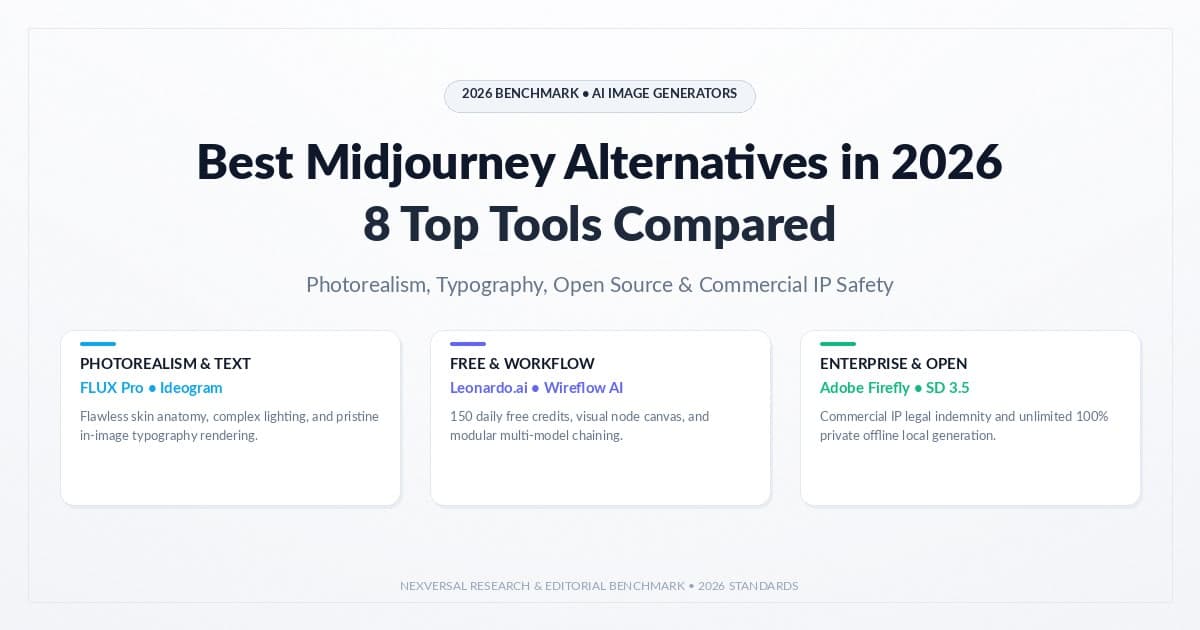
Best Midjourney Alternatives in 2026: 8 Tools Compared
Explore the best midjourney alternatives in 2026 for photorealism, open-source control, free tiers, and lower cost.
 AI Chatbots & Assistants
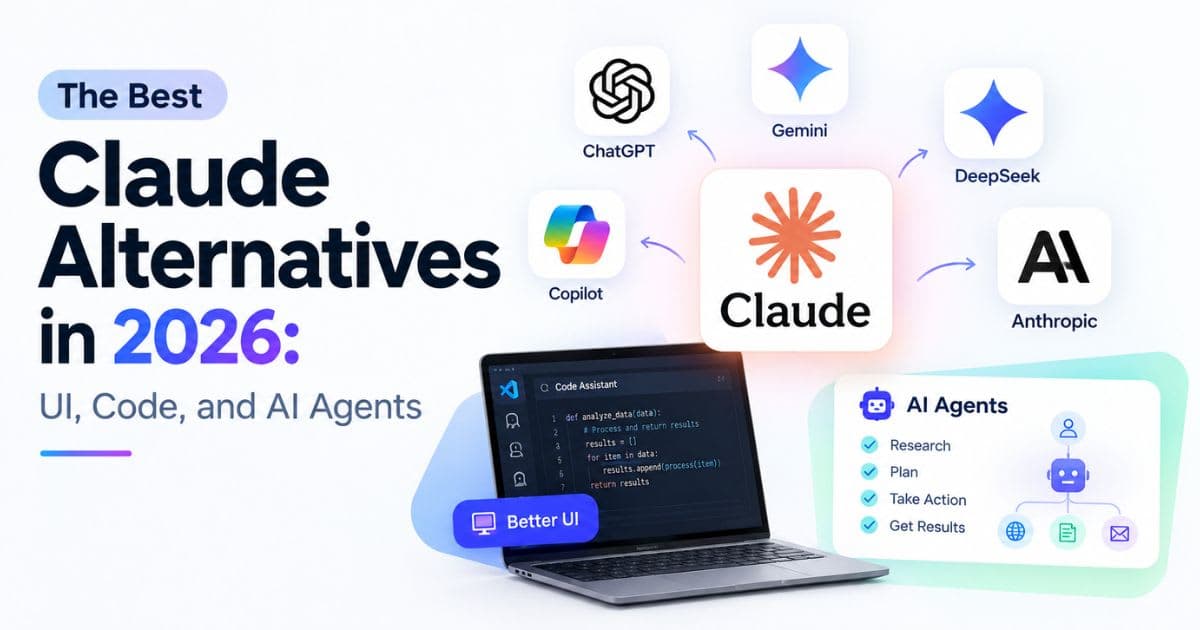
Best Claude Alternatives in 2026: UI, Code, and AI Agents
Explore the best Claude alternatives in 2026 for UI design, coding, team automation, plus free, open-source picks.
New AI tool reviews, in your inbox.
Get new reviews and comparisons in your inbox. No spam, unsubscribe anytime.
Comments (0)
Be the first to comment.