Best Free AI Tools for Coding in 2026: Top AI Coding Assistants
Best free AI tools for coding in 2026: compare Copilot, Cursor, Gemini & more — real limits, real value. Find your perfect match, no subscription needed.
Introduction
Picture this: you open your editor, ready to build something, and that familiar thought hits — "do I really need to pay for AI help again?" Good news for everyone. When it comes to the best free AI tools for coding, 2026 has quietly become the strongest year yet. GitHub Copilot, Cursor, and Amazon Q Developer are all fighting for your attention.
Each offering real free tiers without watered-down features. GitHub Copilot hands you 2,000 completions monthly. Cursor's Hobby plan throws in Agent requests without asking for a credit card. But here's the catch nobody tells you upfront: there's no single winner. The best code generation tool is whichever one disappears into your workflow so smoothly you forget it's even there.
What Are the Best free AI tools for coding?
Free vs. Freemium vs. Open-Source: What's the Real Difference?
 Here's a trap most beginners fall into: they see the word "free" and stop reading. Don't do that. A freemium product, like GitHub Copilot Free or Cursor's Hobby plan, gives you a limited hosted service at zero cost — but the meter is running somewhere. Open-source tools flip the script entirely: installation costs nothing, but you'll often need to bring your own model or API key to actually use them. Cline draws this line beautifully. The extension itself won't cost you a cent, but model inference can quietly drain your wallet depending on which provider you connect. Miss that distinction, and "free" starts feeling like a broken promise. Every coding assistant covered in this guide has a genuine free way in. That means either a permanent free hosted tier, or a free open-source extension you can pair with a free or local model. None of them require you to pay just to try them.
Best Free AI Coding Tools in 2026
No single assistant wins every round, and honestly, that's a good thing — it means you get to pick a specialist instead of settling for a generalist. Copilot slots into conventional IDE workflows like it was always meant to be there. Cursor leans hard into agentic editing, letting AI do more of the heavy lifting. Amazon Q was practically built for AWS-heavy projects, while Cline, Aider, and Continue court developers who refuse to be locked into one model provider.
GitHub Copilot
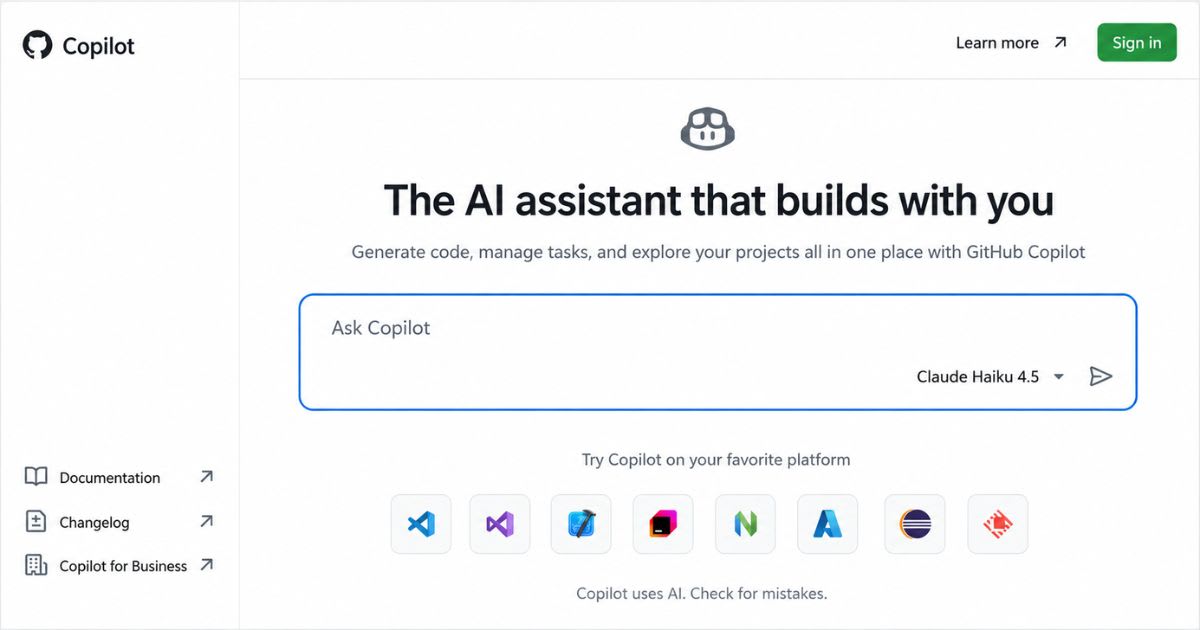
GitHub Copilot is the tool most developers already have a relationship with, whether they admit it or not. Its free plan delivers 2,000 monthly inline suggestions, plus limited chat and agent access, across VS Code, Visual Studio, JetBrains IDEs, and Neovim. If your projects already live on GitHub, this integration feels less like a plugin and more like a natural extension of your repo.
Cursor
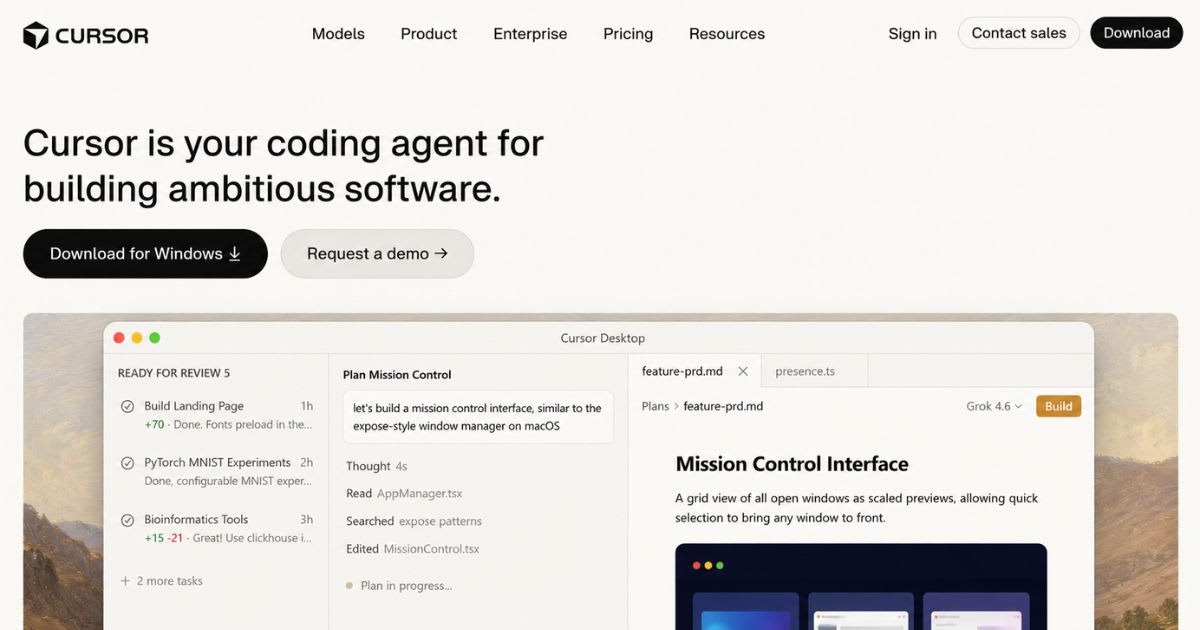
Cursor took a bold bet: instead of bolting AI onto an existing editor, why not build the editor around AI from day one? Its free Hobby plan skips the credit card entirely and hands you limited Agent requests and Tab completions. It's a genuine on-ramp into agentic development. Push hard enough, though, and you'll bump into the limits fast, so treat it as a trial run, not a permanent home.
Amazon Q Developer
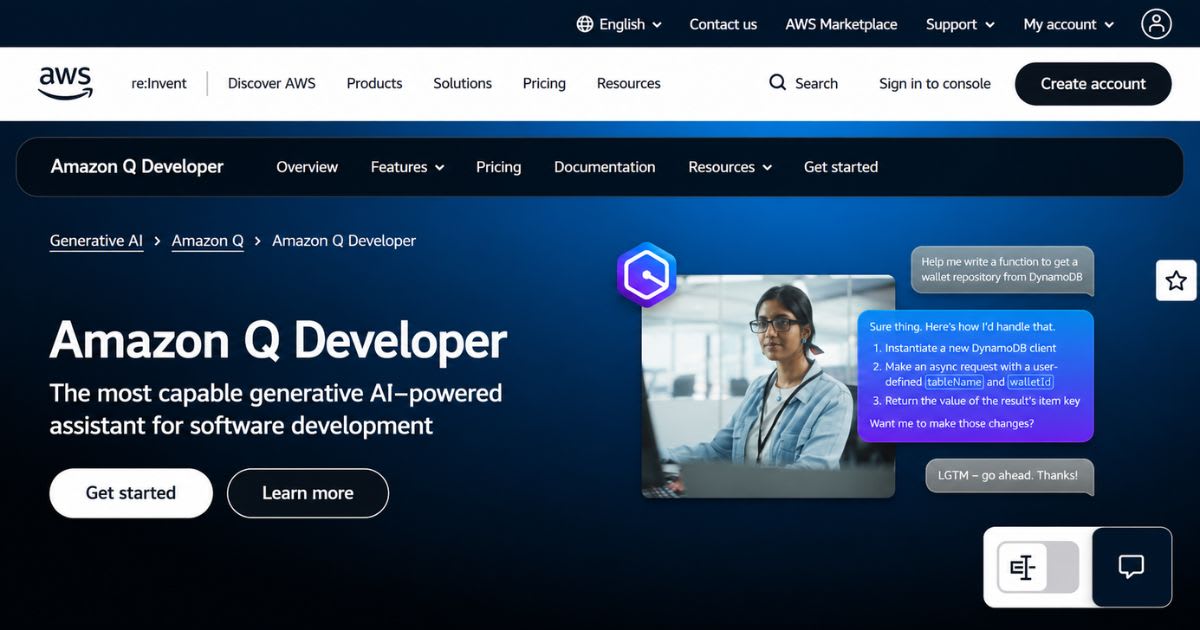
Ask any developer knee-deep in AWS infrastructure what keeps them up at night, and "coding assistant" probably isn't the first answer. Until they try Amazon Q Developer, that is. Its free tier includes 50 agentic requests monthly and up to 1,000 lines of Java transformation. It covers code generation, testing, and documentation across Python, Java, JavaScript, TypeScript, C#, Go, Rust, PHP, and SQL. One catch worth flagging: AWS closed new signups for Q Developer's IDE plugins and subscriptions on May 15, 2026. New users are being steered toward its successor, Kiro, instead. Existing Q Developer users keep free access until support ends in April 2027.
Cline
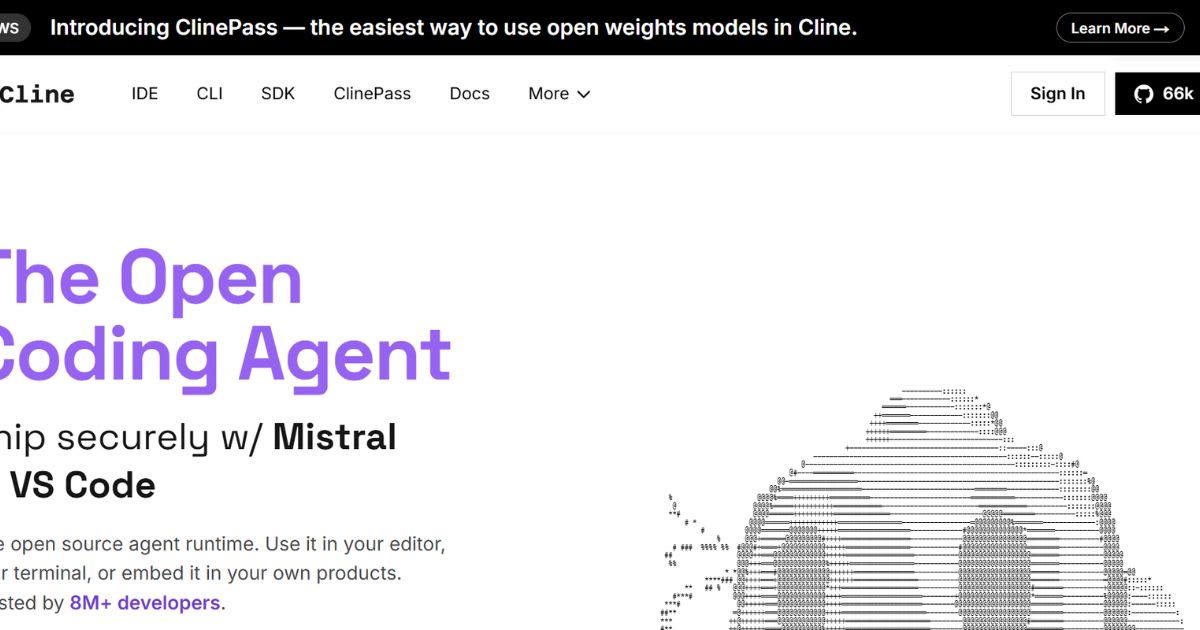
Cline exists for one type of developer: the one who refuses to be boxed in. It's an open-source coding agent where the extension costs nothing, but you choose your own model provider. That includes free or local models if you'd rather not spend anything on inference.
Aider
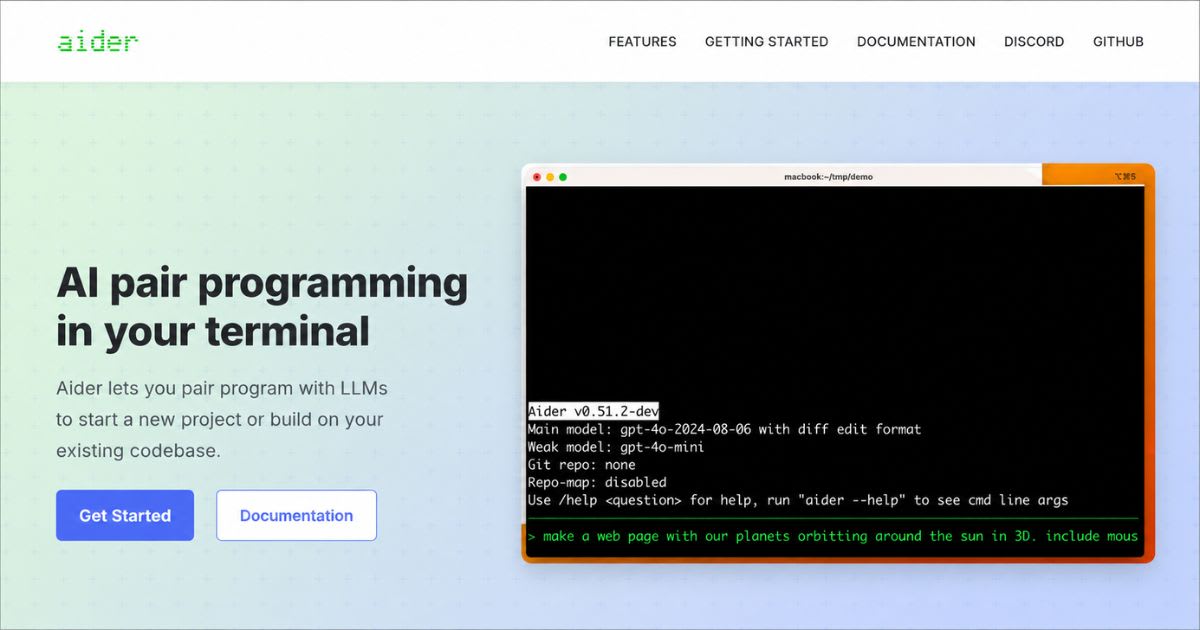
Forget the graphical editor entirely. Aider hands you AI pair programming straight from the terminal, which sounds intimidating until you realize it's exactly what Git-comfortable developers have wanted all along. The tool itself is completely free. Pair it with a free-tier or local model and your total cost stays at zero.
Replit
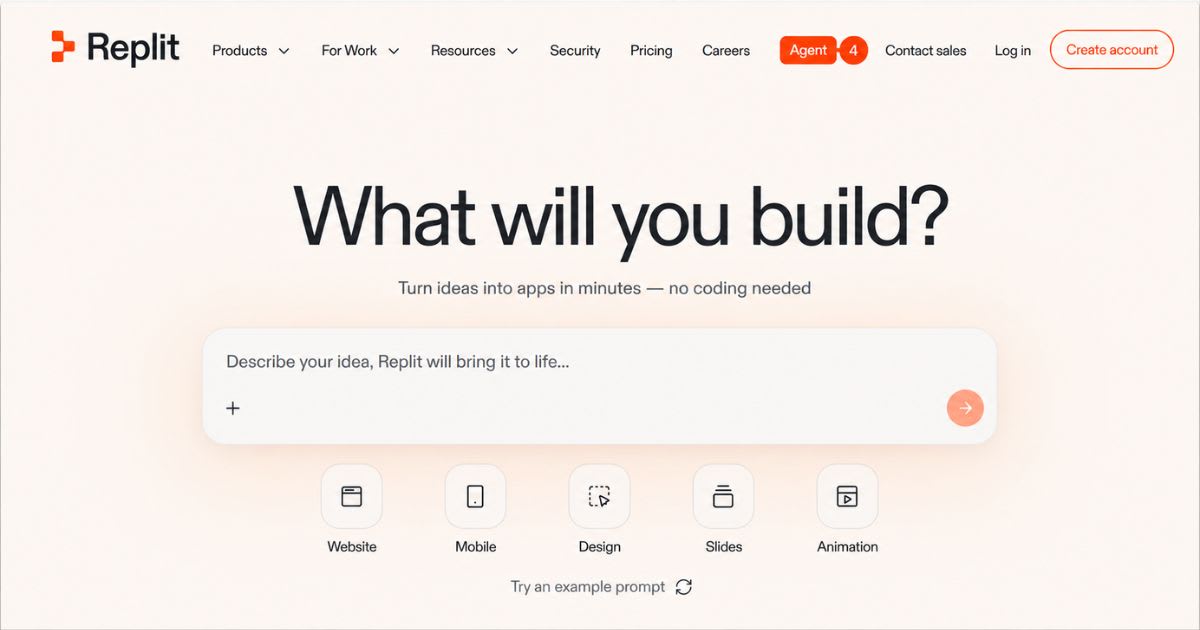
Not everyone wants to configure a local environment before writing a single line of code. Replit gets that. Its browser-based approach and Starter plan — complete with free daily Agent credits and a built-in database — make it the friendliest on-ramp for beginners and rapid prototypes. Push it toward serious, resource-heavy workloads, though, and the limits show up fast.
Tabnine
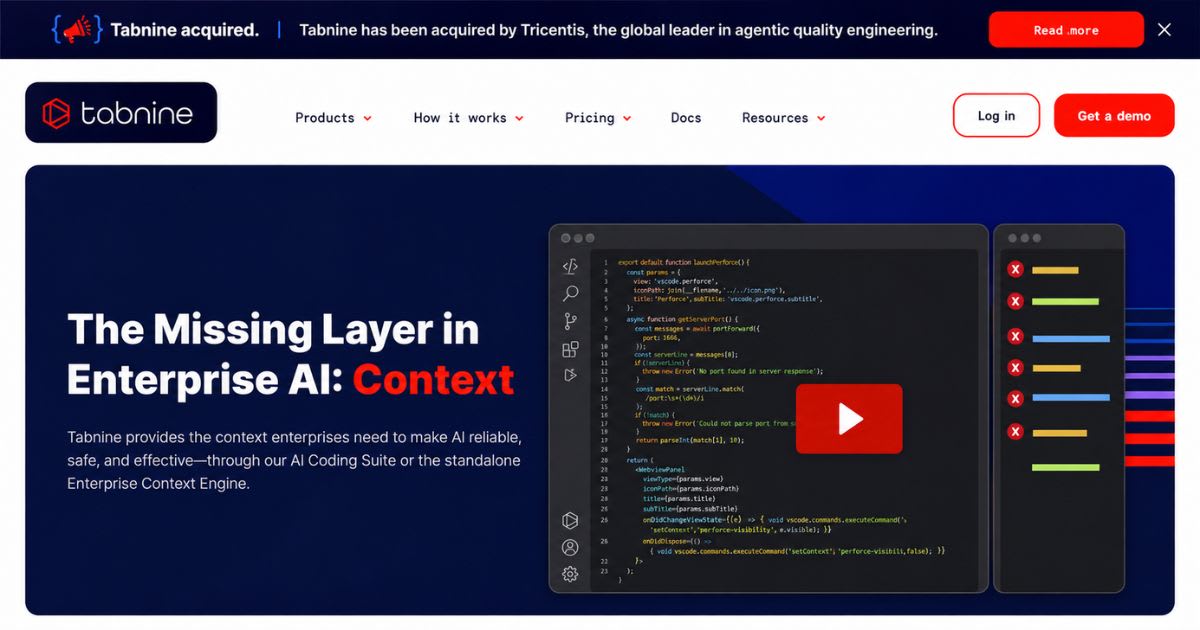
Tabnine keeps things simple: a lightweight, privacy-focused free plan that runs well even on modest hardware. It won't out-agent Cursor or Cline, but for straightforward, always-on code completion, the free basic plan holds up.
Quick Comparison Table
| Tool | Best For | Main Strength | Main Limitation |
|---|---|---|---|
| GitHub Copilot | Everyday development | GitHub/IDE integration | Limited free requests |
| Cursor | Agentic coding | AI-native editor | Limited Agent usage |
| Amazon Q Developer | AWS projects (existing users) | AWS-focused assistance | New signups closed May 2026; moving to Kiro |
| Cline | Flexible agent workflows | Bring your own model | Inference may cost |
| Aider | Terminal development | Git-centered workflow | Requires model access |
| Replit | Browser development | Easy project setup | Credits run out fast |
| Tabnine | Lightweight, private coding | Simple, always-free basic plan | Less powerful for complex tasks |
How to Choose the Right Free AI Coding Tool
Forget the hype for a second and start with something simple: where do you already spend your time? If VS Code is basically your second home, an extension beats uprooting your entire workflow for a shiny new editor. If GitHub already hosts your projects, Copilot's integration pays off the moment you install it. Curious about agentic workflows? Cursor or Cline deserve a closer look before anything else does.
From there, match the tool to who you actually are:
- Beginners need clarity over autonomy — pick tools that explain mistakes instead of silently fixing them.
- Students benefit more from broad language support and simple setup than advanced automation.
- Python developers want assistants that pair naturally with debugging and data workflows.
- Web developers need multi-file awareness spanning frontend, APIs, and configuration.
- VS Code loyalists get solid options in Copilot, Cline, Continue, Codeium, and Tabnine, depending on how much control they want.
Real Limitations You Should Know About
Here's an uncomfortable truth: the biggest limitation of free coding assistants rarely shows up in a demo. It hides in context. An assistant might nail a small function flawlessly, then completely miss architectural decisions buried three folders deep in your repository. Free plans also cap requests, model access, or agent actions in ways that catch new users off guard mid-project. And privacy? Don't treat it as an afterthought. Never paste secrets, passwords, or confidential customer data into an AI system without actually reading its data policy first. That same caution applies to every other AI-powered tool you touch. Chatbots, research platforms, and anything else processing sensitive input deserve a second look before you hit enter.
Free Doesn't Always Mean Unlimited: The Hidden Costs
Somewhere between "sign up" and "ship your first feature," you'll discover that free tiers rarely mean unlimited. Daily credits. Monthly request caps. Throttled agent access just when you need it most. None of this makes a tool bad — it just means you should know the ceiling before you build your workflow around it. Open-source software adds its own twist to this story. It eliminates subscription fees. If you pair it with a free or local model, inference stays free too. Local models do demand something else in return, though: serious memory, storage, and GPU power most laptops simply don't have.
The Best $0 AI Coding Stack for 2026
Here's a secret experienced developers already know: nobody said you had to pick just one tool. A genuinely zero-budget setup often stacks several tools — a free assistant inside your IDE, an open-source terminal agent for specific tasks, and local models for anything private. Combined, they build a flexible workflow that never once asks for a credit card. The same logic stretches beyond coding. Pair your coding assistant with an AI summarizer or grammar checker, and you'll often solve more real bottlenecks than any single all-in-one platform ever could.
Conclusion
You don't need a subscription to code well in 2026 — you need the right free coding tool for the way you actually work. Antigravity, Google's replacement for the now-paid Gemini Code Assist, rewards volume. Copilot fits naturally into GitHub-based projects, and Cursor pushes agentic editing forward. Amazon Q still handles AWS work cleanly for existing users, though new signups now point to Kiro instead. Cline, Aider, and Continue give you flexibility if you'd rather not depend on one provider, while Codeium, Tabnine, and Replit remove setup friction entirely for beginners and quick prototypes. None of these tools win outright, and that's the real takeaway. The best free AI coding assistants aren't the ones with the longest feature list. They're the ones that disappear into your workflow so smoothly you stop noticing they're there. Test two or three against your actual projects, watch where their limits show up, and build your stack around what genuinely saves you time. Free doesn't mean settling. In 2026, it often means having options that used to cost real money.
Meta Description:
Best free AI coding tools for 2026: compare Copilot, Cursor, Antigravity & more — real limits, real value. Find your perfect match, no subscription needed.
Frequently asked questions
Which AI is 100% free?+
Some AI coding tools offer free tiers, like GitHub Copilot's trial or OpenAI's Codex-based playgrounds. Completely free, unlimited AI tools are rare, though TabNine provides a basic free plan.
Which AI is better than Claude AI?+
It depends on your needs, but many developers find GPT-4 outperforms Claude AI in coding tasks. This is thanks to its extensive training data and frequent updates.
Which AI has no limits?+
Most AI tools cap time, queries, or features, especially on free plans. Open-source alternatives like GPT-Neo offer fewer restrictions when run locally, but they require technical know-how.
Which AI is currently the smartest?+
GPT-4 by OpenAI is widely regarded as one of the smartest models available. It excels in coding, language understanding, and problem-solving, often surpassing free alternatives.
Which AI is best for coding?+
The best AI for coding balances accuracy, ease of use, and cost. OpenAI's Codex models and GitHub Copilot currently stand out, both offering solid free trial access.
Related articles
 AI Coding Tools
Best AI coding assistants for beginners
Learning to code with AI? These assistants teach instead of just autocompleting.
 AI Coding Tools
DeepSeek Harness: How Its Plugin-Based AI Agent Works
DeepSeek Harness explained: what it is, how it works, and why it matters. Learn the basics in this simple, clear guide."
 AI Coding Tools
Kepler AI Coding: The Best AI Coding Workflow with GitKraken Kepler in 2026
Master Kepler AI coding to run parallel agents, automate multi-repo workflows, and ship clean, merge-ready pull requests faster.
New AI tool reviews, in your inbox.
Get new reviews and comparisons in your inbox. No spam, unsubscribe anytime.
Comments (0)
Be the first to comment.