Cursor vs Windsurf: Best AI Code Editor Compared In 2026
Cursor vs Windsurf compared: agents, autocomplete, context, pricing & real workflows. Find out which AI code editor fits you best in 2026.
Introduction
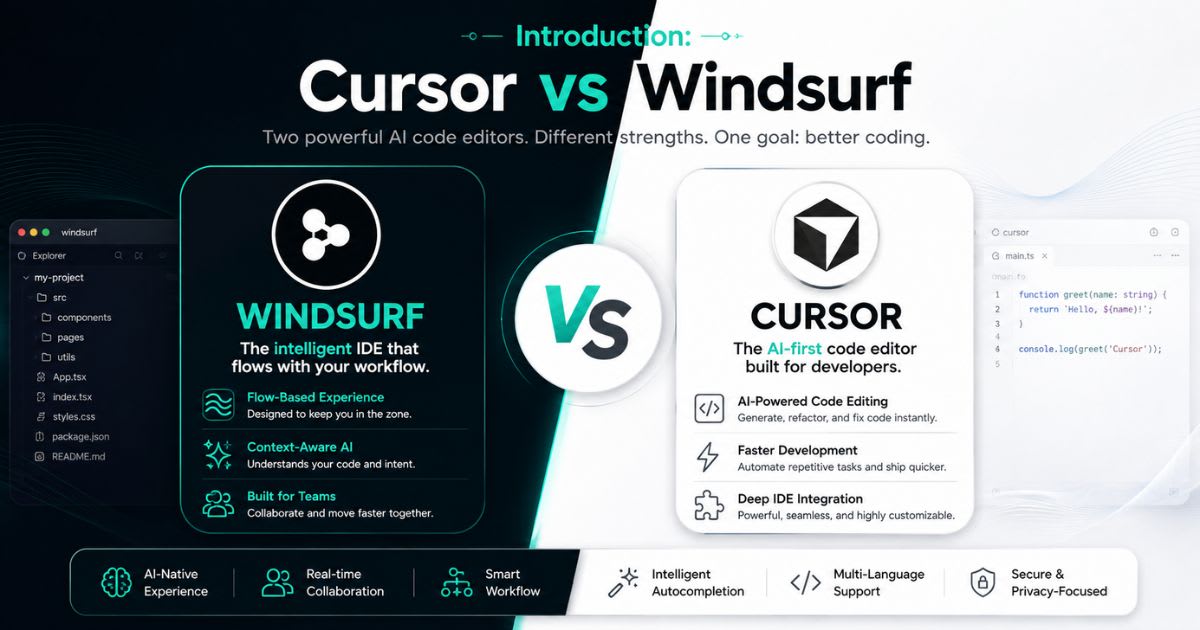
Picking
between Cursor vs Windsurf in 2026 isn't
just about comparing two code editors — it's about choosing how you want AI to
fit into your daily workflow. Both tools promise faster development, smarter
suggestions, and fewer repetitive tasks, but they take very different paths to
get there. Cursor leans into deep developer control, giving
you granular say over context, models, and agent behavior.
Windsurf, on the other hand, favors automated context handling through its Cascade engine, making it feel more guided and beginner-friendly. This comparison looks past the marketing and demos to focus on real coding workflow differences, AI-assisted debugging, and everyday model access — so you can choose the editor that actually fits how you build software. Read the comparison article on GitHub Copilot and Cursor.
The Quick Verdict
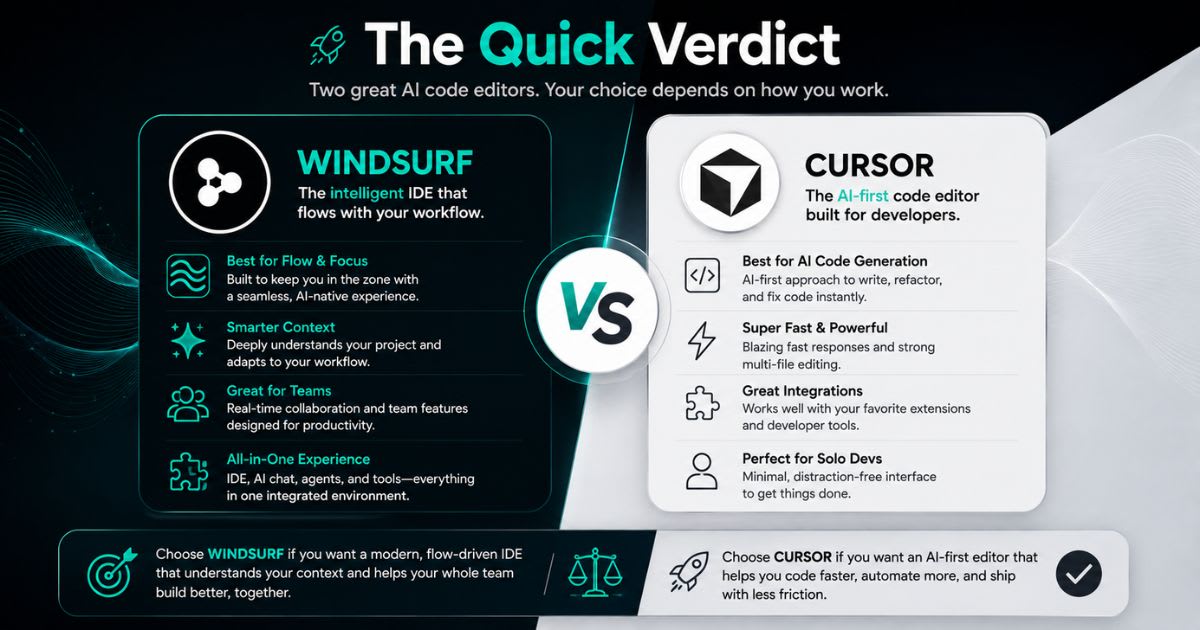
Here's
the short answer before the deep dive: choose Cursor if you want deep developer
control, flexible AI model access, and strong multi-file editing
for complex repositories. Choose Windsurf if you want a smoother, more automated
coding workflow with guided context handling and built-in
deployment.
● Cursor wins for:
complex codebases, advanced AI agents, model flexibility, and precise
control.
● Windsurf
wins for: beginners, rapid prototyping, automatic context
engine, and lower pricing.
● Tie: both
handle modern frontend development well.
Cursor vs Windsurf: Quick Comparison Table
Pricing and features shift often in the AI code editor
space, so treat this as a snapshot, not a permanent promise.
|
|
|
|
|
Core experience |
AI-first coding environment |
AI-first coding environment |
|
Agent |
Cursor Agent |
Windsurf Cascade |
|
Autocomplete |
Cursor Tab |
Windsurf Tab |
|
Context approach |
Developer-controlled |
More automated |
|
Model access |
Broad model selection |
Premium model access |
|
Deployment |
Developer-managed |
Integrated deployment |
|
Individual Pro price |
$20/month |
$15/month |
|
Team starting price |
$40/user/month |
$30/user/month |
Who Should Use Cursor and Windsurf?
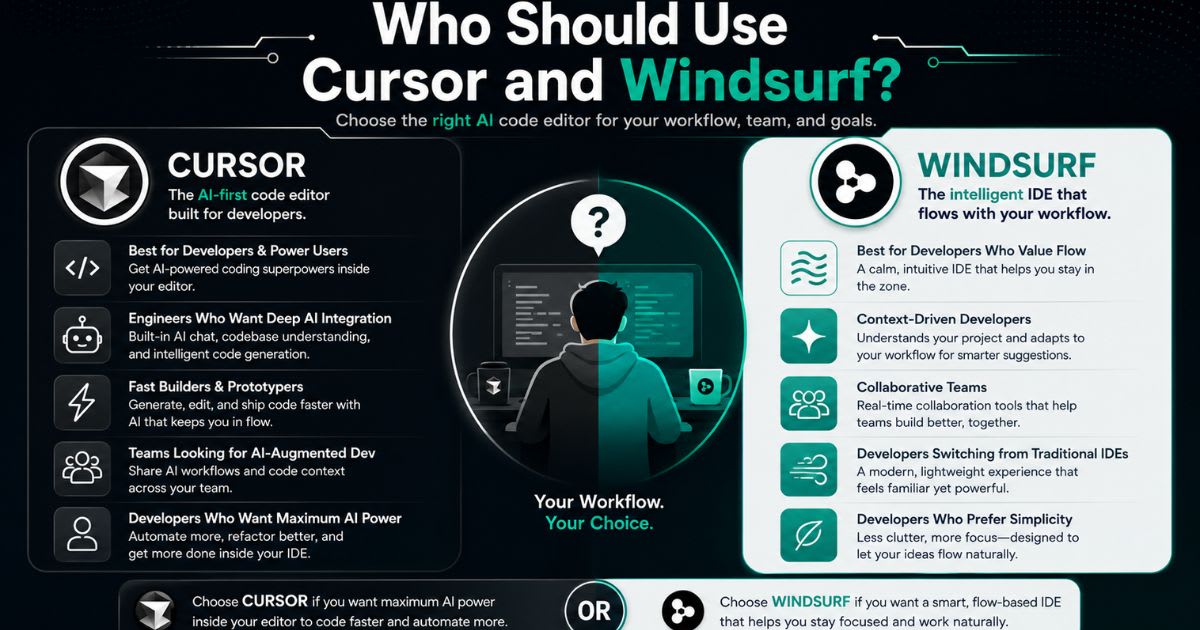
Both
tools suit beginners, freelancers, and professional engineers. Your
actual coding workflow matters more than the marketing.
● A developer
maintaining a large repository often prefers Cursor's control.
● Someone
building small personal projects may prefer Windsurf's simpler deployment.
● Teams
needing centralized admin and privacy controls lean toward Cursor.
How Their AI Coding Workflows Differ
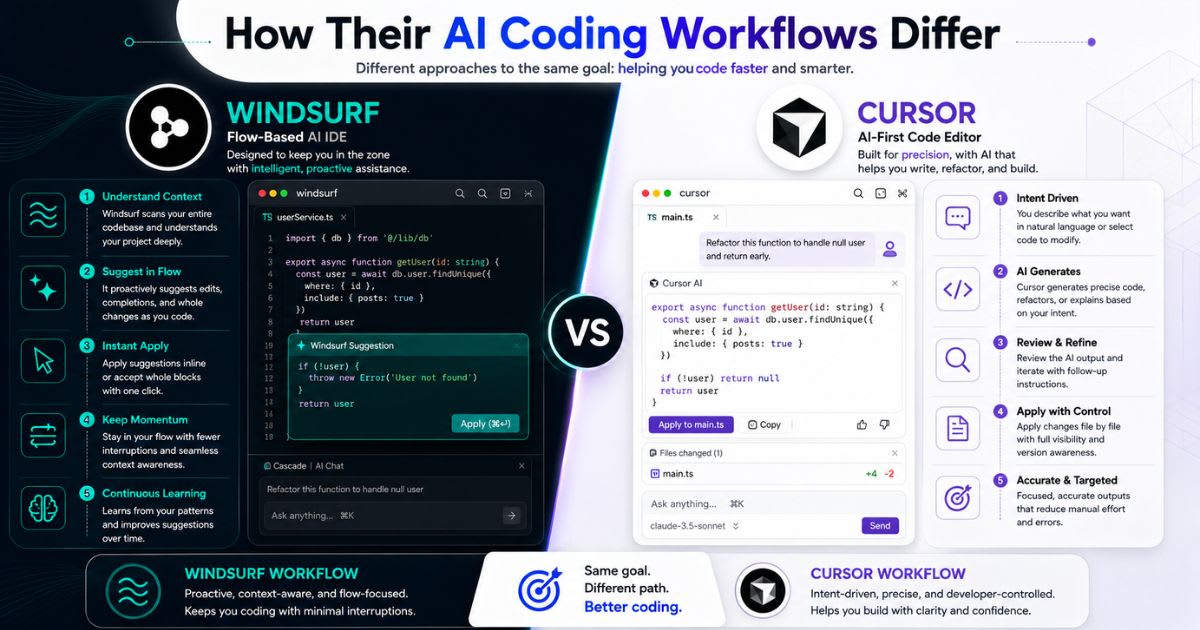
Cursor and Windsurf share one idea: put AI directly
inside your editor instead of a separate chatbot. You ask the tool to inspect
files and generate changes in place. The real difference shows up during a full
feature build. Cursor gives you several ways to steer the process
manually. Windsurf relies on Cascade's live awareness of your
current work.
Cursor's AI-Powered Coding Workflow
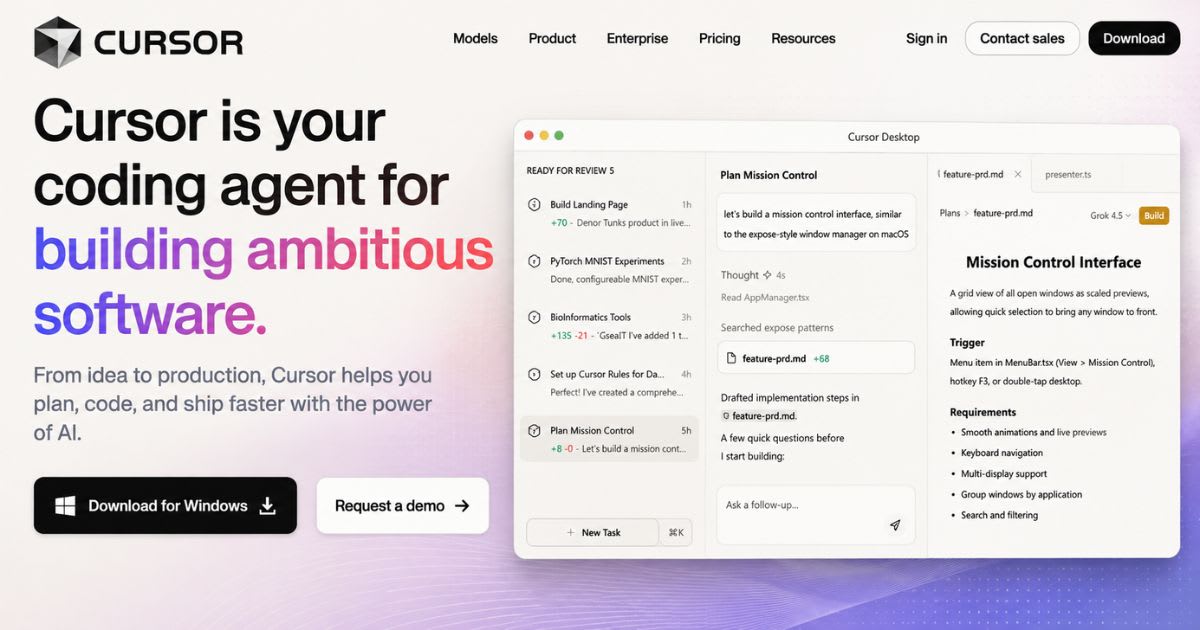
Cursor combines a familiar VS Code base with AI-first features.
You get explanations, inline edits, agent mode, terminal commands, and Bugbot
— all without leaving the editor.
Windsurf's AI-Powered Coding Workflow
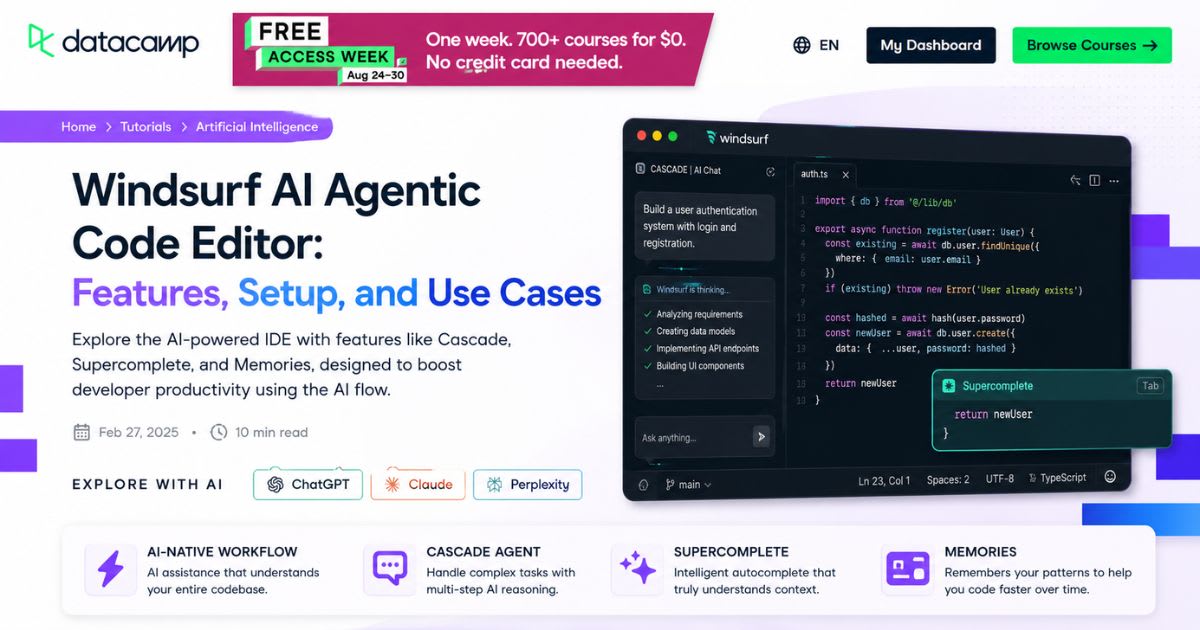
Windsurf centers everything around Cascade. Instead of
manually pointing to files, Cascade tracks real-time context as
you work. This reduces friction during rapid prototyping. You move from idea to
working app without rebuilding context every few minutes.
AI Agents: Cursor Agent vs Windsurf Cascade
Modern AI agents do far more than autocomplete. They inspect
files, run tools, modify code, and reason through errors across multiple steps
— this is agentic coding.
● Cursor
Agent favors developer-directed, multi-step workflows.
● Windsurf
Cascade favors continuous, automatic project awareness.
● The gap becomes obvious on larger, cross-file tasks.
Cursor Agent and Composer
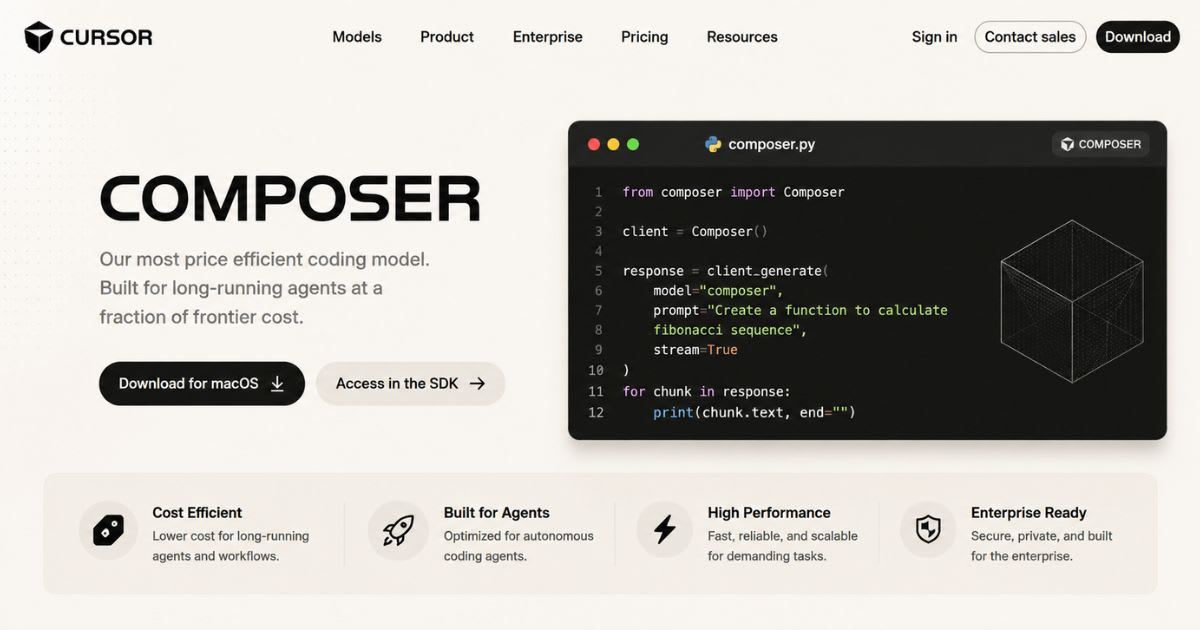
Cursor Agent works across files and performs multi-step changes. Cursor
Composer goes further — natural language turns into coordinated source-code
changes you can review before accepting.
Windsurf Cascade
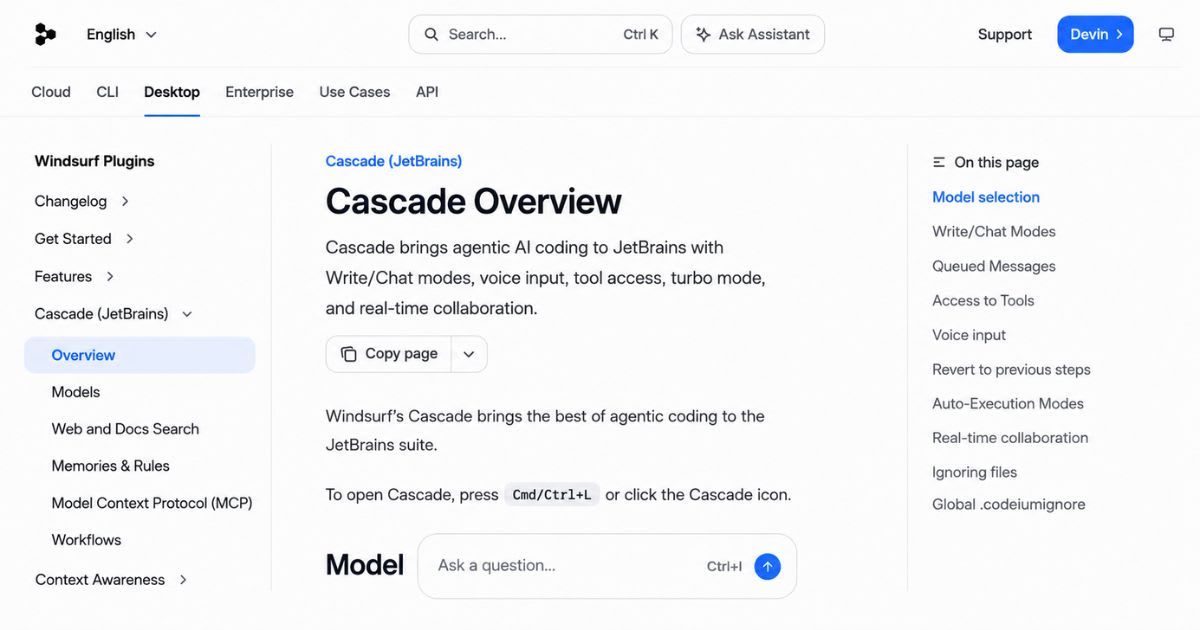
Windsurf Cascade behaves like a persistent development partner. It
handles files, terminal operations, and project context while tracking
your recent actions, so manual edits feel less fragmented. There's no universal
winner between the two AI agents. Cursor suits engineers who want
detailed control. Cascade suits developers who prefer automated context
gathering.
Code Completion, Editing, and Frontend Development
Agents
grab headlines, but most developers spend their day writing small
functions and fixing minor bugs. Everyday AI autocomplete quality
matters just as much.
AI Autocomplete and Code Suggestions
● Cursor
Tab predicts edits beyond your cursor and anticipates your next editing
location.
● Windsurf
Tab offers a similar approach, including Tab to Jump for predicting
your next edit.
● Both
go well beyond simple single-line predictions.
Inline Editing and Code Generation
Cursor's Cmd+K workflow makes inline code generation
simple: select code, describe the change, review the result. Windsurf
Command offers a comparable flow, though Cursor exposes broader
terminal tooling.
Frontend Development With Cursor vs Windsurf
Both editors generate components and handle framework code well,
including React-style projects. The real test is editing an existing shared
component without breaking other screens.
● Cursor
often wins for precise multi-file changes.
● Windsurf
feels faster when a task ties tightly to current project state.
● Neither
replaces human judgment — always test responsive behavior yourself.
Backend Development, APIs, and Database Workflows
The real test of any AI code editor starts once a project has moving
parts: authentication, databases, and server logic.
Backend and Server-Side Development
AI assistants create routes, validation logic, and middleware from plain instructions. A strong result touches routes, database models, and session handling together, not just one isolated function.
API Generation and Integration
Both
tools help build REST endpoints and handle API integration.
Still, always verify generated APIs — an agent can invent a method or
misuse an outdated library pattern.
Database Integration and Development
AI speeds up schema design, queries, and migrations. The risk
grows once changes touch production data, so ask the editor to explain
migrations before you run them.
Cursor vs Windsurf for Full-Stack Development
For
full-stack development, the better editor preserves project
relationships reliably.
● Cursor's
controlled context helps when you already know which files matter.
● Windsurf's
automatic approach helps when you want the system to discover
relationships itself.
Context Awareness and Codebase Understanding
Context is the hidden engine behind every AI code editor.
Strong context lets the model understand your architecture, conventions,
and past changes.
How Cursor Understands Your Codebase
Cursor's @Codebase workflow lets you point the system toward
relevant files instead of relying on automatic selection. This gives precision,
but you need solid knowledge of your own project structure.
How Windsurf Handles Project Context
Windsurf uses a context engine connected to Windsurf RAG,
which retrieves relevant project information automatically. This saves manual
work in larger repositories.
Multi-File Editing and Large Codebases
A
small change can touch a component, service, test, and config file all at once.
Too little context produces incomplete changes; too much dilutes the
model's focus.
Context Rot and AI Coding Limitations
Long
conversations fill the context window with history until the model loses
important details, even when the project itself hasn't changed. This is called context
rot — start fresh tasks instead of one endless thread.
Models, Integrations, and Developer Tools
The
underlying AI model shapes code quality as much as the editor itself. A
strong model reasons well about architecture; a smaller model excels at fast
completion.
AI Models Available in Cursor
Cursor offers first-party options plus third-party model access.
Separate usage pools mean model choice affects how quickly your
allowance gets consumed.
AI Models Available in Windsurf
Windsurf supports premium models through a credit system.
Premium requests consume prompt credits, while some models stay free of that
cost.
Developer Integrations
Modern editors need more
than models — they need extensions, browser access, and MCP support. MCP
lets AI systems connect with external tools across repositories.
Terminal, Git, and Version Control
Strong terminal
integration matters because real work rarely stays in one panel. Good Git
integration lets you inspect diffs and revert mistakes — AI should
speed up version control, not replace your judgment.
Extensions, Privacy, and Ecosystem
Both editors support
familiar extensions. Cursor offers Privacy Mode, which can
prevent code from being used for training. Always check current policy before
adding sensitive enterprise code to any AI service.
Debugging, Refactoring, and Real-World Performance
Feature lists make every AI
code editor look brilliant. The real question is whether a fix survives
tests and respects your architecture.
Bug Detection and AI-Assisted Debugging
Both tools inspect errors
and suggest fixes. Cursor also offers Bugbot with usage-based
billing. Give the agent the error message, logs, and affected files for
better results.
Refactoring Existing Code
Good code refactoring
improves structure without changing behavior. AI handles renaming and
removing duplication well — ask for the smallest safe change first.
Multi-File Code Changes
Cross-file edits reveal
how well an editor understands dependencies. Replacing an authentication
method can touch config, middleware, and frontend state together, so always
review the full diff.
Reliability of AI-Generated Code
AI can hallucinate package APIs or miss
edge cases. The safest pattern stays the same: generate, inspect, test, then
merge.
Cursor vs Windsurf for Production Projects
Neither editor should get
unrestricted authority. Use version control, automated tests, and human review
— payment systems and healthcare software demand an even higher standard.
Cursor vs Windsurf Pricing and Overall Value
AI IDE pricing has grown complex since
subscriptions now include model usage. A cheap plan can turn expensive if your agent
consumes heavy inference.
Cursor Pricing and Plans
Cursor's plans list Pro at $20/month, Pro
Plus at $60, and Ultra at $200. Usage matters most — model
selection affects how fast your allowance disappears.
Windsurf Pricing and Plans
Windsurf Pro costs $15/month with 500
prompt credits and premium models. Teams cost $30/user monthly,
and Enterprise runs $60/user with stronger access controls.
Free vs Paid: What Do You Really Get?
A free tier works for
testing, but serious agent use pushes you toward paid plans.
●
Cursor Hobby
includes limited Agent requests.
●
Windsurf Free
includes 25 prompt credits and unlimited Tab usage.
Pros and Cons: Cursor vs Windsurf
Here's a scannable
breakdown of strengths and weaknesses for each AI code editor.
Cursor: Pros
●
Deep
developer control over context, models, and agent behavior
●
Broad
AI model access, including Claude and GPT-based options
●
Strong
multi-file editing for complex, large repositories
●
Privacy Mode
and centralized admin for teams
●
Bugbot for
structured AI-assisted debugging
Cursor: Cons
●
Steeper
learning curve for manual context control
●
Higher
Pro pricing at $20/month
●
Requires
more hands-on guidance from the developer
Windsurf: Pros
●
Automatic
context engine reduces manual setup
●
Smoother
path from idea to working app via Cascade
●
Lower
Pro pricing at $15/month
●
Integrated
deployment built into the workflow
●
Beginner-friendly
for rapid prototyping
Windsurf: Cons
●
Less
granular control over context and agent behavior
●
Model access
depends on the credit system
●
Can
feel less precise on very large, complex codebases
Final Verdict: Cursor vs Windsurf
The final choice depends on your actual work, not marketing claims. If you maintain complex repositories and like directing AI closely, Cursor fits well. If you want an automated coding workflow with convenient deployment, Windsurf deserves serious consideration. The best test is practical: build the same small feature in both editors and see which one makes your work genuinely easier. Actionable next step: if you're unsure today, start a free trial of Windsurf for a quick prototype, and test Cursor separately on one real file from your existing codebase. Compare the diffs, not the demos — then commit to the AI code editor that fits how you actually build.
Frequently asked questions
Which is better, Cursor AI or Windsurf?+
Cursor AI is generally better for complex projects, advanced AI agents, and greater control over context and models. Windsurf is a strong choice for beginners, rapid prototyping, and simpler deployment workflows.
How does Cursor differ from Windsurf?+
Cursor focuses more on developer control, advanced agent workflows, and flexible model access. Windsurf emphasizes automated context management, Cascade, and a smoother build-and-deploy experience.
Which is better, Windsurf, Cursor, or Antigravity?+
Cursor is a strong choice for experienced developers and complex coding workflows. Windsurf suits rapid development, while Antigravity may appeal to developers seeking a different agent-focused workflow.
What's better than Cursor?+
There is no single tool that is better for everyone. Windsurf, Claude Code, GitHub Copilot, and other AI coding tools can outperform Cursor for specific workflows or developer preferences.
Is Cursor still the best?+
Cursor remains one of the strongest AI code editors for developers who need powerful agents, model flexibility, and advanced codebase control. However, the best choice depends on your project and coding workflow.
Is Windsurf still the best?+
Windsurf remains a compelling AI code editor, especially for automated context, rapid prototyping, and deployment-focused development. Cursor may be a better fit for complex projects requiring more control.
Related articles
 Comparisons
10 Best AI SEO Tools in 2026 (Features, Costs & Comparison)
Compare the 10 best AI SEO tools in 2026. Detailed breakdown of features, real monthly costs, free plans, and top picks for small businesses and agencies.
 Comparisons
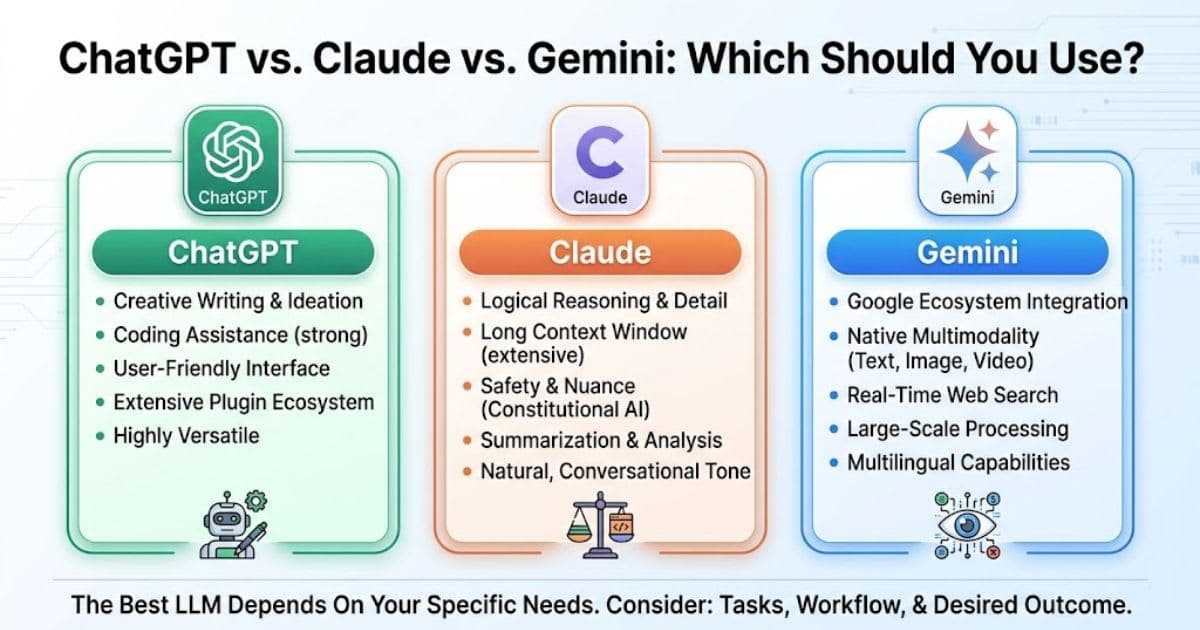
ChatGPT vs Claude vs Gemini: Which should you use?
ChatGPT vs Claude vs Gemini: compare pricing, writing, coding, and video tools to pick the right AI assistant for you.
 Comparisons
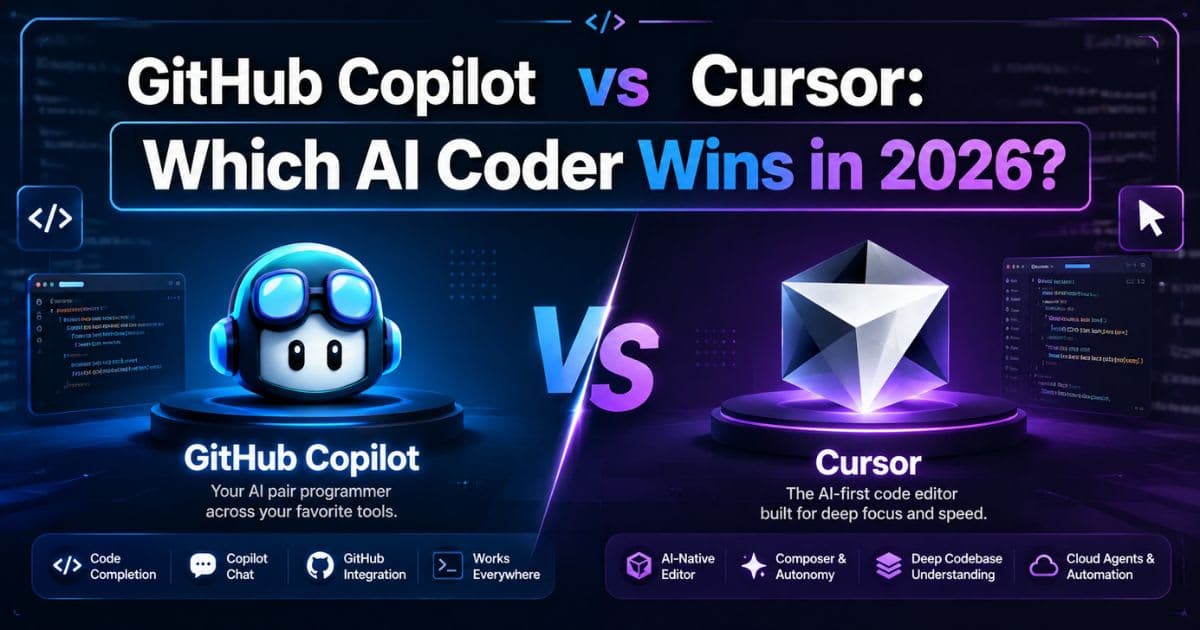
GitHub Copilot vs Cursor: Which AI Coder Wins in 2026?
GitHub Copilot vs Cursor compared for 2026 — pricing, agents, and IDE support. Find the AI coding assistant that fits your workflow.
New AI tool reviews, in your inbox.
Get new reviews and comparisons in your inbox. No spam, unsubscribe anytime.
Comments (0)
Be the first to comment.