GitHub Copilot vs Cursor: Which AI Coder Wins in 2026?
GitHub Copilot vs Cursor compared for 2026 — pricing, agents, and IDE support. Find the AI coding assistant that fits your workflow.
Introduction
Most
GitHub Copilot vs Cursor comparisons read like spec sheets. Feature
lists. Pricing tables. Zero real opinions. That's not what you need in 2026.
You need to know which tool actually changes how you code. Not which one has
more checkboxes. Both platforms write code well. Both understand your
repository. Both edit multiple files and run commands.
But
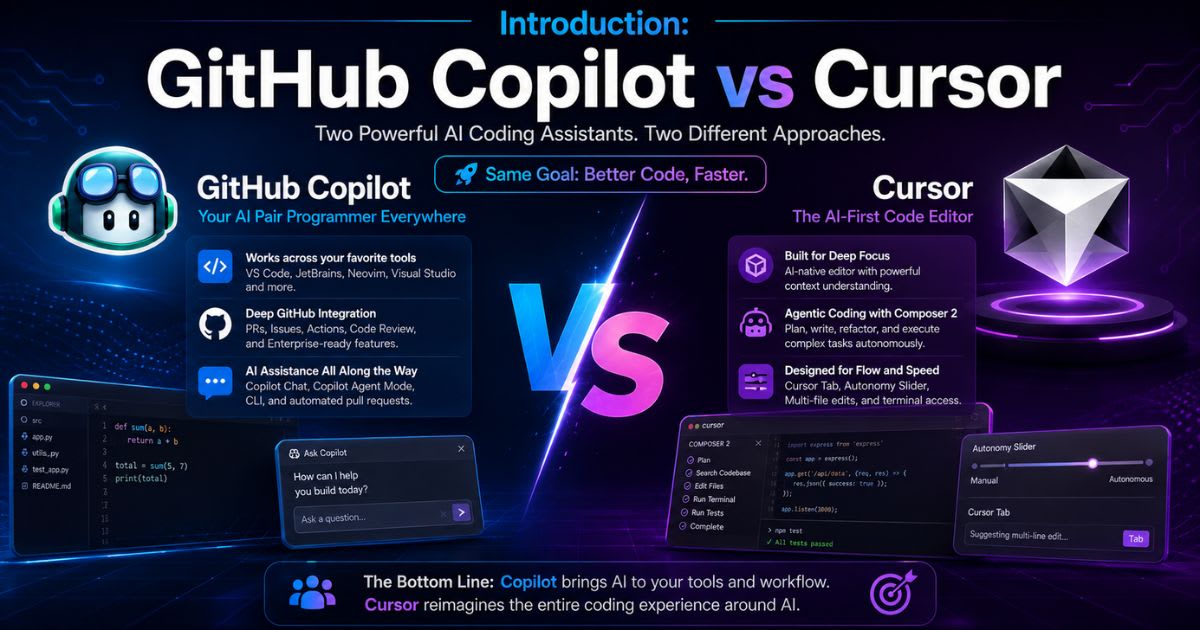
they're built on different philosophies. Cursor wants to be your AI-first
editor. It handles autonomous multi-file editing with little
supervision. Copilot wants something bigger. It wants to be the nervous system
of your entire GitHub workflow — embedded in issues, pull requests, and
code review. That difference decides which tool wins for you. Not the spec
sheet.
Quick Feature Comparison Matrix
Before
diving into granular technical analysis, here is how both AI developer
platforms stack up across core engineering dimensions:
|
Architectural Metric |
Cursor (AI-First Editor) |
GitHub Copilot (Ecosystem
Assistant) |
|
Core Architecture |
Forked VS Code IDE built for agentic workflows |
Universal editor extension across multiple IDEs |
|
Primary AI Engine |
Composer 2.5 and frontier model routing |
Copilot Agent Mode with multi-model support |
|
Autonomy & Delegation |
High task-level autonomy with terminal execution |
Controlled agent workflows tied to repository context |
|
Context Indexing |
Local semantic code indexing with fast vector search |
Enterprise-grade repository
indexing via
GitHub |
|
Supported Environments |
Cursor IDE (VS Code compatible) |
VS Code, JetBrains, Visual Studio,
Neovim, CLI |
|
Starting Paid Tier |
$20/month (Pro plan) |
$10/month (Pro plan) |
|
Ecosystem Integration |
Standard Git/GitHub workflows |
Native GitHub Issues, PRs, and
Actions |
|
Best Target Audience |
Agent-first power users and VS Code loyalists |
GitHub-centric teams and multi-IDE developers |
Core Philosophies: AI Editor vs. Universal Extension
Understanding
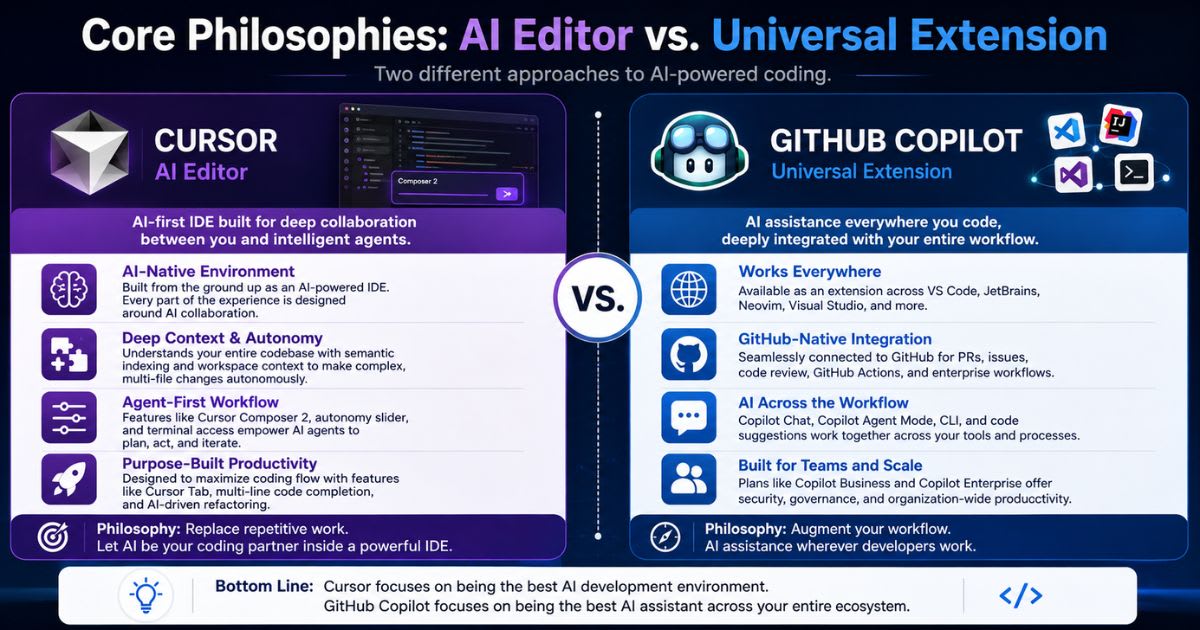
these tools requires examining their underlying architectural design
philosophies. They approach AI-assisted software development from
completely different angles.
┌─────────────────────────────────────────┐
│ Modern Developer Workflows │
└────────────────────┬────────────────────┘
│
┌─────────────────────┴─────────────────────┐
▼ ▼
┌───────────────────────────────┐ ┌───────────────────────────────┐
│ CURSOR IDE │ │ GITHUB COPILOT │
│ (AI-First Architecture) │
│ (Ecosystem Integration) │
├───────────────────────────────┤ ├───────────────────────────────┤
│ • Built ground-up on VS Code │ │ • Plugs into any
popular IDE │
│ • Deep terminal & file control│ │ • Deep GitHub platform links │
│ • Autonomous agent execution
│ │ • Native PR &
code review flow│
└───────────────────────────────┘ └───────────────────────────────┘
Cursor: The
AI-First Code Editor

Cursor
was built as a standalone AI-native editor from day one. The team forked
VS Code to gain full control — over the interface, keystrokes, and editor
state. That control matters. Instead of bolting AI on as an extension panel,
Cursor builds agentic interaction right into the core editing
experience. Take Cursor Tab, for example. It predicts your next edit,
not just your next line. Or Composer 2.5, which handles multi-file
transformations with almost no lag. Both work fast because the editor
itself was engineered for deep model interaction — not adapted for it after the
fact.
GitHub Copilot:
The Ubiquitous Development Ecosystem
GitHub
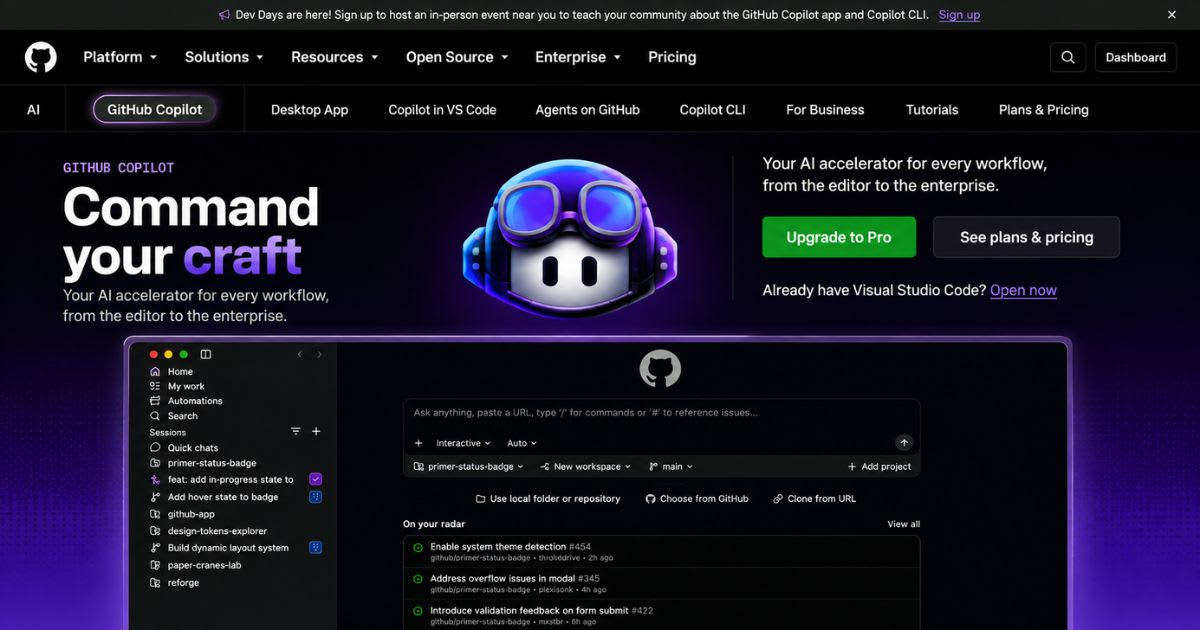
Copilot takes the opposite approach. It doesn't ask you to switch editors.
Instead, it meets you where you already work — JetBrains, Visual Studio,
Neovim, or VS Code, take your pick. But Copilot doesn't stop at your editor.
Its real strength is native GitHub integration. It connects directly to
repositories, pull requests, CI/CD pipelines, and CLI tooling. That creates
something bigger than a coding assistant — a continuous intelligence layer
running across your entire development pipeline.
GitHub Copilot vs Cursor: Deep Feature Breakdown
Key Battlegrounds
│
├─────────────────┼─────────────────┼─────────────────┤
▼ ▼ ▼ ▼
Code Completion Agent Capabilities Context Indexing IDE Support
(Cursor Tab vs (Composer 2.5 vs (Local Semantic (VS Code vs
Copilot Next-Edit) Agent Mode) vs Enterprise) Universal)
Code Completion
and Autocomplete
Cursor:
Cursor Tab goes beyond single-line prediction. It calculates your intended edit
sequence. It even anticipates changes across multiple lines. Sometimes it
suggests cross-file adjustments before you navigate there yourself.
GitHub Copilot: Copilot's classic autocomplete remains fast and
reliable. Recent upgrades added smarter next-edit suggestions. It
predicts repetitive boilerplate changes accurately. Still, it feels more
conservative than Cursor's aggressive predictions.
Autonomous AI
Agents and Multi-File Workflows
Cursor:
Composer 2.5 acts like a junior software engineer. It creates new files. It
executes terminal commands and reads error logs. It runs tests and fixes bugs —
iterating until the task passes verification. This is where the GitHub
Copilot vs Cursor debate gets interesting, since autonomy levels differ
sharply here.
GitHub Copilot: Copilot Agent Mode brings structured task execution into
your editor. It handles multi-file refactoring well. But it operates
within stricter boundary checks. That makes it more conservative during
autonomous system modifications.
Context
Understanding and Repository Indexing
Cursor:
Uses rapid local semantic code indexing. It builds a vector database of
your entire codebase. This pulls relevant type definitions and utility
functions instantly. Framework dependencies load into context automatically
too.
GitHub Copilot: Leverages GitHub repository graph indexing instead.
Higher-tier plans synthesize organization-wide code patterns. This makes
Copilot exceptionally strong at following internal enterprise architecture
standards.
IDE Flexibility
and Developer Choice
Cursor: Restricted exclusively to the Cursor editor environment. That said, it imports all your VS Code extensions, keybindings, and settings seamlessly.
GitHub Copilot: Wins decisively on multi-editor versatility. It runs natively across VS Code, JetBrains IDEs (WebStorm, PyCharm, IntelliJ), Visual Studio, Neovim, and terminal command lines. This flexibility is a core reason developers weighing GitHub Copilot vs Cursor often lean toward Copilot first.
Real-World
Engineering Scenarios: Which Tool Wins?
To
evaluate these AI developer tools fairly, we need real engineering
scenarios — not marketing claims. The GitHub Copilot vs Cursor
comparison only gets useful once you test both against your actual daily work.
Scenario A:
Complex Multi-File Refactoring
Picture
converting a legacy codebase from JavaScript to TypeScript. Or upgrading an API
framework across dozens of modules. This is exactly where Cursor's agentic
pipeline shines brightest.
Cursor Agentic
Loop
│
┌──────────────────────────────────────┴──────────────────────────────────────┐
▼
▼
▼
1. Analyze codebase
dependencies 2. Apply multi-file edits
via 3. Run terminal build checks
& map target files
Composer 2.5
& self-correct errors
- You
prompt Composer 2.5 with the refactoring goal.
- The
agent scans the file dependency tree and applies edits across multiple
files simultaneously.
- It
opens the terminal, runs npm
test or pytest, detects broken import paths,
and automatically applies fixes until tests pass.
Verdict:
Cursor wins for hands-off, high-autonomy refactoring tasks inside the
editor.
Scenario B: Enterprise CI/CD and
Pull Request Automation
In
an enterprise environment where work originates from tracked issue tickets
and requires rigorous pull request code reviews, GitHub Copilot
provides a seamless experience.
GitHub Copilot
Pipeline
│
┌──────────────────────────────────────┴──────────────────────────────────────┐
▼
▼
▼
1. Pick up task directly from 2. Generate code & open PR 3. Automated code review &
GitHub Issue context
with detailed release notes
Actions pipeline execution
- Copilot
references the exact GitHub Issue context and linked discussion
threads.
- After
generating the feature code, it drafts a comprehensive pull request
description complete with changelogs.
- Copilot
Code Review
inspects the PR for security vulnerabilities and compliance before human
reviewers step in.
Verdict:
GitHub Copilot wins for organization-wide governance and end-to-end
platform integration.
Pricing,
AI Credits, and Value Analysis
Evaluating
the total cost of ownership requires analyzing base subscription tiers
against AI credit consumption models.
2026 Subscription
Models
│
┌────────────────────────────┴────────────────────────────┐
▼
▼
Cursor Plans
Copilot Plans
• Hobby: Free (Limited) • Free: $0
(Basic completions)
• Pro: $20/mo (Standard usage) • Pro: $10/mo
(Individual)
• Pro+: $60/mo (Heavy usage) • Pro+: $39/mo
(Power user)
• Ultra: $200/mo (Power agents) • Max/Ent:
$39-$100/mo (Teams)
Cursor Pricing Tier Breakdown
- Hobby
Plan (Free):
Ideal for basic trial usage with limited agent queries.
- Pro
Plan ($20/month):
Includes standard access to frontier AI models and regular Composer
usage.
- Pro+
($60/month) & Ultra ($200/month): Designed for heavy developers who run continuous
background agents and complex model loops throughout the day.
GitHub Copilot Pricing Tier Breakdown
- Copilot
Free ($0/month):
Basic code completions and light chat functionality.
- Copilot
Pro ($10/month):
Unlimited code completions with standard agent interaction credits.
- Pro+
($39/month) & Enterprise ($39/user/month): Includes higher allocations of
AI Credits for heavy agent mode usage, advanced model routing, and org-level
security controls.
Value Assessment Matrix
- Choose
GitHub Copilot Pro ($10/mo) if you want the most cost-effective daily inline
code assistant with universal IDE support.
- Choose
Cursor Pro ($20/mo)
if you frequently delegate complex multi-file engineering tasks and want
an agentic pair programmer.
Model
Selection and Developer Control
Modern
developers demand control over the underlying large language models
driving their tools. Both platforms have moved away from single-model lock-in.
Frontier Model Routing
Capabilities
│
┌────────────────────────────────┴────────────────────────────────┐
▼ ▼
Cursor Engine
Copilot Engine
• OpenAI GPT-4o /
O3-Mini
• OpenAI GPT-4o / Claude 3.5
• Anthropic Claude
3.5 Sonnet
• Anthropic Claude Code Integration
• Custom Composer
2.5 Models
• Google Gemini & OEM Models
- Cursor gives developers direct
control over model selection per prompt. You can toggle between
ultra-fast models for basic boilerplate generation and high-reasoning
models for architectural design decisions.
- GitHub
Copilot
has expanded its ecosystem significantly, allowing developers to switch
between leading models like GPT-4o, Claude 3.5 Sonnet, and
specialized third-party agents directly within the chat interface.
The Final Verdict:
Which AI Coder Wins in 2026?
There
is no single "best" tool—the winner depends entirely on your development
environment, team size, and workflow preferences.
Decision Flowchart
│
┌─────────────────────────────────┴─────────────────────────────────┐
▼
▼
Do you work primarily in VS Code and
want Do you use
JetBrains/Neovim or rely
heavy agent delegation?
heavily on GitHub platform features?
│
│
▼ ▼
SELECT CURSOR
SELECT GITHUB COPILOT
Choose Cursor If:
- You
live inside VS Code and want an upgraded, AI-native editor
experience.
- You
frequently perform large codebase refactoring and multi-file code
transformations.
- You
prefer delegating end-to-end tasks to autonomous agents that can
execute terminal commands and self-correct errors.
Choose GitHub Copilot If:
- Your
team’s workflow revolves around GitHub Issues, Pull Requests, and
Actions.
- You
work across multiple editors like JetBrains IDEs, Visual Studio, or
Neovim.
- You need enterprise-grade compliance, org-wide security controls, and a lower cost of entry.
Frequently asked questions
Is Cursor.AI better than GitHub Copilot?+
It depends on your workflow. Cursor wins for agent-heavy, VS Code-based development. Copilot wins for GitHub-centric teams needing broader IDE support. Neither is universally "better."
Can you use GitHub Copilot in Cursor?+
Yes, since Cursor is built on VS Code, you can technically run the Copilot extension alongside it. Just watch for overlapping suggestions from both AI assistants at once.
Can I use Copilot in Cursor?+
Yes. Install the Copilot extension inside Cursor like you would in VS Code. Test your workflow first, since two agents suggesting code simultaneously can get messy.
How is GitHub Copilot different from Cursor?+
Cursor is a standalone AI-first editor built for autonomous, multi-file work. Copilot is an extension that brings AI into your existing editor and deeply into GitHub's ecosystem.
Is GitHub Copilot still free?+
Yes. GitHub Copilot Free offers 2,000 completions per month with limited chat and agent access. Paid plans start at $10/month for more usage.
Is Cursor still free?+
Yes, Cursor's Hobby plan is free with limited agent requests. Paid plans start at $20/month for Pro, unlocking more agent capacity and frontier models.
Related articles
 Comparisons
10 Best AI SEO Tools in 2026 (Features, Costs & Comparison)
Compare the 10 best AI SEO tools in 2026. Detailed breakdown of features, real monthly costs, free plans, and top picks for small businesses and agencies.
 Comparisons
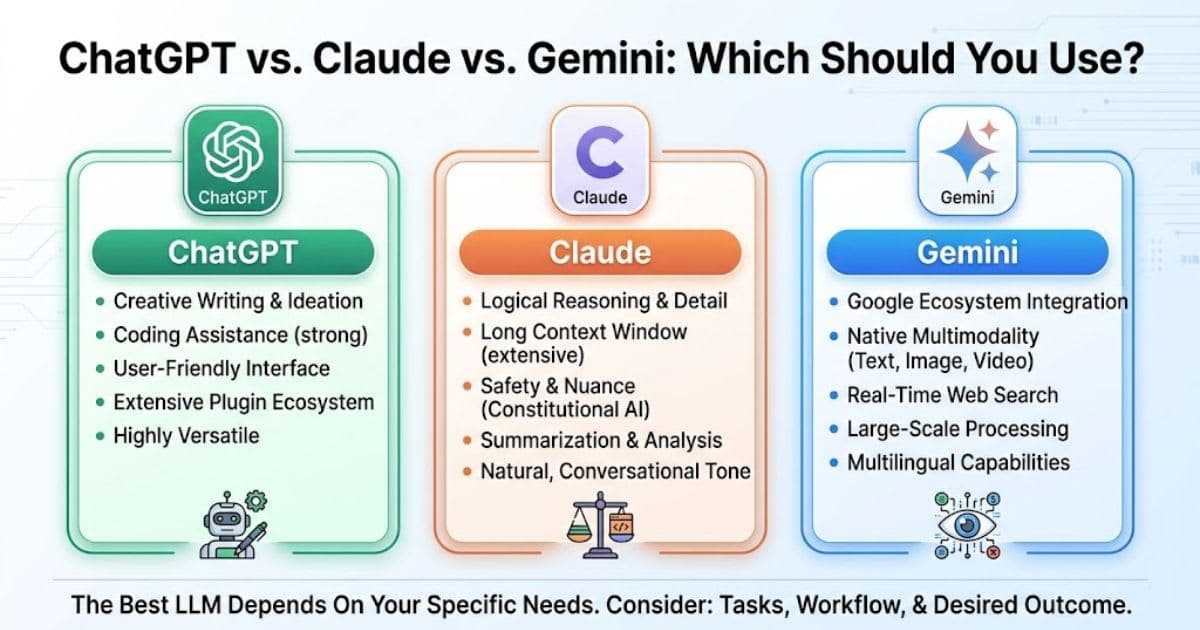
ChatGPT vs Claude vs Gemini: Which should you use?
ChatGPT vs Claude vs Gemini: compare pricing, writing, coding, and video tools to pick the right AI assistant for you.
 Comparisons
ChatGPT vs Gemini (2026): Which AI Should You Buy?
ChatGPT vs Gemini (2026): compare pricing, coding tools, context size, and video features to find your best AI fit.
New AI tool reviews, in your inbox.
Get new reviews and comparisons in your inbox. No spam, unsubscribe anytime.
Comments (0)
Be the first to comment.