ChatGPT vs Gemini (2026): Which AI Should You Buy?
ChatGPT vs Gemini (2026): compare pricing, coding tools, context size, and video features to find your best AI fit.
Introduction
Choosing between ChatGPT vs
Gemini shapes how you work, chat, and build every single day.
Both tools sit close on price, with their main paid tier landing near twenty
dollars a month. Still, the real difference shows up once you start real daily
work, not on a spec sheet.
ChatGPT shines with raw reasoning,
strong code
tools, and custom bots built for one clear job. Gemini shines
with deep Google
ties, a massive context window, and sharp video generation tools.
Your right pick depends on where your daily tasks already live. This guide lays
out the plain facts, so you land on the tool that truly fits your workflow.
ChatGPT
vs Gemini: Quick Overview
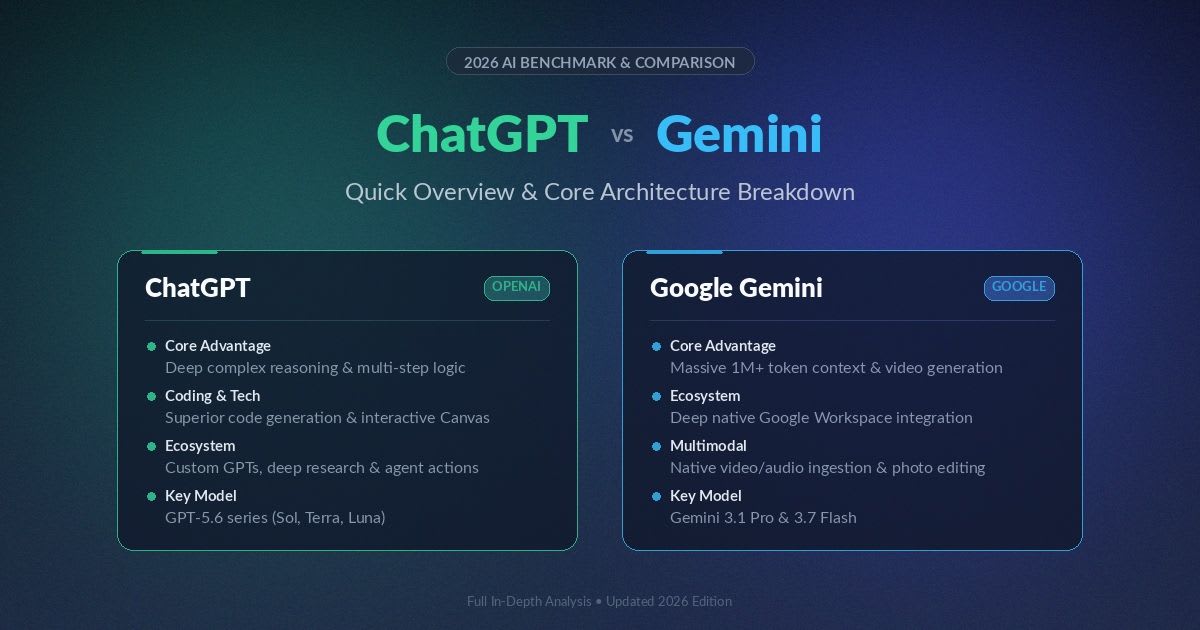
ChatGPT builds around strong logic, custom bots, and
web-based agent tools. Gemini builds around deep ties to Google's apps, fast multimodal
work, and big storage bundles.
|
Feature |
||
|
Model family |
GPT-5.6 (Luna, Terra, Sol) |
Gemini 3.1 Pro, Gemini 3.5 Flash |
|
Coding tool |
Codex |
Google Antigravity |
|
DALL-E image tools |
Veo and Omni video tools |
|
|
Cloud storage bundle |
None built in |
15GB free, up to 5TB on paid tiers |
Picking
Based on Your Daily Habits
If you already live inside Gmail, Docs, and Drive, Gemini saves
you real time through direct access. If you value raw problem-solving
power and custom tools, ChatGPT tends to fit better for you.
Platform
Access Across Devices
Both tools work well on web, phone, and desktop apps, with steady
sync between each device. Google adds a small edge here through ties with
Chromebook hardware, if your team already uses those.
Who
This Comparison Is For
This guide fits anyone picking a main AI tool for daily work, from
solo users to small teams. It also helps teams who already use one tool and
want to know if the other fills a real gap. Comparison of Claude vs Gemini vs ChatGPT
The
Models Behind Each Platform
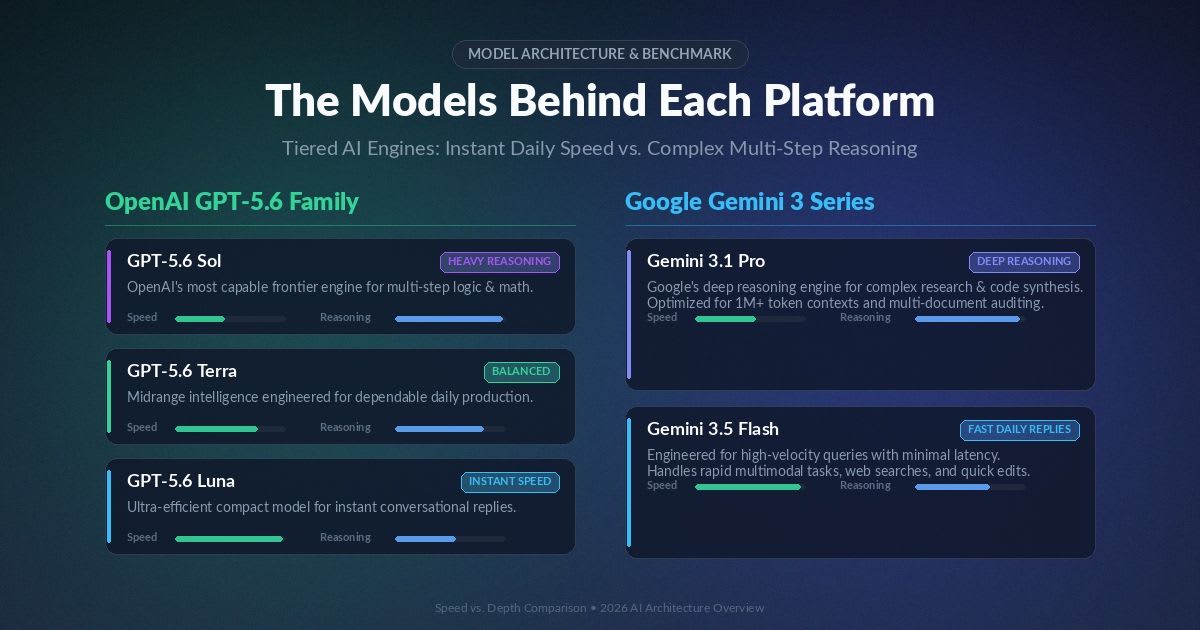
OpenAI runs its GPT-5.6 family, which holds Luna, Terra, and Sol as different model tiers. Google runs Gemini 3.1 Pro for deep tasks and Gemini 3.5 Flash for fast, daily replies. Light models answer easy questions almost right away. Heavy models take more time, but handle hard, multi-step problems with far more care.
Reasoning
on Hard Problems
Both tools do well on tough, graduate-level logic benchmarks. Each
one breaks a hard problem into small steps, instead of guessing at a full
answer in one single pass.
Speed
on Everyday Questions
For quick, daily replies, both tools offer a fast, lighter model
built for speed over deep thought. This keeps casual chats feeling snappy, even
on a free plan.
Coding
and Technical Work
Developers lean on these tools each day to write, fix, and clean
up code. What matters most is how well each tool grasps a full project, not
just one lone file.
ChatGPT's
Coding Tools
ChatGPT's Codex tool handles work across many files well,
with strong results in common languages like Python and TypeScript. Its coding
view lets you review and confirm changes before you save them for good.
Gemini's
Coding Tools
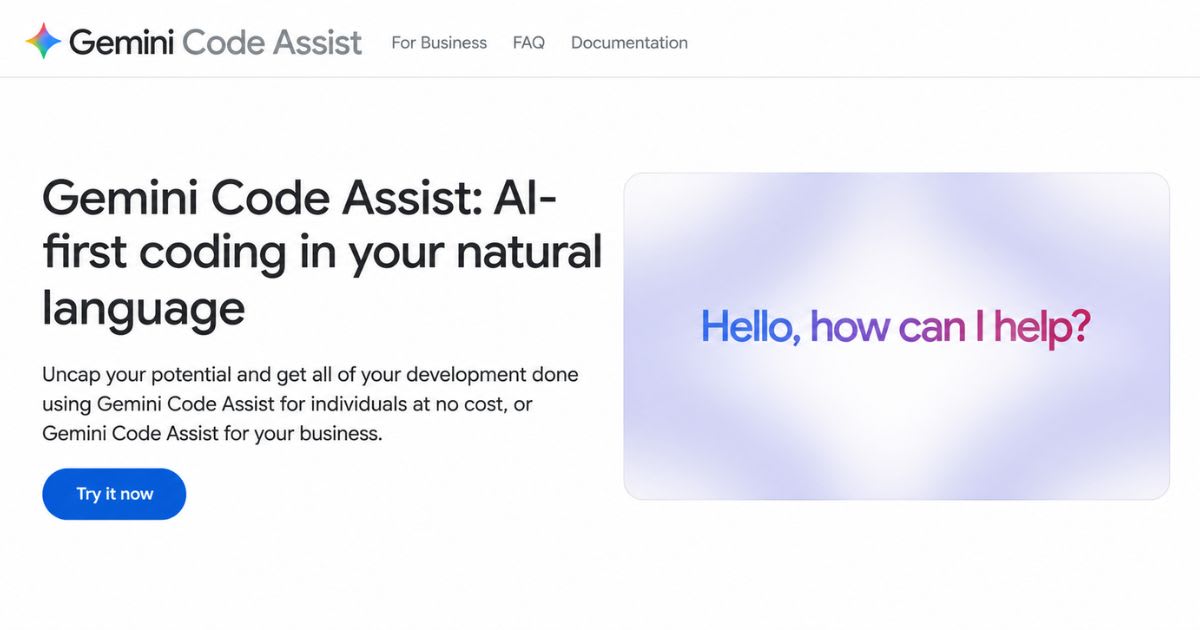
Gemini's Antigravity tool links coding work right to Google
Cloud services. This fits teams that already run their setup inside Google's
own cloud.
Which
One Fits Your Dev Workflow
Pick ChatGPT if you want wide plugin and editor support for daily
coding work. Pick Gemini if your setup already sits inside Google Cloud, since
that link runs more smoothly there.
Web
Search and Live Research
Both tools can search the live web and point to real sources
in their replies, instead of only using older, stored data.
|
Feature |
ChatGPT |
Gemini |
|
Live web access |
Direct web search |
Google Search index |
|
Source citations |
Inline footnotes |
Linked source cards |
|
Long research reports |
Multi-page outlines |
One-click export to Docs |
Choosing
the Right Tool for Research
Gemini's tie to Google Search gives it an edge on fresh news and
live events. ChatGPT tends to build more even, well-organized summaries when
you need a wide view across many kinds of sources.
Images,
Video, and Voice
Modern work often mixes plain text with images, audio, and video
files. Both tools now handle far more than simple typed prompts alone.
Image
and Video Generation
Google leads clearly on video, through its Veo and Omni
tools, which can build and edit video from mixed inputs. OpenAI's image tools
tend to make bold, distinct visual styles, strong for creative and ad work.
Voice
and Live Talk
Both tools offer a natural, fast voice mode for spoken
chat. This suits hands-free tasks well, like talking through an idea while you
drive or cook.
Context
Window: How Much Each Tool Reads at Once
A bigger context window lets a tool read more text in one
go, with no lost track of earlier detail. This matters most for long contracts,
full codebases, or long meeting notes.
|
Metric |
ChatGPT |
Gemini |
|
Context size |
Up to 400,000 tokens |
Up to 1 million tokens |
|
Best for |
Clear, section-based summaries |
Full, hours-long transcript summaries |
Why
Bigger Context Matters
A small context window forces you to split a big file into smaller
pieces, which can create real gaps in what the tool grasps. A bigger window
lets you paste a full contract or codebase in one go, with far less manual
splitting.
Memory
Across Chats
Both tools can hold your stated likes across sessions, like your
tone or common format choices. This cuts down on repeat instructions each time
you start a fresh chat.
Daily
Workflow: Custom Tools vs Google Workspace
ChatGPT vs Gemini also splits
sharply on how each fits your daily software stack. ChatGPT leans on a store of
custom, user-built tools. Gemini leans on deep, built-in ties to Google's own
apps.
Custom
GPTs and Standalone Agents
ChatGPT lets teams build small, focused tools for one clear job,
like customer replies or bug checks. This fits teams that want tools built just
around their own real workflow.
Gemini
Inside Google Workspace
Gemini sits right inside Gmail, Docs, Sheets, and Drive. This cuts
the need to copy and paste between a chat window and your real work files,
which saves real time across a busy day.
Choosing
Based on Existing Tools
If your team already lives in Google's apps daily, Gemini adds
value with almost no setup work. If your team prefers building its own custom
tools, ChatGPT's store gives more room to shape the tool your way.
Data
Privacy and Security Controls
Before you roll out either tool at work, check how each one treats
your data, most of all around model training and account rules. Both
main makers offer a way to opt out of having your chats used to train future
models. Business plans on both sides add stronger controls too, like single
sign-on and audit logs, for teams under strict rules.
What
to Ask Before You Commit
Ask a few plain questions before rollout. Does this plan train on
our data by default? Can we turn that off? What audit tools come with our exact
plan tier?
Pricing:
What You Get for About $20 a Month
Both tools price their main paid tier close together, but the
extras bundled in differ a real amount between them.
|
Tier |
ChatGPT |
Gemini |
|
Free tier |
Yes, with ads and limits |
Yes, 15GB storage |
|
Entry paid tier |
Go, about $8/month |
AI Plus, about $5/month |
|
Main paid tier |
Plus, $20/month |
AI Pro, about $20/month |
|
Top tier |
Pro, $100 or $200/month |
AI Ultra, $100 or $200/month |
|
Storage bundle |
None |
400GB on Plus, 5TB on Pro |
Note: Google cut its AI Plus tier from $7.99 to $4.99 in June 2026
and doubled that plan's storage to 400GB. Check both official sites before you
subscribe, since these prices shift often.
What
the $20 Tier Actually Buys You
Gemini's $20 tier bundles 5TB of cloud storage on top of
its AI tools, which adds real value if you already pay for storage elsewhere.
ChatGPT's $20 tier leans more on stronger code and reasoning tools instead of
storage perks.
What
the Free Plans Cover
Both free tiers cover normal, daily writing and quick questions well. Note that ChatGPT's free and Go tiers now show ads, which arrived in February 2026. Heavy daily use on either free plan will likely hit a cap faster than light, casual use will.
Weighing
Storage Against Raw Power
If you already pay for cloud storage elsewhere, Gemini's bundle
can offset a real chunk of its cost. If storage does not matter to you, judge
each tool purely on its actual daily output quality instead.
ChatGPT
vs Gemini: Which Should You Pick?
Pick ChatGPT if you build software, research hard topics, or want strong logic and coding tools, plus custom bots for one job. Choose Gemini if your day already runs through Gmail, Docs, and Drive, or if you need strong, built-in video and image tools bundled into one plan.
● Heavy coder or researcher: ChatGPT tends to fit best
● Google Workspace user: Gemini saves real daily time
● Video and image-heavy creative work: Gemini leads clearly here
● Building custom, task-specific tools: ChatGPT's tool store fits
well
Real-World
Use Cases Compared
Seeing how each tool fits a real task often helps more than a spec
sheet alone. Here are a few common jobs and which tool tends to fit best for
each one.
● Summarizing a two-hour meeting recording: Gemini's larger context
window handles this well
● Debugging a bug across ten linked code files: ChatGPT's Codex tool
tends to lead here
● Drafting a reply inside Gmail without switching tabs: Gemini wins
on pure convenience
● Building a custom bot for one repeat business task: ChatGPT's tool
store fits best
Try
Both on Your Own Real Work
Numbers on a spec sheet only tell part of the story. Run your own
most common weekly task through both free tiers yourself before you commit to
either paid plan.
Team
and Business Considerations
Solo users can pick based on personal taste alone. Teams have more
to weigh, since one tool choice affects everyone's daily workflow at once, not
just one person's habits.
Rolling
Out to a Whole Team
Start with a small pilot group before a full company
rollout. This catches workflow issues early, while the cost of switching back
remains low if the pick turns out to be the wrong fit.
Mixed
Licensing Across Departments
Some companies license both tools, giving each team the one that
fits its daily work best. This costs more overall, but often pays off when
departments have genuinely different daily needs.
Ecosystem
Lock-In: What Switching Later Costs You
Picking a main AI tool is not always a permanent choice, but
switching later does carry real friction. Custom GPTs, saved memory, and workflow
habits do not transfer cleanly between platforms.
Custom
Tools Do Not Transfer
Any custom bot you build inside ChatGPT stays there. Moving to
Gemini means you rebuild those tools from scratch. Weigh this cost before you
invest a lot into custom setups.
Google
Workspace Habits Run Deep
Teams that build daily habits around Gemini in Gmail and Docs
often find it hard to switch away later. The tool sits right inside apps they
already use each day.
Final
Thoughts
ChatGPT vs Gemini does not
really have one universal winner. Your best pick depends on where your daily
work already happens, and what kind of tasks fill most of your week. Try the
free tier of both tools on your own real tasks before you commit to a paid
plan. The gap between them on raw benchmark scores is smaller than the gap on
fit for your specific daily workflow.
Note: Model names, pricing, and features reflect information
available at the time of writing and change often. Confirm current details on
each provider's official site before you subscribe.
Frequently asked questions
How to tell if someone is using ChatGPT to text you?+
Watch for overly polished grammar, long structured replies, repeated phrases like "I understand" or "certainly," and responses that feel a bit too fast or too perfect for a casual text. No method is fully reliable, since people also edit AI text before sending it.
Is Gemini more negative than ChatGPT?+
Not really — both tools aim for a neutral, helpful tone by default. Any "negative" feel usually comes from the prompt itself or a specific model version, not a built-in personality difference.
Which is better, Gemini free or ChatGPT free?+
Gemini's free tier includes 15GB of storage and solid daily limits, while ChatGPT's free tier now shows ads and caps out faster on heavy use. For light, daily use, both cover the basics well.
Which AI is better in 2026, ChatGPT or Gemini?+
Neither wins outright — ChatGPT leads on coding and custom tools, while Gemini leads on Google integration and context size. Your daily habits, not raw power, should decide the pick.
What are the 5 things you shouldn't tell ChatGPT?+
Avoid sharing passwords or login details, full financial account numbers, medical records tied to your identity, your home address or daily routine, and confidential work or client data. Treat it like any other online service you don't fully control.
Related articles
 Comparisons
"Best AI SEO Tools in 2026: 10 Tools Compared & Evaluated
Compare the 10 best AI SEO tools in 2026 — Semrush, Ahrefs, Surfer, and more. See pricing, features, and AEO visibility.
 Comparisons
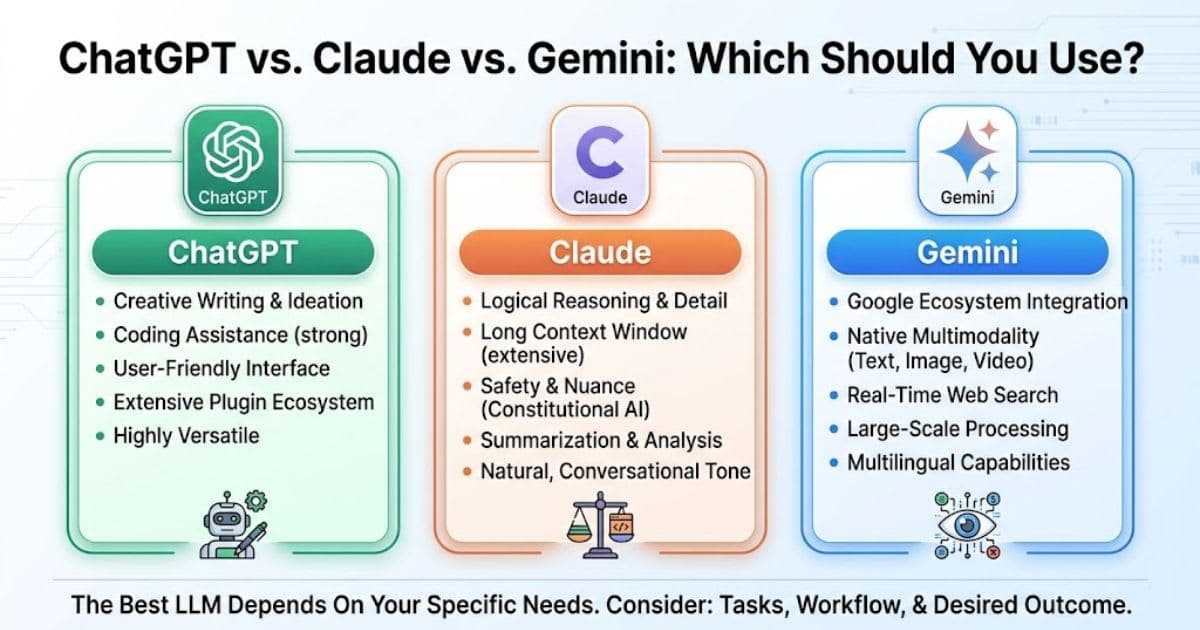
ChatGPT vs Claude vs Gemini: which should you use?
ChatGPT vs Claude vs Gemini: compare pricing, writing, coding, and video tools to pick the right AI assistant for you.
 Comparisons
GitHub Copilot vs Cursor: Which AI Coder Wins in 2026?
GitHub Copilot vs Cursor compared for 2026 — pricing, agents, and IDE support. Find the AI coding assistant that fits your workflow.
New AI tool reviews, in your inbox.
Get new reviews and comparisons in your inbox. No spam, unsubscribe anytime.
Comments (0)
Be the first to comment.