Best Claude Alternatives in 2026: UI, Code, and AI Agents
Explore the best Claude alternatives in 2026 for UI design, coding, team automation, plus free, open-source picks.

Introduction
Claude alternatives matter more
in 2026, since teams now need tools built for one job well, not just one
general chat tool. Claude's Opus line, now on Opus 5, stays strong on writing
quality and careful thought. Still, cost, use limits, and missing design
tools push many teams to add other options.
Using a mix of tools, instead of just one model, gives your team
more room to grow. This guide covers strong picks for UI design, code
work, team automation, and free, self-run setups. You can build a stack
that fits your real daily work.
Why Look at Claude Alternatives?

Claude leads on careful, step-by-step thought. Still, usage
limits can slow down long, all-day work runs. Heavy coding tasks can use up
a normal plan's cap faster than most teams expect. Design work is another real
gap. Claude's chat window has no built-in canvas tool or export options
for design files. Teams doing real UI work often need a separate design tool
next to any chat-based aid.
The
Real Cost of Heavy Use
Token use can climb fast during long, hard coding runs, since each
small step in a task adds to your bill. This is one of the clearest reasons
teams start looking at Claude alternatives for routine, high-volume
work. Watching your use closely, or sending routine work to a cheaper tool,
helps keep monthly costs steady.
Missing
Design Export Options
Chat tools were not built for exact, pixel-level design work. With
no canvas or file export, designers still need to rebuild an idea in a real design
tool before it works in a live product.
Who
This Guide Is For
This guide fits teams already using Claude who want to fill a real
gap, like design work or high-volume coding. Reviewing real Claude
alternatives side by side also helps anyone comparing AI tools
before picking a first stack.
How We Compared These Tools
We judged each tool on five plain factors: speed, token use, code
quality, design export, and support for running many tasks at once. Strong Claude
alternatives tend to link well with existing workflows, which scored
higher in our review.
|
What We Checked |
What Good Looks Like |
Why It Matters |
|
Speed |
Fast reply per task |
Keeps you in flow, no long waits |
|
Token use |
Low use per task |
Protects your budget each month |
|
Code quality |
Clean, working output |
Fewer broken pull requests |
|
Design export |
Real file types |
Moves right into a live product |
|
Multi-task support |
Real parallel work |
Faster on big projects |
Claude Alternatives at a Glance
Here is a fast look at how the main Claude alternatives
stack up on real, useful facts.
|
Tool |
Main Use |
Context Size |
Key Strength |
|
OpenAI Codex |
Terminal-based coding |
~272K tokens |
Fast, sandboxed background tasks |
|
Cursor |
Full IDE coding |
~272K tokens |
Visual diffs, code search |
|
Verdent |
Parallel coding agents |
Project-level |
Separate git branches per task |
|
UX Pilot |
UI and UX design |
Session-based |
Direct Figma export |
|
Gumloop |
Workflow automation |
Flexible |
Visual builder, audit logs |
|
Cline |
Open-source coding agent |
Model dependent |
Bring your own model key, no lock-in |
|
Ollama |
Self-hosted models |
Model dependent |
Runs fully on your own hardware |
Note: context limits shift often as providers tune server-side
caps. Codex and Cursor both moved toward roughly 272K usable input tokens
through 2026, down from earlier, higher advertised limits.
Where
Each Tool Leads
Coding-focused tools like Codex and Cursor move fast on daily dev
work. Design-focused tools handle visual work Claude cannot do on its
own. Automation platforms like Gumloop fit repeat, multi-step business tasks
best.
Reading
This Table the Right Way
No single tool wins on every point in this table. Match the tool
to your actual daily task, not the tool with the most checkmarks overall.
Best Design Alternatives for UI
and Prototyping

Dedicated design tools beat a plain chat window for real
interface work. Among design-focused Claude alternatives, modern
platforms turn a plain text prompt into an editable layout you can hand right
to a developer.
UX
Pilot and Figma Make
Both tools turn prompts into real, editable design layers,
not just a static image. This gives designers full say over spacing and parts,
unlike a plain preview from a chat tool.
Relume
and Framer AI
These tools go one step further. They turn a site plan into a
live, real website. This fits teams that want to move from idea to a working
site with no separate build step.
Magic
Patterns and Similar Tools
Tools in this group export real, working code, often using common
setups like React and Tailwind CSS. This suits engineers who want
a real starting file, not just a picture of a design.
For example, if you ask for a small "metric card"
showing a number and a trend arrow, these tools do not just draw a picture of
it. They hand you a real, working code file for that card, ready to drop
straight into your app. A developer can use it right away, with no rebuilding
step in between.
Visily
and Uizard for Non-Designers
These tools use simple, drag-and-drop parts instead of code or
deep menus. They fit people with no design training who still need a working wireframe
fast.
Best Coding Alternatives for
Developers
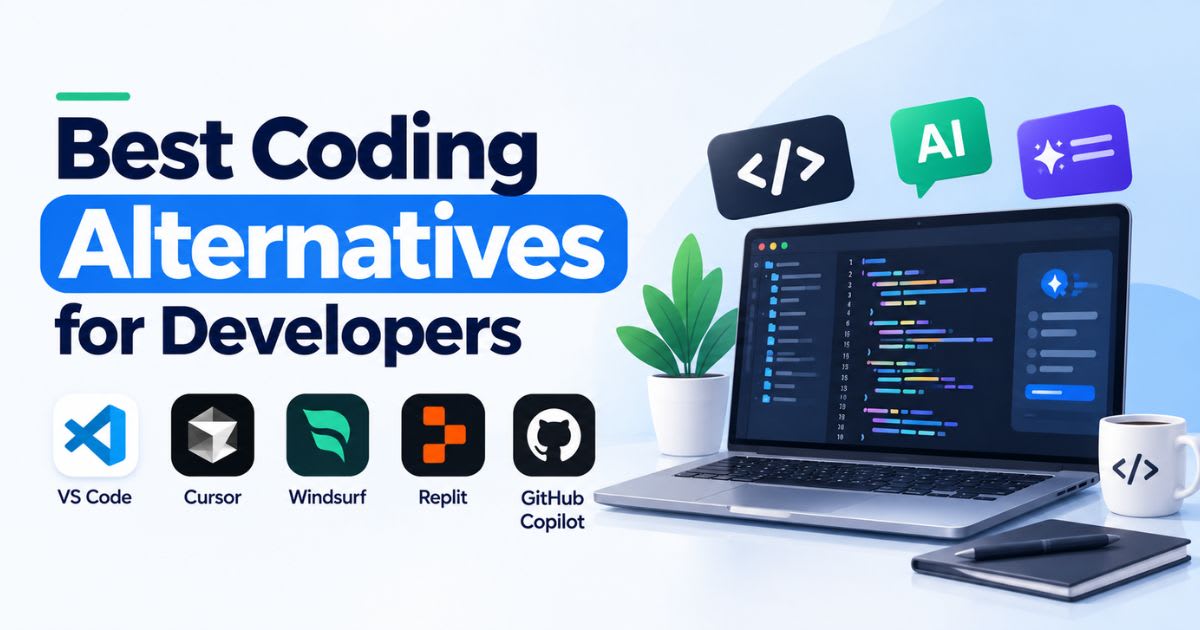
Developers need different things from a coding tool, based
on their own workflow. The best coding-focused Claude alternatives split
into two camps: terminal-based tools that give raw speed, and editor-based
tools that give a visual check before anything gets saved.
OpenAI Codex: Fast, Background Coding
Codex runs coding tasks inside a safe, sandboxed space.
This lets it work with no slowdown to your own local machine. This fits well
when you assign a task and check the result later.
Verdent
and Cursor: Visual Reviews
Both tools show a clear visual diff before any change gets
saved to your project. Verdent adds separate git branches for parallel tasks,
so several agents can work with no clash between them.
Windsurf
and GitHub Copilot
These tools fit teams that want a lighter, faster way in. Inline
hints and deep code search help here, with no need for the full
agent-style flow that heavier tools use.
Picking
a Coding Tool for Your Team
Small teams often do fine with one flexible editor tool. Bigger
teams running many tasks at once tend to gain more from a tool built for real parallel
agent work.
Best Alternatives for Team
Automation
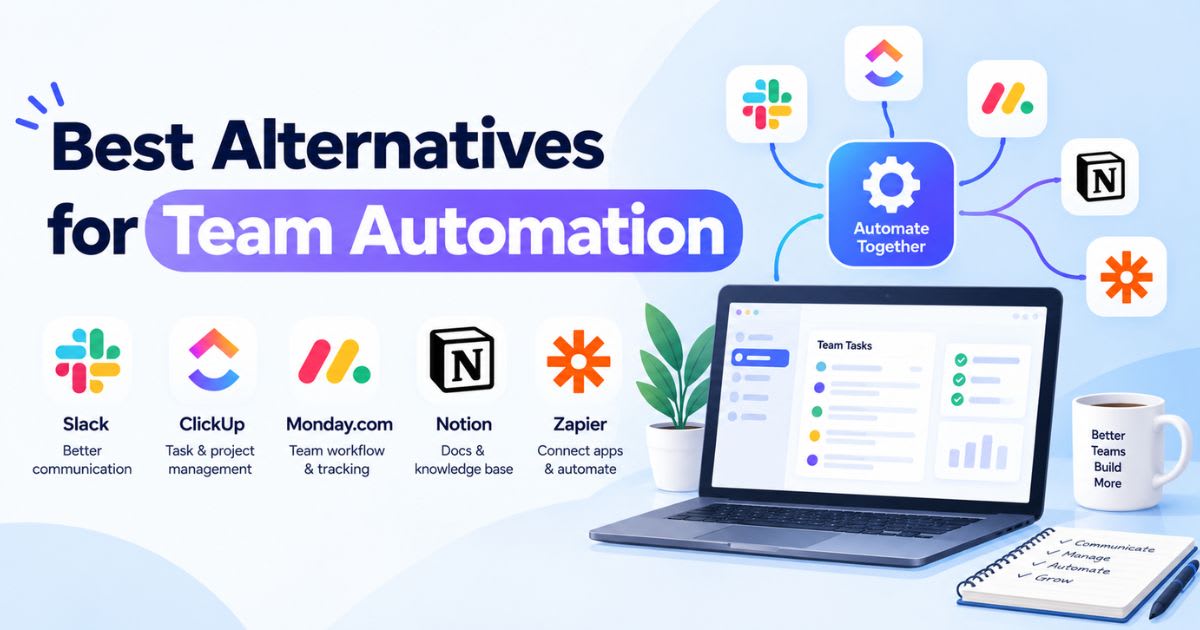
Past writing and code, some teams want an AI teammate that works
right inside shared tools, not just a private chat window. These
automation-focused Claude alternatives fit repeat, multi-step business
tasks well.
Gumloop
and Relay.app
Both tools use a visual builder instead of a coding screen.
This helps non-technical staff build real automations on their own. A human
check step keeps risky actions safe before anything goes live.
Here is the basic flow most setups follow:
● A trigger starts the process, like new data or a set time
● The tool drafts an action using one or more AI models
● A person checks and approves, or turns down, the draft
● The approved step runs in a linked tool, like Slack or a CRM
Research
and Knowledge Agents
Some tools focus on deep, background research instead of daily
chores. These agents pull from many live web pages
and return a summary with real sources, cutting down on manual search time.
Free and Open-Source Claude
Alternatives
Open tools give you real freedom from any one firm's price or rule
changes. Running models on your own machine also keeps sensitive code fully private,
with no data sent out.
● Cline and OpenCode: terminal
tools where you plug in your own key from any model maker
● Penpot: open design software for teams
who want full say over their design files
● Ollama: runs open models like DeepSeek
or Qwen right on your own machine
Why
Teams Choose Self-Hosted Tools
Running your own setup removes a real risk: a sudden price jump or
rule change from one vendor. It takes more setup work up front, but gives your
team full say over cost and data in the long run.
Managing Costs Across Multiple
Tools
Running several AI tools at once can get costly fast if you are
not careful about which tool handles which task.
● Send simple, routine work to a cheaper, faster model
● Save your priciest tool for hard reasoning or a final code check
● Track spend by task type, not as one lump total
● Look at a model aggregator if you pay for several tools
already
A
Simple Rule for Routing Tasks
Use your most costly tool only for the one step that truly needs
it, like a final check or a hard design choice. Routine, repeat work rarely
needs your top-tier option.
Which Claude Alternative Fits You?
Your best pick depends on your role and your team's real daily
work, not just a tool's overall name or hype.
● Product designers: UX Pilot or
Figma Make for real, editable UI work
● Full-stack developers: Cursor or
Codex for daily coding tasks
● Operations teams: Gumloop for
cross-tool automation and checks
● Budget-first teams: Cline,
OpenCode, and Penpot cost nothing to start
Choosing
by Team Size
Solo developers often do fine with one flexible tool like Cursor.
Bigger teams gain more from a mixed stack, since different roles truly need different
tools to work well each day.
Testing
Before You Commit
Try any new tool on one small, real task first, not your biggest
project. Testing a few Claude alternatives this way shows you fast
whether a tool fits your workflow, before you spend real setup time rolling it
out further.
Real-World Scenarios Across These
Tools
Seeing how these tools fit real work helps more than a spec list
alone. Here are a few common scenarios and which type of tool tends to fit
best.
● Turning a rough sketch into a working app screen: a design tool
like UX Pilot
● Fixing a bug across ten linked files at once: a coding agent like
Cursor or Verdent
● Running the same weekly report with no manual work: an automation
tool like Gumloop
● Keeping all code fully private on your own servers: a self-hosted setup with Ollama
Combining
Tools in One Workflow
Many real projects use more than one tool type at once. A designer
might build a screen in UX Pilot, hand the export to a developer using Cursor,
then wire up the backend logic with a coding agent like Codex.
Onboarding Your Team to New Tools
Switching tools takes real adjustment time, even for a strong
replacement. Most teams see a real dip in speed during the first week or two,
before output climbs back up and past where it started.
● Pick one small project as a real test case first
● Train one or two team leads before a wider rollout
● Keep your old tool active during a short overlap period
● Gather real feedback after two weeks, not just day one
Setting
Realistic Expectations
Do not expect a new tool to feel perfect on day one. Most teams
need a short adjustment window before a new tool's real strengths start to show
up in daily output.
Security and Data Handling Across
Tools
Different tools handle your data in different ways, and this
matters more once you connect a tool to real, sensitive company systems.
Checking this closely across your shortlisted Claude alternatives avoids
real compliance headaches later. Cloud-based tools process your data on their
own servers, under their own privacy terms. Self-hosted tools, like
those running through Ollama, keep everything on hardware you control directly.
How AI Agents Are Changing Through
2026
Tool limits keep shifting as providers tune server costs against
real output quality. Context windows that looked huge on a spec sheet often
shrink once real system overhead and safety checks get counted. Claude
alternatives that report their real, usable limits openly tend to earn more
developer trust over time. This trend means any single number in a comparison
table can age fast. Teams that check a tool's current docs before a big rollout
avoid nasty surprises mid-project. Building this habit matters more than
memorizing any one tool's exact specs today.
Final Thoughts
Claude alternatives are not
really about dropping Claude for good. Most strong setups in 2026 mix a few
focused tools, each doing the job it fits best, instead of forcing one tool to
cover every need. Start by mapping your team's real slow points, whether that
is design handoff, code speed, or repeat manual chores. Then add one focused
tool at a time, rather than switching your whole stack at once.
Note: Tool names, pricing, and features here reflect facts at the
time of writing. AI tool pricing and features shift often, so check current details
on each maker's own site before you commit.
Frequently asked questions
Is there any AI better than Claude?+
It depends on the task — no single model wins everywhere. GPT-6 Astra currently leads on raw reasoning benchmarks like GPQA, while Claude Opus 5 is considered the strongest for coding-agent work, and Gemini 3.1 Pro wins on price-to-performance. "Better" really means "better for what you're doing."
What are the top 3 AI right now?+
As of September 2026, the most-cited frontier models are GPT-6 Astra (OpenAI), Claude Opus 5 / Fable 5.1 (Anthropic), and Gemini 3.1 Pro or 3.8 Flash (Google). Rankings shift by benchmark — Astra leads reasoning, Opus 5 leads agentic coding, Gemini leads cost-efficiency.
Does ChatGPT have something like Claude Cowork?+
ChatGPT doesn't have a product called "Cowork," but GPT-6 Astra's computer-use and background-task features (working across apps, generating docs/spreadsheets from a prompt) serve a similar agentic-work purpose. The products aren't identical, but they compete in the same "AI does knowledge work for you" space.
What AI is replacing ChatGPT?+
Nothing has "replaced" ChatGPT — it remains one of the most-used AI assistants. Competitors like Claude, Gemini, and Grok are gaining share in specific niches (coding, research, enterprise), but this is market competition, not a replacement.
Is Claude the smartest AI right now?+
On several benchmarks, Claude Fable 5.1 leads the neutral Artificial Analysis Intelligence Index (66 vs. GPT-6 Astra's 61), and Claude Opus 5 tops coding-agent leaderboards. But GPT-6 Astra leads on GPQA and some math benchmarks — so "smartest" depends on which test you trust.
Related articles
 AI Chatbots & Assistants
ChatGPT Alternatives That Are Actually Worth It (2026)
ChatGPT alternatives that actually beat it at something: Claude, Gemini, Perplexity, and more. Find your best fit.
 AI Chatbots & Assistants
Best Midjourney Alternatives in 2026: 8 Tools Compared
Explore the best midjourney alternatives in 2026 for photorealism, open-source control, free tiers, and lower cost.
 AI Chatbots & Assistants
Grok AI Review 2026: Is xAI’s Chatbot Worth Using?
Read this in-depth Grok AI review for pricing, X search, reasoning tools, and a full comparison against ChatGPT and Claude in 2026.
New AI tool reviews, in your inbox.
Get new reviews and comparisons in your inbox. No spam, unsubscribe anytime.
Comments (0)
Be the first to comment.