GitKraken for Teams: Scale Multi-Repo Dev Velocity In 2026
Scale developer velocity with GitKraken for Teams. Master multi-repo workflows, stop merge conflicts, and speed up code reviews.
Introduction:
Managing
modern software development demands speed, clarity, and seamless team alignment.
Engineering
squads gain clear visibility into active branches through the Team View collaboration dashboard,
stopping code overlaps before pull requests open.
Why Modern Engineering Organizations Choose GitKraken for Teams
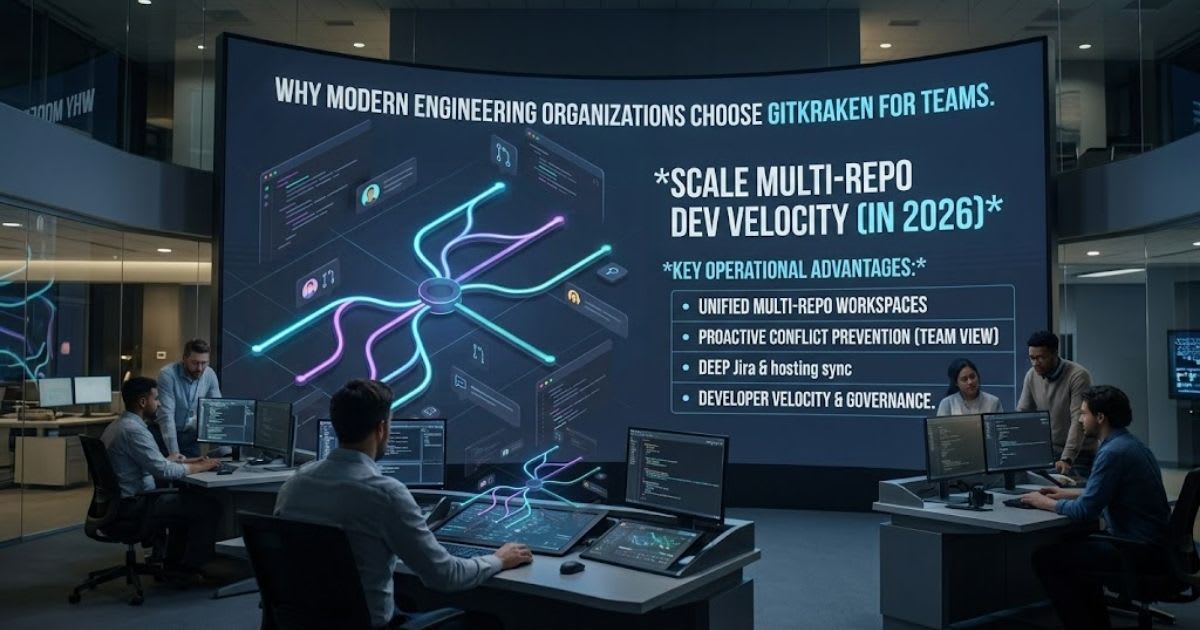
GitKraken for teams cuts daily friction for developers. It swaps hard command
lines for a clear visual graph. Coders lose hours to merge errors and messy branches. The right tool fixes this fast. This
trusted Git client closes the skill gap between junior
coders and senior engineers. Tech managers use GitKraken Desktop to unify version control. It links every team on one clean system. It works as a fast
DevEx platform for Git. This boosts delivery speed for the whole team.
Companies using GitKraken for teams ship features faster. Leads see
local work that terminal tools often hide.
"Standardizing our version
control on GitKraken saved our engineering department over twenty hours of
merge troubleshooting each week." — Engineering Director, Enterprise Cloud
Solutions
Scaling Developer Velocity in High-Growth Engineering Units

Scaling Developer Velocity in High-Growth Engineering Units
GitKraken for teams boosts
release speed. This works for every team in a growing firm. Top engineering
units use these visual Git tools. They speed up commits.
They cut daily friction too. Shared workspaces show synced branch views. Leads
catch costly bugs early. This happens before code hits production.
Standardizing Version Control Practices Across Enterprise Teams
Steady repo routines stop costly Git errors. This holds true across spread-out teams. Leads use one set of tools for all. This keeps Git workflows the same for every squad. It also keeps deployment branches stable. Every team member stays on the same page.
Managing Users, Roles, and Governance with GitKraken
for Teams
One hub controls all user access.
It also controls licenses. This works best for busy teams. GitKraken for
teams makes security simple. It uses smart user identity
tools to set up users fast. This helps teams as they grow.
Admins can set role-based access for each person. This works for
outside helpers too. Rules stay easy to follow when managers see every action.
They see all repo work in one place. Strong Git access rules
keep code safe. They do not slow engineers down. Seat
allocation means firms pay only for real users. The system also
meets strict rules like SOC 2 compliance.
|
Administrative
Capability |
Enterprise
Business Benefit |
Operational
Impact |
|
Centralized
User Directory |
Connects
Okta, Azure AD, and Google Workspace |
Instant
user provisioning and removal |
|
Role-Based
Permissions |
Restricts
access to sensitive production branches |
Eliminates
unauthorized code modifications |
|
License
Allocation Hub |
Reclaims
inactive floating enterprise seats |
Optimizes
annual software licensing budgets |
|
Comprehensive
Audit Logs |
Tracks user
actions and repository modifications |
Ensures
full regulatory and security compliance |
Implementing Robust Role-Based Access Control at
Scale
Clear user roles ensure junior coders only touch their assigned
branches. Strong access limits protect core business logic while letting
every engineer contribute safely.
Automated License Provisioning and Identity
Management
Connecting single sign-on simplifies login tasks and
tightens company security instantly. Admins watch seat usage live and reassign
idle accounts to cut wasted spend.
Solving Multi-Repo Sprawl with GitKraken Workspaces
Managing microservices often creates messy repository sprawl
that slows engineering teams down. GitKraken for teams fixes this
problem through Workspaces, which groups separate repos into one screen. This
gives engineers multi-repo Git management and an aerial view of every
microservice in seconds.
GitKraken
Workspaces connects everything below into a single hub:
|
Auth
Microservice |
Payments
Microservice |
Frontend UI
Repository |
Teams run batch tasks across multiple codebases instead of
opening endless terminal tabs. Single-click repo cloning enables fast developer
onboarding for new hires. Cloud and local workspaces connect machines directly
to remote platforms, making multi-repo project management simple for any
setup.
Centralizing Distributed Repositories into Unified
Workspaces
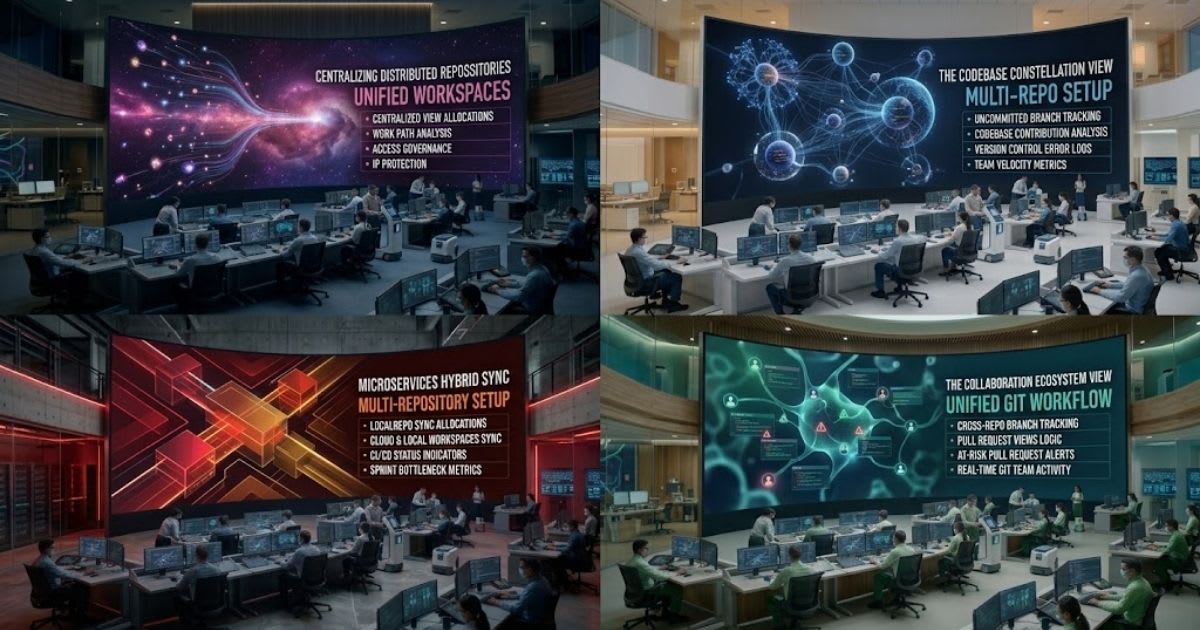
Shared team workspaces unite separate projects into a single unified
Git workspace. Engineers get one clear hub for microservices that reduces
setup errors across the board.
Streamlining Batch Git Operations Across
Microservices
Running batch actions across many repos saves engineers real time
every single morning. Teams keep local folders synced with remote servers
without repetitive manual commands.
Driving Real-Time Collaboration: Team, Pull Request, and Focus Views
Clear visibility stops duplicate work fast. Remote teams see this
the moment it happens. GitKraken for teams ships a Team View
dashboard. It shows live teammate status, open branches, and
edits. Real-time
conflict alerts warn coders right away. This happens the
instant two people touch the same file.
Developer A edits auth.ts
→ Live Conflict Alert Triggered ← Developer B edits auth.ts → Instant Team View
Notification → Zero Merge Collisions on Pull Request
One view holds every open review. This is the central pull request
view. Managers track team pull requests in
one spot. This speeds up review time for all. The Focus View
lists open tasks and unfinished edits. This cuts context switching for every
coder.
Team View: Real-Time Conflict Alerts and Branch Tracking
Seeing teammate work folders prevents coders from overwriting
shared lines by accident. Tracking active branch checkouts among remote
peers builds a stronger collaborative coding culture.
Pull Request View: Eliminating Multi-Repo Code
Review Bottlenecks
Combining pull requests across many repos simplifies reviews for
busy engineering leads. This view helps managers find stuck reviews fast and
improve review cycle efficiency.
Focus View: Maximizing Individual Developer Daily
Output
A personal dashboard puts tickets, assigned reviews, and open
edits into one list. Coders jump into urgent tasks quickly, which reduces cognitive
overload during a busy sprint.
Enterprise-Grade Security and Compliance in GitKraken
Big firms need strong security.
They need proven compliance too. GitKraken for teams gives secure
hosting. It fits strict industries. Leaders can pick cloud
hosting. Or they can pick self-hosted installs. These sit behind a company
firewall. Banks, health groups, and defense firms often need fully closed
setups. GitKraken
for teams can run in air-gapped environments. It never touches public
web traffic. The desktop app stores keys, passwords, and tokens locally. This
protects assets from supply chain threats.
|
Enterprise
Security Perimeter |
Connection
Method |
|
Air-Gapped
Workstations |
Encrypted
SSH and audit logs |
|
Self-Hosted
Git Repos |
Encrypted
SSH and audit logs |
Deploying GitKraken in Air-Gapped and Regulated
Environments
Air-gapped packages let security teams run visual Git tools on
fully offline networks. Regulated organizations keep absolute control over
source code to meet strict federal data mandates.
Audit Logging, Access Governance, and IP Protection
Complete audit logs track user interactions and permission
updates for outside compliance checks. Granular access limits keep sensitive
business code open only to vetted staff.
Measuring Engineering Efficiency with GitKraken Insights
Engineering managers need clean operational data to spot
bottlenecks and boost performance. GitKraken for teams links Insights
directly to your hosts to deliver clear delivery analytics. Managers
study PR cycle time to see exactly how fast code reaches the main branch.
Tracking team output helps leaders measure engineering cycle
time and balance workloads fairly. Review distribution charts support burnout
prevention by spreading work evenly across staff. Directors use this
productivity dashboard to prove value and speed up delivery.
|
Engineering
Metric |
What It
Measures |
Target
Business Outcome |
|
Pull
Request Cycle Time |
Duration
from first commit to production merge |
Reduces
feature delivery delays |
|
Average
Throughput |
Total pull
requests merged per sprint iteration |
Increases
organizational shipping cadence |
|
Team Merge
Rate |
Ratio of
successfully merged to abandoned PRs |
Improves
code quality and review efficiency |
|
Review
Workload Balance |
Distribution
of PR reviews across senior and junior staff |
Prevents
senior developer burnout |
Tracking PR Cycle Times and Lead Time for Changes
Studying code review speed helps managers see exactly where
pull requests sit idle. Removing these delays shortens software cycles and
keeps end users satisfied.
Optimizing Team Throughput and Preventing
Engineering Burnout
Tracking workload charts ensures code reviews get shared fairly
across the whole team. Balancing review tasks keeps release momentum high while
protecting senior coders from overwork.
Boosting Team Velocity with AI-Assisted Git
Workflows
Adding artificial intelligence to visual Git workflows speeds up
daily code delivery. GitKraken for teams pairs an interactive commit
graph with smart AI tools to cut tedious tasks. Engineers write clear commit
messages and PR summaries with a single click.
Write
Feature Code → AI-Generated Commit Message → Visual Diff Check → Safe One-Click
Push
Visual controls make advanced tasks like rebasing and
cherry-picking simple for any skill level. The visual cherry-pick and revert
interface helps coders fix broken branches safely. Built-in undo buttons
reverse accidental mistakes in seconds, driving lasting velocity
optimization.
AI-Powered Commit and Pull Request Generation
Automating commit notes and pull request summaries keeps project documentation
clean at scale. Clear summaries help peer reviewers check code fast, speeding
up merge approvals.
Visual Conflict Resolution and Safe Undo Operations
Visual three-way merge tools remove stress from fixing
overlapping branch edits. One-click undo buttons give coders the safety to work
without fear of damaging history.
Integrations: Connecting GitKraken for Your Teams to Enterprise Stack
Seamless tool links are vital for smooth developer operations
across a technical stack. GitKraken for teams offers strong remote
hosting integrations that connect with every major platform. Teams set up
GitHub and GitLab multi-repo sync to manage code from a single view. Managers
get clean project tracking through Jira and Trello card sync tools. Developers
open feature branches directly from assigned tickets with a single click.
Uniting hosts, ticket boards, and Git clients creates a smooth distributed
team workflow for everyone involved.
|
Integrated
Platform |
Key
Integration Capability |
Primary
Workflow Advantage |
|
GitHub
& GitLab |
Multi-repo
branch synchronization and PR reviews |
Centralizes
code hosting management |
|
Azure
DevOps |
Work item
linking and pipeline status tracking |
Bridges
planning and version control |
|
Bitbucket
Cloud & Server |
Seamless
remote repository cloning and syncing |
Unifies
enterprise repository workflows |
|
Jira &
Trello |
Feature
branch generation directly from tickets |
Eliminates
manual issue status updating |
Deep Repository Hosting Integrations
Connecting directly to enterprise code hosts lets teams manage
branches and reviews easily. Engineers log in once to open every company repo
securely from the desktop app.
Bidirectional Issue Tracker Synchronization
Linking Jira and Trello boards directly to the repository workflow
ends manual status updates. Engineers check task details and switch branches
without leaving their visual Git tool.
Pricing and ROI: Is GitKraken Teams Worth the Investment?
Buying developer tools requires clear financial proof and real
productivity gains. GitKraken for teams shows big savings by removing
daily friction across an entire department. The numbers below explain why
leaders keep choosing GitKraken for teams over cheaper, less capable tools. A
team of fifty engineers earning sixty dollars an hour saves real money fast.
|
ROI Input |
Value |
|
Developers |
50 |
|
Minutes
Saved per Developer per Day |
20 |
|
Hourly
Engineering Rate |
$60 |
|
Estimated
Daily Savings |
$996 |
|
Estimated
Annual Savings (240 workdays) |
$239,040 |
Stopping one bad merge collision from hitting production
can pay for a full year of seats. Intuitive visual tools also accelerate new
developer repo onboarding from weeks down to hours. Companies can test
the software with a thirty-day trial before committing to a full rollout.
Calculating the Financial Return on Developer Time
Saved
Saving minutes on routine Git tasks adds up to thousands of
engineering hours yearly. Cutting command line confusion keeps developers
focused on shipping profitable features instead.
Tier Comparison: Selecting the Right Plan for Your
Organization
Companies choose Pro, Teams, or Enterprise plans based on team
size and security needs. Growing teams pick the Teams tier for workspaces,
while large firms choose Enterprise for SSO and audit trails.
Case Study: How Distributed Teams Accelerate Delivery with
GitKraken
A fast-growing financial technology firm with two hundred remote
developers suffered major slowdowns from multi-repo sprawl. Engineers
spent hours fixing broken histories and tracking code across scattered
repositories. Bringing on one new developer took two full weeks of manual setup
before they could push code. The company standardized every engineer on GitKraken
for teams and its live collaboration boards. Within three months, review
turnaround times fell by forty percent using the unified Pull Request View. New
developer onboarding time dropped from two weeks to under two days, and the
engineering vice president reported zero production outages from merge errors
over the following two quarters.
Frequently asked questions
Is there a free alternative to GitKraken?+
Yes, Sourcetree, GitHub Desktop, and GitExtensions are top completely free alternatives. They offer visual branch graphs and basic Git operations without charging subscription fees.
Is GitHub free for teams?+
Yes, GitHub offers a Free plan for organizations with unlimited public/private repositories and basic collaboration tools. However, advanced features like protected branch rules, code owners, and extra CI/CD minutes require the paid Team plan ($4/user/month).
Can I use GitKraken for free?+
Yes, GitKraken Desktop is completely free for local repositories and public open-source projects. To work on commercial private repositories or use team collaboration features, you need a paid license.
How much does GitKraken cost?+
GitKraken starts at $4 per user per month for the Pro tier (private repos) and goes up to $12+ per user per month for Teams and Advanced plans. Custom enterprise licensing is also available for large organizations.
Is GitKraken better than GitHub Desktop?+
Yes, for complex multi-repo projects, advanced interactive rebasing, and visual merge conflict resolution, GitKraken is far superior. GitHub Desktop is simpler and free, but it lacks GitKraken's multi-repo workspaces and built-in team analytics.
What is the best free Git GUI?+
Sourcetree (by Atlassian) and GitHub Desktop are the best free Git GUIs for Windows and macOS. If you prefer open-source and lightweight tools, GitExtensions and Fork (free evaluation) are also great choices.
Related articles
 AI for Business
AI and Blockchain for Business Automation: A Complete Guide
AI and Blockchain for Business Automation: see how they pair to build faster, safer, more trusted workflows for your firm today.
 AI for Business
Kepler Developer Tools: The Complete Guide to Agentic Development
Master agentic workflows with Kepler Developer Tools. Orchestrate multi-repo AI agents, stop merge conflicts, and ship code faster.
 AI for Business
Best AI Tools for Real Estate Agents in 2026: Ultimate Guide
Discover the best AI tools for real estate agents in 2026 — voice, CRM, and lead generation platforms compared with pricing.
New AI tool reviews, in your inbox.
Get new reviews and comparisons in your inbox. No spam, unsubscribe anytime.
Comments (0)
Be the first to comment.