AI Image Generator Pricing (2026): Every Tool Compared
AI image generator pricing compared: real monthly costs, free tiers, hidden fees, and how to cut your bill in 2026.
Introduction
AI image generator pricing hides real
costs behind flashy ads and low starting numbers. Most platforms run on a credit system, where
each render, edit, or upscale drains a set amount from your monthly pool. A
cheap-looking plan can run dry fast once you try high-resolution renders,
since these often cost more credits per image than a standard one does.
This
guide breaks down real pricing across major tools, compares free tiers,
subscription plans, and full API
costs, and shows you practical, proven ways to cut your monthly
bill fast. By the end, you will know exactly what to check before you commit to
any paid plan.
How AI Image Generator Pricing Actually Works
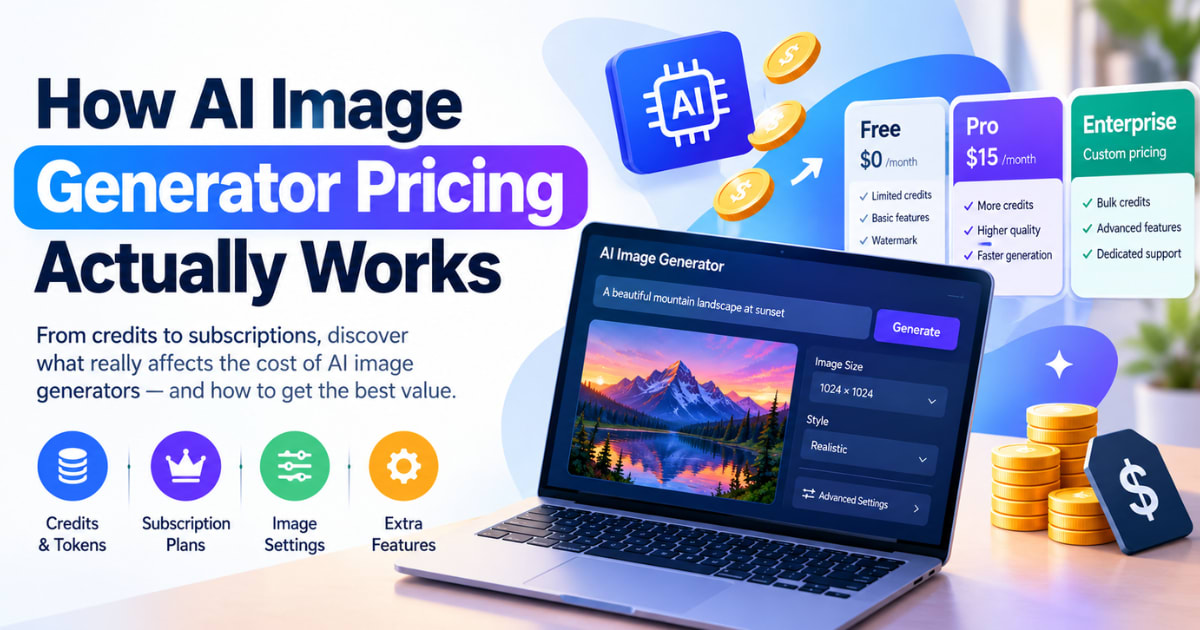
Most tools use a credit system, not a estimate "per image"
fee. Each render, edit, or upscale takes a set number of credits from your
monthly pool. This makes real cost easy to miss. A cheap-looking plan can run
dry fast once you try high-res renders. These often cost more credits per image
than a plain, standard render.
Subscription vs Credit Packs vs Pay-As-You-Go
A estimate plan gives you one steady bill each month. Credit packs add
more renders once you run out. But buying packs often costs more per image than
your base plan rate.
Why Resolution Changes Your Real Cost
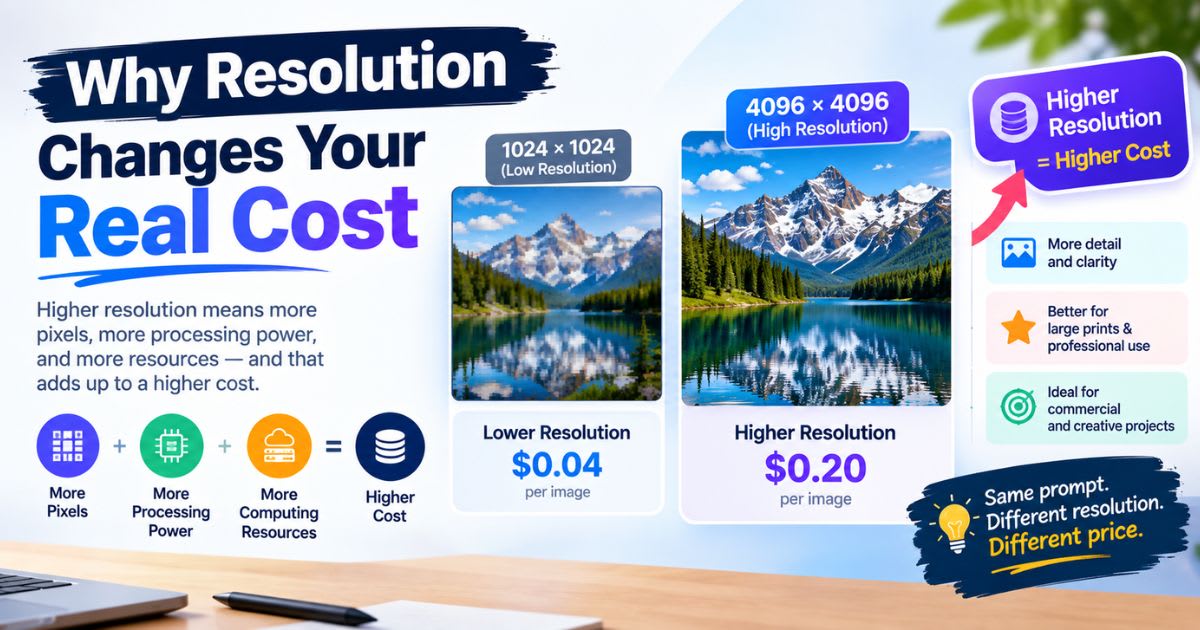
A standard render often uses one credit. Turning on a 4K or
high-res mode can use two or three times that. Test at a lower size first. This
saves real money before you make a final, high-res copy.
Who This Guide Is For
This guide fits freelancers, small studios, and anyone who wants a
clear picture of real cost. It also helps teams who feel burned by a
"cheap" plan that got pricey fast.
AI Image Generator Pricing Comparison Table
Here is a look at common tools and their listed rates. Prices
shift often, so check each tool's own site before you sign up.
|
Tool |
Cheapest
Paid Plan |
Free
Tier |
Commercial
License |
|
Midjourney |
$10/month |
None |
Paid
plans only |
|
ChatGPT
Plus (image tools) |
$20/month |
Limited
daily use |
Yes |
|
Adobe
Firefly |
$9.99/month
(2,000 credits) |
Yes,
limited credits |
Paid
plans only |
|
Ideogram |
$8/month |
Limited
daily credits |
Yes |
|
Leonardo
AI |
$12/month |
Limited
daily tokens |
Paid
plans only |
|
Canva
Pro |
$15/month |
Limited
free uses |
Yes |
Reading This Table the Right Way
Cheapest is not always best. A low sticker price often comes with
a small credit pool. Heavy users end up buying costly top-up packs, which wipes
out any early savings.
Why This List Is Not the Full Market
New tools launch often, and rates shift fast in this space. Treat
this table as a starting point for your own research, not the final word on
every option out there.
Free Tiers: What You Actually Get
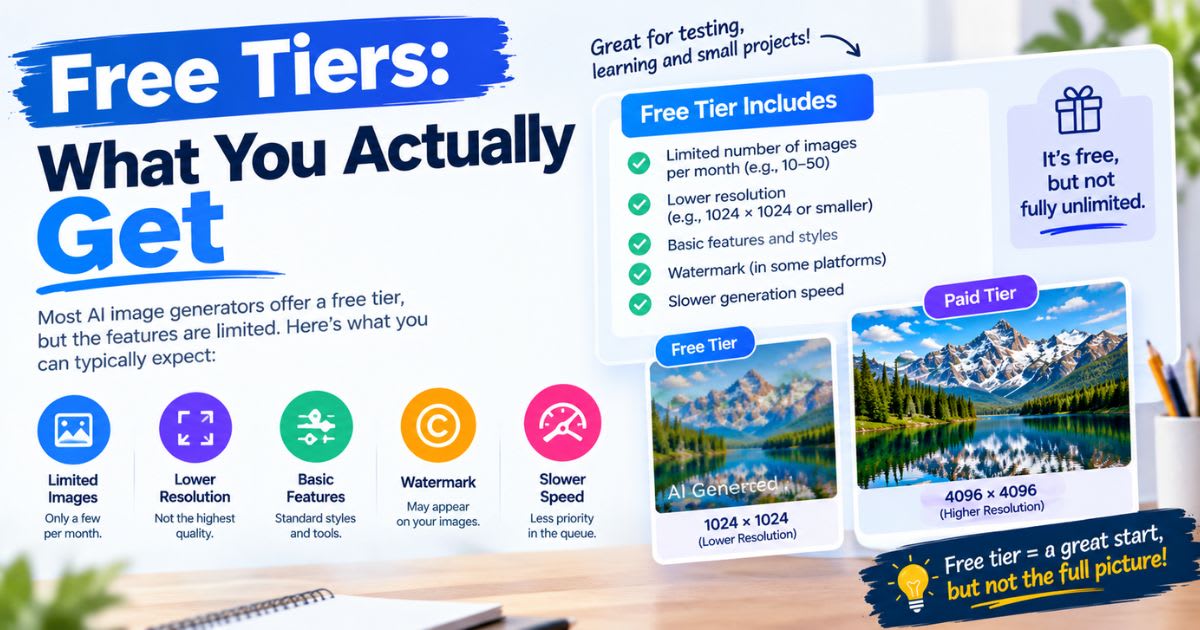
Free plans vary a lot in real value. Some give you a small credit
count that resets each day. Others give a one-time trial amount, then ask you
to pay right away.
● Check
if free output carries a visible watermark
● Check
if you can use free output for real, paid client work
● Check
how often your free credits reset, daily or just once
Always confirm these facts before you build client work around any
free plan.
Watermarks: The Hidden Free-Tier Catch
A watermark can quietly rule out a free tool for client work, even
if the image quality looks great. Always test a full download before you
promise a client a "free" asset.
Best Tools by Use Case
Different tools fit different jobs well. Matching your pick to
your real use case saves more money than chasing the lowest sticker price alone.
Best for Photorealism
Tools built for photorealistic work often sit at a higher price
point. These renders need more compute power per image, so expect to pay more
if realism is your top need.
Best for Text and Typography
Some tools focus on clean, readable text inside an image, like a
sign or a poster. This matters most for designers making flyers or posts with
real words baked into the art.
Best for Commercial Safety
Tools built for firm use often add stronger legal cover around
copyright and training data. This matters most for brand teams who cannot risk
a copyright fight over generated art.
Best for Budget, High-Volume Use
A few tools offer generous or open-ended free tiers. These suit
creators who need a high daily count without a big monthly bill. Still, check
the commercial terms closely first.
Developer and API Pricing
Building an app on an image model means you pay per image through
an API, not one estimate monthly fee. Rates shift a lot, based on size and which
exact model you call. Batch jobs often get a real discount, at times cutting
cost in half for work that is not urgent. This matters most once your app
scales past a few thousand images each month.
Estimating Cost at Scale
Before you commit to one API, work out the cost across a real
volume, like 10,000 or 100,000 images. Small per-image gaps add up fast once
you multiply them across real, full-scale use.
Comparing Quality Against Cost
A cheaper model is not always the right pick. Weigh output quality
next to price. A slightly pricier model that needs fewer retries can end up
cheaper in the end.
Picking a Plan for Your Budget
Your best plan depends on how often you create, not just your
total budget. Matching your tier to real use stops you from paying for room you
never use.
Casual Users and Hobbyists
Free tools work fine for tests and learning. Once you outgrow the
daily free limit, a basic paid tier often removes the watermark with no big
cost jump.
Freelancers and Content Creators
This price range often opens full commercial rights and a faster
render queue. It fits people juggling many client jobs who need steady, daily
output they can count on.
Studios and High-Volume Agencies
Bigger teams need steady characters and brand looks across many
images. Top tiers often unlock private render modes and stronger custom tools
worth the cost at this size.
Hidden Costs to Watch For
Sales pages rarely show the full picture. Real limits often sit
buried inside a tool's terms of service, not the price page itself.
● Credits
that expire and do not carry over to next month
● Key
tools, like private renders, locked behind the priciest tier
● Free
or cheap tiers that block paid, commercial use of your art
● Public
galleries that show your "private" work by default
Credit Expiration Traps
Many plans wipe unused credits at renewal, with no refund. Track
your monthly use, so you are not paying month after month for credits you keep
wasting.
Commercial Rights Traps
Some tools allow free personal use but block paid use until you
upgrade. Selling art made on a non-commercial free tier can cause a real legal
problem for your business.
How to Cut Your Image Generation Costs
A few smart habits can cut your monthly bill by half or more, with
no real hit to quality.
● Draft
rough ideas on a cheap or free tool before the final high-res render
● Track
your real use for two weeks before you pick a plan tier
● Run
open tools on your own machine if you already own a strong GPU
● Pick
a yearly plan for a real discount if you plan to stay long term
● Use a
routing tool that picks the cheapest model for each task type
Testing Before You Commit
Run a real two-week trial of your normal workflow first. This
shows your true use pattern, instead of a guess based on a sales page's
suggested plan.
Mixing Tools to Save More
Many studios use one cheap tool for early drafts and one premium
tool only for final client work. This mix often costs far less than running
every step on the priciest option.
AI Image Generation vs Stock Photography
Old stock photo plans often charge a like-for-like fee for just a
handful of downloads each month. AI tools can make far more usable art for that
same monthly cost. This does not mean stock photos are dead. Some brands still
want real photos for big, high-stakes campaigns. But for fast, daily content
needs, AI tools often cost far less per usable image.
Revision Speed as a Cost Factor
Past the sticker price, AI tools cut the real time cost of
changes. Editing a prompt takes minutes. A reshoot with real photos can cost
days, plus real production budget.
Regional Pricing Differences
Prices can shift based on where you live, due to currency rates
and local taxes. A plan priced in US dollars may cost more or less once your
bank adds its own conversion fee. Always check the price shown at checkout, not
just the homepage number. Some tools show a rounded US price that does not
match your final, local charge once tax gets added.
Team and Business Plans
Solo plans rarely fit a full team well. Most tools offer a
separate business tier with shared credit pools and simpler billing across many
seats.
● Shared
credits, so light users free up room for heavy ones
● One
invoice, instead of many separate personal accounts
● Basic
admin tools to track who uses how many credits
When a Team Plan Is Worth It
A team plan starts to pay off once you have three or more regular
users. Below that, separate personal plans often cost less and stay simpler to
manage.
Annual vs Monthly Billing
Most tools offer a discount for paying yearly instead of month to
month. This discount often runs between fifteen and thirty percent off the
monthly rate. Annual billing locks you in for a full year, though, so only
commit once you are sure the tool fits your long-term workflow. Test on a
monthly plan first if you are still unsure.
The Real Break-Even Point
Work out how many months of use you need before the annual
discount actually saves you money over a full year of monthly billing. For most
tools, this break-even point lands around nine or ten months of steady use.
Watching for New Pricing Models
The pricing playbook for AI tools keeps shifting fast. Expect more
tools to test usage-based billing, where you pay only for what you actually
generate, instead of a estimate monthly seat fee. Keep an eye on official
changelogs and pricing pages every quarter. A model that felt overpriced six months
ago may now sit at a far more competitive rate, or vice versa.
Why Competition Keeps Prices Moving
New tools enter this space often, and that competition tends to
push prices down over time, even as quality keeps rising. This benefits you as
a buyer, but it also means loyalty to one tool can cost you real savings
elsewhere.
Final Thoughts
AI image generator pricing looks simple on a sales page, but
real cost depends on your actual use pattern, not the ad rate alone. Test tools
on your real workflow before you commit to one plan. Track your use, compare
total cost per finished image, and check your AI image generator pricing
choice again every few months, since prices and features here shift fast.
*Note: Pricing details in this guide reflect information available
at the time of writing and can change without notice. Always confirm current
rates on each provider's official pricing page before subscribing.*
Frequently asked questions
Is AI image generator pricing free?+
Many tools offer a free tier, but most limit you to a small number of daily or monthly credits. Full commercial rights, higher resolution, and no watermark usually require a paid plan.
What is the best AI image generator pricing option overall?+
It depends on your use. Ideogram and ZSky AI offer strong budget value, while Adobe Firefly suits teams needing enterprise-level commercial safety at a moderate price.
Which AI is best for image generation for free?+
Tools with generous, no-signup free tiers work best for casual use. Always check if the free output allows commercial use before you rely on it for client work.
Best AI image generator for realistic photos?+
Midjourney and Flux 2 are widely known for strong photorealistic output. Both sit at a higher price point, since realistic renders demand more compute per image.
What is the best AI image generator with no restrictions?+
Every mainstream tool follows content policies around harmful or unsafe material, so "no restrictions" tools don't really exist among reputable platforms. Open-source models run locally offer the most flexibility over style and settings.
Related articles
 AI Image Tools
Free AI T-Shirt Design Generator: Instant Mockups(2026)
Try a free AI t-shirt design generator to create realistic apparel mockups in seconds, with no design skills or studio needed.
 AI Image Tools
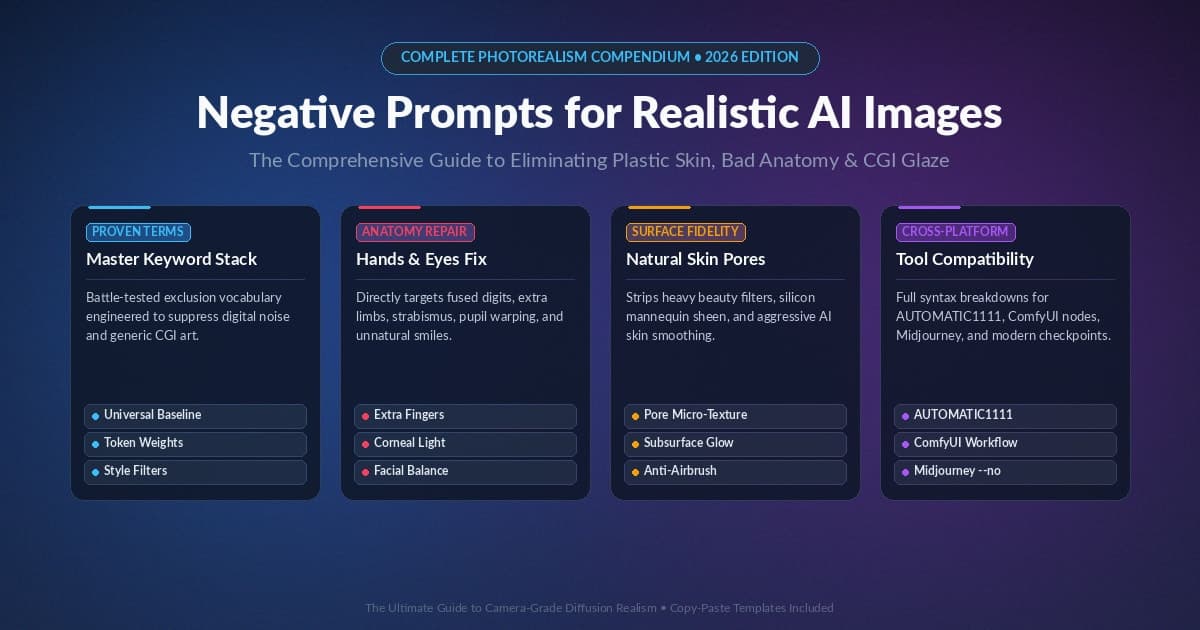
5+ Negative Prompts For Images That Actually Work (2026)
Discover 150+ negative prompts AI images creators use to fix hands, skin, and lighting for real, camera-like photo results.
 AI Image Tools
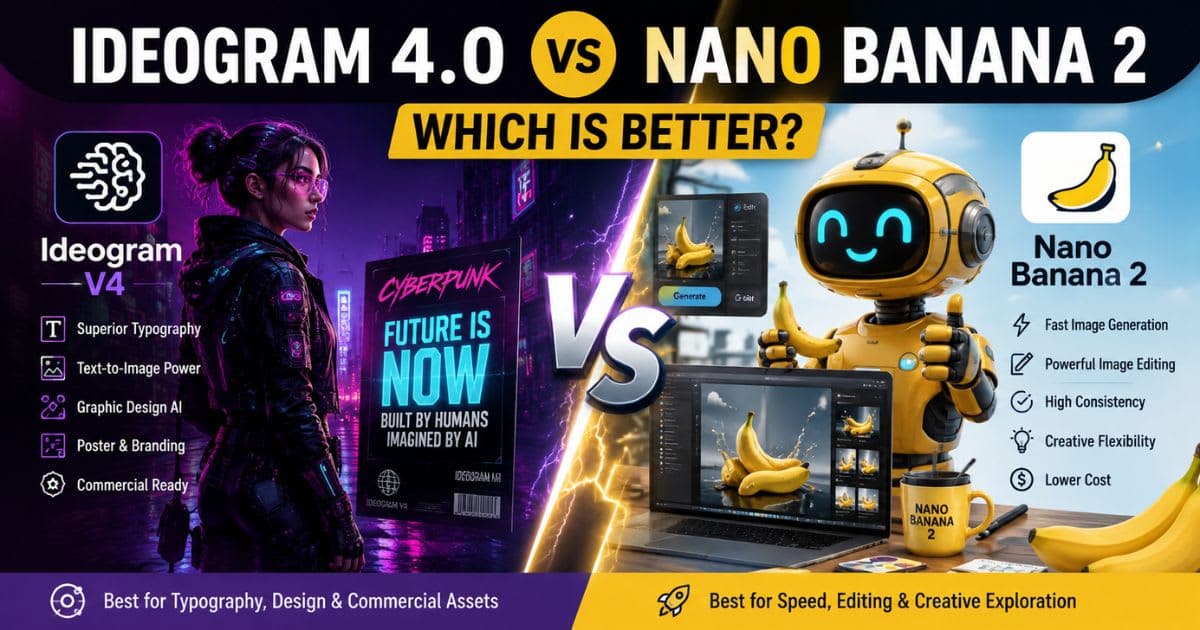
Ideogram V4 vs Nano Banana 2 : Which AI Image Tool Renders Text Better?
Ideogram 4.0 vs Nano Banana 2: Compare text rendering, image quality, editing, pricing, and find the best AI image model.
New AI tool reviews, in your inbox.
Get new reviews and comparisons in your inbox. No spam, unsubscribe anytime.
Comments (0)
Be the first to comment.