Imagen 4 API Discontinued (August 17): Best Alternatives to Use Now In 2026
Imagen 4 API Discontinued on Aug 17, 2026. See Google's official replacement and the best alternatives for your workflow
Introduction
The Imagen 4 API Discontinued update took effect on August 17, 2026. Google shut down all three production endpoints. No exceptions applied. Your app may still call imagen-4.0-generate-001, imagen-4.0-ultra-generate-001, or imagen-4.0-fast-generate-001. If so, every request now fails. It returns an error instead of an image.
Google's own documentation recommends gemini-3.1-flash-image as the direct replacement. It runs on Google's newer Gemini architecture. That gives you stronger text rendering and higher-resolution output. This isn't a soft warning. The Imagen 4 API Discontinued change is permanent, and the old endpoints are gone for good. Developers need a working migration path now. Broken image requests can affect live products, listings, or automated content pipelines.
Why AI Provider Redundancy Matters After Imagen 4
Best Imagen 4 Alternatives at a Glance
Rank | Alternative | Best For |
1 | Gemini 3.1 Flash Image (Nano Banana 2) | Official Google replacement |
2 | Flux.1 (Black Forest Labs) | Photorealistic images |
3 | Midjourney v6 / v6.1 | Artistic image generation |
4 | Stable Diffusion 3 | Open-source customization |
5 | GPT Image 2.0 | Text-heavy graphics |
6 | Seedream 5.0 Pro | Professional design work |
7 | Adobe Firefly Image 3 | Commercial creative projects |
8 | DALL-E 3 | Prompt understanding |
Imagen 4 API Discontinued: What Got Shut Down on August 17
Discontinued Endpoint | Shutdown Date | Google's Replacement |
imagen-4.0-generate-001 | August 17, 2026 | gemini-3.1-flash-image |
imagen-4.0-ultra-generate-001 | August 17, 2026 | gemini-3.1-flash-image |
imagen-4.0-fast-generate-001 | August 17, 2026 | gemini-3.1-flash-image |
A shutdown means the endpoint is fully turned off. Google confirms this is a complete API discontinuation. Any app calling one of these three model IDs now gets an error. No image gets returned. This applies through REST calls and through Google's SDK. There's no legacy fallback mode. Once a shutdown date passes, every request simply fails. Configure a working replacement before that date, not after.
Why Google Retired Imagen 4
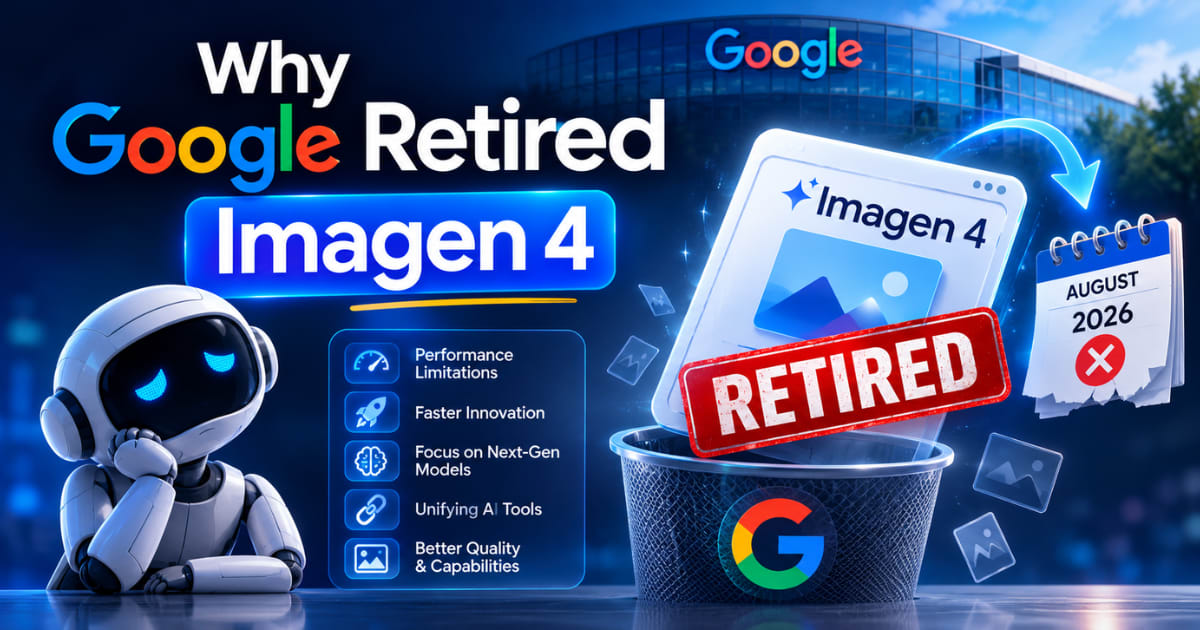
Google is folding image generation into its Gemini architecture. Generation, editing, and understanding now run through one system, not separate models. Imagen 4 sat outside that architecture. Once newer models matched its output quality, retirement became the natural next step. This pattern isn't unique to Google. Every major AI provider eventually retires older model generations. The lesson for developers: treat model IDs as temporary, not permanent infrastructure. Build a thin abstraction layer around whichever provider you use.
Google's Official Replacement: Gemini 3.1 Flash Image
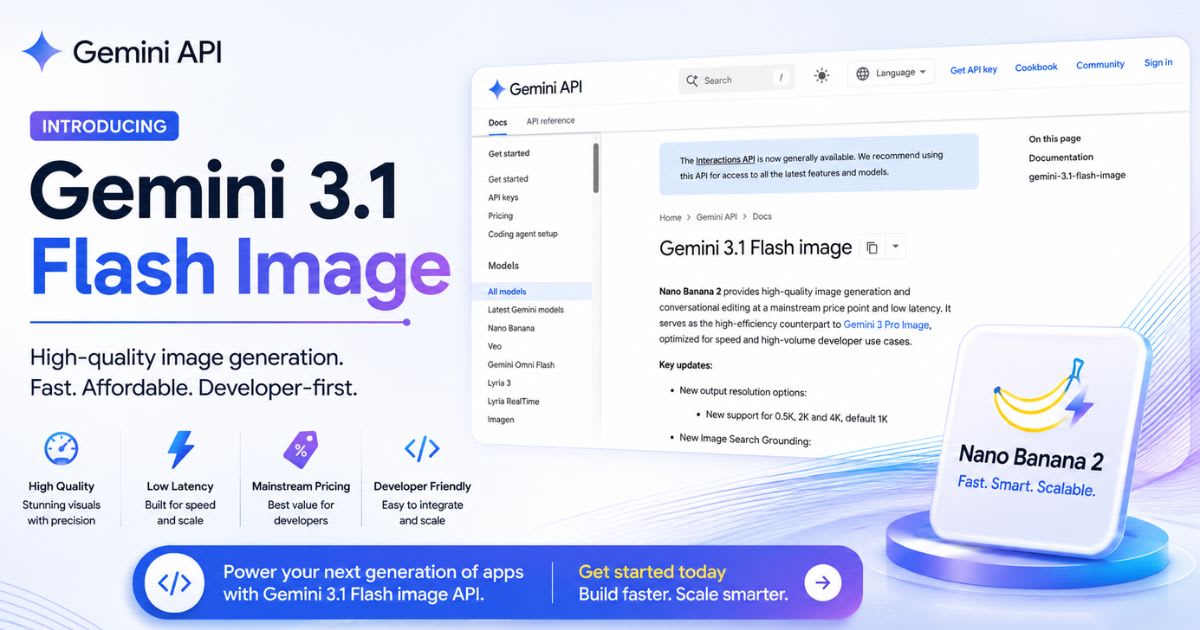
Gemini 3.1 Flash Image, branded as Nano Banana 2, is Google's direct answer to the Imagen 4 API Discontinued change. It supports 4K generation and multiple reference images. It also offers stronger text rendering than the old Imagen 4 line.
Nano Banana 2 Lite for High-Volume Work
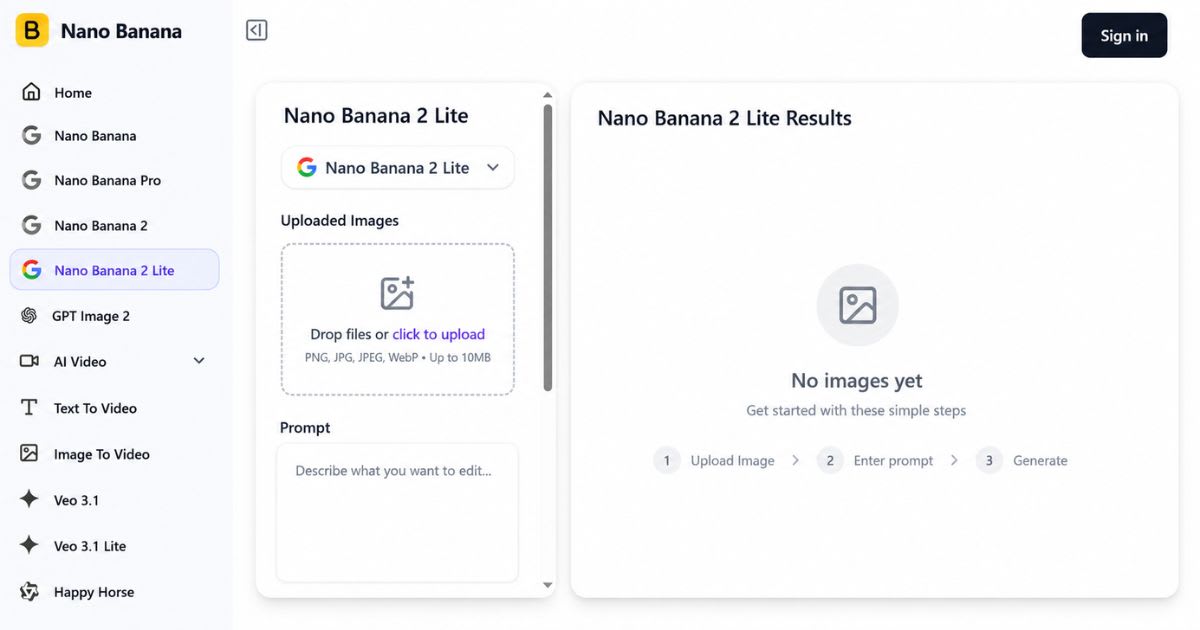
Nano Banana 2 Lite is the faster, cheaper option in the same family. It suits high-volume generation where cost and speed matter most. Google notes it isn't built for heavy multi-reference workflows. Use it for bulk jobs, not creative editing. If your app generates thousands of images daily — think thumbnails or social graphics — latency adds up fast. Nano Banana 2 Lite is built for exactly that pattern. It trades some creative flexibility for low-cost throughput at scale.
Best Third-Party Alternatives After Imagen 4
Outside Google's ecosystem, several models cover the gap left behind. Each one below solves a different production need. Vendor lock-in is the real reason many teams look elsewhere now. A single-vendor shutdown, like this one, forces an unplanned rewrite. The models below reduce that risk. They give you a second working option if any provider changes course again.
Flux.1 — Best for Photorealistic Images
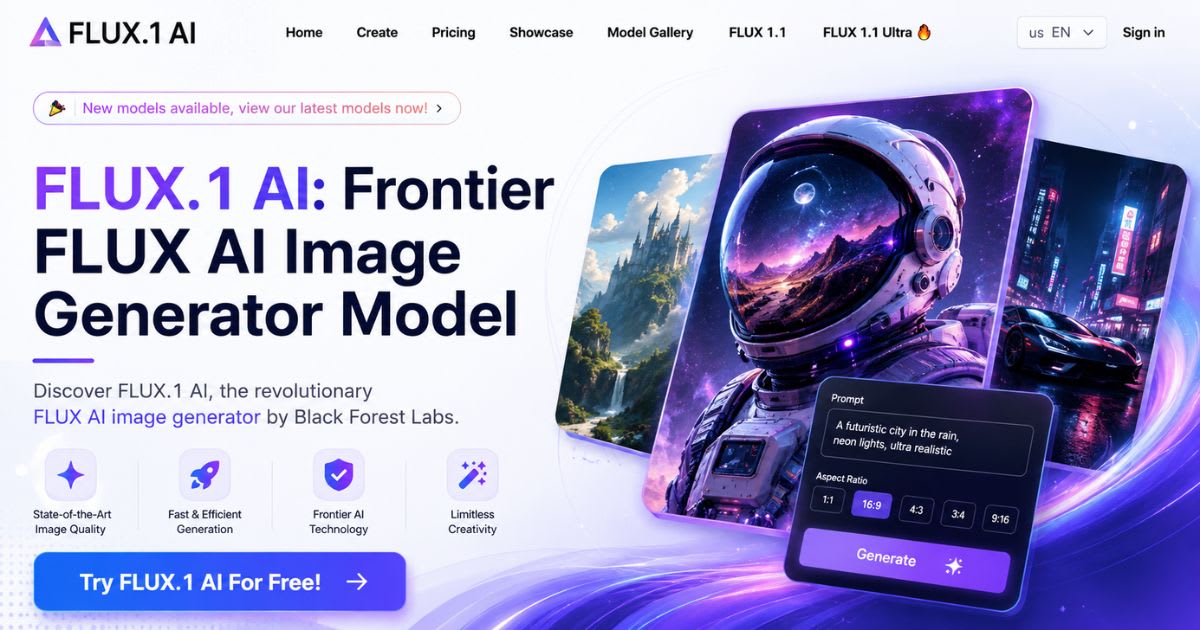
Flux.1 by Black Forest Labs is the top pick for photorealistic images.
It handles lighting, texture, and natural composition well. It shows fewer visible artifacts than most competitors.
● Strong for product photography and realistic concept scenes
● Reliable material and lighting accuracy
● Test your own prompts before moving production traffic
Flux.1 works well for e-commerce catalogs and interior scenes. Believable shadows and texture matter more here than stylized flair.
Access and hosting terms vary by provider. Confirm current API pricing before you commit production volume.
Midjourney v6/v6.1 — Best for Artistic Generation

Midjourney remains the top choice for artistic image generation.
It fits concept art, mood boards, and editorial visuals. A human stays in the creative loop here.
● Best for creative exploration, not high-volume automation
● Weaker fit for a pure REST-based generation API
Designers use Midjourney to explore dozens of style variations quickly. They hand the strongest result to a production pipeline for finishing. It's a discovery tool first, not a scalable backend.
Best Comparison of Midjourney and Flux.2.
Stable Diffusion 3 — Best for Open-Source Customization
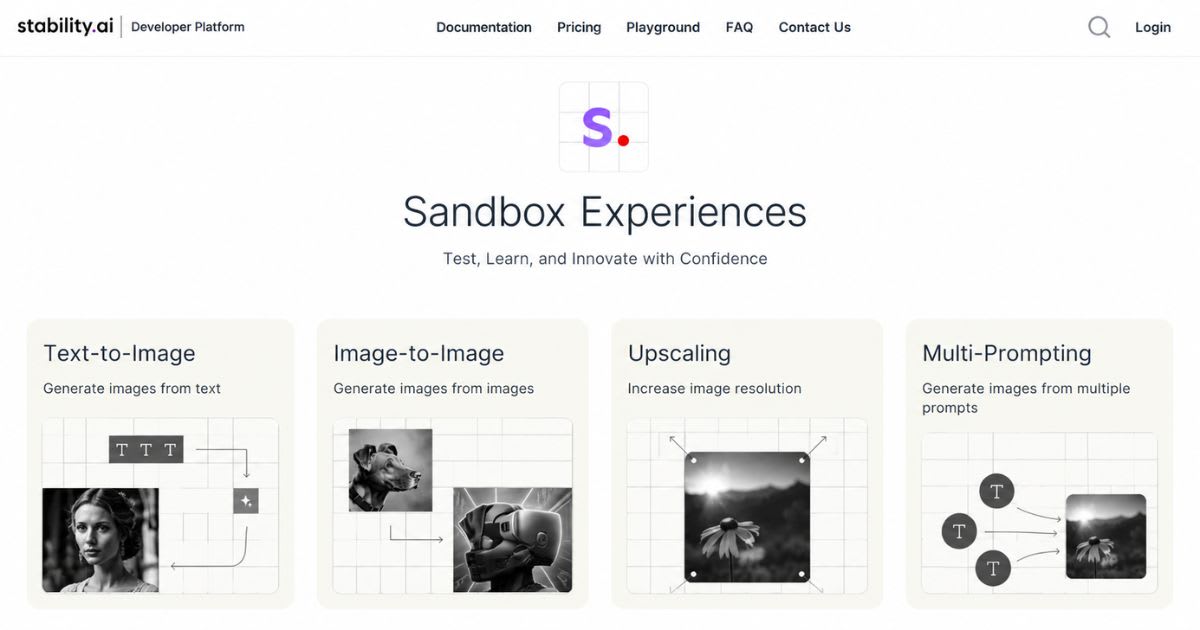
Stable Diffusion 3 offers real open-source flexibility. Closed APIs simply can't match it.
Teams with engineering resources can fine-tune models. They control hosting entirely in-house.
● Full control over custom pipelines and deployment
● Requires more infrastructure overhead than a managed API
Because it's self-hostable, Stable Diffusion 3 avoids the exact problem Imagen 4 just created.
No vendor can turn off your endpoint on short notice. That control has a real setup cost: GPU hosting, updates, and ongoing maintenance.
GPT Image 2.0 — Best for Text-Heavy Graphics
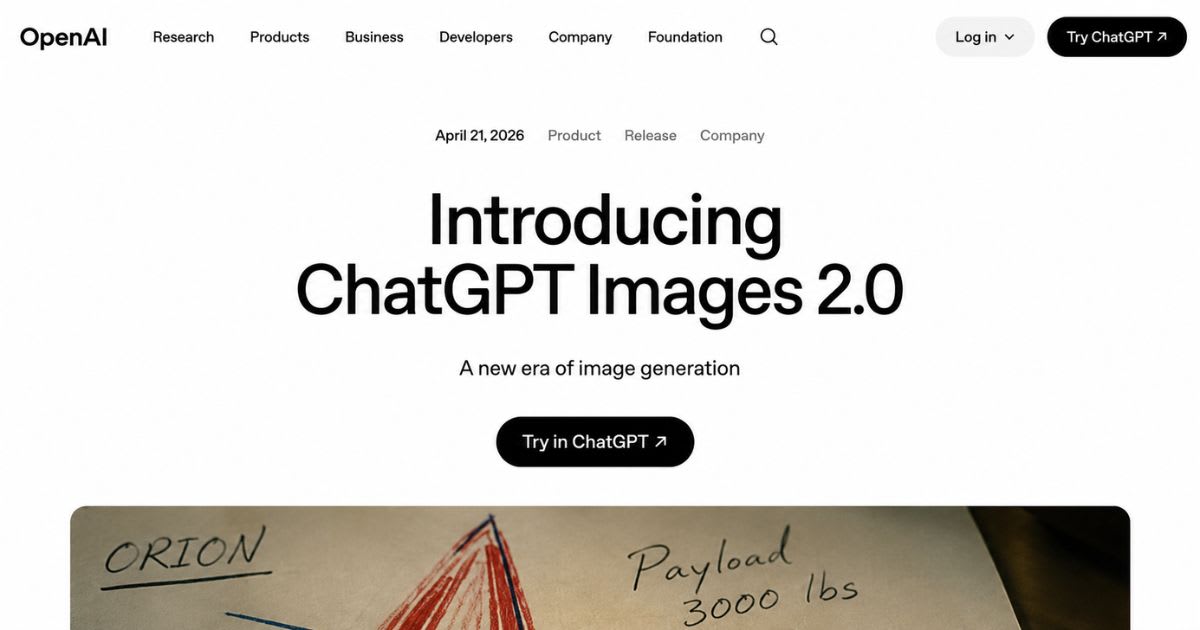
GPT Image 2.0 handles text rendering inside graphics better than most competitors.
This matters for posters, labels, and ad creative.
● Dedicated generation and editing endpoints
● Good fit for teams already on the OpenAI API stack
This matters most for marketing and ad creative. Garbled text is the fastest way to ruin a generated graphic.
GPT Image 2.0 also accepts image inputs. It doubles as an editing tool, not just a generator.
Seedream 5.0 Pro — Best for Professional Design
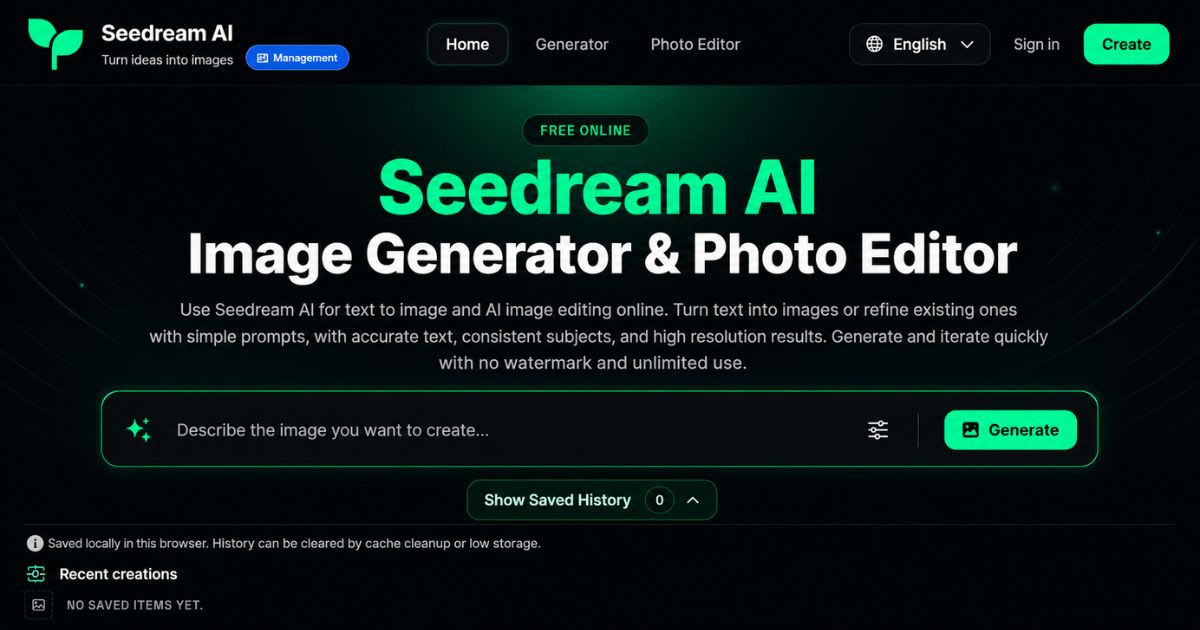
Seedream 5.0 Pro fits teams focused on professional visual creation.
Think detailed compositions, campaign concepts, and branded assets that need a repeatable visual language.
● Strong for agency and advertising workflows
● Verify current API availability before committing production use
For agencies, the real test isn't one impressive image. It's whether Seedream repeats the same visual language across dozens of prompts.
Run typography, composition, and lighting checks across a batch. Do this before trusting it for a full campaign.
Adobe Firefly Image 3 — Best for Commercial Work
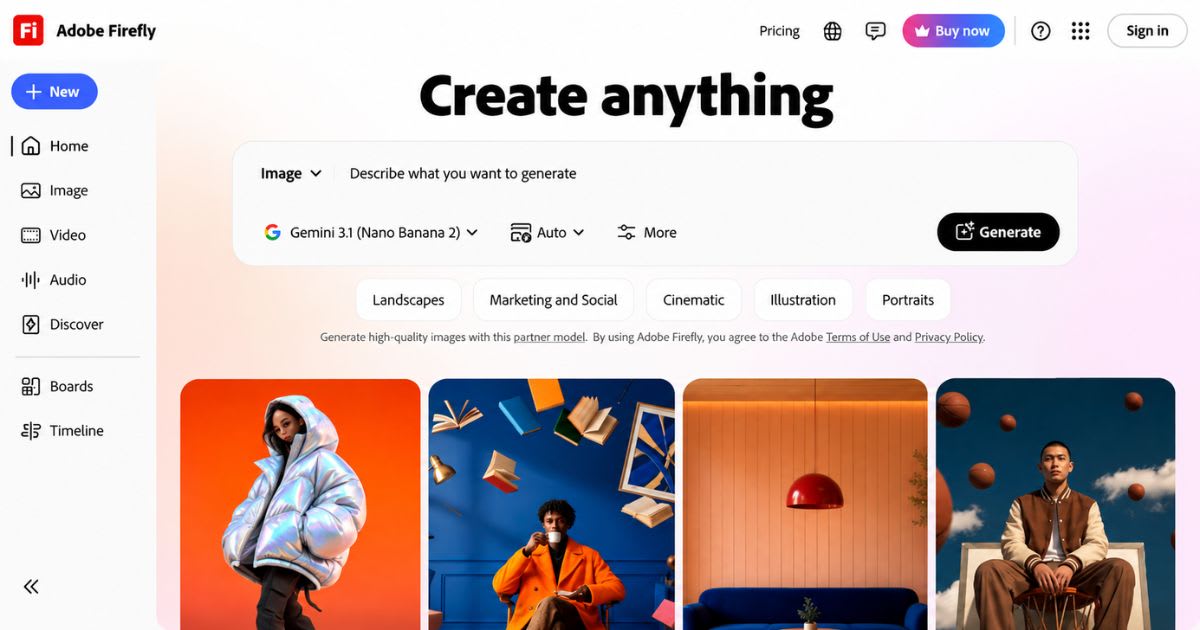
Adobe Firefly fits naturally into teams already using commercial creative work tools from Adobe.
It shortens onboarding for design-heavy teams.
● Fits directly into existing Adobe workflows
● Always confirm current licensing terms before client use
Firefly's advantage is workflow speed, not raw generation power. Designers generate, edit, and place an image inside their existing Adobe project files.
That saves real time on client deadlines. Round-tripping between separate tools costs hours.
DALL-E 3 — Best for Prompt Understanding

DALL-E 3 still offers strong prompt interpretation for natural-language instructions.
New projects should compare it against GPT Image 2.0 before committing.
Step-by-Step: Moving Off the Discontinued Endpoints
Start with an audit, not a rewrite. Find every place your code, configs, or automations reference the old model IDs.
This single step prevents the most common migration failure. You fix one service while another keeps calling the dead endpoint.
● Search the full codebase for all three retired model IDs
● Check serverless functions and third-party automations, not just main app files
● Pick a replacement based on your actual workload, not general reputation
● Update authentication, request parameters, and response parsing
● Run your real production prompts through the new model and compare output
● Roll out to a small traffic slice first, then expand once error rates stay Stabilize
Keep the old integration code in a separate branch. Do this even after switching production traffic over.
That gives your team a clean rollback path for untested edge cases.
How to Choose the Right Alternative for Your Workflow
Evaluation Factor | Why It Matters |
Image quality | Determines how much manual correction you need |
Prompt accuracy | Shows how closely output follows instructions |
Text rendering | Critical for posters, labels, and ads |
Pricing at scale | Controls real production cost |
Licensing | Affects commercial and client-facing use |
Weigh image quality, pricing, and commercial licensing together. A cheap model that needs constant manual correction costs more over time. A consistent, pricier one often wins out. Build a small test set from your real production prompts before deciding. Five to ten real examples beat any vendor's demo gallery. Compare composition, text accuracy, and consistency across repeated runs. A model that nails one image but drifts on the next isn't reliable.
What Happens If You Don't Migrate
Calls to any retired model ID now return errors instead of images.
Automated pipelines can publish broken listings without anyone noticing right away.
The risk grows when image generation sits deep inside a larger product.
A checkout flow or listing tool can silently fail on one image call. The rest of the transaction still completes.
Broken or missing visuals can stay live for days. No one notices until a bug report comes in.
● Search your codebase for the three discontinued model IDs
● Check environment variables and CI/CD configs, not just main files
● Test your real production prompts against the new model before full rollout
Final Take on the Imagen 4 API Discontinued Shift
There's no single perfect replacement for Imagen 4. The right choice depends on convenience, realism, or open-source ownership. Start with Google's own gemini-3.1-flash-image if minimal disruption matters most. Test Flux.1 or Stable Diffusion 3 for a genuine second option. That keeps you safe from any single vendor's roadmap. The bigger takeaway goes beyond this one shutdown. Model retirement should become part of your regular engineering planning, not a surprise. Track vendor lifecycle announcements the same way you track security patches. Keep prompts versioned and portable across providers where you can. That habit turns the next forced migration into a minor task, not an emergency.
Industry Expert Insights on API Deprecation
Frequently asked questions
Why was the Imagen 4 API discontinued?+
Google is consolidating image generation into its Gemini architecture. Imagen 4 sat outside that system, so retirement followed once newer models matched its quality.
Is the Imagen 4 API actually discontinued?+
Yes, Google confirms all three Imagen 4 endpoints stopped working on August 17, 2026. No reversal has been announced.
What is Google's official Imagen 4 replacement?+
Gemini 3.1 Flash Image (Nano Banana 2) is Google's direct target. It replaces the standard, Ultra, and Fast variants with a single model.
Which alternative is best for realistic images?+
Flux.1 by Black Forest Labs is the strongest option. It performs especially well on lighting, texture, and material accuracy.
Is there a good open-source alternative?+
Stable Diffusion 3 offers the most control for self-hosting teams. It avoids the vendor-shutdown risk Imagen 4 users just faced.
What breaks if I don't update my integration?+
Requests to the old model IDs return errors. This can break any pipeline relying on that image output.
Related articles
 AI Image Tools
Free AI T-Shirt Design Generator: Instant Mockups(2026)
Try a free AI t-shirt design generator to create realistic apparel mockups in seconds, with no design skills or studio needed.
 AI Image Tools
5+ Negative Prompts For Images That Actually Work (2026)
Discover 150+ negative prompts AI images creators use to fix hands, skin, and lighting for real, camera-like photo results.
 AI Image Tools
AI Image Generator Pricing (2026): Every Tool Compared
AI image generator pricing compared: real monthly costs, free tiers, hidden fees, and how to cut your bill in 2026.
New AI tool reviews, in your inbox.
Get new reviews and comparisons in your inbox. No spam, unsubscribe anytime.
Comments (0)
Be the first to comment.