How to Create Consistent AI Characters in 2026: The Complete Guide
Create Consistent AI Characters in 2026 with reference images, turnaround sheets, and prompt anchors that stop character drift fast.
Introduction
Your hero looks great in shot one. By shot three, the face is new.
This can ruin a comic, a film, or a mascot. Here is how to create Consistent AI
Characters in 2026. A strong reference image does most of the work. Add a
turnaround sheet to hold the face from every side.
Save training for big
projects that need it. Keep the steps simple and repeat them. Getting this
right early is the fastest way to build Consistent AI Characters that hold up
across an entire project. This guide covers image tools, video tools, and the
habits that cause character drift. Each tool section links to its maker's own
page. Try the steps with one hero first. You will see the gain fast, and you
can scale up.
Why
Do AI Characters Keep Changing Between Images?
Image models start each picture from random noise. The noise is
new each time unless you fix the seed. So the face you liked yesterday is a
fresh guess today. That shift has a name: character drift. Each small prompt
change can make it worse.
Text descriptions name a type of person. They do not name one
person. Red hair fits millions of faces. So the model picks one at random. A
reference image shows it a real face. That identity anchor is what words cannot
give.
How
to Create Consistent AI Characters in 2026: The Quick Answer
Pick one clear front portrait to start. Attach it as a reference
image to each prompt. Then make a turnaround sheet with front, side, and back
views. This setup can stop much character drift early.
That is how to create consistent AI characters in 2026. Use your
reference image as the base of each shot. Try a character LoRA only for huge
jobs. Add a prompt anchor for the face.
Five
Ways to Lock a Character, Compared
Five methods keep a face steady. They range from a plain reference
image to a trained character LoRA. The table shows where each one fits. Start
with the lightest one, and add a turnaround sheet later.
|
Method |
Best for |
Training needed |
Main limit |
|
Reference image |
Quick series of stills |
No |
Fine details can shift at odd angles |
|
Turnaround sheet |
Angles, outfits, and props |
No |
Needs several clean views first |
|
Prompt anchor |
Any tool, any budget |
No |
Words alone cannot lock a face |
|
Character LoRA |
Long projects, many scenes |
Yes |
Needs setup and a good image set |
|
Face swap or inpainting |
Fixing single bad frames |
No |
Repairs one image at a time |
It helps to mix two of these methods. Try a reference image plus a
short prompt anchor. Save inpainting and face swap fixes for the rare frame
that still drifts.
Write
a Prompt Anchor Before You Generate Anything
A prompt anchor is a short block of face traits. Reuse it word for
word every time. Describe age, face shape, eyes, hair, and one unique mark.
Leave out the clothes and the background. Those belong in a separate scene
prompt.
Generate one plain front portrait in soft, neutral light. Check
the face before you go on. Mixing scene words with face words causes color
contamination. Keep those two parts apart at all times.
What
Makes a Good Reference Image?
A good reference image is sharp and well lit. The face should look
at the camera. The background should be plain and simple. Avoid heavy filters,
because they change skin tone and face shape.
•
Sharp focus: The eyes and mouth
must be clear.
•
Even light: Soft light shows the
true face shape.
•
Neutral pose: A calm face leaves
room to change the mood later.
•
Empty hands: Props are easier to
add in a later prompt.
Save the file at high resolution and keep the original safe. Use a
clear file name, such as hero-front-v1. Good version control helps when a
project grows.
Build
a Turnaround Sheet to Lock the Face
One front view is not enough. When the camera turns, the model
must guess the side of the head. A turnaround sheet
shows one face from many angles. Those multi-angle views make the guess come
from your design, not chance.
Include three-quarter, profile, and back views on a plain gray
background. Add a close-up of the face too. Keep the hands empty at first.
Kling's guide lists front, side, back, and detail images for a character
element.
Use
Reference Images in the Top Image Tools
Each big tool treats a reference image in its own way. Some tools
take just one image. Others take many through multi-reference input. The facts
below come from each maker's pages. Please check the official docs too.
Start with your best portrait or turnaround sheet. Upload it with
each new prompt. Then change only the scene words. This keeps the face fixed in
place. It also limits any character drift.
Midjourney
V7 Omni Reference

Midjourney's Omni Reference in V7 takes one image per prompt. Add
it with the --oref parameter. Set how strong it is with --ow. A higher omni
weight holds the face tighter. A lower weight gives the scene more freedom.
Nano
Banana Pro
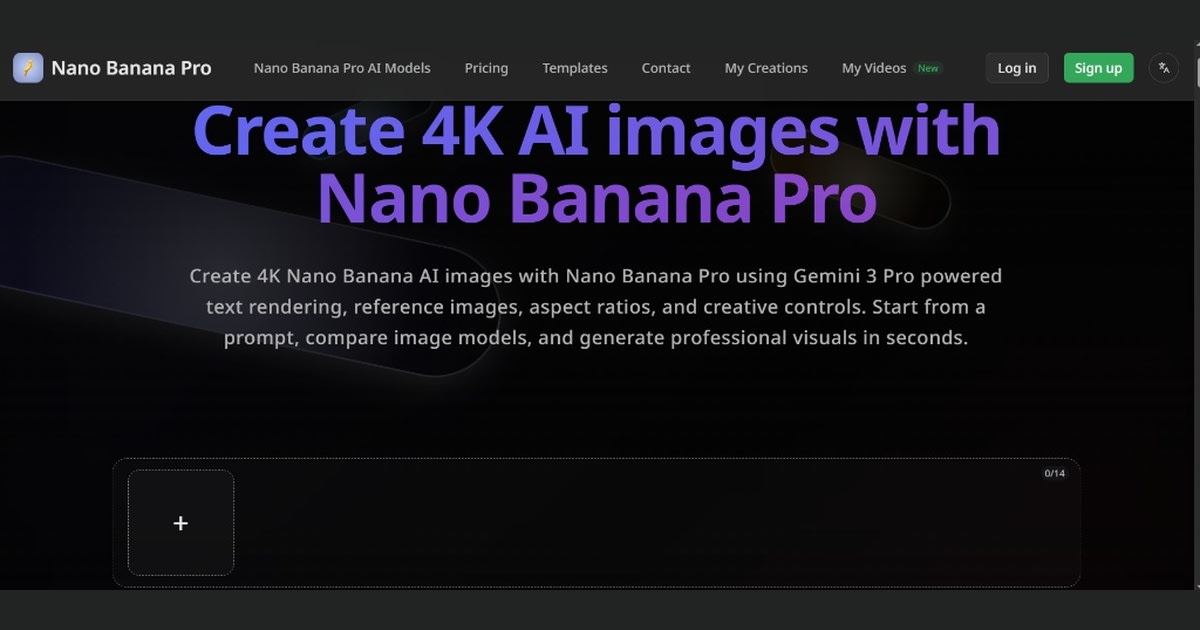
Google says Nano Banana Pro can blend up to 14 images. It can also
hold the look of up to five people. That is useful for group shots. Give each
person a reference image and a name.
GPT
Image 2
GPT Image 2 takes a reference image for edits and blends. Attach
your character image to each request. Then describe the new scene in plain
words. Use the same reference each time to keep the face steady.
FLUX.2
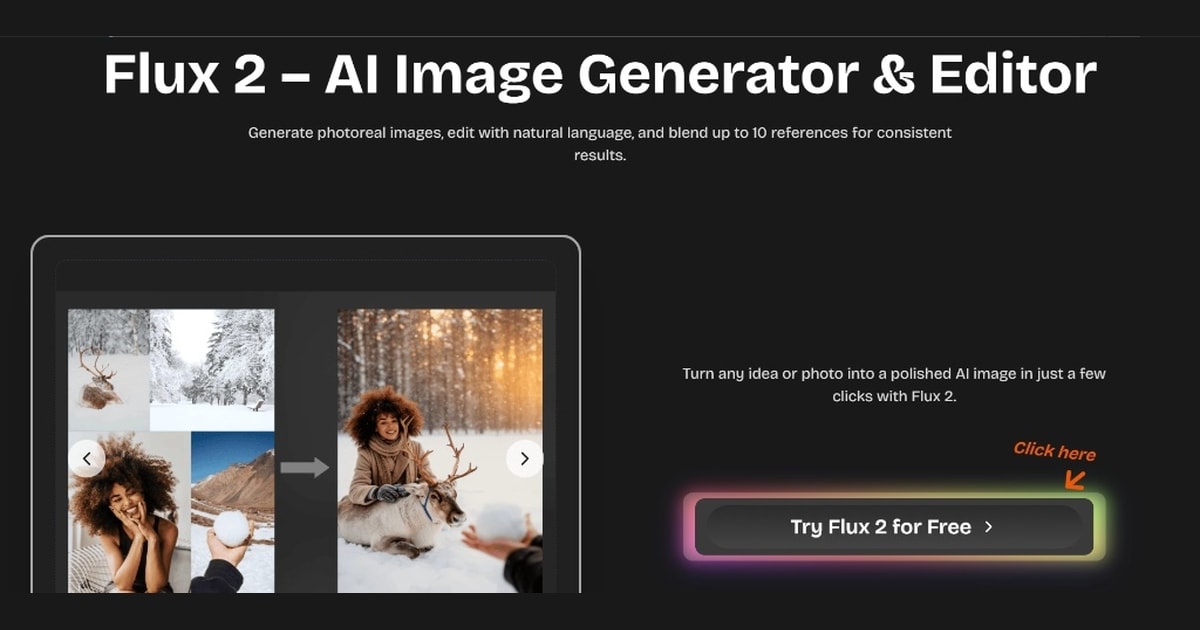
Black Forest Labs says FLUX.2 takes up to 10 references. Load each
view from your turnaround sheet as one. Limits vary by tool or platform. Please
check the multi-reference rules first.
Train
a Character LoRA for Long Projects
A character LoRA is a small add-on trained on images of your hero.
Once trained, the model knows the face well. It suits comics, games, and long
series. The cost is setup time and a good training set.
Open-source tools like ComfyUI let you build a full pipeline from
nodes. Advanced users add face-detail steps to clean tiny flaws. For a few
images, this route is too much work.
Keep
Your Character Steady in AI Video
Video adds one more problem to solve. Faces can shift between
frames, especially in fast head turns. Start from a still image you already
approved. That start frame ties the first shot to your design and limits frame
to frame drift.
Then reuse the same reference image in every clip. Keep camera
moves simple at first. Judge each result at full speed, not on a paused frame.
Small drift often shows only in motion.
Seedance
2.0
ByteDance's Seedance 2.0 accepts a reference image, plus start and
end frames. Some listings also show video and audio
inputs. Use your character sheet in each clip. Then write the action in short
steps.
Kling
3.0 Omni

Kling 3.0 Omni lets you build a character element from many
photos. It can also use a clip of 3 to 8 seconds. You can add voice binding
too. Then reuse the element in later shots.
Handle
Two Characters in One Scene
Two faces in one prompt often blend. Hair styles and outfits can
swap between people. Give each person a separate reference image and a
clear name. Then place them with simple words like left and right.
A rough sketch can map who stands where. Give each hero a unique
color palette. Kling's guide lists up to seven reference characters for video.
So plan crowded scenes with care.
Which
Method Fits Your Project?
Project size should pick your method. A small job needs only a
reference image. A long story needs a stronger lock, such as a character LoRA.
Use the list below as a quick method guide.
•
Comic strip: Use a reference image
and a turnaround sheet.
•
Brand mascot: Use a prompt anchor
plus one locked reference image.
•
Short film: Add a start frame and
a video element to your sheet.
•
Game with many scenes: Train a
character LoRA for a firm lock.
Mix methods as your story grows. Begin with the lightest one, then
add one layer at a time. Run a few test shots after each layer to see which
step fixed the character drift. Log the result in your character bible.
A
Simple Workflow You Can Follow Today
You now have all the parts. Keep all your reference files in one
folder. That folder becomes your character bible. Follow the steps below in
order for a clean workflow.
•
First, write a short prompt anchor
for the face.
•
Next, make one clean front
portrait and approve it.
•
Then, build a turnaround sheet
with front, side, and back views.
•
Later, add the sheet to each
prompt as a reference image.
•
Finally, change only the scene
words and check each batch for drift.
If one frame still drifts, fix it alone. Use inpainting on the
face or try a face swap tool. Then check the edges for seams. This is faster
than a full redo.
Tools
Compared at a Glance
This table shows what each maker says its image tools and video
tools can do. Limits can change, so check the official page.
|
Tool |
Type |
Reference support |
|
Midjourney V7 |
Image |
One Omni Reference image per prompt |
|
Nano Banana Pro |
Image |
Blends up to 14 images, keeps up to five people |
|
GPT Image 2 |
Image |
Accepts reference images for edits |
|
FLUX.2 |
Image |
Up to 10 reference images |
|
Seedance 2.0 |
Video |
Reference images plus start and end frames |
|
Kling 3.0 Omni |
Video |
Multi-angle elements or a 3 to 8 second video |
Pick by workflow, not by hype. Image tools build and lock the
hero. Video tools then move that same hero. Test one of each together first.
Common
Mistakes and How to Fix Them
The top mistake is changing the face words each time. Even small
edits add new drift. Copy your prompt anchor as it is written. Add the same
reference image to every shot.
•
Blurry inputs: A soft photo gives
the model weak clues.
•
Mixed prompts: Keep face words and
scene words in separate blocks.
•
Skipped review: Check each batch
before you build on it.
•
Ignored seams: After a face swap,
zoom in on the edges.
Here is the short version of how to create consistent AI
characters in 2026. Lock the face with a reference image and a prompt anchor.
Then move the camera as you like. A turnaround sheet backs up that rule.
Final
Thoughts on Consistent AI Characters
Steady faces come from anchors, not luck. Now you know how to
create consistent AI characters in 2026. Pick one reference image to start. Add
a turnaround sheet and a prompt anchor. Then reuse all three each time.
Start small with one hero and five test scenes. Fix what drifts,
then scale up. When your story grows, add a character LoRA or a video element
for a firmer lock.
Sources
•
Midjourney: Omni Reference
documentation: https://docs.midjourney.com/hc/en-us/articles/36285124473997
•
Google: Nano Banana Pro
announcement: https://blog.google/innovation-and-ai/products/nano-banana-pro/
•
Black Forest Labs: FLUX.2
announcement: https://bfl.ai/announcements/flux-2
•
Kling AI: Subject binding and
character consistency: https://kling.ai/blog/kling-3-subject-binding-character-consistency
•
Kling AI: Element Library user
guide: https://kling.ai/quickstart/klingai-element-library-3-user-guide
•
Kling AI: Video 3.0 Omni user
guide: https://kling.ai/quickstart/klingai-video-3-omni-model-user-guide
•
BytePlus (Seedance 2.0 maker): https://www.byteplus.com
•
OpenAI (GPT Image 2 maker): https://openai.com
•
ComfyUI: https://www.comfy.org
Frequently asked questions
Which AI has the best character consistency?+
Midjourney V7 (Omni Reference), Nano Banana Pro, and Kling 3.0 Omni currently lead for character consistency. Nano Banana Pro can blend up to 14 images and hold the look of up to five people, while Kling's Omni model builds a full character element from multiple photos for video use.
How to make AI characters consistent?+
Start with one clear reference image and attach it to every prompt, then build a turnaround sheet with front, side, and back views. Pair this with a written prompt anchor describing the face traits, and reuse the same reference and wording in each new shot to stop character drift.
What is a consistent character?+
A consistent character is a face, look, and set of features that stay identical across every image or video frame, rather than shifting each time the AI generates something new. This comes from an identity anchor like a reference image, not from a text description alone, since words describe a type of person rather than one specific person.
Is there an AI image generator that generates consistent characters?+
Yes — Midjourney V7, Nano Banana Pro, GPT Image 2, and FLUX.2 all accept reference images to help lock a character's face across multiple generations. Video tools like Seedance 2.0 and Kling 3.0 Omni extend this same idea to moving footage.
Who is the most famous AI character?+
This depends on context — in pop culture, characters like HAL 9000 or fictional AI assistants are often cited, while in the AI-generation space specifically, no single character has yet become a household name since consistent-character tools are still new in 2026. Fame here tends to attach to the underlying tool or method rather than one character.
What are the 5 most popular AI's?+
Based on 2026 web traffic data, ChatGPT leads by a wide margin, followed by Google Gemini and Anthropic's Claude, with Canva ranking fourth and DeepSeek also among the top platforms. Rankings shift quickly as new tools and models launch, so this list can change month to month.
Related articles
 Guides & Tutorials
Setup GitKraken Kepler: The Complete Guide to Agent-Driven Development
Setup GitKraken Kepler step by step: install, connect repos, and run AI coding agents safely with full human review each time.
 Guides & Tutorials
GitKraken Kepler Tutorial: Mastering the Agentic Development Environment (ADE)
Master the ADE with this GitKraken Kepler tutorial. Learn to manage multi-repo workflows and automate AI coding agents easily.
 Guides & Tutorials
Why Your AI Images Look Fake — and How to Fix It: Ultimate Guide 2026
Your AI images look fake? See why lighting, hands, and textures fail, and learn simple fixes for realistic, believable AI images.
New AI tool reviews, in your inbox.
Get new reviews and comparisons in your inbox. No spam, unsubscribe anytime.
Comments (0)
Be the first to comment.