Why Your AI Images Look Fake — and How to Fix It: Ultimate Guide 2026
Your AI images look fake? See why lighting, hands, and textures fail, and learn simple fixes for realistic, believable AI images.
Introduction
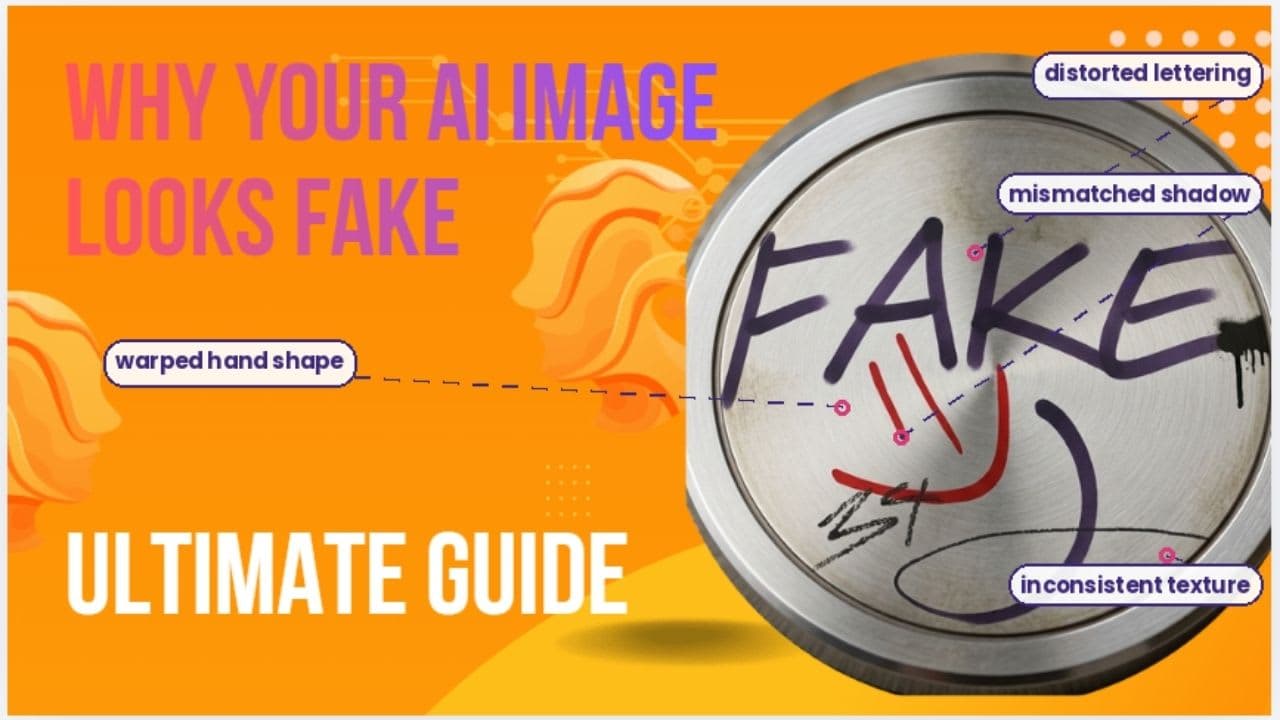
Your AI images look fake because small parts of the picture do not agree with each other. The lighting may not match the room, and a hand may bend the wrong way. The skin may look too smooth, and the background feels far too clean. Each flaw looks small on its own, but together they quietly break the illusion.
This happens because a model builds new pixels from learned patterns,
not from a real camera or a real scene. Learning why your AI images look fake
is the first step toward fixing them. The next step is careful prompting,
honest editing, and close visual review before you share it.
What Does an AI-Generated Image Actually Mean?
An
AI-generated image is a picture made mostly or fully by a computer model.
The model studies patterns from training data. It then builds new pixels
based on your prompt. It does not capture a real scene like a camera does. This
is one root cause of the fake look many people notice. The system is guessing
at real-world physics and light, not recording them. Not every
AI-assisted photo is fully fake, though. Some tools only swap a background.
Others smooth a face or add an object. This means AI content sits on a scale.
One end is a fully invented scene. The other end is a lightly edited
photo. Knowing where an image sits on this scale helps you judge it fairly.
Bold takeaway: a fully generated image and a lightly
edited one are not the same thing. Always check which type you are looking
at before you judge its realism.
Why Your AI Images Look Fake Even When They Look
Sharp
Your
AI images look fake because your brain checks for consistency first. It
does this before you even notice the details. A face can look real. But
if the light in the room does not match it, something feels wrong. Human
eyes are very good at spotting bad depth and texture. You may not know
why an image feels off. But your brain still flags it. This is also why old
tricks do not work well anymore. Fingers and eyes used to look
strange in AI photos. Now they often look normal. A strange hand can raise
doubt. But it cannot prove an image is fake on its own. The real issue is small
coherence errors. These are tiny breaks in how light, shadow,
and material behave together. One broken detail can make the whole image
feel artificial. There is also a gap between looking real and being believable.
A photo can have perfect skin and still have broken shadows. This
gap is often the true reason a synthetic photo still feels off, even
after careful editing.
A Simple Verification Workflow
|
Stage |
What to Check |
What It Tells You |
|
Source |
Original publisher |
Context and ownership |
|
Visual review |
Anatomy and light |
Signs of AI generation |
|
Reverse search |
Earlier versions |
Image history |
|
Metadata |
File data |
Edit and creation clues |
|
Provenance |
Content Credentials |
Recorded origin |
|
Detection |
AI detector score |
Extra probability signal |
|
Verification |
Outside sources |
Claim credibility |
Visual Signs of a Fake AI Photo
Careful
visual checks can reveal a synthetic image in many cases. Look at anatomy,
text, reflections, shadows, and backgrounds. Do not just
check one detail. A group of small errors is stronger proof than one flaw
alone.
Check hands, teeth, and facial details. Hands are still worth a
look, though they are less reliable than before. Check fingers, nails,
ears, teeth, and face shape. Also check skin texture. Skin
that looks too smooth often signals a quality issue that you may miss at
first glance.
Look for strange text and logos. This is a common reason a fake
photo slips through. Signs, menus, and logos often
show warped letters. If a photo shows a real business, clear and correct
branding matters. It supports brand trust.
Check lighting, shadows, and reflections. All shadows
in a photo should point to one light source. Look closely at windows
and mirrors too. A mismatched reflection is a strong clue. It often
reveals a generation flaw, even when the main subject looks sharp.
Inspect the background. Backgrounds often get less care
during generation. Look for repeated objects, bent furniture, or
strange textures. These small background flaws can hurt realism even
when the main subject looks great.
How to Check if an Image Is AI-Generated
Start
by looking closely at the image. Then check where it came from. Find out who
posted it first. Check if other trusted sources back up the same story.
A reverse image search can show older versions of a photo. File
metadata and provenance tools can add more clues.
Start with the source. Find the earliest trusted
publisher of the image. Compare their words with what the image shows. Even
a real photo can mislead people if it has a false caption. This point
matters beyond just checking for visual flaws.
Use reverse image search. This method works well when
someone reposts an old photo with a new, false story. It can find earlier
versions or related images. But a brand-new AI image may have no search
history at all. In that case, a blank result proves very little.
Check metadata. Metadata can show camera type, software,
and edit history. But apps and social platforms often strip this data
out. Missing metadata should support your view. It should never be your only
proof.
Look for Content Credentials. C2PA calls these records tamper-evident
provenance data. They can show if a file was made or changed by AI.
This system can log certain AI edits too, adding another layer of proof.
Which AI Image Detection Tools Can You Trust?
No
single tool deserves full trust here. Different tools check different signals.
Some study pixels. Others check hidden watermarks or file
history. Google's SynthID, for example, adds a hidden mark to AI
images made with its tools. Gemini can scan a file for that same mark.
Detectors estimate, they do not prove. A detector studies
patterns tied to AI output. It can guide your next step, but its score
is not final proof. Studies show real gaps in how well these tools work across
different AI models.
Provenance tools ask a different question. A detector
asks if an image looks like AI work. Provenance asks what history a file
actually has on record. Using both, plus a check of the source, gives far
stronger proof of origin than one tool alone.
Heavy edits can trick a detector. Strong compression or a
bold filter can make a real photo look fake to a tool. New AI models
can also fool older detectors, since they were not part of the training data.
How Fake AI Images Fuel Scams
Scammers
use fake images because a photo makes a lie feel true. This is a
serious result of AI photos getting harder to spot. A fake event, product,
or person can now look fully real. Strong emotion in a photo
should raise your guard, not lower it.
Fake pet posts use a cute photo and a sad, made-up story.
They often ask for money for transport or vet care.
Fake dating and art profiles use AI portraits to build
trust fast for a person who may not be real at all.
Fake charity and product posts pair a dramatic image with
an urgent ask for money. Always check the group or seller through an official
channel first.
Can Businesses Trust AI Images on Their Websites?
AI
photos do not always hurt a brand's trust. This may surprise you if you
assume every synthetic photo feels off at a glance. A 2026 Nielsen Norman
Group study tested six fake company web pages. It used both AI and real
stock photos with 77 U.S. adults. The AI photos were not rated as less
trustworthy overall.
Still,
context changes the result. Fair representation and clear detail
shaped how people felt. Some users reacted badly the moment they suspected AI
was used, even without proof. This makes honest disclosure a smart
move for any brand using synthetic images.
Use AI for ideas, not facts. Concept art and campaign
visuals can use AI freely. But real staff, offices, and products
should use real photos. This avoids confusion about things that truly exist.
How to Fix These AI Image Problems
Fixing
why your AI images look fake starts with your prompt, not your final
edit. Write clear details about light, material, camera angle,
and depth. Avoid vague lines like "make it look real." A
strong prompt can stop many errors before they even appear.
Fix anatomy first. Check hands, teeth, ears, and face
shape closely. These spots still show the most generation errors,
even on strong new models.
Fix light and shadow next. Every shadow and highlight
should point back to one light source. A mismatched shadow is one of the
fastest ways people spot a fake photo.
Clean up the background. Look for repeated shapes, bent
lines, or odd textures in the back of the photo. A quick pass here
can boost overall visual trust.
Treat each image as a draft. Realism comes from many small
parts working together. It is not about one perfect detail. Plan for
at least one edit pass before you publish. Check the image again at each
step.
What You Should Never Assume
Do
not assume one odd finger proves AI use. Do not assume missing
metadata proves a fake. Do not treat a detector score as final proof
either. A real photo can still carry a false caption. Good proof always
comes from many small clues, not just one.
Final Thoughts
The
real answer to why your AI images look fake is rarely one bad prompt. Realism
comes from many parts working as one: light, anatomy, texture,
and context. Treat each image as a draft, not a final photo. Whether you
make AI images or check them, use more than one method. Combine sharp visual
judgment with source checks and provenance tools. The goal is
not just to make images look real. It is to make them believable, honest,
and right for the people who will see them.
Frequently asked questions
How can you tell if AI pictures are fake?+
Look for small inconsistencies rather than one obvious flaw — mismatched lighting and shadows, warped text or logos, overly smooth skin, and messy backgrounds. Combine this visual check with reverse image search, metadata, and provenance tools like Content Credentials for stronger proof.
Can AI images look real?+
Yes, modern AI models can produce very sharp, realistic-looking images. But "looking real" and "being believable" aren't the same — an image can have perfect skin yet still have broken shadows or reflections that give it away.
How do I see how I actually look?+
This isn't something AI image tools are meant for — they generate or alter pictures based on patterns, not accurately capture your real appearance. A mirror or an unedited camera photo in natural light is the most reliable way to see how you actually look.
How to make AI people look real?+
Write detailed prompts specifying light source, material, camera angle, and depth instead of vague terms like "make it look real." Then review and fix anatomy (hands, teeth, ears), correct mismatched shadows, and clean up background errors before treating the image as final.
Can ChatGPT make AI photos?+
ChatGPT (via integrated image tools like DALL·E) can generate AI images from text prompts, but it isn't a camera and doesn't capture real scenes. Like other AI generators, its output can still show the same coherence issues — lighting, anatomy, or background flaws — discussed in this article.
Related articles
 Guides & Tutorials
Answer AI Extension Guide (2026): Free Limits and Safety
Discover how the Answer AI extension works, its free features, accuracy, subscription costs, and the best alternatives for your needs.
 Guides & Tutorials
Best AI Tools for Data Analysis in 2026: Needs and Costs
Best AI tools for data analysis: compare ten tools, real prices, hidden setup rules, and how to check AI results before you share.
 Guides & Tutorials
Best AI Tools Directories in 2026 (Compared and Explained)
Find the best AI tools directories in 2026. Compare the 9 top sites, spot paid listings, and learn how to submit your own AI tool.
New AI tool reviews, in your inbox.
Get new reviews and comparisons in your inbox. No spam, unsubscribe anytime.
Comments (0)
Be the first to comment.