Creatify AI Review: Pricing, Credits and Who It Suits
A research-based look at Creatify’s ad workflows, pricing and credit rules, including the limits to check before you choose a plan.
Introduction
Creatify AI is a tool for turning product links into short video ad drafts, including avatar-led ads. It is worth considering if you need several creative versions without filming each one from scratch. You still need to review the script, product claims, visuals and finished video before running an ad.
This is a research-based review of Creatify’s features, pricing and limits, not a hands-on video-quality or advertising-performance test. It draws on Creatify’s official product information and help documentation, with vendor claims identified as such. Before choosing a plan, check the billing commitment, seats and credit cost for the exact tool you need. Free-plan exports include a watermark. Creatify’s official pricing and help pages differ on recurring free credits, so confirm the allowance shown in your account.
Quick Verdict at a Glance
Creatify AI is a fast draft maker for sellers who need many ad
versions. It is not a full replacement for a creative team. Here is the short
version before the details.
• Best for: Shopify,
Amazon, and Etsy sellers, dropshippers, and small agencies who need UGC-style
video ads for social testing without hiring actors.
• Core strength:
URL-to-video. You paste a product link, and Creatify pulls the assets, writes a
script, and builds an avatar-led ad draft.
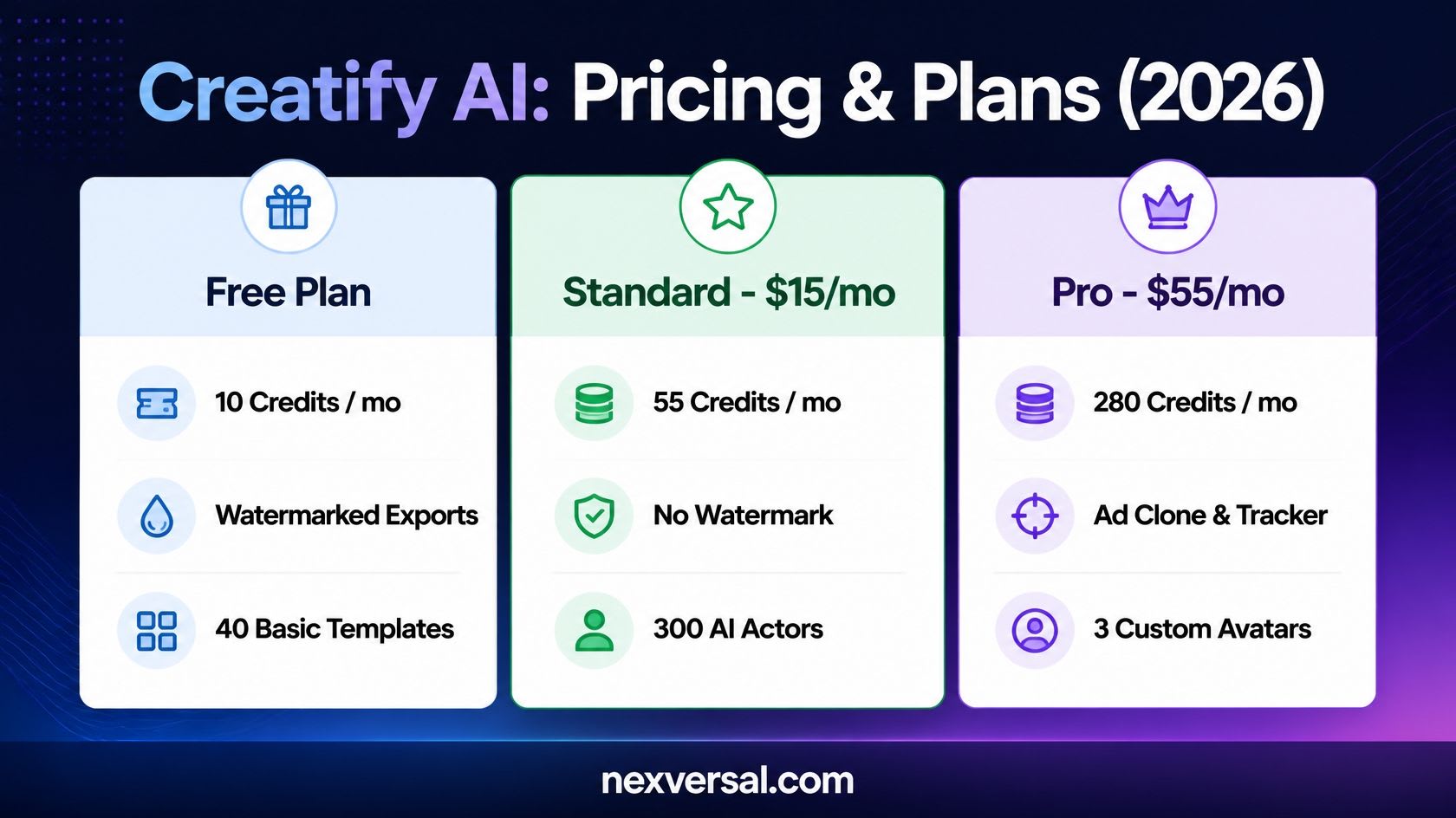
• Free plan reality: Free-plan exports include a watermark. Creatify’s official pricing and help pages differ on recurring free credits, so confirm the current allowance in your account.
• Paid plans: Watermark
removal starts on the Standard plan. Creatify’s page lists it at $15 a month,
or $10 a month on annual billing.
• Main catch: Credits
drive the real cost. Re-running the AI uses more credits, and some features
have no fixed price.
What Is Creatify AI?
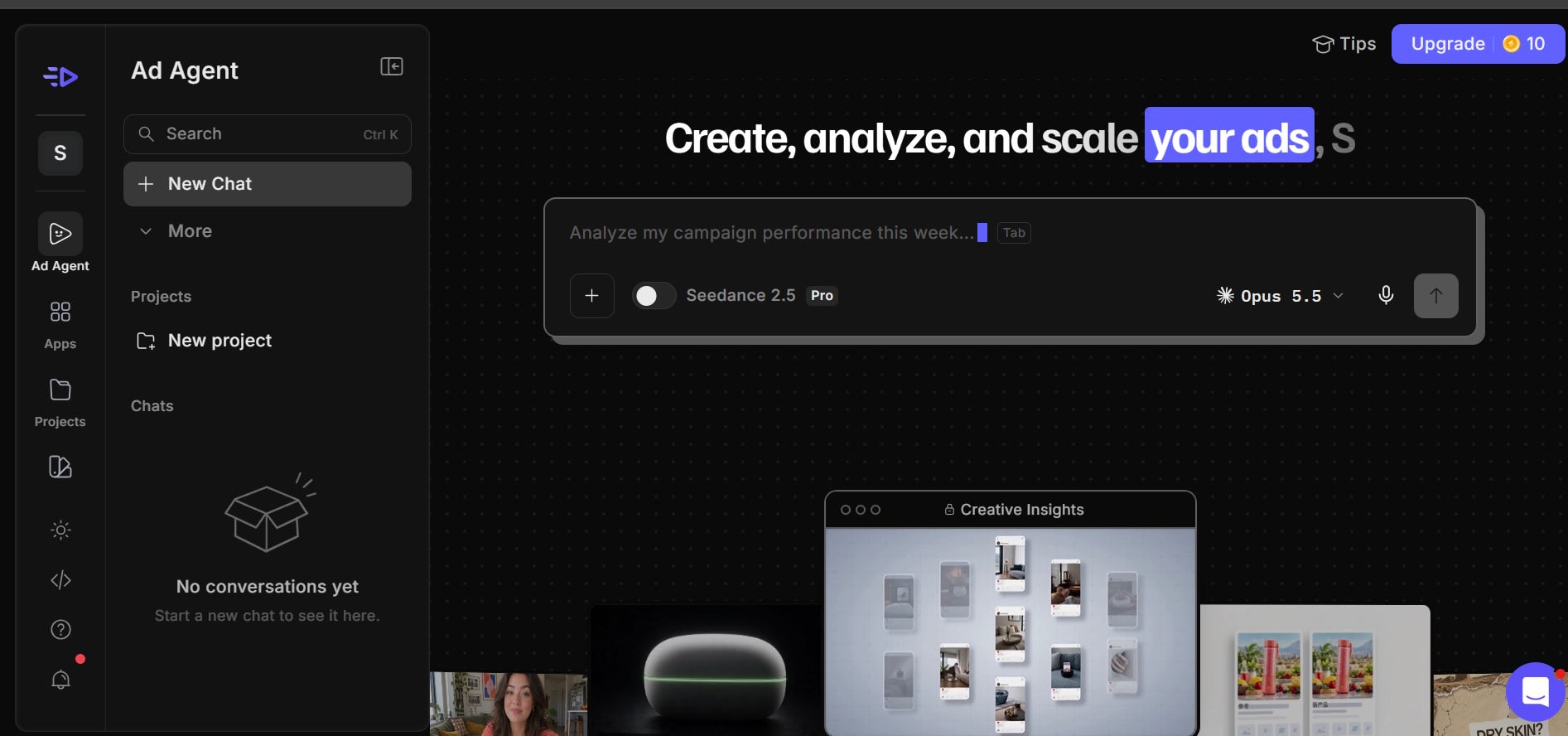
Creatify AI is a cloud-based video ad maker for direct-to-consumer
(DTC) brands, dropshippers, and performance marketing teams. It does not make
cinematic scenes from art prompts. It focuses on commercial conversion ads
that sell a product.
Its core engine takes a product link, pulls the photos, title, and
selling points, and builds a short ad. Creatify’s URL-to-video page lists
support for Amazon, Etsy, eBay, Shopify, Wix, WordPress, the App Store, and
Google Play. For a wider view of video workflows, see our guide to AI tools for a video generator.
How This Creatify AI Review Was Made
This Creatify
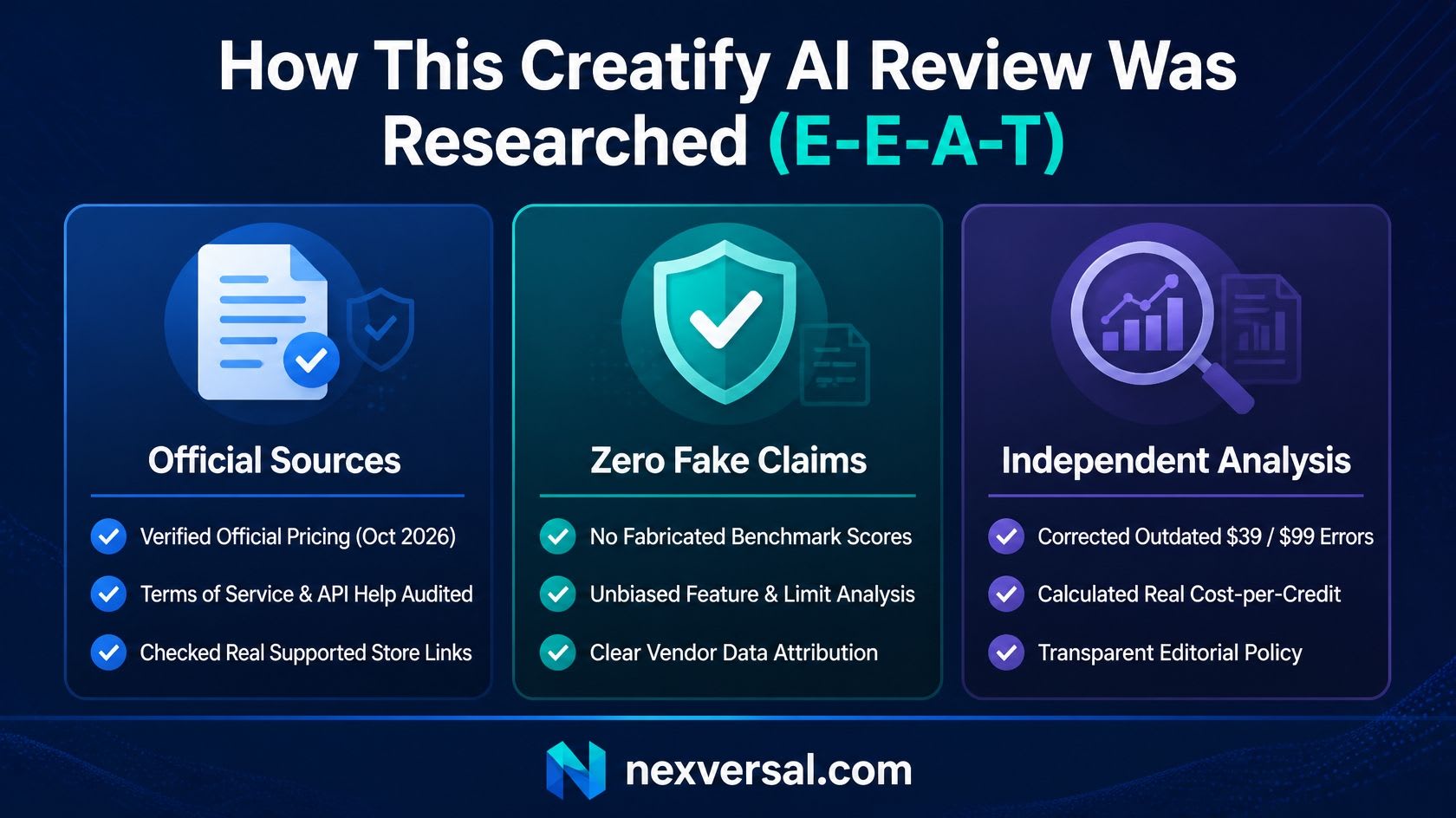
AI review relies on Creatify’s own pricing page, feature pages, and help
text, all checked on October 20, 2026. It has no hands-on test results. So it
gives no video quality scores. When a number comes from Creatify, the text says
so.
Plans and
prices can change fast. Older reviews list a Starter plan at $39 and a Pro
plan at $99. The pricing page checked for this article shows different plan
names and prices. Always confirm the final price at checkout.
How the URL-to-Video Workflow Works
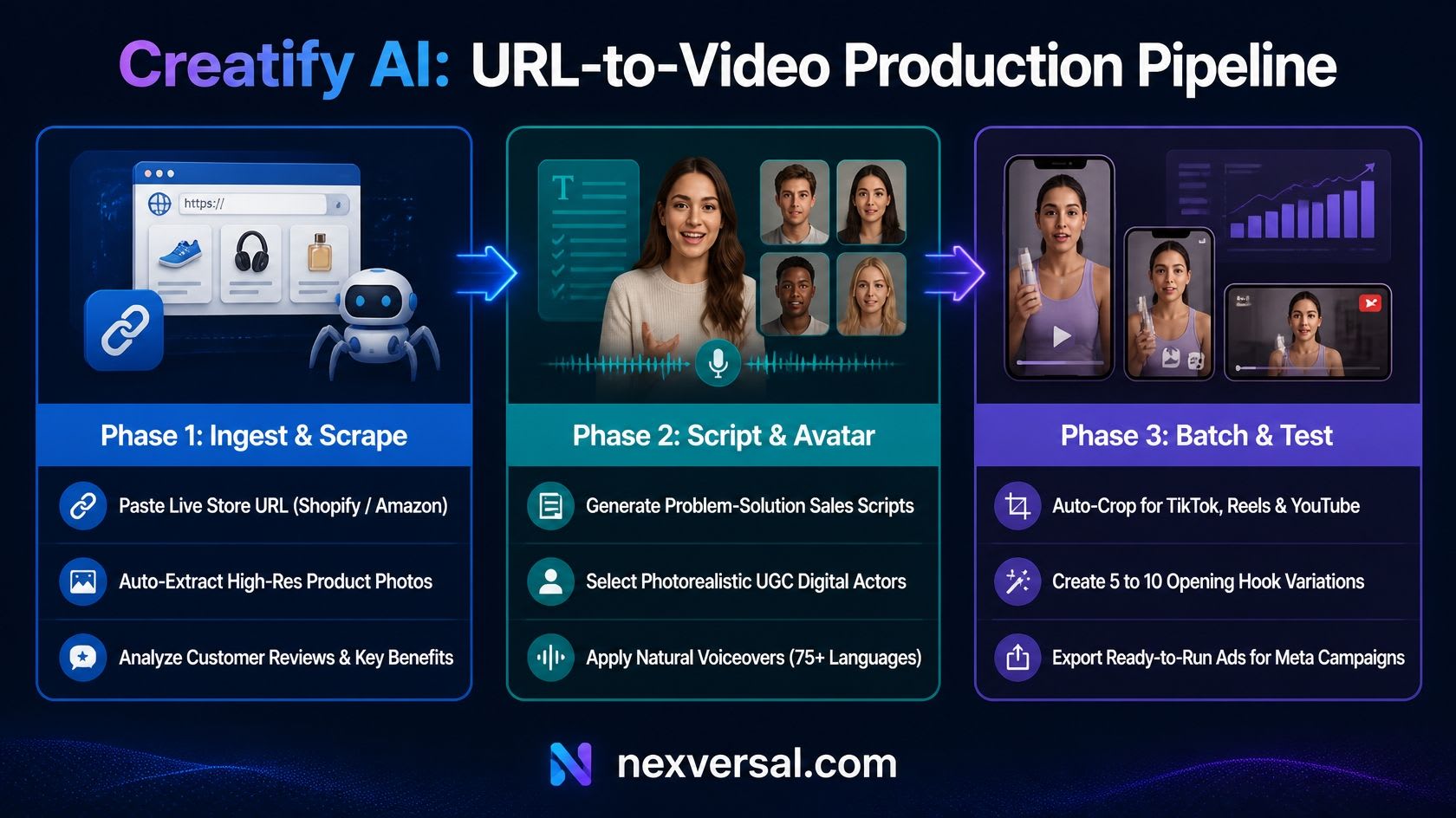
The usual
video cycle takes days of scripting, filming, and editing. Creatify cuts that
into a few steps. Creatify’s page says a draft can arrive in under 60 seconds.
Its API help says link-to-video takes about five minutes. Plan for minutes, not
seconds.
• Paste the product link. Creatify reads the page and pulls product photos, features, and
key selling points.
• Get an AI script. The built-in
writer drafts several ad angles, such as problem-and-solution, unboxing,
testimonial, or direct offer.
• Pick an avatar and voice. Choose a digital actor from the library. Creatify says voiceovers
cover 75+ languages. Its URL-to-video page lists avatar support for 29
languages.
• Customize and make versions. Change
backgrounds, music, and messaging. Then create several versions with different
hooks to test your cost per click.
Treat the
first draft as a starting point. A human should check every claim, price, and
offer before you spend ad money.
Key Features Breakdown
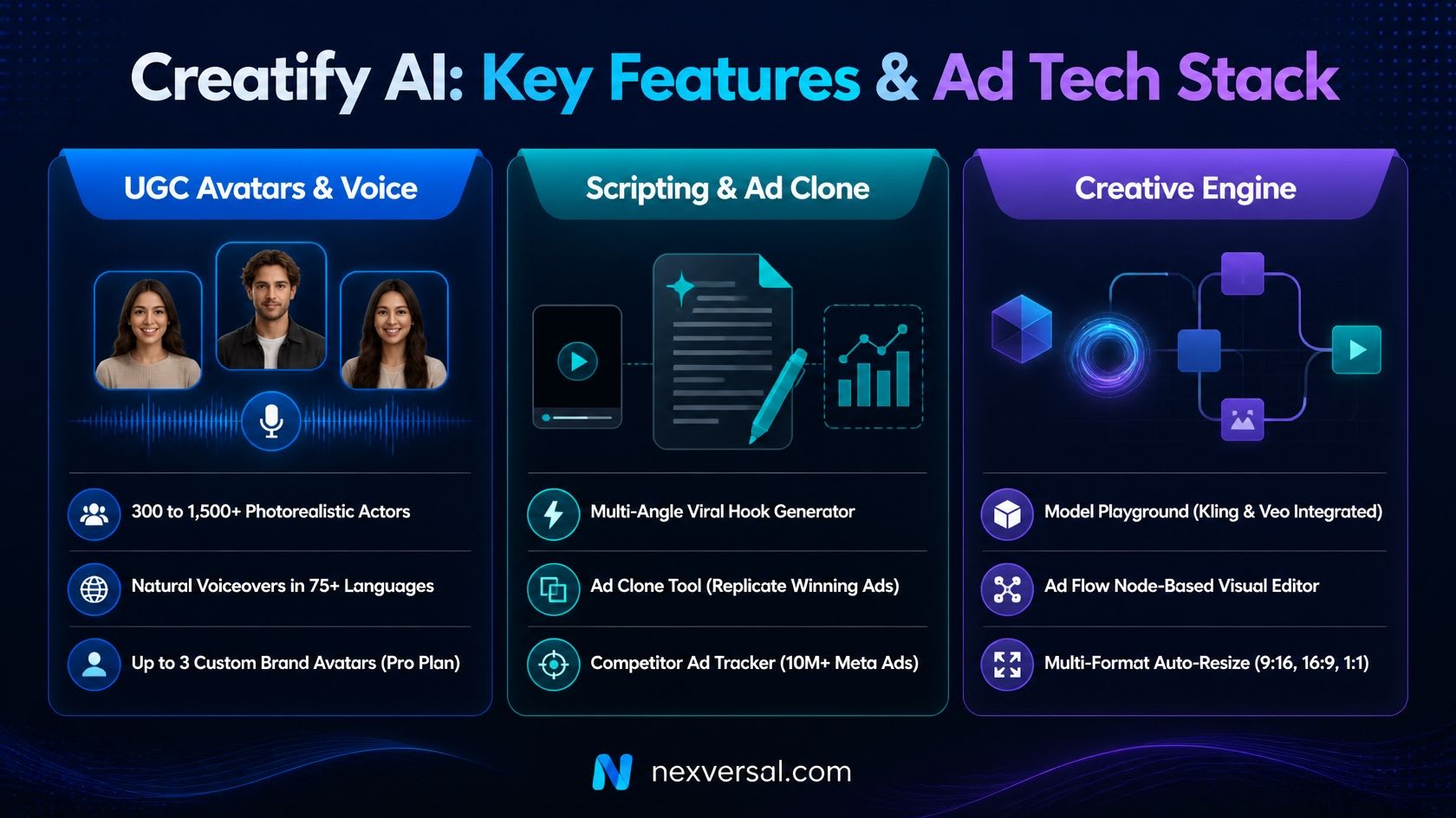
Creatify has a long feature list. The sections below cover the
ones that affect your choice of plan.
Photorealistic UGC Digital Avatars
Creatify
lists 300 AI actors on the Free and Standard plans. Pro and above list 1,500
actors and 3 custom avatars. These avatars act like UGC creators. They
talk to the camera and show the product benefits. Short clips tend to look more
natural than long ones. If you want a branded spokesperson, read our guide on consistent AI
characters. Custom avatar creation does not
use credits, according to Creatify’s API help. Extra avatar slots cost extra.
Multi-Angle Scriptwriting Engine
Writing a
hook for the first three seconds is hard for non-writers. Creatify’s script
tool drafts different hook styles from your product data. Three common ones are
below:
•
Curiosity hook: “Stop
scrolling if you struggle with…”
•
Social proof hook: “Why thousands
of customers switched to…”
•
Feature spotlight: “Three
things you did not know this could do…”
Weak scripts
usually trace back to weak product pages. Fix your page first. For help with ad
copy, see these best AI
copywriting tools.
Ad Clone and Competitor Analysis
Ad Clone
needs the Pro plan or higher. You pick an ad from Creatify’s library or upload
a video. The tool studies the hook, pacing, and call to action. Then it
rebuilds the script for your product. Creatify says it does not copy word for
word. Pro also includes a Competitor Ad Tracker with 10M+ Meta ads, per
Creatify’s pricing page. Creatify says cloned ads can export in 9:16, 16:9, and
1:1 together. See Creatify’s Ad Clone page for the full
description.
Creative Agent and Ad Flow
Creative
Agent is a chat helper. You describe the ad, and it plans and builds it. Ad
Flow is a node-based editor for ready-to-ship ads. Both appear on Creatify’s agent page and its
pricing table. Creatify says you see the credit cost before you confirm a
generation. Still, agent runs can use more credits than a simple video. Test
with small jobs first.
Model Playground
Creatify also
gives access to premium video and image models in one place. Its pricing page
names Seedance 2.0 and Kling 3.0 Standard on Standard. It names Seedance 2.5,
Veo 3.1, and Kling 3.0 Pro on Pro and above. This matters because Creatify is
not only an avatar tool now. For a model comparison, read Veo 3 vs
Kling AI. Premium models use more credits than avatar clips.
Ad Launcher and Performance Agent
Creatify’s
pricing table lists an Ad Launcher for Meta, TikTok, and AppLovin. It also
lists a Performance Agent that reads ad data from those platforms. Both
help you test ads without switching tools. You still need a clear plan for what
to test. For channel ideas, see the best AI tools
for social media marketing.
Image Ads and Product Shots
Creatify also
makes static image ads and product shots. Its pricing page names GPT Image 2.5
for images. Image work is cheap in credits compared with video. If you want
better prompts, read how to write AI
image prompts that work.
For a look at
other image tools, see this FLUX.2 vs
Midjourney product photo comparison.
Creatify AI Pricing and Plans (2026
Breakdown)
Creatify
sells monthly plans built on credits. Video length, model choice, and re-runs
decide how many credits each job uses. The table below comes from Creatify’s
pricing page, checked
October 20, 2026. Annual billing shows 30% off.
|
Plan |
Monthly
price |
Annual
billing (per month) |
Monthly
credits |
Video
length |
Key
features |
|
Free |
$0 |
$0 |
10 |
Not listed |
Watermark,
300 actors, 40 templates, 10 premium models |
|
Standard |
$15 |
$10 |
55 |
Up to 2
minutes |
No
watermark, 300 actors, 200+ templates, 50+ models, 1 seat |
|
Pro |
$55 |
$38 |
280 |
Up to 10
minutes |
1,500
actors, 3 custom avatars, Ad Clone, Competitor Tracker, 1 seat |
|
Max |
$95 |
$66 |
730 |
Up to 10
minutes |
Everything
in Pro, 3 seats, 10 parallel generations |
|
Business |
$195 |
$136 |
1,500 and
up |
Up to 10
minutes |
10 seats,
10 brand spaces, unlimited Competitor Tracker brands |
|
Enterprise |
Custom |
Custom |
Custom |
Custom |
Unlimited
seats, custom fine-tuning, SOC 2, account manager |
Monthly
prices are the struck-through list prices on the page. Annual prices are the
bold prices. Check which one your checkout shows.
How Credits Work
Creatify’s page says credit use depends on the model, feature, and
output. It also says you see the cost before you confirm. These rules come from
Creatify’s page and help text, as reported by AdRoast:
• Video ads and avatar videos: about 5 credits per 15 seconds, rounded up.
• Revisions: 3 credits per 15 seconds. On Pro or higher, revisions are free if
you keep the same script, avatar, and voice.
• Manual edits after export: text, captions, trims, and layout changes are free and unlimited,
per Creatify’s FAQ.
• Regenerating the AI output: new video, avatar, voice, or script runs use credits.
What One Ad Really Costs
Here is a simple estimate. It uses the 5 credits per 15 seconds
rate. Your cost will rise with premium models or many re-runs.
• Standard: $15 for 55 credits is about $0.27 a credit. A 30-second avatar ad
(10 credits) costs about $2.73.
• Pro: $55 for 280 credits is about $0.20 a credit. The same ad costs
about $1.96.
• Max: $95 for 730 credits is about $0.13 a credit. The same ad costs
about $1.30.
The pricing page also shows what 55 Standard credits buy: 11
avatar videos of 15 seconds, or 7 Seedance 2.0 videos of 5 seconds. Compare
this with AI image generator pricing if you also make image ads.
Ways to Save Credits
Small habits can stretch a plan. These tips follow Creatify’s own
credit rules and pricing page:
• Use free manual edits: Text, captions, trims, and layout changes after export cost
nothing. Save AI re-runs for real changes.
• Pick cheaper models for tests: On Standard, 55 credits buy 110 Boreal videos of 5 seconds. The
same credits buy only 7 Seedance 2.0 videos of that length.
• Test short first: A 15-second
draft costs about 5 credits. Check the hook before you build a longer ad.
• Lock script, avatar, and voice: On Pro or higher, revisions are free if you keep those three the
same.
• Compare billing: Annual
billing shows 30% off. Only pick it after a month of real use.
Credit Expiry, Plan Changes, and
Refunds
Creatify says
unused credits stay valid for two months. So they can carry into the next
month. If you change plans, leftover credits stay for the new billing cycle.
You cannot leave an annual plan until you have under 10 credits left. Free
credits cannot move to a paid plan. You can cancel anytime, and the plan stays
active until the cycle ends. Creatify points to its Terms of
Service for refunds.
Read that page first.
Free Plan Details
Creatify offers a free plan with watermarked exports. Its pricing page describes 10 monthly credits, while its help FAQ gives a different recurring allowance in its replenishment answer. Confirm the current credits shown in your account before planning ongoing production. Use the free plan to assess the workflow, not as a guaranteed campaign allowance.
Practical Drawbacks and Limitations
Creatify is
fast. But you should know the limits before you subscribe.
• Free plan watermark: The 10 free credits are for testing. Free exports carry a
watermark, so you cannot run clean paid ads from them.
• Credit burn on re-runs: Fixing a mispronounced brand name means regenerating the voice or
video. That uses credits. Preview scripts before final renders.
• Unclear pricing across sources: Many reviews
still show $39 and $99 plans. The official page lists different names and
prices. Verify before you budget.
• Speed claims vary: The feature page says under 60 seconds. The API help says about
five minutes for link-to-video.
• Physical product demos: Avatars cannot truly handle, assemble, or use physical items.
They look best beside a product graphic or B-roll overlay.
• Seats are limited: Standard and Pro include one seat each. Teams need Max or
Business.
• Platform rules still apply: Creatify’s
API help says to follow downstream ad and community policies. Check each
platform’s AI disclosure rules.
• Draft quality needs review: AI scripts
can overstate benefits. A person must check claims, prices, and offers.
Privacy, Security, and Content Rules
Ad videos often use customer
photos and brand assets. So privacy matters. Creatify’s API help says it
collects minimal operational and usage data. It says it does not sell personal
data. It also says users can ask for deletion and opt out of marketing. Read
the full privacy policy before you upload sensitive
assets. Creatify lists SOC 2 security and compliance under Enterprise. Its API
help also says to obey IP and likeness laws and avoid abusive content. Creatify’s
AI ethics page explains its
approach. Do not clone or copy a competitor’s exact script, music, or brand
elements.
Who Should Use Creatify AI?
• E-commerce brands and dropshippers: Good for store owners who test many ad angles each week. For more
store tools, see the best AI tools for ecommerce business in 2026.
• Affiliate and TikTok Shop marketers: Useful for fast, multilingual clips. Note that TikTok Shop links
are not on Creatify’s listed supported sites.
• Solo founders and small teams: A low-cost way to test video. See the best AI marketing tools for small business and the AI toolkit for solopreneurs.
• Marketing agencies: Helpful for bulk first concepts before costly shoots. Max and
Business add seats and brand spaces.
It fits less well if you need cinematic brand films or only one
video a quarter. For more picks, browse AI tools for small business.
Creatify AI vs. Top Competitors
Creatify competes with avatar ad
tools and with general video models. The table keeps the claims simple. Arcads
prices come from a comparison on Creatify’s own blog, so treat them with care.
|
Feature |
Creatify
AI |
Arcads |
General
video models (Runway, Kling) |
|
Main focus |
Product
link to video ad |
AI actor
UGC ads |
Prompt-based
video scenes |
|
Starting
price |
$15 a month
(Standard) |
$29 a month
(Lite); $110 list for Starter |
Varies by
tool |
|
Best
workflow |
Store link
scraping and batch versions |
Talking-actor
realism |
Creative
motion and storytelling |
|
Ease of use |
High (paste
a link) |
High |
Moderate
(prompt skills) |
Creatify now includes Kling and
Veo inside its Model Playground. So the gap is smaller than it was. Compare
more tools in our AI comparisons.
Creatify AI Review Verdict: Is It
Worth It?
Based on
Creatify’s own pages, this Creatify AI review finds a tool built for
volume. URL-to-video and batch versions solve a real problem: more ad tests
without more filming. It suits sellers who publish ads every week. Start on the
free plan with one real product link. Check how well it reads your page.
Upgrade to Standard to remove the watermark. Move to Pro only if you need Ad
Clone, the Competitor Tracker, or free revisions. Always review every draft
before you run it.
Final Thoughts on Creatify AI
Creatify AI
changed a lot in 2026. It added agents, premium models, and new plans. Any
older Creatify AI review may list old prices, seats, and limits. Use the
official pricing page as your final check. Test one product on the free plan.
Then compare your cost per ad with your ad budget. For more tools, browse AI video tools and AI for business
guides on Nexversal.
Frequently asked questions
What is Creatify AI used for?+
Creatify helps turn product links into short video ad drafts, including avatar-led ads. It is aimed at sellers and marketers who need multiple creative versions. Scripts, product claims and finished videos still need human review before publication.
Can I use Creatify for free?+
Creatify offers a free plan, but free-plan exports include a watermark. Its pricing and help pages do not consistently describe the recurring free-credit allowance, so check the allowance shown in your account before planning ongoing production.
How many credits does a 30-second Creatify video ad use?+
Creatify’s help FAQ states that AI Video Ads and Avatar Videos use 5 credits per 15 seconds, rounded up. Under that rule, a 30-second video uses 10 credits. Other tools and models can use different rates; check the cost displayed before rendering.
Do revisions use additional credits?+
Creatify’s help FAQ lists revisions at 3 credits per 15 seconds, rounded up, for the tools it describes. It also says Pro and higher plans do not consume revision credits when the script, avatar and voice remain unchanged. Check the displayed charge before regenerating a video.
How much does Creatify cost?+
Creatify offers several paid plans, and pricing depends on the plan and billing commitment. Check its official pricing page for the current price, whether payment is monthly or annual, included credits, seats and watermark removal. Compare the cost of the exact workflow you need rather than the headline subscription price alone.
Was Creatify tested hands-on for this review?+
No. This is a research-based review of Creatify’s official pricing, feature information and help documentation. It does not include hands-on video-quality tests, measured generation speeds or independent advertising-performance results.
Related articles
 AI Video Tools
Free AI Tools for a Video Generator: 10 Free Picks for 2026
See 10 free AI tools for a video generator in 2026. Compare watermark rules, monthly credit limits, and video resolution before you pick one.
 AI Video Tools
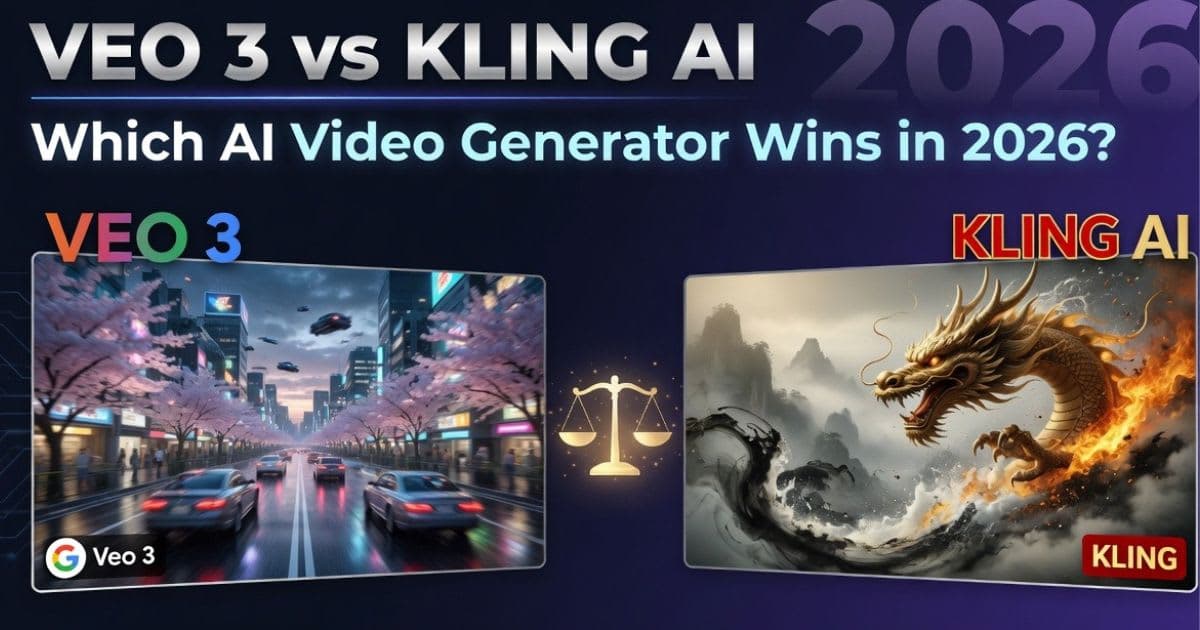
Veo 3 vs Kling AI: Which AI Video Generator Wins in 2026?
Veo 3 vs Kling AI: only one nails native audio and true 4K. See which wins on quality and price before you choose
New AI tool reviews, in your inbox.
Get new reviews and comparisons in your inbox. No spam, unsubscribe anytime.
Comments (0)
Be the first to comment.