How Single AI Provider Risk for Businesses: Must Know in 2026
Discover key single AI provider risks for businesses. Learn how vendor lock-in, sudden outages, and rising costs impact operations.
Introduction
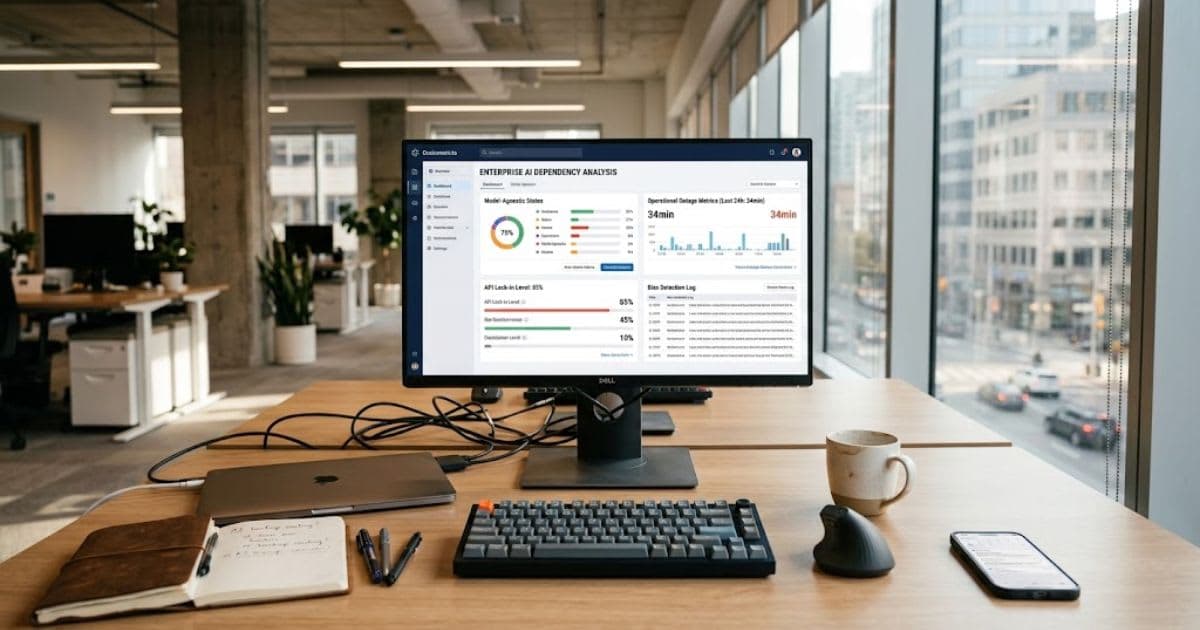
Single AI provider risk for businesses grows fast
when one AI tool runs your whole setup. Most leaders adopt automation quickly,
without checking what happens if that one system fails. This creates a real weak spot inside
daily operations. If your main vendor suffers an outage, raises prices, or
changes its terms, your business absorbs the full impact with no backup plan in
place.
This guide
breaks down the real dangers behind vendor
lock-in, data risk, compliance gaps, and human over-reliance on
a single tool. You will also learn practical steps, like building a multi-model setup
and reviewing your insurance
coverage, to protect your business before a real failure
happens.
Why Single AI Provider Risk for Businesses Keeps
Growing

Leaning
on one AI tool builds a weak spot into your daily work. Teams often skip backup
plans when they set up new automation. This turns one outage into a problem for
the whole company.
Single AI provider risk for businesses shows up fast once that one
tool fails. Work stops with no warning. Automated tools cannot run alone. A
single vendor failure can hit your bottom line hard and fast.
Who This Guide Is For
This
guide fits any leader who runs daily work through one main AI tool. It also
helps IT and legal teams who need to plan for outages, price hikes, or sudden
tool changes.
What This Risk Actually Costs You
Here
is a simple look at where this risk shows up most.
|
Risk
Area |
Main
Cause |
Business
Impact |
|
Operational
lock-in |
One
vendor's system fails |
Full
work stoppage |
|
Data
rules |
Data
leaks or misuse |
Fines
from regulators |
|
Legal
exposure |
Bad
automated output |
Contract
or legal fights |
The Trap of Vendor Lock-In
Building
your systems around one closed AI vendor weakens your say in the deal. If that
vendor hikes prices or changes its tools, you cannot switch fast. Your team
absorbs the cost of a slow, costly move to a new system. Firms often ignore
this risk until costs jump fast. Single AI provider risk for businesses
grows here, since one vendor can set its own terms with little pushback from
you.
Why Switching Costs So Much

Moving
data off a closed system often means rewriting a lot of code by hand. Most
teams do not have spare staff ready for this work. This delay adds real cost,
on top of whatever price hike started the move.
Real Risks: Wrong Facts, Privacy, and Attacks
AI
tools can state wrong facts with full, false confidence. This is often called a
model error, or hallucination. When staff trust these wrong facts, they
make real choices based on bad data. At the same time, cyberattacks keep aiming
at these central AI setups. Hackers use tricks like prompt tricks to pull
private data out through weak points other tools might not even have.
When Bad Output Turns Into a Legal Problem
Unchecked
AI drafts can create real legal risk. If staff share a wrong legal summary or a
bad forecast built on AI output, that slip can hurt trust with real clients
fast.
How Attackers Hit a Single System
One
central AI setup is one clear target. Attackers who find one weak spot can pull
out sensitive data fast. This often slips right past normal security tools
built for other kinds of threats.
Compliance, Bias, and Legal Risk
Rule-makers
watch AI closely when it screens job seekers or approves loans. A system with
no checks can give biased results against certain groups. This can lead to real
legal trouble for your firm. This risk also shows up as rules shift across
regions. Legal teams now must track fast-changing AI rules. This gets much
harder when your whole system depends on just one vendor's setup.
Bias in Automated Choices
If your hiring or lending tool runs on one AI model, any bias in that model spreads into every choice it makes. Leaders must check these results often to catch problems early, not after harm is done.
Copyright and Data Risk
Many
AI tools train on huge sets of public data. This can expose your firm to
copyright claims if a tool's output copies existing work too closely. Check
your vendor's rules on this before you trust its output fully.
The Human Cost of Leaning on One Tool
Heavy
AI use can slowly weaken your team's own skills. Junior staff may skip basic
research work. Over time, they lose problem-solving instincts they would
normally build early on in their careers. This becomes a real risk during an
outage. If your one AI tool goes down and staff have no manual backup steps,
work simply stops until it comes back online.
When Teams Stop Checking AI Work
Busy
teams often stop checking AI answers as closely over time. Small errors then
slip into real client work, since no one double-checks the tool's logic
anymore.
Closing the Governance Gap
Many
leaders roll out AI tools with no clear rules around them. Staff may then use
tools on their own, without approval, and this exposes company data with no one
noticing. Leaders also need to know how their AI tools reach a given answer. If
no one can explain why a tool made a call, that becomes a real risk during any
audit or legal dispute later.
Building Clear Usage Rules
Every
team should have clear rules on which AI tools staff can use, and what data can
go into them. Regular checks on use logs catch problems early, before they turn
into real incidents.
Watching for Unapproved Tool Use
Staff
at times sign up for outside AI tools on their own, with no word to IT. This
kind of use is often called shadow AI. It can leak data outside your normal
safety net entirely.
Building a Backup Plan With More Than One AI Tool
Smart
firms now connect to more than one AI model, instead of just one. This spreads
out the risk, so one vendor's outage does not stop your whole business at once.
This
kind of setup sends each job to the best tool for it. It picks based on cost,
speed, or how correct the answer needs to be. If one tool fails, your system
can switch to another, often before your customers even notice.
How This Setup Actually Works
A
middle layer sits between your business tools and the AI models themselves.
This layer lets your engineers swap one AI tool for another, with no need to
rewrite your core systems each time.
Getting Started With a Backup Model
Start
small. Pick one high-risk task, like customer replies or report drafts. Add a
second AI tool as backup for just that one task, before you roll a full backup
plan out company-wide.
Insurance for AI-Related Risk
Most
normal business plans do not cover AI mistakes. Many now list clear gaps for
harm caused by automated tools. This leaves real holes in your cover that many firms
miss.
Here
is the basic setup worth knowing:
● Normal
liability plans often exclude AI-related errors
● Add-on AI
coverage can cover mistakes from automated choices
● Standalone
AI insurance covers bigger tool failures and data loss
Ask
an insurance advisor who knows this space. Do this before you assume you are
already covered.
Why Insurers Are Still Catching Up
Insurers
find this risk hard to price well. Big AI failures are still rare and hard to
predict. This often means stricter payout limits on what a policy will actually
cover.
|
Coverage
Type |
What
It Covers |
How
It Gets Priced |
|
Cyber
coverage |
Fraud
from fake content or AI attacks |
Based
on real incident reports |
|
AI
add-on coverage |
Errors
from automated choices |
Set
trigger conditions |
|
Standalone
AI insurance |
Full
tool failure, data loss |
Full
risk checks first |
A Simple 5-Step Risk Plan
Handling
this risk well takes an ongoing habit, not a one-time fix. Here is a simple
path most firms can follow.
● List every
AI tool your firm uses right now
● Check each
vendor's track record and support history
● Add a
second tool as backup for your most critical tasks
● Set clear
rules for human checks on AI output
● Review your
insurance plan at each renewal date
Single AI provider risk for businesses shrinks fast once you
follow steps like these, instead of only reacting after something breaks down.
Real-World Warning Signs to Watch For
Certain
warning signs often show up before a bigger failure hits. Learning to spot them
early gives your team time to act, not just react once something breaks.
● Slower
response times from your main AI tool with no clear cause
● Sudden
changes to pricing or usage limits with little notice
● Vague or
shifting terms of service updates
● Repeated
small errors in AI output that used to be rare
● Your team
relying on one tool for tasks with no fallback plan
If
you spot two or more of these at once, it may be time to test a backup option
sooner rather than later.
Final Thoughts
Single AI provider risk for businesses is not a reason to avoid
AI. It is a reason to build AI into your systems with care, and with a real
backup plan in place. Map your current tools, check each vendor's track record,
add a second tool where it matters most, and review your insurance plan. These
simple steps protect your business long before any real failure happens.
Expert Insight: Steve Jaenke on AI Provider Risk
Steve Jaenke, Founder and CEO of Digimark, recommends avoiding dependence on a single AI provider. He suggests building flexible systems so businesses can switch providers when APIs, pricing, or capabilities change.
Frequently asked questions
What are the risks of using AI in business?+
The main risks are vendor lock-in, wrong outputs from AI models, data privacy gaps, and compliance issues. Relying on just one AI provider makes each of these risks worse, since there is no backup if something fails. Using more than one AI tool, with clear human review, helps manage most of these risks well.
What was Stephen Hawking's warning about AI?+
Stephen Hawking warned that highly advanced AI could outpace human control and pose a risk to humanity's future. He said this in various interviews and talks before his death in 2018, urging caution as AI capabilities grew.
What are 5 risks of AI?+
Common risks include job displacement, biased or unfair outputs, privacy and data misuse, security vulnerabilities, and the spread of misinformation. Different AI use cases carry different weights of each risk.
What was Bill Gates' warnings about artificial intelligence?+
Bill Gates recently warned that AI could permanently destroy jobs in law, medicine, and customer service within about a decade, hitting entry-level roles hardest. He also flagged risks like AI-enabled cyberattacks and harm to children's development, calling the shift one of the most turbulent times in history.
Which industries are most impacted by AI?+
Tech, customer service, finance, and media face the biggest changes, since AI handles writing, coding, data analysis, and support tasks well. Retail and logistics also see major shifts through automated inventory and demand forecasting. Healthcare and law are catching up fast, mainly in research and document review.
Related articles
 AI for Business
AI Tools for Small Business That Pay for Themselves
AI tools for small business that pay for themselves fast — real picks for marketing, support, and accounting.
 AI for Business
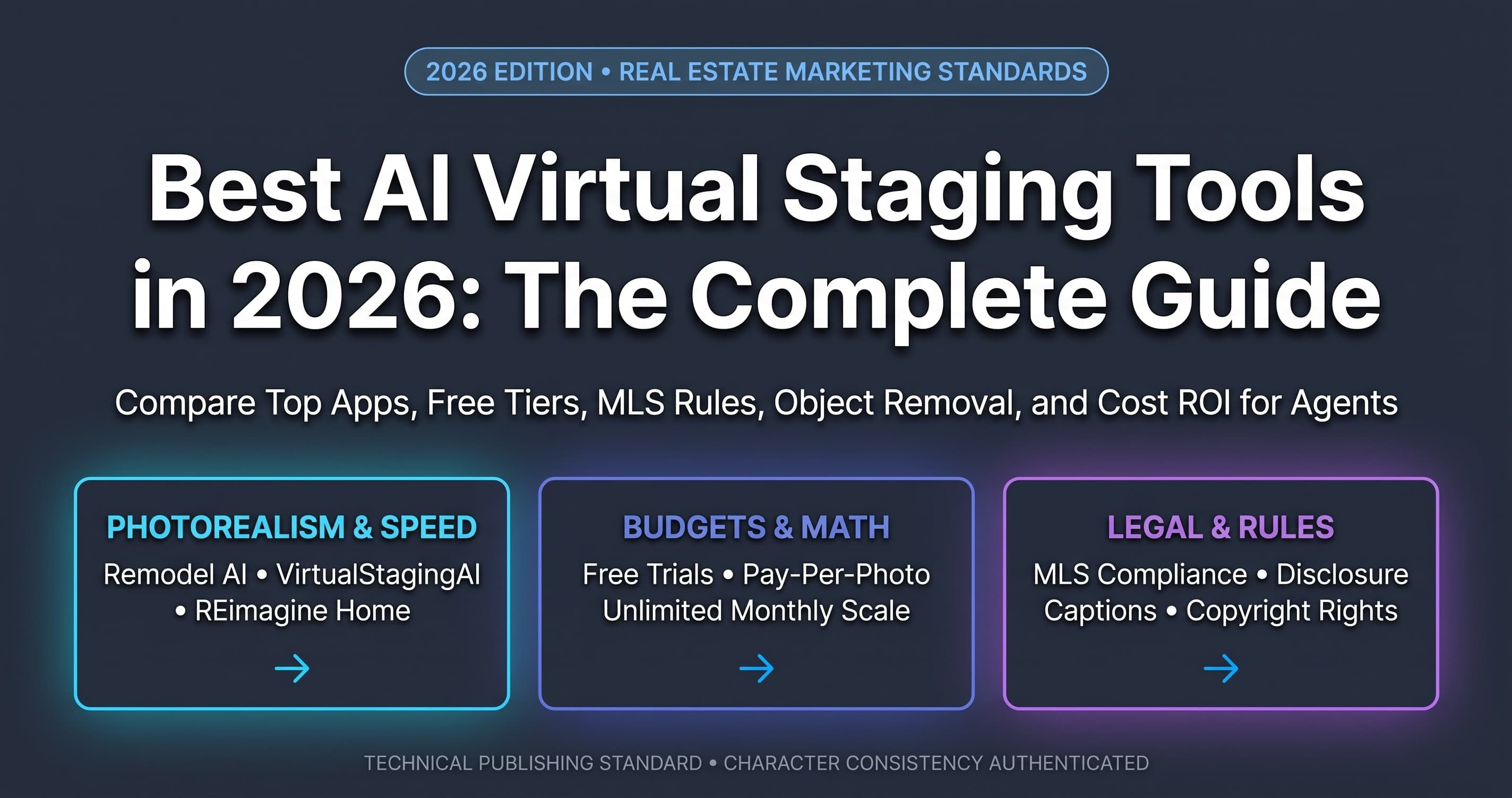
Best AI Virtual Staging Tools in 2026: Real Estate Guide
Transform empty listings with AI virtual staging. Add photorealistic furniture in seconds to attract buyers and sell homes faster.
 AI for Business
Is It Worth It? GPT-6 Astra Pricing and Plans Revealed
Don't overpay for tokens. See full GPT-6 Astra Pricing, benchmark costs, and smart caching tips to maximize your software ROI now!
New AI tool reviews, in your inbox.
Get new reviews and comparisons in your inbox. No spam, unsubscribe anytime.
Comments (0)
Be the first to comment.