Is It Worth It? GPT-6 Astra Pricing and Plans Revealed
Don't overpay for tokens. See full GPT-6 Astra Pricing, benchmark costs, and smart caching tips to maximize your software ROI now!
Introduction
Navigating modern frontier intelligence requires looking beyond
headline figures to understand your true return on investment. Evaluating real
enterprise workloads demands a thorough breakdown of actual operating expenses,
making a clear analysis of GPT-6
Astra Pricing essential for technical leaders. On paper, the official rate card lists a standard base rate of $10.00 for incoming
data and $50.00 for generations.
However,
long-horizon developer workflows quickly uncover that identical sticker rates
do not yield identical monthly invoices. Teams reviewing the complete GPT-6 Astra Pricing structure
can lower net token expenditure
through strategic prompt caching,
while deep reasoning tasks achieve a significantly reduced cost per task via concise,
highly optimized output generations.
What Is GPT-6 Astra?
GPT-6 Astra is OpenAI's newest flagship model. It launched on September
3, 2026. It thinks through problems in clear steps before it answers. It can
also read close to a million tokens of text in one go. It runs real computer
use too. This means it can click, type, and fill out forms much like a person
would. OpenAI has shown it at work inside tools like spreadsheets and slide
decks.
Why the GPT-6 Astra Pricing Needs a Closer Look
Who This Guide Is For
This guide fits
developers, IT leads, and finance teams who need to plan a real budget. It also
helps anyone who wants clear facts, not vague marketing lines about cost.
The Core Rate Card
Here is the standard rate
card for GPT-6 Astra, next to one other well-known model.
|
Model |
Input
Rate |
Output
Rate |
Cached
Read Rate |
|
GPT-6
Astra |
$10.00
/ 1M tokens |
$50.00
/ 1M tokens |
$1.00
/ 1M tokens |
|
Claude
Fable 5.1 |
$10.00
/ 1M tokens |
$50.00
/ 1M tokens |
$0.25
/ 1M tokens |
Astra and Fable 5.1 share
the same base rate. The real cost gap shows up in cached pricing. This matters
most once your app runs long, repeat chats.
The 272K Token Price Jump
Pricing changes once one
request passes 272,000 input tokens. Past that point, the cached rate doubles,
from $1.00 to $2.00 per million tokens. Splitting large requests into smaller
parts helps you dodge this jump.
How the Long-Context Fee Works
Sending one huge document
in a single request feels easy. But it can trigger a real rate hike. Once your
input passes the 272K token mark, the cached rate doubles for that one request.
●
Under
272K tokens: standard cached rate of $1.00 per million
●
Over
272K tokens: cached rate rises to $2.00 per million
Splitting a big task into
smaller, separate calls often keeps your full cost lower than one giant
request.
Batch Discounts for Slower Work
Work that is not urgent
can get a 50% batch discount. This fits tasks like overnight code checks or
bulk file summaries, where a short delay in reply time does not matter much.
Why This Fee Exists at All
Long, single requests
place a heavier load on the system than short, split ones. The fee pushes users
toward smaller, more efficient requests, which also tend to run faster in
practice.
Astra vs Other Models on Price
Sticker rates only tell
part of the story. Real spend depends on how many tokens a model actually needs
to finish a task, not just the price tag per token. Astra tends to solve tasks
using fewer total output tokens than older models. This means your real, final
bill can end up lower than the sticker price suggests, most of all on hard,
multi-step work.
Why a Cheap Rate Does Not Always Mean a Cheap Bill
A model with a lower
price per token can still cost more overall. This happens if it needs far more
tokens to finish the same job. Always compare the total cost per finished task,
not just the rate card.
ChatGPT Plans vs Direct API Access
You can reach GPT-6 Astra
through a ChatGPT plan, or straight through the API. Each path fits a different
kind of user and a different kind of budget.
|
Access Method |
Billing Type |
Best Fit |
|
ChatGPT Plus / Pro |
Fixed monthly fee |
Everyday personal use |
|
Direct API |
Pay-as-you-go |
Ongoing engineering and agent work |
When a Monthly Plan Makes Sense
A fixed monthly plan
suits light, daily use, like writing help or quick research questions. Heavy
coding or agent work often hits usage limits faster than most people expect on
a plan.
When the API Makes More Sense
Direct API access gives
your team full say over spend, with clear, itemized use tracking. This fits
teams running steady, high-volume agent work best, where clear, pay-as-you-go
billing matters most.
Daybreak Access for Cyber Work
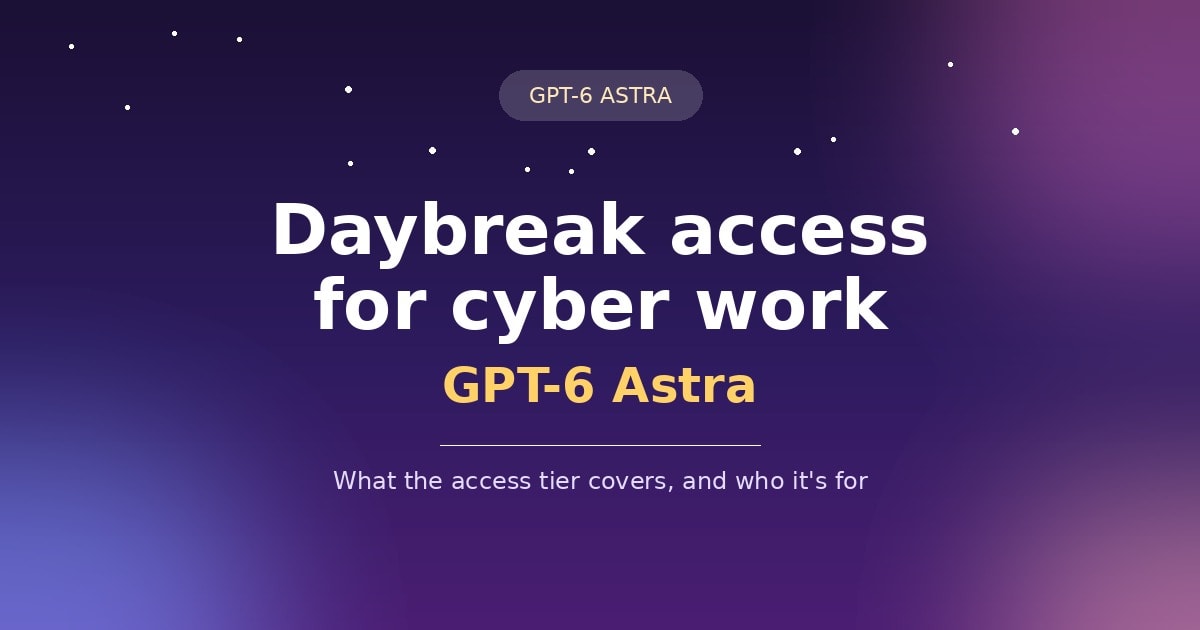
GPT-6 Astra is the first
OpenAI model to cross the "Critical" line for cyber risk under the
firm's safety framework. It can find and use unknown security flaws largely on
its own. Because of this, OpenAI keeps its full cyber skill closed off from
most users. Access to the strongest features runs through a separate sign-off
path called Daybreak. It splits into defense-focused and more advanced tracks
for checked security teams.
What This Means for Most Users
Most people never need Daybreak access. The standard public build already turns down risky cyber asks. This gate mainly hits security research teams, not normal daily use.
Where You Can Run This Model
Astra runs through
OpenAI's own API, and through major cloud platforms too. This gives bigger
teams real choice in how they connect it to systems they already use.
●
OpenAI's
direct API and developer platform
●
Microsoft's
cloud AI platform
●
Amazon
Web Services, through supported connectors
Picking the Right Platform for Your Team
Pick your current cloud
provider when you can. This often makes billing, ID checks, and rule compliance
simpler, since your team has likely set those up already.
Real Cost Examples
Short, single-turn
prompts cost about the same no matter which model you pick, since the base rate
matches. The real cost gap opens up on long, multi-turn agent chats. An agent
that re-reads a large shared knowledge base on every turn gains the most from
cheap cached pricing. Since this model's cache rate sits higher than some
rivals, heavy repeat-context work may cost more here.
A Simple Way to Guess Your Bill
Before you commit to a
model, run a real test batch of your actual tasks first. Track the real token
count used per task, not just the listed rate, to get an honest cost guess.
Managing Costs at Scale
Big teams rarely send
every task to the priciest model. Most build a simple routing setup. It matches
each task to the right model, based on how hard the job is.
●
Simple,
routine questions: send to a smaller, cheaper model
●
Hard
reasoning, coding, or agent work: send to GPT-6 Astra
●
Long,
repeat-context chats: compare cache pricing across models first
This kind of routing
keeps daily costs low. It still gets strong results on the tasks that truly
need a top-tier model.
Tracking Spend by Task Type
Track your spend by task
type from day one, not as one lump total. This makes it far easier to spot
which jobs are worth the premium price, and which would do just as well on a
cheaper model.
Getting Started With the API
Setting this up takes
just a few steps. Get an API key, install the client library for your language,
and send a test request using the model's name.
import
os
from openai import OpenAI
client =
OpenAI(api_key=os.environ.get("OPENAI_API_KEY"))
response =
client.chat.completions.create(
model="gpt-6-astra",
messages=[{"role":
"user", "content": "Summarize this
document..."}],
reasoning_effort="medium",
)
print(response.choices[0].message.content)
Start with a medium
reasoning setting for most tasks. Adjust it up or down once you see real
results on your own work.
Testing Before You Scale Up
Run a small pilot on real
tasks before you roll this out firm-wide. This catches surprise costs and
quality gaps early, while the stakes are still low.
Is This Model Worth the Price?
This depends fully on
your workload. Teams doing hard coding, computer use, or tough technical
reasoning tend to get real value here, even at a higher rate. Teams handling
basic text work, simple replies, or light content tasks rarely need a top-tier
model. Sending that kind of work to a smaller, cheaper model protects your
budget with no real hit to quality.
A Quick Gut-Check Before You Commit
Ask one simple question:
does this task truly need deep reasoning, or just a fast, correct reply? If it
is the second one, a cheaper model likely does the job just as well, for far
less money.
Comparing Total Cost Across a Full Project
A single task rarely
shows the full picture. Real projects run hundreds or thousands of requests, so
small rate differences add up fast across a full month of use. Before you
commit to one model for a big project, model out a realistic month of use.
Include normal requests, a few long-context calls, and any cached, repeat
sessions your app is likely to run.
Building a Simple Cost Model
Start with three numbers.
Take your daily request count, your average token size, and how often you
expect to hit the long-context fee. Multiply these against the rate card for a
rough monthly guess.
Common Pricing Mistakes to Avoid
Many teams overpay
without realizing it, simply due to a few easy-to-miss habits. Watching for
these early can save real money once your usage scales up.
●Sending
one giant prompt instead of splitting it into smaller, cheaper calls
● Using
a top-tier model for simple tasks that a cheaper model handles just as well
●Skipping
prompt caching on requests that repeat the same system instructions
●Not
tracking cost by task type, which hides which workflows are actually expensive
● Assuming
subscription and API costs will match, without testing both directly
Skipping these habits
early keeps your bill easy to predict as your use grows over time.
How Pricing May Change Over Time
AI prices across the field have trended down over the past few years, even as model quality has grown. It is fair to expect rate cuts or new, cheaper tiers at some point after launch. That said, do not plan your budget around a future price drop that has not been announced yet. Build your cost model around today's real rate card, and treat any future cut as a welcome bonus, not a guarantee.
Watching for New Pricing Tiers
Providers often add a
faster, cheaper tier a few months after a big release. This new tier usually
targets simple,
high-volume tasks. Watch official news so you can shift easy work over once a
cheaper choice shows up.
Final Thoughts
GPT-6 Astra pricing looks simple on the surface. Caching
rules and the long-context fee shape your real bill more than the base rate
does. Plan your prompt structure with this in mind from the start. Test your
real workload before you commit at scale. Track spend by task type, and send
simple work to cheaper models. Reviewing GPT-6 Astra pricing every few
months, not just once at setup, keeps your costs steady while you still get
real value where it counts most.
*Sources: OpenAI's
official GPT-6 Astra pricing page, and independent reporting from Vellum,
DataCamp, and The New Stack. Prices and terms change often, so confirm current
details on OpenAI's official site before you build on this model.*
Related articles
 AI for Business
AI Tools for Small Business That Pay for Themselves
AI tools for small business that pay for themselves fast — real picks for marketing, support, and accounting.
 AI for Business
Best AI Virtual Staging Tools in 2026: Real Estate Guide
Transform empty listings with AI virtual staging. Add photorealistic furniture in seconds to attract buyers and sell homes faster.
 AI for Business
GPT-6 Astra Features: Complete Guide for Businesses in 2026
Explore next-gen GPT-6 Astra Features. Discover native multimodality, ultra-low latency, and advanced predictive computing.
New AI tool reviews, in your inbox.
Get new reviews and comparisons in your inbox. No spam, unsubscribe anytime.
Comments (0)
Be the first to comment.