10 Free AI Tools for Small Business Owners in 2026 (No Credit Card)
Discover the best free AI tools for small business to save time, cut costs, and automate daily tasks — no budget needed in 2026.

Introduction
Running a small business demands
smart spending. You cannot afford expensive software. That is why free
AI tools for small business matter. These AI productivity
tools let you automate tasks without upfront cost. You can draft
content, design graphics, and manage customers. Many platforms offer generous
free tiers.
This guide explores the best AI
business tools that cost nothing to start. You will learn what free
plans include. You will also see their limits. Start saving time today with small
business automation tools that fit a tight budget. No risk. Just
practical help. Use these AI tools for business owners to grow
faster.
What Are Free AI Tools for Small Business and How Do They Work?
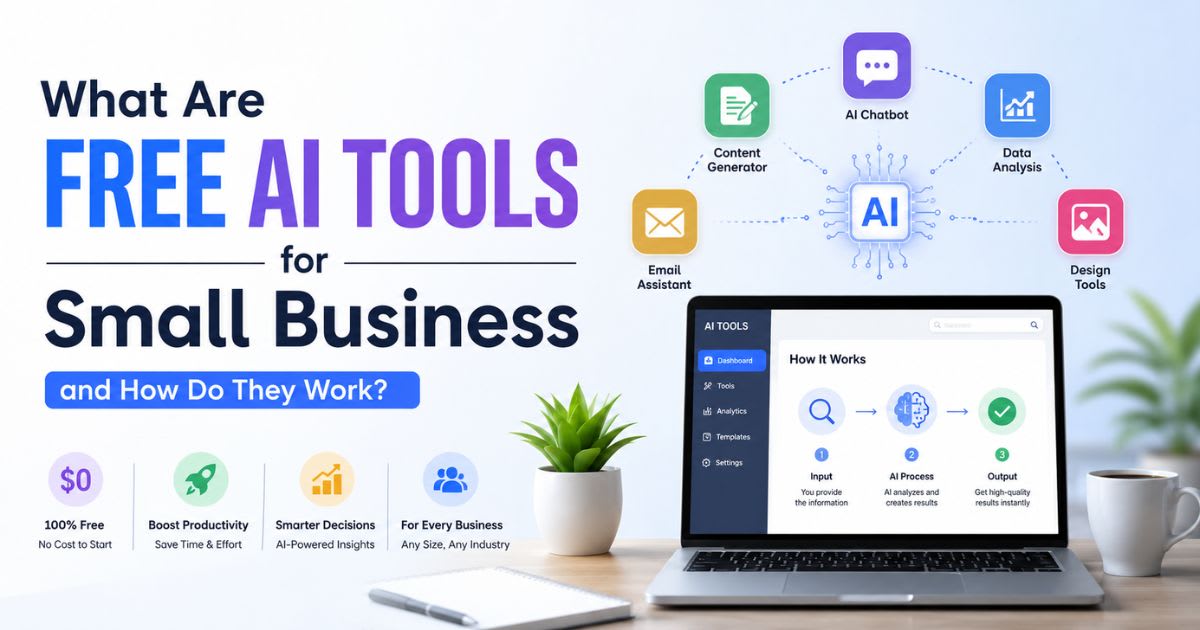
Free AI tools for small business are software programs that use artificial
intelligence for small business tasks. They rely on large language
models and natural language processing to understand your
instructions and complete work. You do not need coding skills. You type a
prompt or click a button. The tool responds in seconds. Think of an AI
assistant that never sleeps. It writes emails, answers customer questions,
and organizes data. This is not science fiction. It is generative AI in
action. The software learns from examples. It spots patterns in your data. Over
time, it gets better at helping you. That is the power of AI-powered
automation. Most tools work through a simple interface. You connect your
apps or upload files. The AI reads the information. Then it performs a task.
For example, an AI agent can watch your email inbox and draft replies.
You approve or edit before sending. Some tools use automated workflows
to move information between platforms. Zapier connects thousands of apps
without code. This is AI workflow automation at its best. Small business
owners no longer need an IT department. You can automate repetitive jobs in
minutes. That frees you to focus on growth and customer relationships. The key
is choosing the right tool for the right job. Start with one problem. Fix it
completely. Then expand your AI stack gradually.
Why Small Businesses Are Using AI in
2026
Small
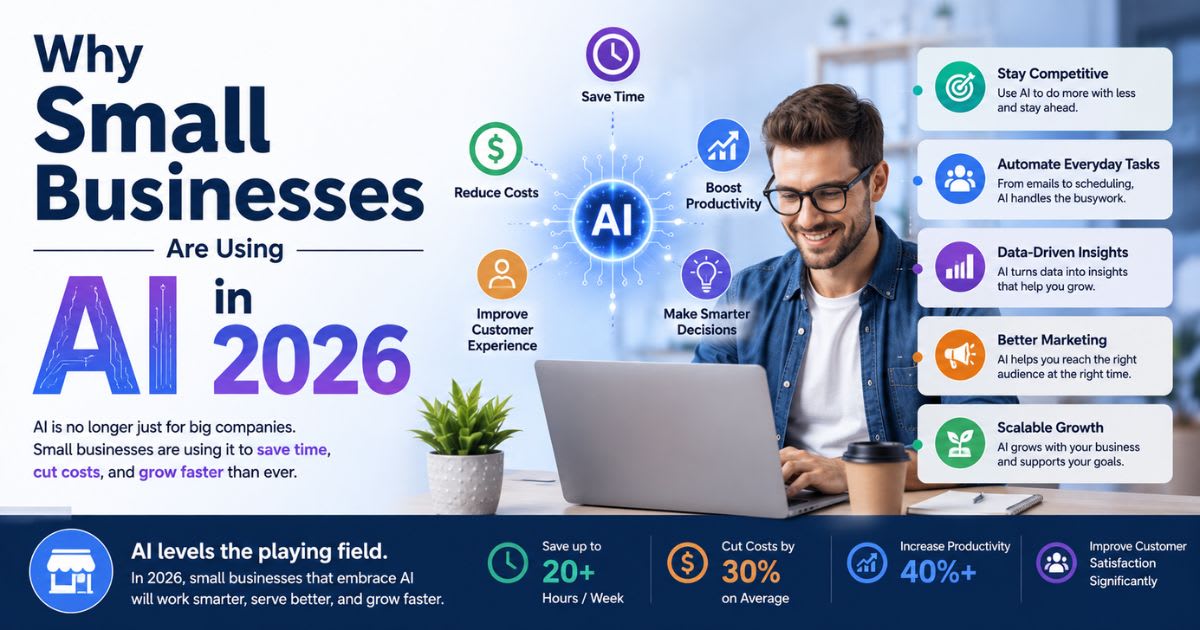
business owners are turning to AI software for small business because it
solves real daily problems. The biggest reason is time savings. You spend hours
on invoices, follow-ups, and data entry. AI handles these tasks in seconds.
That means fewer late nights and more productive mornings. Another reason is
cost. Hiring a full-time employee costs far more than a monthly AI
subscription. AI tools for business owners provide leverage. A solo
entrepreneur can operate like a team of five. This levels the playing field
against larger competitors. You do not need a big budget to look professional.
You need the right AI business tools. Customers now expect fast
responses. They want answers at midnight and on weekends. AI customer
service tools like chatbots handle this automatically. They answer common
questions, collect leads, and route complex issues to you. This improves
satisfaction without adding staff. Marketing also gets easier. AI marketing
tools help you write social posts, design graphics, and analyze campaign
results. AI content creation tools produce drafts in your brand voice.
You edit and publish. That is AI content generation made simple.
Data-driven decisions become possible without a data analyst. AI tools analyze
sales trends and predict what customers want next. This is conversation
intelligence and predictive analytics in action. The result is faster
growth with less guesswork.
How We Selected the Best AI Tools for Small Businesses
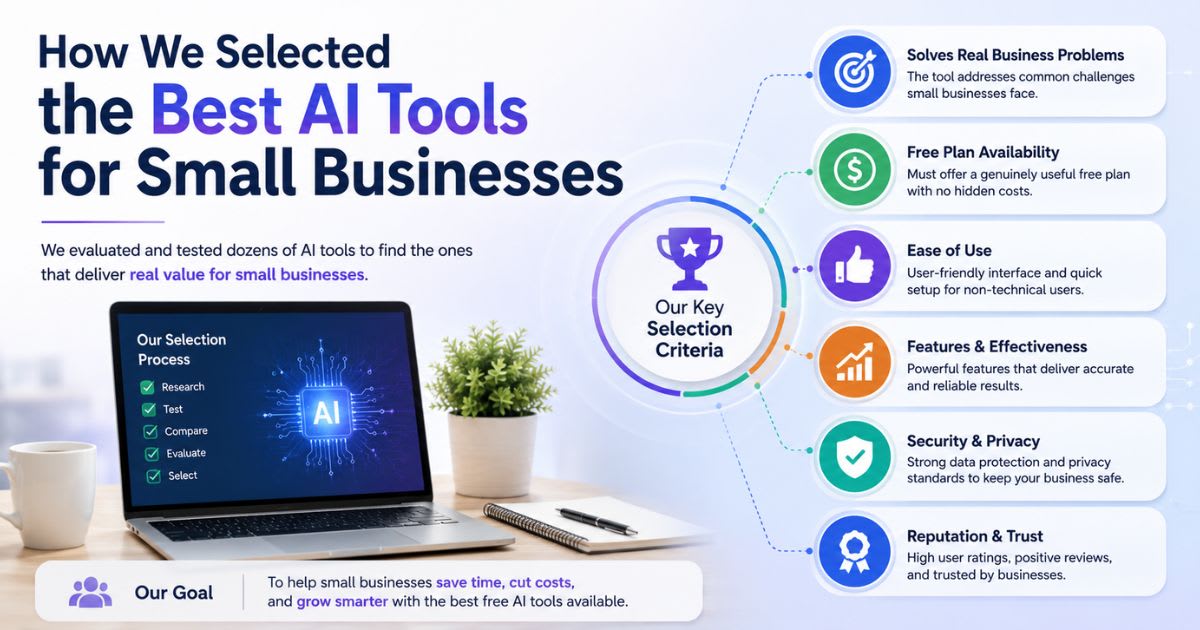
We evaluated each platform against its live product pages, official documentation and pricing, cross-checked with verified user reviews. Our assessment focused on the needs of real small business owners. We looked for AI productivity tools that
solve clear problems. A tool with a confusing interface got rejected quickly.
Your time is too valuable for a steep learning curve. We also checked pricing
transparency. Hidden fees disqualified some popular names. Free trials were
essential. We wanted tools that let you test before buying. AI integration
with common business apps mattered too. A tool that cannot connect to your
email or CRM creates more work. We favored platforms with strong data
privacy policies and SOC 2 compliance. Your customer data must stay safe. We
read hundreds of real user reviews. We ignored sponsored posts and fake
testimonials. We looked for patterns in complaints. Billing issues, poor
support, and broken features hurt a tool's ranking. We also looked at long-term
value. A cheap tool that slows down your team is not cheap. We weighed the time each tool can realistically save, based on its documented features and user-reported workflows. We asked one question: would we recommend this
to a busy owner? Only tools that met these criteria made the list. Best AI
software for small businesses must earn trust. It must deliver consistent
results. That is exactly what the ten tools below do. They are not perfect. But
they solve specific problems better than most.
Quick Comparison of the 10 Best AI
Tools
The
table below gives you a fast overview of Free AI tools for small business. It compares each tool's best use case,
free tier availability, starting price, and key AI feature. Use this to narrow
your choices before reading detailed reviews.
|
Tool |
Best For |
Free Tier |
Starting Price |
Key AI Feature |
|
ChatGPT |
General assistant |
Yes |
$$$ |
Natural language processing |
|
Jasper |
Marketing copy |
7-day trial |
$$$ |
Brand voice memory |
|
Canva Magic Studio |
Visual design |
Yes |
$$$ |
AI design generation |
|
Notion AI |
Project management |
Yes |
$$$ |
AI workspace search |
|
Zapier |
Workflow automation |
Yes |
$$$ |
No-code app connections |
|
Grammarly Business |
Writing quality |
Yes |
$$$ |
Tone and clarity suggestions |
|
HubSpot AI |
CRM and sales |
Yes |
$$$ |
Lead scoring and email AI |
|
Fireflies.ai |
Meeting notes |
Yes |
$$$ |
Call transcription |
|
Zoho Zia |
Business suite |
15-day trial |
$$$ |
Predictive sales analytics |
|
Lumen5 |
Video creation |
Yes |
$$$ |
Text-to-video conversion |
This
table helps you see the landscape. Notice the free tiers. Some tools offer very
generous free plans. Others require payment after a short trial. Think about
your biggest bottleneck. Do you need AI writing assistant help? Do you
need AI customer service tools? Pick one tool that matches your primary
need. You can always add more later. Avoid buying everything at once. The goal
is progress, not clutter. A focused approach works best.
10 Best AI Tools for Small
Businesses in 2026
ChatGPT – Best All-Around AI
Assistant
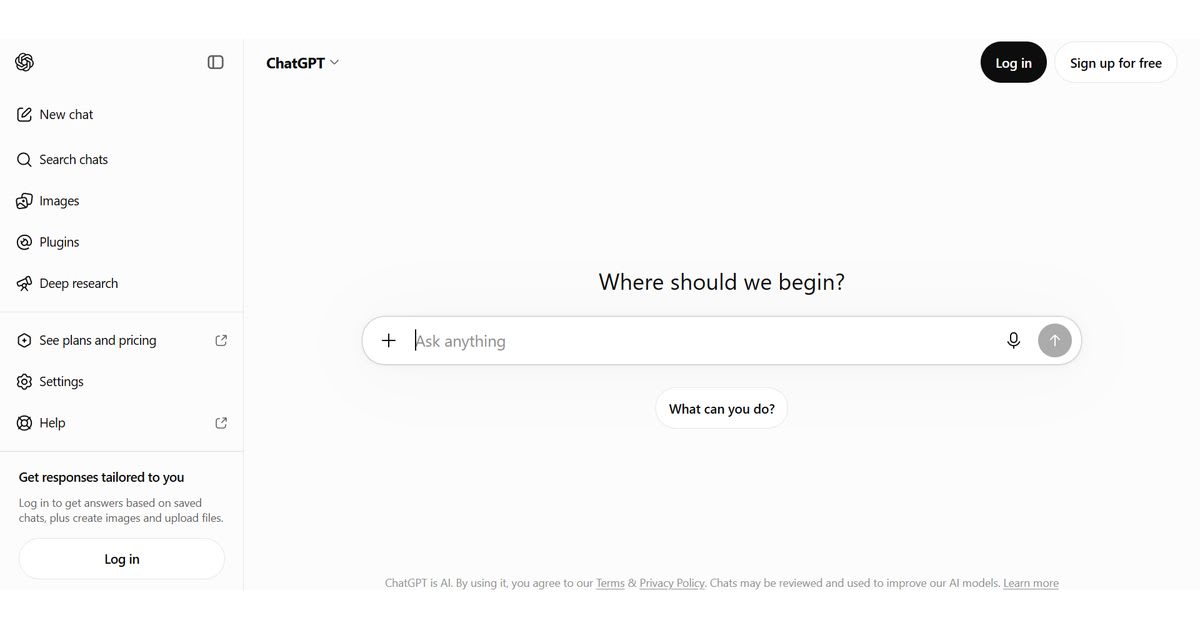
ChatGPT
from OpenAI is the most popular AI content creation tool on the market.
It uses natural language processing to hold conversations, draft emails,
summarize documents, and generate ideas. You can ask it to rewrite a marketing
email in a friendly tone. It handles research and brainstorming with ease. The
free plan is robust for light use. Paid plans add faster responses and advanced
features. Small business owners use ChatGPT daily for multiple tasks. It is the
Swiss Army knife of AI productivity software. Link: ChatGPT. One
case study shows a Florida real estate agent saving six hours weekly by using
ChatGPT for listing descriptions and client follow-ups. She types a few bullet
points. The tool drafts a polished message. She edits lightly and sends. This
is AI content generation in action. ChatGPT also works well as an AI
assistant for quick questions. You can ask it to compare two software tools
or explain a tax term. The key is writing clear prompts. The better your
instruction, the better the output. It is a must-have for any small business
toolkit.
Jasper – Best for Marketing Copy
Jasper
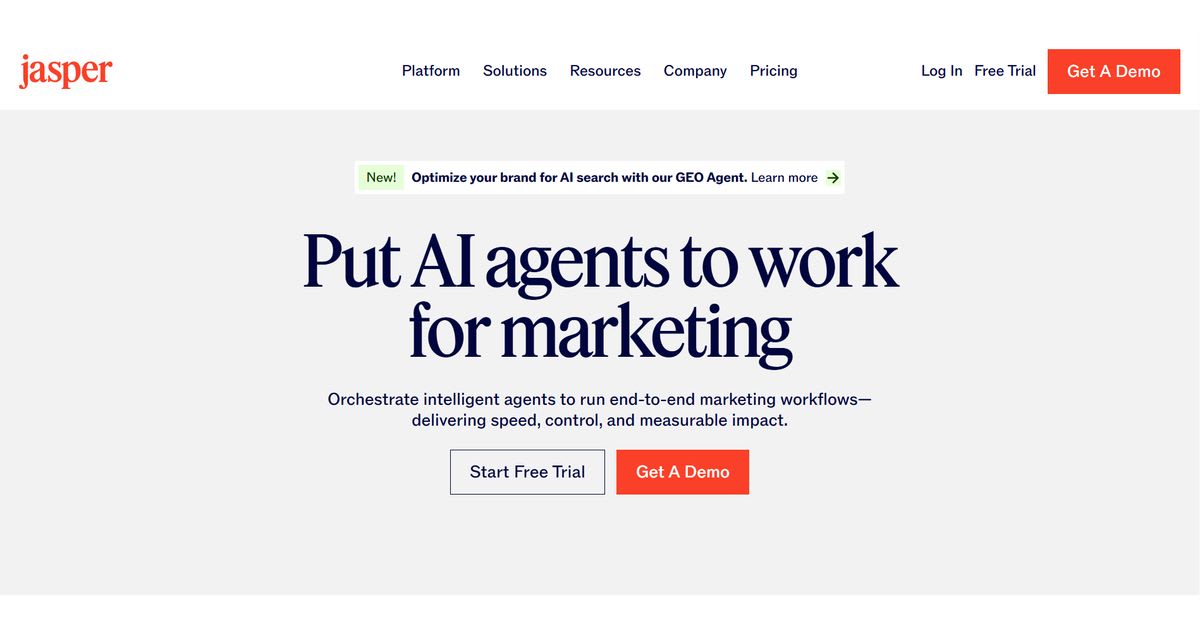
is built for marketing teams. It writes ads, blog posts, and social media
captions. This AI marketing tool learns your brand voice over time. You
provide examples. Jasper mimics your style. That saves hours of editing. It
includes templates for Facebook ads, Google ads, and email sequences. Marketing
automation becomes simpler because Jasper plugs into your content workflow.
Pricing starts around thirty-nine dollars monthly. A seven-day free trial lets
you test it first. Link: Jasper. A
small e-commerce brand used Jasper to create product descriptions for two
hundred items. The owner estimated a forty-hour task finished in two
afternoons. That is powerful AI automation for small business. Jasper
also helps with A/B testing ideas. You generate multiple versions of a headline
quickly. Then you test them with real traffic. This approach drives better
conversion rates. The platform is not cheap. But if marketing is your growth
engine, Jasper pays for itself fast. It is one of the best AI tools for
startups focused on content.
Canva Magic Studio – Best for Visual
Content
Canva
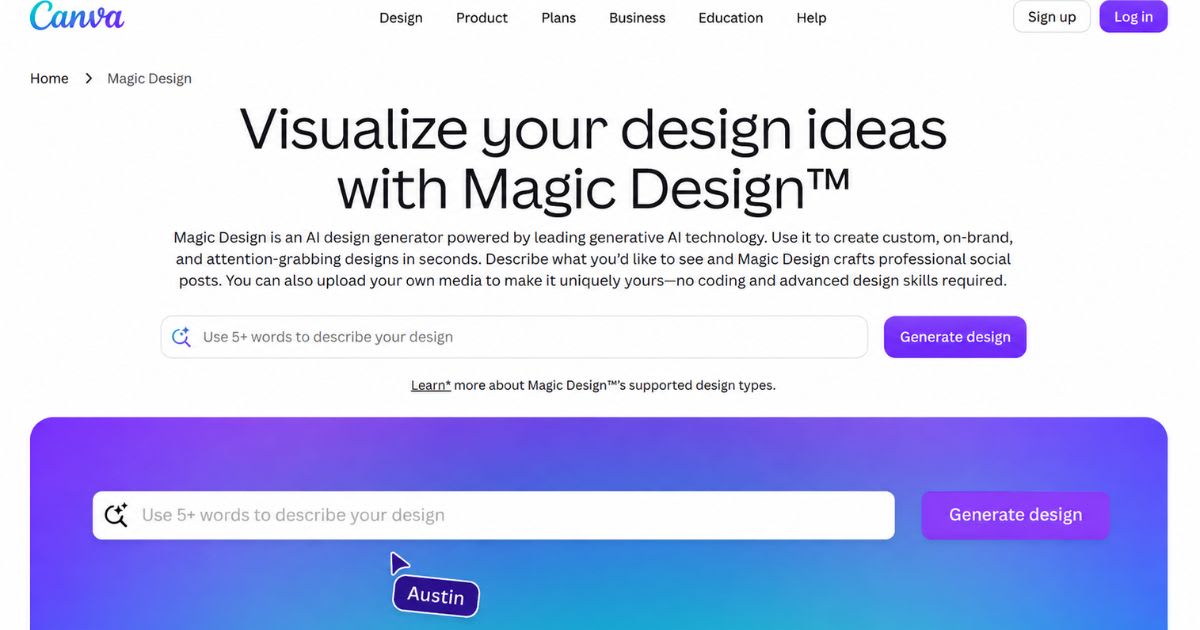
Magic Studio brings generative AI to design. You type a prompt. The tool
creates social graphics, logos, and even short videos. No design experience
needed. This AI-powered business software is perfect for owners who want
professional visuals without hiring a designer. You can upload your logo and
brand colors. Canva keeps everything consistent. The free plan includes many
features. Pro plans unlock advanced AI image generation and background removal.
Link: Canva.
A boutique fitness studio used Canva Magic Studio to create Instagram posts for
thirty days. The owner reported a 25 percent increase in engagement. She spent
only twenty minutes per day. That is the power of AI content creation tools
for visual marketing. Canva also offers templates for flyers, menus, and
presentations. You customize with drag-and-drop. The AI suggests layouts based
on your text. It is one of the easiest AI business tools to learn. If
visual content matters to your brand, start here.
Notion AI – Best for Project
Management
Notion
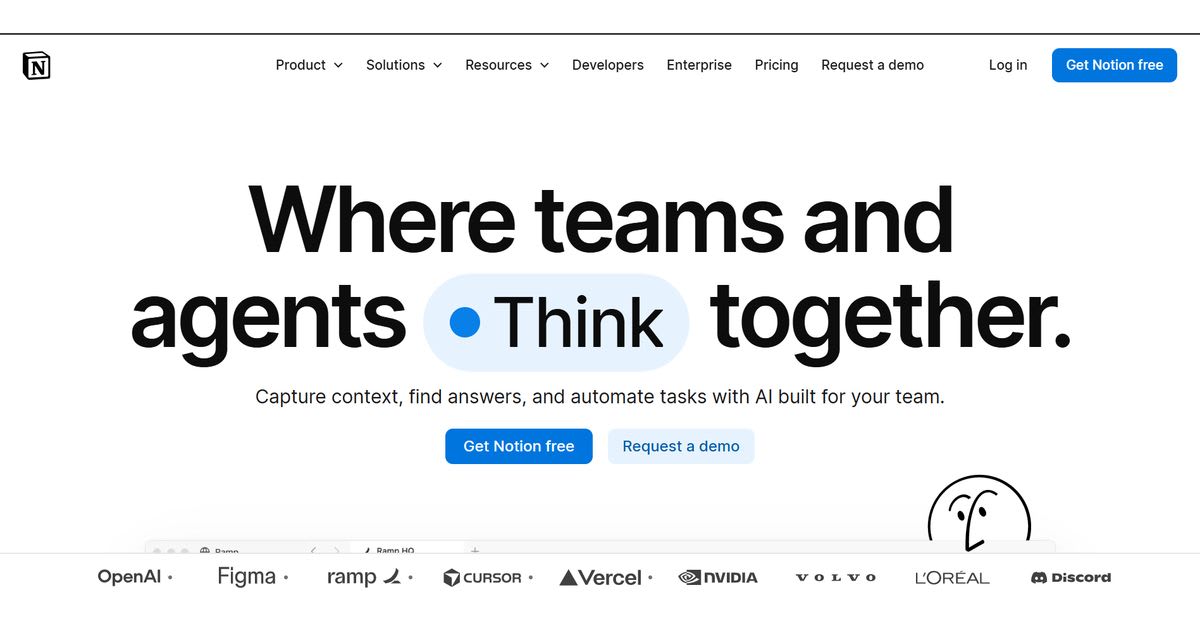
AI lives inside your Notion workspace. It writes summaries, creates action
items, and answers questions from your documents. This AI productivity tool
reduces app switching. You manage projects, notes, and databases in one place.
The AI searches your entire workspace. It finds information instantly. Pricing
starts around ten dollars monthly. A free plan is available for small teams.
Link: Notion.
A Chicago consulting firm uses Notion AI to manage client projects. Each
project has a page with meeting notes, tasks, and deadlines. The AI generates
weekly status updates automatically. The team saves about five hours per week. This
is business process automation at work. Notion AI also helps with
brainstorming. You ask it to generate ideas for a client proposal. It drafts an
outline. You refine it. That is a practical AI assistant for daily
operations.
Zapier – Best for Workflow
Automation
Zapier
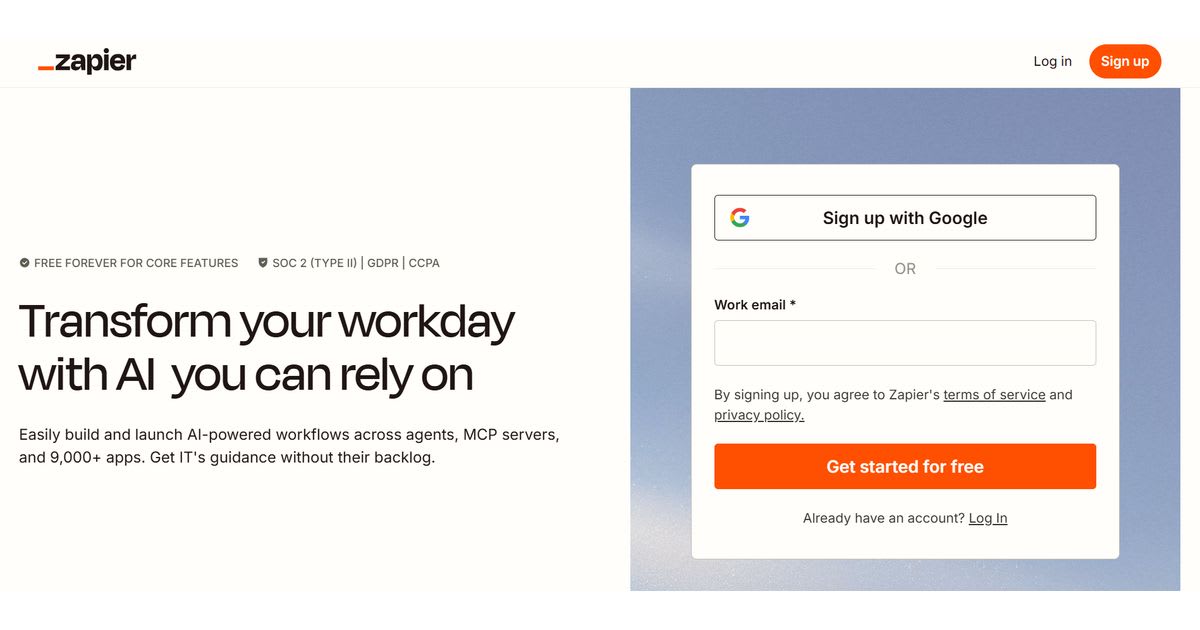
connects your apps and automates repetitive tasks. You create Zaps with
triggers and actions. No code required. This is AI workflow automation
made accessible. For example, when a new lead fills out a Facebook form, Zapier
adds them to your CRM and sends a welcome email. That is AI-powered
automation in action. The free plan supports basic workflows. Paid plans
start around twenty dollars monthly. Link: Zapier. A small accounting firm uses Zapier to
move invoices from email to Google Sheets. The owner no longer copies and
pastes data. This saves ten hours monthly. Zapier also integrates with ChatGPT
and other AI tools. You can build automated workflows that draft
documents or summarize messages. It is the glue that holds your AI stack
together. For AI integration across different platforms, Zapier is hard
to beat.
Grammarly Business – Best for
Writing Quality
Grammarly
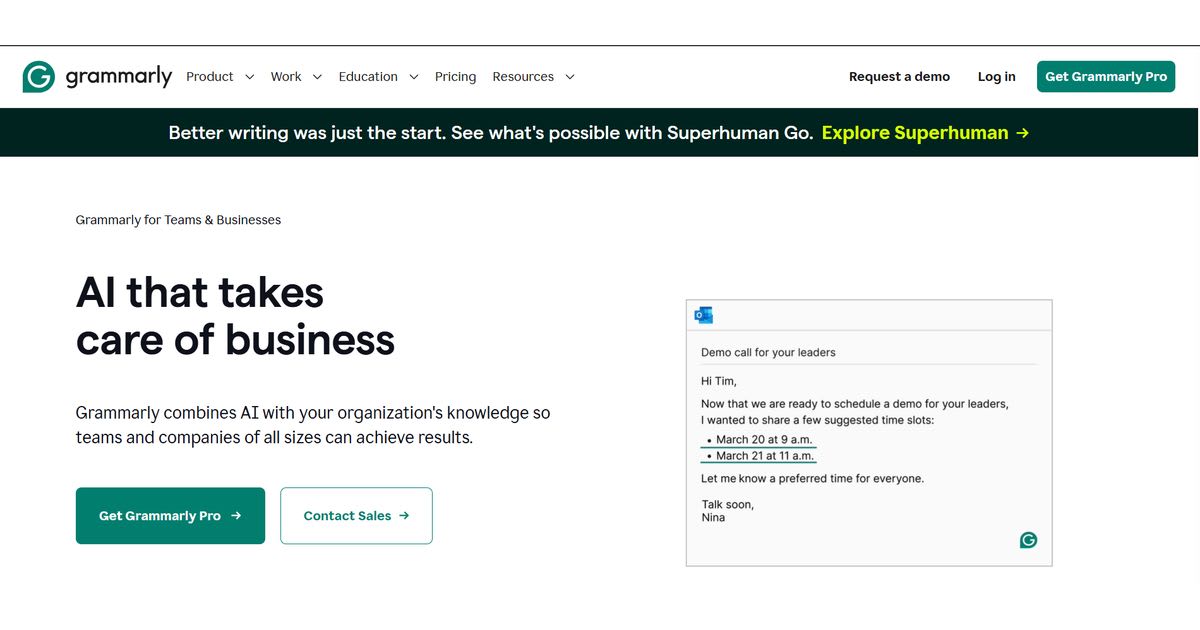
Business checks grammar, tone, and clarity across all your writing. It goes
beyond spell check. The AI suggests better phrasing and flags unclear
sentences. This AI writing assistant works in email, documents, and
social media. It helps maintain a consistent brand voice. Business plans add
team features and admin controls. A free tier covers basic grammar. Paid plans
start around fifteen dollars per user monthly. Link: Grammarly.
A law office used Grammarly Business to reduce embarrassing typos in client
emails. The managing partner said it saved the firm from two potential
misunderstandings. That is the value of AI communication tools.
Grammarly also provides tone detection. It tells you if your message sounds
friendly or abrupt. This improves customer communication. It is a simple
but powerful tool for any small business that writes daily.
HubSpot AI – Best for CRM and Sales
HubSpot
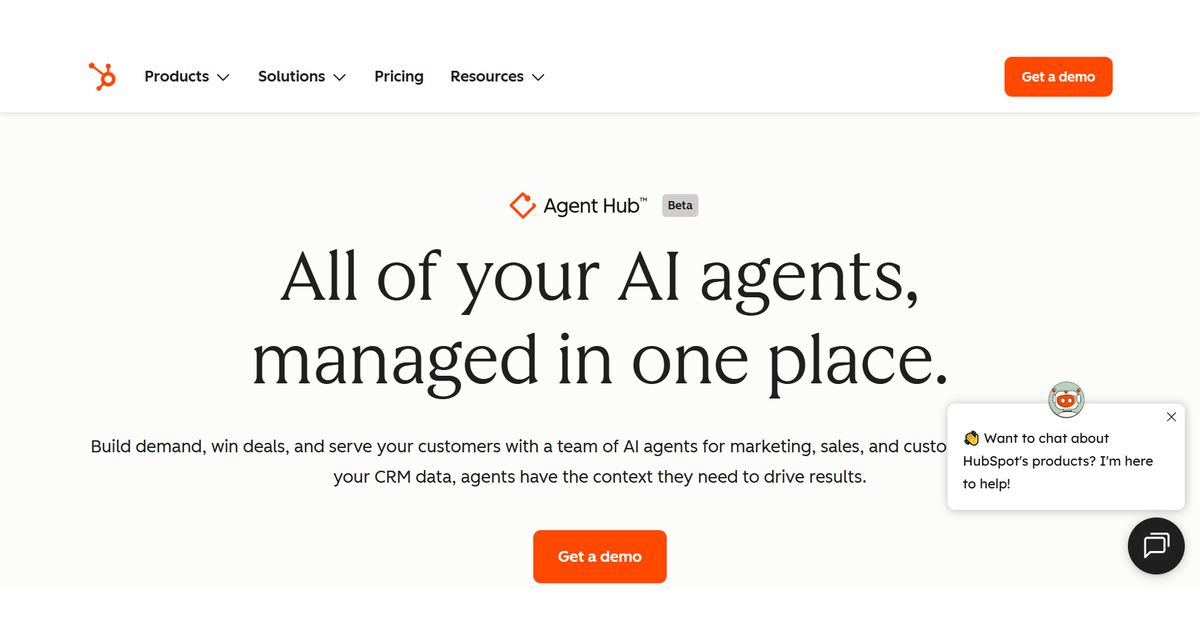
AI helps manage customer relationships. It drafts emails, logs calls, and
scores leads. This CRM automation tool reduces admin work. The AI
suggests next best actions. You spend less time clicking and more time selling.
HubSpot's free CRM includes many AI features. Paid plans add advanced
automation. Pricing starts around twenty dollars monthly. Link: HubSpot. A
home services company used HubSpot AI to rank leads by likelihood to buy. The
owner focused on hot leads first. Sales increased by 18 percent in one quarter.
That is conversation intelligence and predictive analytics working
together. HubSpot also offers AI chatbots for your website. These bots
capture visitor information. Then the AI routes leads to the right salesperson.
It is a complete AI business tool for growth.
Fireflies.ai – Best for Meeting
Notes
Fireflies.ai
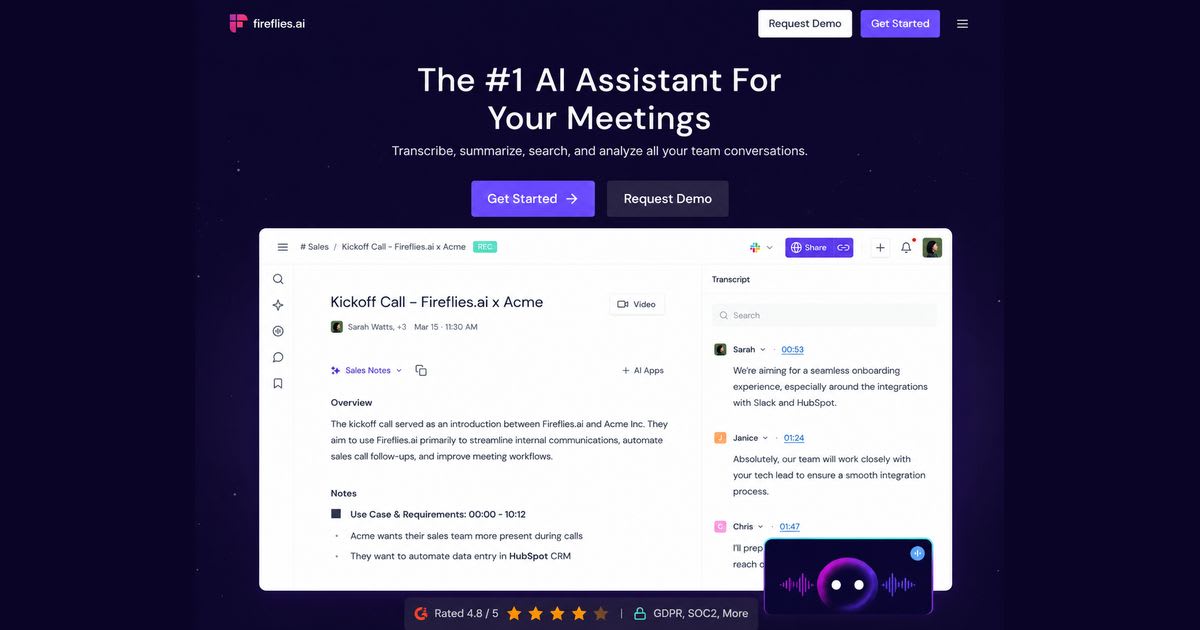
joins your video meetings and takes notes automatically. It records,
transcribes, and summarizes conversations. This call transcription tool
saves time after every call. You can search past meetings for keywords. Action
items get highlighted. No more manual note-taking. The free plan offers limited
transcription minutes. Paid plans start around ten dollars monthly. Link: Fireflies.ai. A
marketing agency used Fireflies.ai for client calls. The team stopped writing
notes and started listening. After each meeting, Fireflies sent a summary with
action items. The owner reported saving three hours weekly. This is AI-powered
customer support for internal teams. It also works as an AI meeting
assistant. If you spend hours on calls, this tool is a no-brainer.
Zoho Zia – Best for Small Business Suite
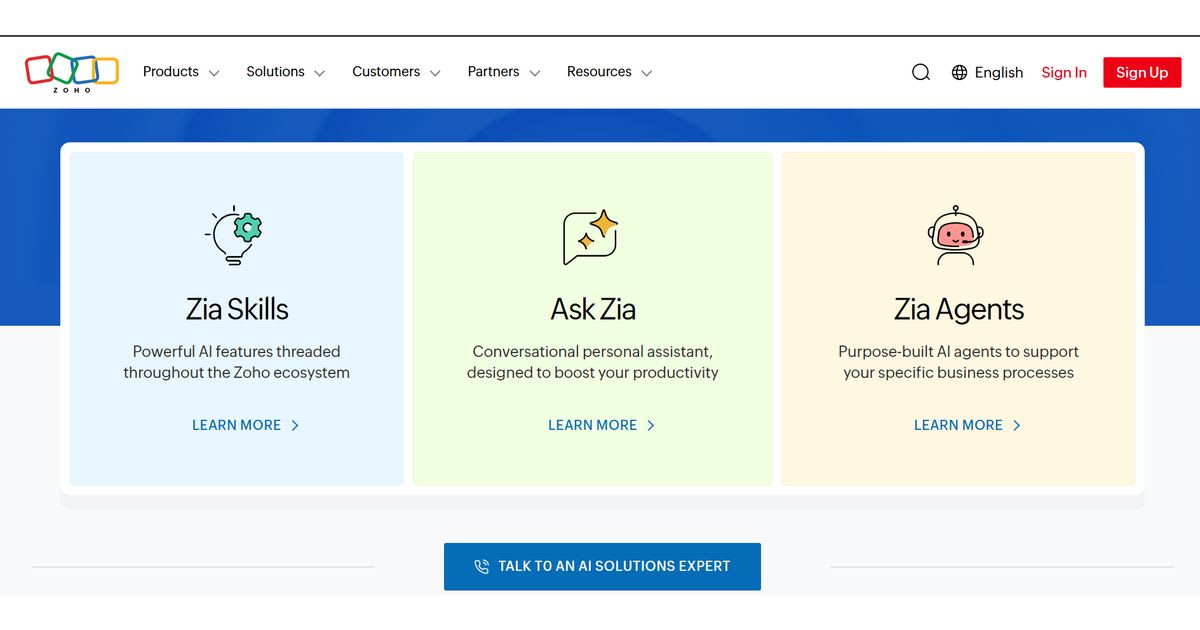
Zoho Zia is an AI assistant inside the Zoho suite.
It works across CRM, email, and accounting. Zia analyzes sales data and
predicts leads. This AI-powered business software is budget-friendly.
Pricing starts around fourteen dollars monthly. A free trial is available. Zia
also automates routine tasks like data entry and follow-up reminders. It is
ideal for owners who want a unified system. Link: Zoho. A boutique consulting firm used Zoho Zia to
track client interactions. The AI flagged which clients were losing interest.
The owner reached out personally and saved two accounts. That is AI-powered
customer support and predictive analytics in one. Zoho Zia is not flashy.
But it works. It provides small business automation tools without a huge
price tag.
Lumen5 – Best for Video Creation
Lumen5
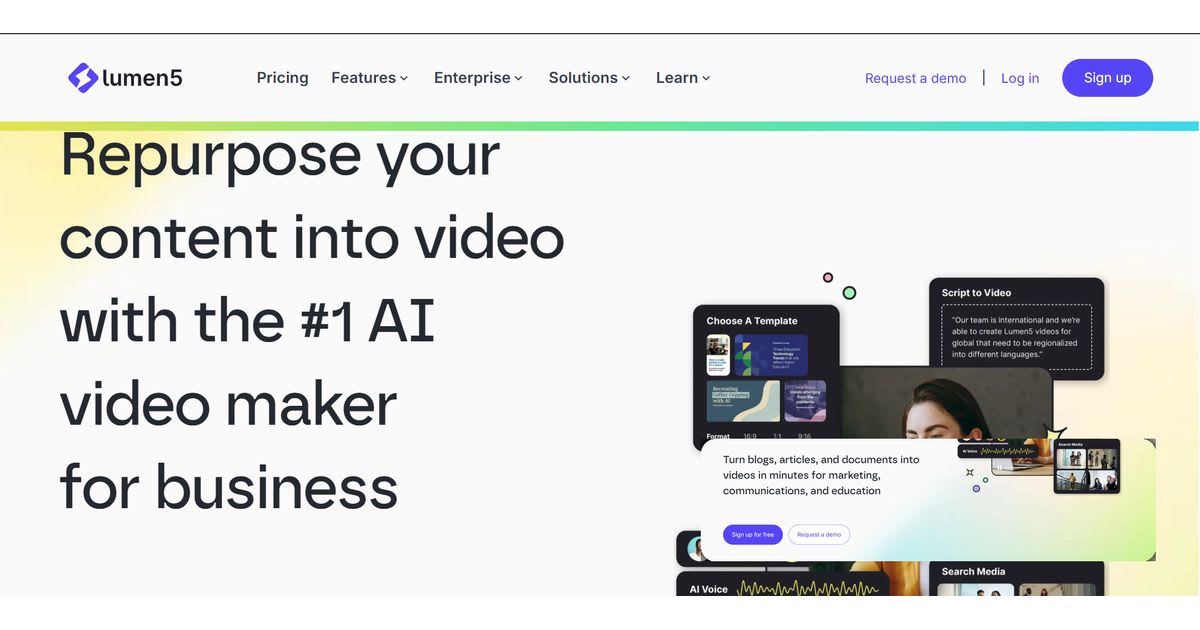
turns text into video. You paste a blog post or script. The AI creates scenes
with stock footage and music. This AI marketing tool helps you repurpose
content for social media. No video editing skills needed. The free plan
includes watermarked videos. Paid plans start around twenty-nine dollars
monthly. Link: Lumen5.
A personal trainer used Lumen5 to
convert ten blog posts into short videos. She posted them on Instagram and
TikTok. Followers grew by 40 percent in two months. This is AI content
generation for video. Lumen5 also suggests fonts and colors based on your
brand. It is one of the simplest AI tools for business owners who want
video without the hassle.
Best Free AI Tools for Small
Businesses
Many
platforms offer free plans. ChatGPT, Canva, Grammarly, and Zapier provide solid
free tiers. You can start without spending money. Test real workflows and see
what saves time. Free plans are perfect for beginners. But they have limits.
You may get fewer credits or restricted features. Some tools add watermarks to
your content. Others limit integrations. Understand these caps before you rely
on them. Free AI tools for small businesses are a great starting point.
They let you experiment without risk. Use them to identify your biggest time
drain. Then upgrade only when the paid version makes financial sense. A common
mistake is upgrading too early. Many owners sign up for a paid plan after one
successful test. They underuse the tool and waste money. Instead, use free
tiers for at least two weeks. Track how many hours you save. Calculate the
value. If a tool saves you ten hours monthly and costs twenty dollars, the
return is obvious. AI tools for startups often offer extended free
trials. Take advantage of them. The goal is not to spend less. The goal is to
spend wisely.
How to Choose the Right AI Tools for
Your Business
Choosing
the right Free AI tools for small business starts with one question: what
is your biggest bottleneck? Write it down. Is it writing? Customer support?
Data entry? Do not buy ten tools at once. Pick one problem and fix it
completely. This approach avoids overwhelm. It also prevents wasted spend. Many
owners buy multiple subscriptions and use none well. Start with a tool that
solves your most painful task. For most businesses, that is either AI
content creation tools or AI customer service tools. Next, check
integration with your existing software. A tool that does not connect to your
email, CRM, or calendar creates more work. You end up copying and pasting. That
defeats the purpose. Look for AI integration capabilities on the
vendor's website. Most tools list their integrations openly. If a tool does not
connect to your core apps, skip it. Also consider total cost of ownership. The
monthly fee is just the start. Add training time and setup effort. A cheap tool
with poor support costs more later. Read reviews carefully. Look for patterns
in complaints. Then run a pilot test for two weeks. Measure results. If it
works, roll it out. If not, cancel.
How to Build an AI Tool Stack for
Your Small Business
Your
AI tool stack is the collection of tools you use together. Start with one core
tool. ChatGPT is a great foundation. It handles writing, research, and
brainstorming. Once you are comfortable, add specialized tools for each
business function. For example, use Canva for design and Jasper for long-form content.
Use Fireflies for meetings and Zapier for AI workflow automation. This
is a modular approach. Each tool fills a specific gap. No overlap. No clutter. Let
us look at a real example. A small real estate brokerage built this stack. They
use ChatGPT for listing descriptions and email drafts. They use Canva for
property flyers. They use HubSpot AI for lead management. They use Zapier to
connect everything. The broker reported saving fifteen hours per week. That is
significant AI automation for small business. The key is not the number
of tools. It is how well they work together. Review your stack monthly. Delete
tools you rarely use. A lean stack is easier to manage and costs less.
AI Security, Privacy, Pricing, and
ROI: What Businesses Should Know
Data privacy is a top concern for small business owners. You must know what a Free AI tools for small business does with your information. Read the privacy policy before signing up. Avoid tools that train on your private data without permission. Look for encryption and SOC 2 compliance. US regulations like CCPA matter. Your customers trust you with their data. A breach can destroy that trust. Choose tools with strong data privacy practices. It is not optional. Pricing models vary. Some tools charge per user. Others charge per usage or tokens. A low monthly fee can balloon with heavy use. Estimate your usage before committing. Calculate AI ROI by dividing hours saved by hourly rate. For example, save ten hours weekly at fifty dollars per hour. That is two thousand dollars in monthly value. A fifty-dollar tool is a steal. Watch for hidden costs like add-on fees and API charges. Always read the fine print.
Meta Description
Discover the
best free AI tools for small business to save time, cut costs, and automate
daily tasks — no budget needed in 2026.
Frequently asked questions
What is the best free AI to use for business?+
ChatGPT is the best overall free AI for business. It handles writing, research, and customer replies well. Most owners start here before adding specialized tools.
Which AI tool is totally free?+
Google Gemini offers a fully free plan with no forced upgrade. Canva and Grammarly also provide solid free tiers. Each covers real daily business tasks without cost.
Which AI is 100% free?+
Meta AI stays completely free to use right now. It works for content ideas and quick brainstorming. No subscription or hidden paywall applies.
What are the top 3 free AI tools?+
ChatGPT, Canva, and Grammarly rank as the top three free AI tools. They cover writing, design, and editing needs. Together they solve most small business content tasks.
Is there a better free AI than ChatGPT?+
Google Gemini rivals ChatGPT for research and Workspace integration. Neither is strictly better; each fits different needs. Test both to see which matches your workflow.
Related articles
 AI for Business
AI Tools for Small Business That Pay for Themselves
AI tools for small business that pay for themselves fast — real picks for marketing, support, and accounting.
 AI for Business
Best AI Virtual Staging Tools in 2026: Real Estate Guide
Transform empty listings with AI virtual staging. Add photorealistic furniture in seconds to attract buyers and sell homes faster.
 AI for Business
GPT-6 Astra Features: Release Date, Pricing & Dashboard
Discover the powerful GPT-6 Astra features breaking records. Learn about its native multimodality, ultra-low latency, and api pricing.
New AI tool reviews, in your inbox.
Get new reviews and comparisons in your inbox. No spam, unsubscribe anytime.
Comments (0)
Be the first to comment.