Best Midjourney Alternatives in 2026: 8 Tools Compared
Explore the best midjourney alternatives in 2026 for photorealism, open-source control, free tiers, and lower cost.
Introduction
Finding solid midjourney
alternatives matters more now, as new AI image tools launch
every month. Midjourney still leads on painterly, artistic style, but it lacks
a real free
tier and locks you into Discord setup. Some creators need sharper photorealism,
others need open-source
control, and some just want a lower monthly cost.
This guide breaks down the
strongest picks across each real need, from fast web-based generators to fully
open, self-hosted models you can run yourself. You will see real strengths and
real trade-offs for each tool, not just a list of names. By the end, you will
know exactly which option fits your actual daily workflow.
Quick Summary: Best Midjourney Alternatives at a Glance
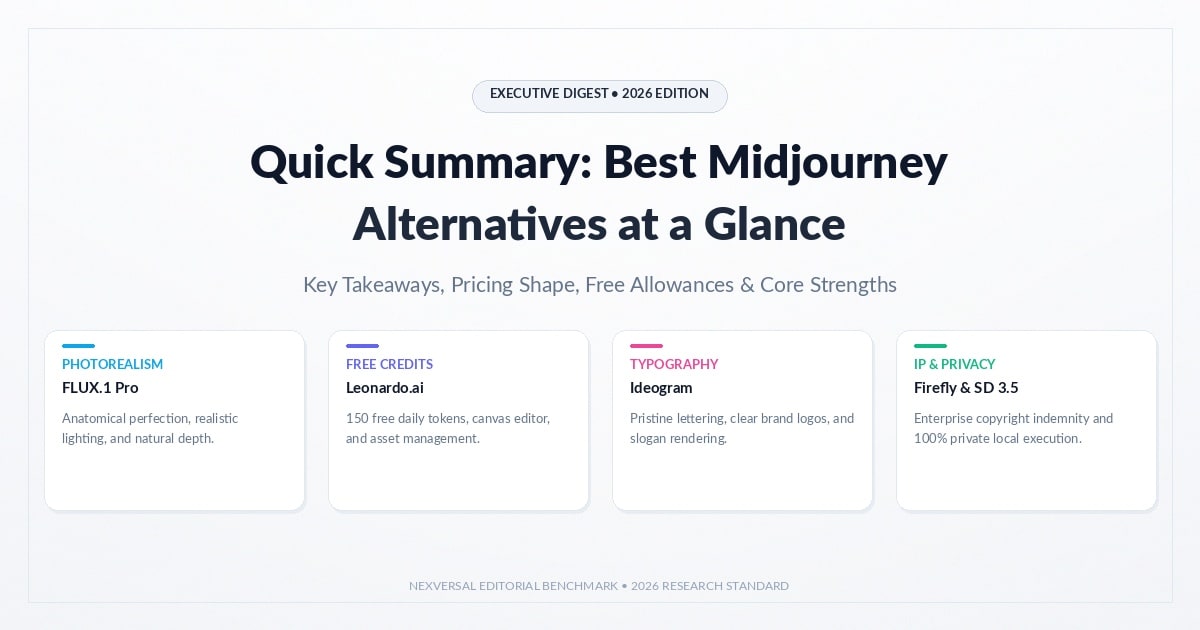
The best Midjourney alternatives depend on your job. Pick by need:
clear text, quick edits, or safe use. The table below
names a top pick for each.
|
Tool |
Best for |
Where you use it |
|
GPT Image 2 |
Text inside images |
ChatGPT and API |
|
Nano Banana Pro |
Edits and multi-image work |
Gemini app and API |
|
FLUX.2 |
Reference images, open weights |
API and downloads |
|
Ideogram |
Posters and logos |
Ideogram web app |
|
Adobe Firefly |
Commercial safety |
Firefly and Adobe apps |
|
Leonardo.ai |
Model variety, canvas editing |
Web and mobile |
|
Stable Diffusion |
Private, local runs |
Your own computer |
|
Wireflow AI |
Multi-model workflows |
Web canvas |
Midjourney runs on the web now. Plans cost $10 to $120 a month,
with no free trial. The tools below trade price, privacy,
and control in different ways.
Why Look for a Midjourney Alternative?
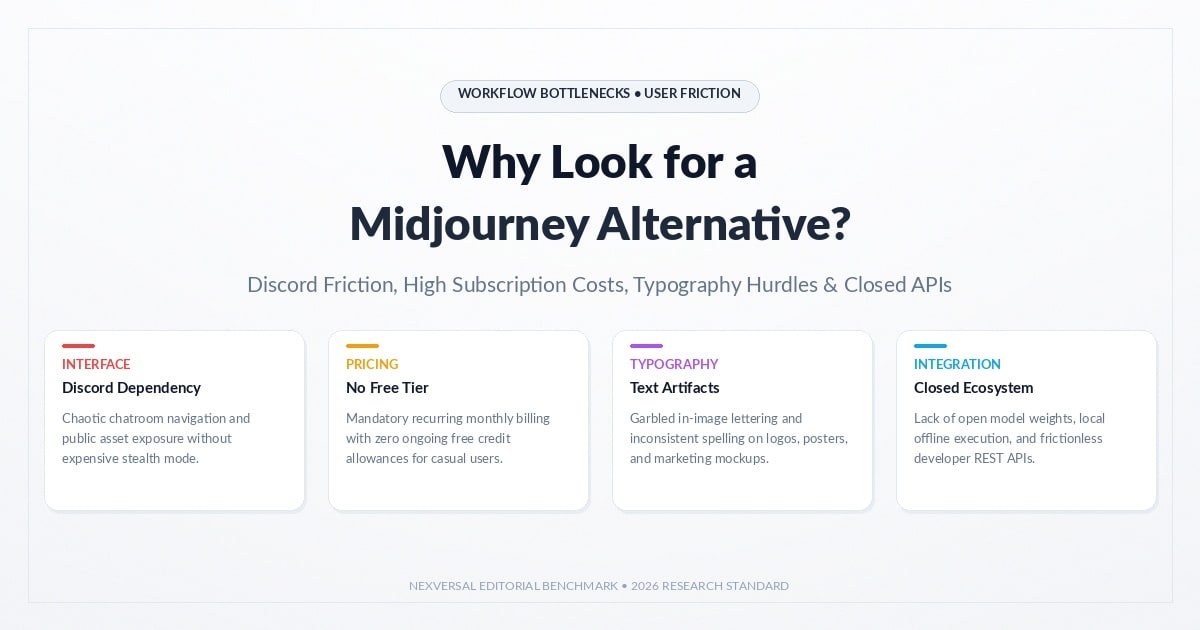
Midjourney Alternatives no longer needs a Discord account. Its web app
opened to all in August 2024. Still, plans cost $10 to $120 a month, with no free
trial. Stealth Mode for private images needs Pro or Mega.
•
No free
trial: you pay before you test.
•
Privacy costs
more: Stealth Mode starts at the Pro
plan.
•
No API: you cannot plug it into your own app.
•
Text errors: long or small text still needs checks.
Other gaps push people away too. Midjourney has no API of
its own. Its text is better than before, but not perfect. Disney and Universal filed a lawsuit in 2025.
That case is a claim, not a ruling.
How Midjourney Pricing Works
Midjourney sells GPU time, not image counts. Fast hours
reset each month, and extra time costs $4 an hour. Standard, Pro, and Mega add Relax
mode. Basic has no such slower queue.
|
Plan |
Monthly price |
Fast GPU hours |
Stealth Mode |
|
Basic |
$10 |
3.3 |
No |
|
Standard |
$30 |
15 |
No |
|
Pro |
$60 |
30 |
Yes |
|
Mega |
$120 |
60 |
Yes |
One July 2026 review puts a standard image at about 0.8 GPU minutes. Use that number to compare any tool fairly. Also weigh cost and API needs.
What Changed in AI Image Tools Since 2025
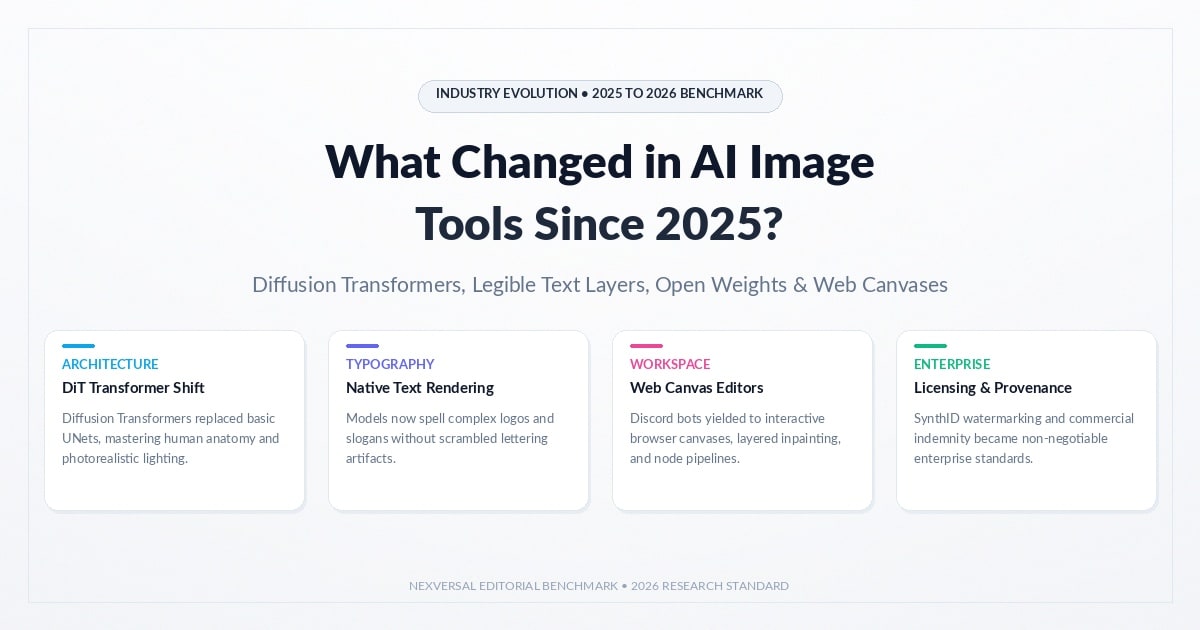
The field moved fast in the past year. Old lists still name DALL-E
3, which no longer exists. New leaders came from OpenAI, Google,
and Black Forest Labs.
•
November
2025: Google launched Nano Banana Pro,
and Black Forest Labs released FLUX.2.
•
April 2026: OpenAI launched GPT Image 2 and ChatGPT Images 2.0.
•
May 2026: OpenAI retired DALL-E 2 and DALL-E 3.
•
June 2026: Midjourney made V8.1 its default model.
Dates matter when you pick a tool. Check each release date
and model name. A list without dates can send you to a retired
product.
8 Midjourney Alternatives Compared
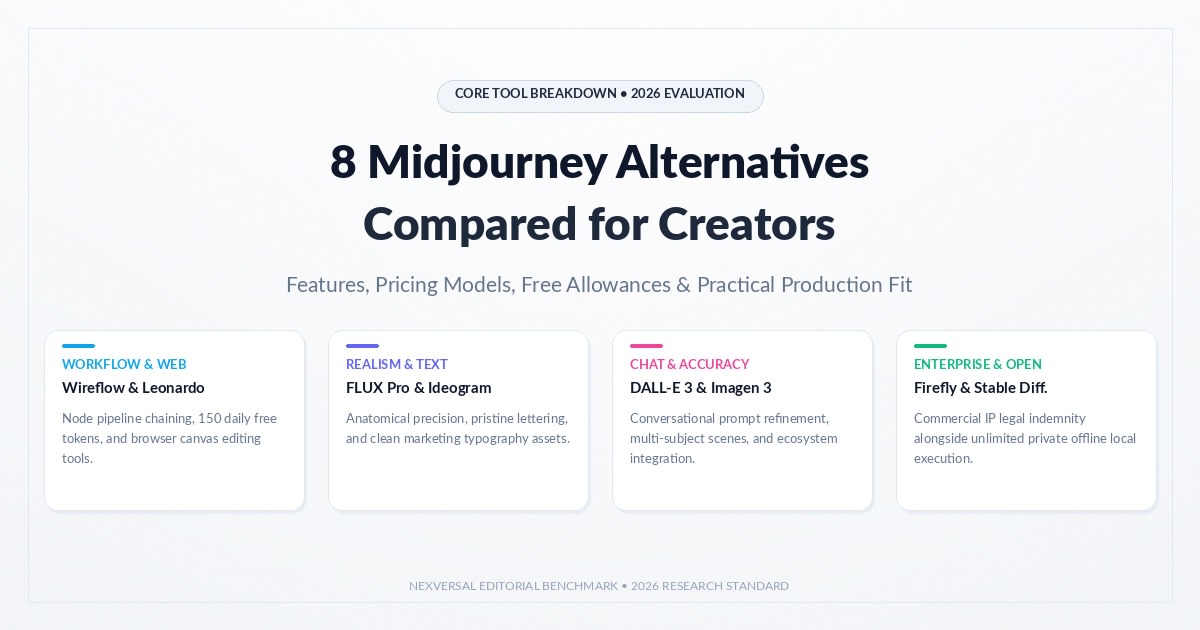
These eight tools cover most needs. Facts come from each maker's official
pages and dated reviews. We ran no lab tests, so there are no
scores. The order does not mean rank.
Always check the pricing page and terms before you
commit. Free plans can change at any time. Some tools use credits, some
use tokens, and some charge per image.
GPT Image 2 (ChatGPT Images 2.0)
GPT Image 2 runs ChatGPT Images 2.0, which launched in April 2026. Standard mode is free in ChatGPT. Paid plans add thinking mode, which plans the layout first. Many users praise its sharp text.
Nano Banana Pro
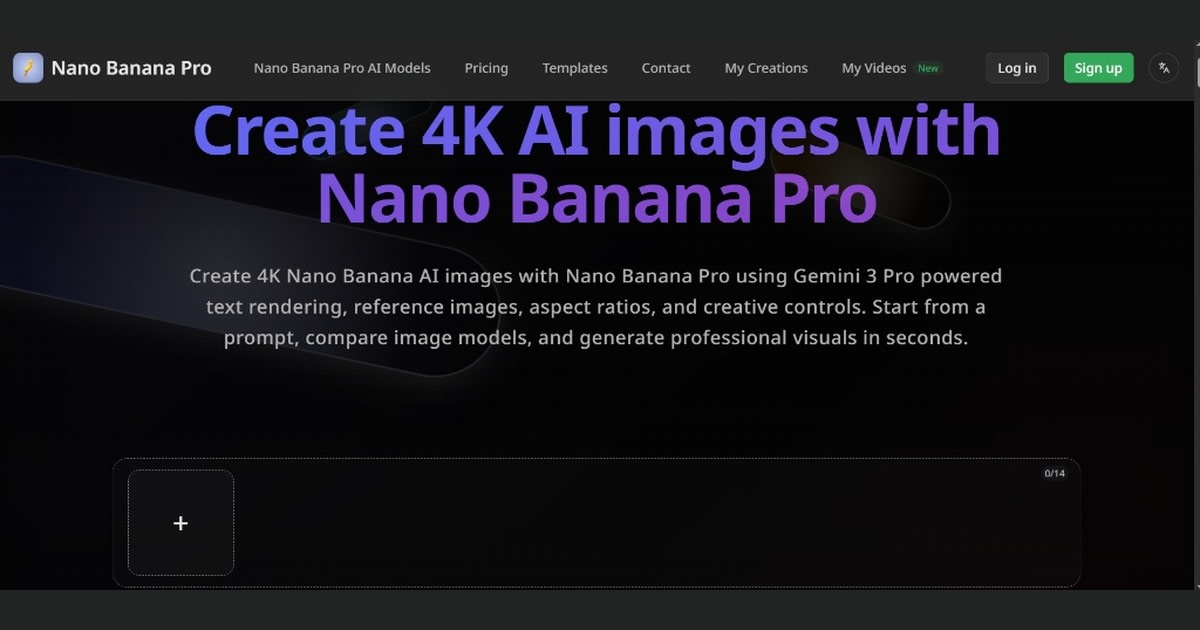
Google says Nano Banana Pro can blend up
to 14 images. It can also keep five people looking the same. Images can reach 4K
in size. Use it in the Gemini app. Free use comes with limited quotas.
FLUX.2
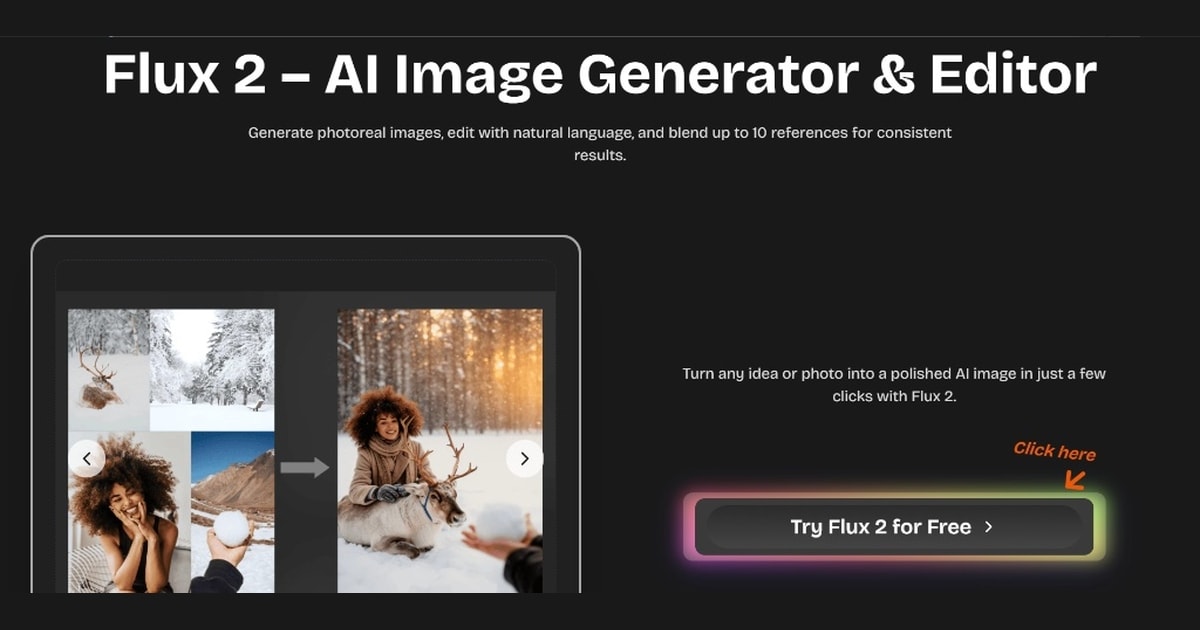
Black Forest Labs released FLUX.2 in November 2025. It takes up to 10 reference images.
FLUX.2 [pro] runs through an API. FLUX.2 [dev] has open weights,
but its license is non-commercial.
Ideogram
Ideogram built its name on readable text for posters and logos. It has a free
plan with slow credits. On that plan, all images are public.
Client work needs paid private images.
Adobe Firefly
Adobe says its model trains on licensed content. Its art is
cleared for business use. Some paid plans also add legal cover. Partner
models need your own checks.
Leonardo.ai
Leonardo.ai is now owned by Canva. Its free plan gives 150 tokens a
day. Paid plans start at $12 a month. It has a canvas editor for
inpainting and its own Phoenix model.
Stable Diffusion
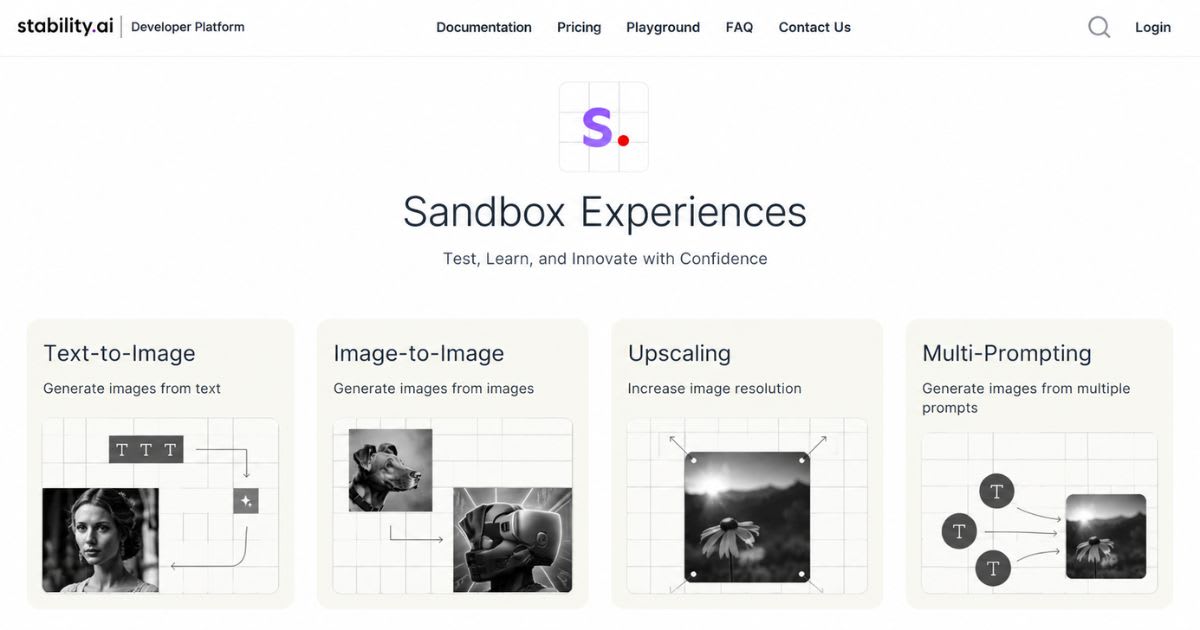
Stable
Diffusion 3.5 runs on your own PC. Its
license allows commercial use if your yearly sales stay under $1
million. Big firms must buy a paid license. ComfyUI helps you run
it at home.
Wireflow AI
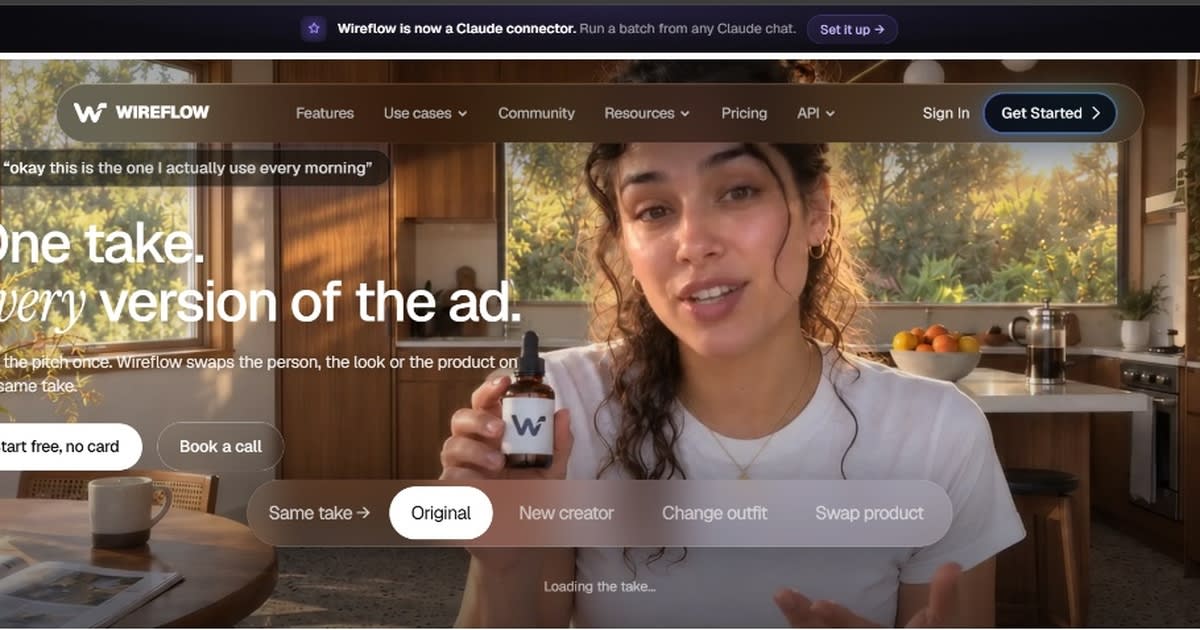
Wireflow
AI is not an image model. It is a node canvas that links hosted
models. Its pages say you spend credits on each run. Use it to link
tools, not to replace Midjourney.
Text in Images and Graphic Design: Which Tool Beats Midjourney?
For clear text, start with GPT Image 2, Nano Banana Pro, or
Ideogram. OpenAI and Google both stress readable text, and Ideogram was built for it. Long or small type can
still fail.
•
Short slogan: five words or fewer.
•
Small print: a label with tiny type.
•
Long line: a sentence of ten words or more.
•
Two
languages: English plus one more.
Midjourney's text is better than before. Reviewers still
say it is not easy. Run these tests on each tool. Then proofread
each word before you publish.
Comparison Table: Access, Licensing, and Trade-Offs
This table shows access and limits. It does not give
quality scores. Free options change often, so check each site before you
plan.
|
Tool |
Free option |
Runs locally |
Main trade-off |
|
GPT Image 2 |
Yes, standard mode in ChatGPT |
No |
Thinking mode needs a paid plan |
|
Nano Banana Pro |
Limited quota in Gemini |
No |
Free access is capped |
|
FLUX.2 |
[dev] weights are free to download |
Yes, [dev] and [klein] |
[dev] license is non-commercial |
|
Ideogram |
Yes, slow credits |
No |
Free images are public |
|
Adobe Firefly |
Limited free tier |
No |
Partner models need your own checks |
|
Leonardo.ai |
Yes, 150 tokens a day |
No |
Token limits apply |
|
Stable Diffusion |
Yes, open weights |
Yes |
Needs a capable computer |
|
Wireflow AI |
Uses credits |
No |
Links tools, does not replace them |
Some trade-offs are about rules, not looks. The FLUX.2 [dev]
license bars business use. Stable Diffusion has a $1 million yearly cap. Free Ideogram art is always public.
Commercial Use, Copyright, and Legal Risk in the US
The US Copyright Office says prompts alone do not make you
the author. Your own human edits can earn copyright. So treat raw AI art
as drafts, and shape it with your own creative choices.
•
Save your prompts and source files.
•
Edit and combine outputs by hand.
•
Avoid prompts that name protected characters.
•
Ask a lawyer about client contracts.
Some tools also tag their output. Adobe adds Content
Credentials, and Google adds a SynthID mark. Read each tool's terms
before client work. Keep the tags when you share.
Open Source vs Cloud: Should You Run Models Locally?
Local runs keep files
on your own machine. Stable Diffusion and open-weight FLUX.2 models make
that possible. The 4B FLUX.2 [klein] model needs about 13 GB of VRAM.
The 32B [dev] model needs far more.
•
Local pros: your files stay home, and you pay no per-image fee.
•
Local cons: you need a strong graphics card and some setup time.
•
Cloud pros: you start in minutes on any device.
•
Cloud cons: you pay by plan or credit, and limits apply.
Cloud tools skip setup
and hardware costs. You pay by plan, credit, or image instead. Pick local when privacy
or volume matters most. Pick cloud when you want to start in minutes.
How to Choose the Right AI Image Generator for Your Workflow
Choosing among Midjourney alternatives starts with one question:
what will you make most? Match that to the list below. Then test two tools with
one prompt and one sample photo. Compare the results side
by side.
•
Text and
posters: GPT Image 2, Nano Banana Pro, or
Ideogram.
•
Client-safe
licensing: Adobe Firefly, with enterprise
terms.
•
Private,
local work: Stable Diffusion or FLUX.2 open
weights.
•
Game and
concept art: Leonardo.ai and its canvas
editor.
•
Multi-tool
pipelines: Wireflow AI.
Score each result on text accuracy, style, and edit
control. Track the time each tool takes. Then pick the one that needs the fewest fixes.
Final Thoughts on Midjourney Alternatives
Midjourney is still a strong tool. But cost, privacy,
and text needs push many teams to look elsewhere. Now you can match each
need to a tool and test it fast. Start with one free option and one paid
option. Run the same prompts on both. Save your prompts and edits, and
check each license before client work.
Sources
•
Midjourney: https://www.midjourney.com
• Gigazine: Midjourney web app opens to everyone (Aug 2024): https://www.gigazine.net/gsc_news/en/20240826-midjourney-web-app/
• AI Weekly: How to use Midjourney (plans, July 2026): https://aiweekly.co/learning-ai/generative-ai/how-to-use-midjourney
• TechCrunch via Yahoo: Disney and Universal sue Midjourney: https://www.yahoo.com/news/disney-universal-sue-midjourney-alleging-173439890.html
• OpenAI Developer Forum: DALL-E shutdown on May 12, 2026: https://community.openai.com/t/deprecation-reminder-dall-e-will-be-shut-down-on-may-12-2026/1378754
•
ChatGPT: https://chatgpt.com
• Google Gemini: Nano Banana Pro: https://gemini.google/overview/image-generation/
•
Black Forest Labs: FLUX.2: https://bfl.ai/announcements/flux-2
•
Ideogram: https://ideogram.ai
•
Adobe Firefly: https://firefly.adobe.com
•
Leonardo.ai: https://leonardo.ai
•
Stability AI: Community License: https://stability.ai/license
•
ComfyUI: https://www.comfy.org
•
Wireflow AI: https://www.wireflow.ai
• US Copyright Office: Copyright and Artificial Intelligence: https://www.copyright.gov/ai/
Frequently asked questions
Is there a free version of Midjourney?+
No, Midjourney no longer offers a general free plan or free trial for new users; plans start around $10/month.
What is the #1 AI image generator?+
There's no single "#1" — Midjourney, DALL·E, Ideogram, and Stable Diffusion each lead in different areas (artistic style, prompt accuracy, or openness).
Is Midjourney the best AI image generator?+
It's widely seen as top-tier for artistic, stylized imagery, but "best" depends on your priority — realism, speed, or cost.
Is Midjourney better than DALL·E?+
Midjourney generally produces more artistic/painterly results, while DALL·E (via ChatGPT) is often better at following detailed prompts precisely.
What is better than Midjourney?+
No universal answer — Ideogram is praised for text-in-image accuracy, Stable Diffusion for customization/control, and DALL·E for prompt-following.
Related articles
 AI Chatbots & Assistants
ChatGPT Alternatives That Are Actually Worth It (2026)
ChatGPT alternatives that actually beat it at something: Claude, Gemini, Perplexity, and more. Find your best fit.
 AI Chatbots & Assistants
Grok AI Review 2026: Is xAI’s Chatbot Worth Using?
Read this in-depth Grok AI review for pricing, X search, reasoning tools, and a full comparison against ChatGPT and Claude in 2026.
 AI Chatbots & Assistants
Best Claude Alternatives in 2026: UI, Code, and AI Agents
Explore the best Claude alternatives in 2026 for UI design, coding, team automation, plus free, open-source picks.
New AI tool reviews, in your inbox.
Get new reviews and comparisons in your inbox. No spam, unsubscribe anytime.
Comments (0)
Be the first to comment.