Best AI Tools for Creating Presentations: 2026 Guide
Explore the best AI tools for creating presentations in 2026. Learn about free limitations, capabilities, and true trade-offs.
Introduction
The clock reads eleven at night.
Your pitch
deck is due at nine. The story sits ready in your head, but the
slides do not exist. So you open a blank file and stare at it. That sounds
painful, but it does not have to be. The best AI tools for creating
presentations can turn a rough idea into a clean slide deck
in minutes.
But not every AI
presentation maker keeps its promise. Some hide behind a tiny free plan.
Others give you flat images instead of editable slides. This guide shows you the real
trade-offs, tool by tool. Read on, and your next deck will feel far easier.
What Are the Best AI Tools for
Creating Presentations?
The best AI tools for creating presentations in 2026 include nine
strong options. They are Gamma, Plus AI, Beautiful.ai, Presentations.AI,
GenPPT, Copilot, Gemini in Slides, Canva Magic Design, and NotebookLM. Each AI
presentation maker fits a different job, budget, and slide deck
style. Some also offer text-to-slide tools. This guide compares official
pricing pages and free plan terms from September 2026. It has no
hands-on speed test. Prices and credits change often. Confirm every
number on the tool's own site before you pay. Even a great AI presentation
maker can change its plans.
Quick Comparison: Free Access,
Output, and Best Use
Start with the free access column. It decides whether you can test
a tool at all. The output column shows if you get editable slides or a
fixed file. Look for PowerPoint export too.
|
Tool |
Free access |
Output |
Best for |
|
Gamma |
400 one-time credits |
Web-style deck, PowerPoint export |
Fast first drafts |
|
Plus AI |
7-day trial, no permanent free plan |
Editable slides inside Google Slides and PowerPoint |
Teams that keep their current tools |
|
Beautiful.ai |
14-day trial, no free plan |
Smart-layout slides |
Tidy, consistent decks |
|
Presentations.AI |
100 free credits, no card |
Business decks with charts |
Report and data decks |
|
GenPPT |
First deck free, per its own site |
PowerPoint and PDF export |
Outline-first decks |
|
Copilot in PowerPoint |
Needs a paid Copilot plan |
Native PowerPoint file |
Microsoft 365 teams |
|
Gemini in Google Slides |
Depends on your Workspace plan |
Native Google Slides file |
Google Workspace teams |
|
Canva Magic Design |
Free plan with a monthly AI cap |
Canva design, export options |
Students and quick visuals |
|
NotebookLM |
Free to start |
Slide deck shared as PDF |
Research-heavy talks |
Pricing, Limits, and Export
Formats for the Best AI Tools for Creating Presentations
Prices below come from each tool's own site where possible.
Outside reviews disagree on several paid prices, so this table says "check
site" instead of guessing. Confirm the current price on the official page.
|
Tool |
Free limit |
Export or output |
Starting paid tier |
|
Gamma |
400 one-time credits, Gamma badge |
PowerPoint and PDF |
Check site |
|
Plus AI |
7-day trial, card needed |
Native Google Slides and PowerPoint |
From about $10 a month, per its site |
|
Beautiful.ai |
14-day trial, card needed |
Slides plus PowerPoint export |
Check site |
|
Presentations.AI |
100 credits, no card |
PowerPoint export on Pro |
$20 a month, per its site |
|
GenPPT |
First deck free, per its site |
PowerPoint and PDF |
Check site |
|
Copilot in PowerPoint |
No free plan |
Native PowerPoint |
Paid Copilot license |
|
Gemini in Google Slides |
Depends on Workspace plan |
Native Google Slides |
Workspace plan |
|
Canva Magic Design |
20 AI uses a month |
Canva export options |
Check site |
|
NotebookLM |
Free to start |
PDF slide deck |
Check site |
Editable Slides or Flat Images?
The Test Most Lists Skip
Some tools give you editable slides. Others give you
pictures of slides. That gap matters when your manager asks for one small
change. Every tool should pass this test. Nano Banana Pro (Gemini 3 Pro Image)
is Google's image model, not a slide deck app. NotebookLM used it at launch
to build decks you share as a PDF. That is a fixed PowerPoint export
alternative, not a live file.
Run this two-minute test on any tool before you pay:
•
Click a title and change one word.
•
Edit one number inside a chart.
•
Export to PowerPoint and open the
file.
•
Check whether fonts and margins
survive the export.
Free Plan Reality Check

Free does not mean the same thing everywhere. Gamma gives 400
one-time credits with no monthly refill. Plus AI and Beautiful.ai offer
trials only. Canva gives a permanent free plan with a monthly AI cap.
Presentations.AI gives 100 free credits without a card. Credits
vanish fast when you re-prompt. Hand edits cost nothing in Gamma. So build
once, then polish by hand. One outside estimate says 400
credits make about eight small decks. A free plan like that is a trial,
not a habit.
Which Tool Fits Your Job?

Your role decides which of the best AI tools for creating
presentations you should try first. Skip to your group below. Each pick weighs
free access, editing control, and export options.
Business Professionals
Choose Plus AI or Copilot if your team lives in Microsoft
PowerPoint or Google Slides. Both keep files in familiar tools.
Presentations.AI suits data-heavy business decks with charts. Copilot
needs a paid plan, so ask your IT team first.
• Workflow: draft the outline in a
chatbot, build inside your company template, then check every number with your
finance team.
Students
Start with NotebookLM, Canva, or Gamma's free credits. NotebookLM
builds a slide deck from your own notes and sources. Canva's free
plan caps AI use each month. Gamma's 400 credits are one-time, so save them
for final projects.
• Workflow: upload your notes to
NotebookLM, edit the story yourself, then restyle only the final slides.
Startup Founders
Try Gamma or GenPPT for a fast pitch deck draft. GenPPT
lets you approve the slide deck outline before it designs slides.
Beautiful.ai keeps layouts tidy once investors ask for edits. Always swap
AI-written numbers for your real metrics.
•
Workflow: write your problem and
traction first, generate a draft, then replace every figure with your own data.
Marketers
Pick Canva Magic Design for quick campaign visuals. Choose
Presentations.AI for report decks. Its Pro plan adds Brand Sync and deck
analytics. Beautiful.ai keeps many decks alike with a shared brand kit.
• Workflow: save your brand colors
first, generate one deck, then reuse its layouts for every new campaign.
Tool-by-Tool Notes
These notes cover each tool in one short paragraph. Each note
lists strengths, limits, and one warning. Read only the tools you plan to try.
Gamma
Gamma is a prompt-to-presentation tool that also takes
outlines and files. It works best for fast drafts. Free users get 400 one-time credits
and a Gamma badge on their work. Manual edits cost no credits.
Plus AI
Plus AI runs as an add-on inside Google Slides and Microsoft
PowerPoint. You keep your files, comments, and sharing rules. It works as document
to presentation AI for PDFs and Word files. Reviewers say the PowerPoint
version feels less polished.
Beautiful.ai
Beautiful.ai uses Smart Slides that re-align content as you type. That
keeps decks tidy. The trade-off is less layout freedom, and each PowerPoint
export may need fixes. It offers a 14-day trial instead of a free plan.
Presentations.AI
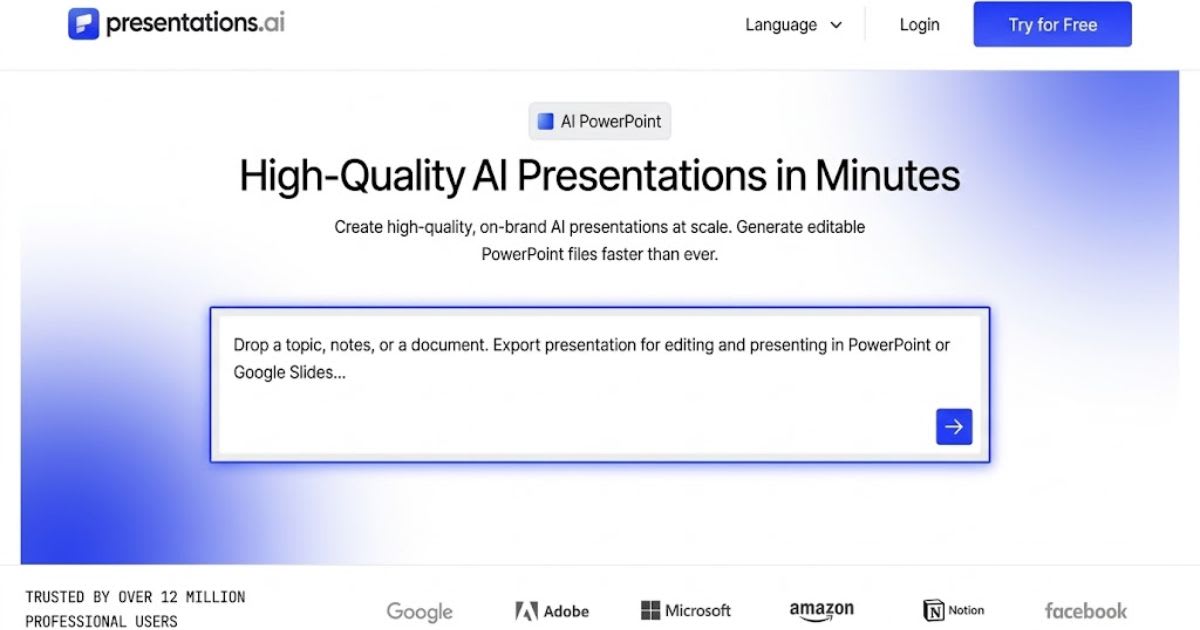
Presentations.AI focuses on business decks with charts and timelines. Its free
plan gives 100 credits without a card. The Pro plan adds PowerPoint
export, Brand Sync, and analytics. It starts at $20 a month per its site.
GenPPT
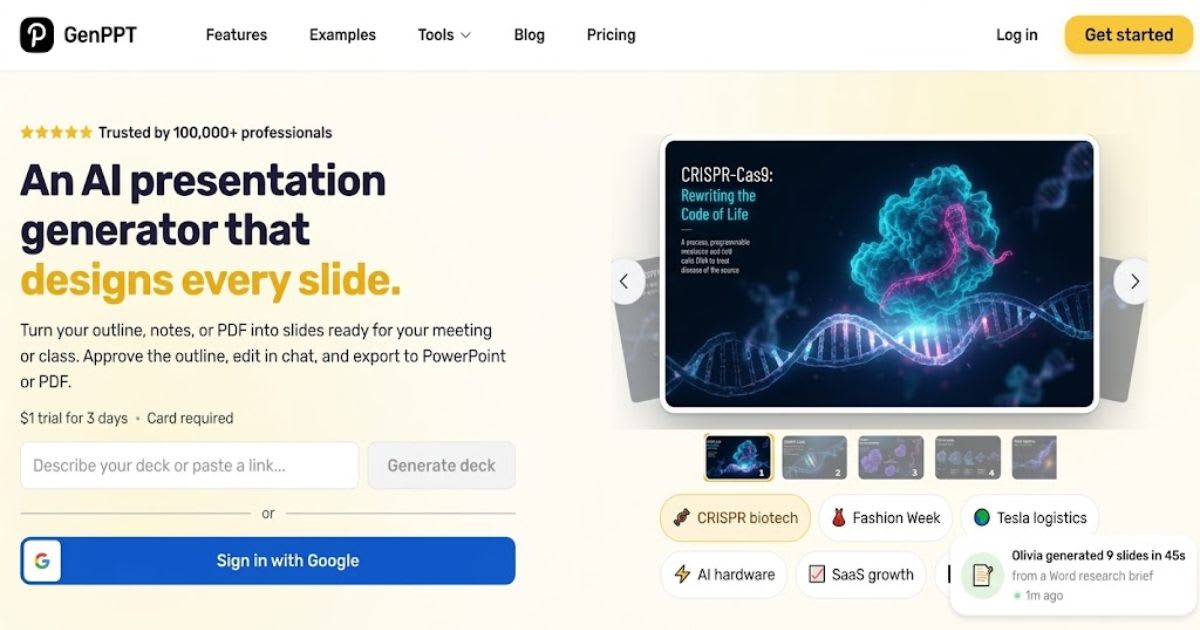
GenPPT builds a slide deck outline first, so you approve the
story before design starts. It accepts documents, links, and notes. One
hands-on review found an invented growth figure. Check every number the AI
presentation maker writes.
Microsoft Copilot in PowerPoint
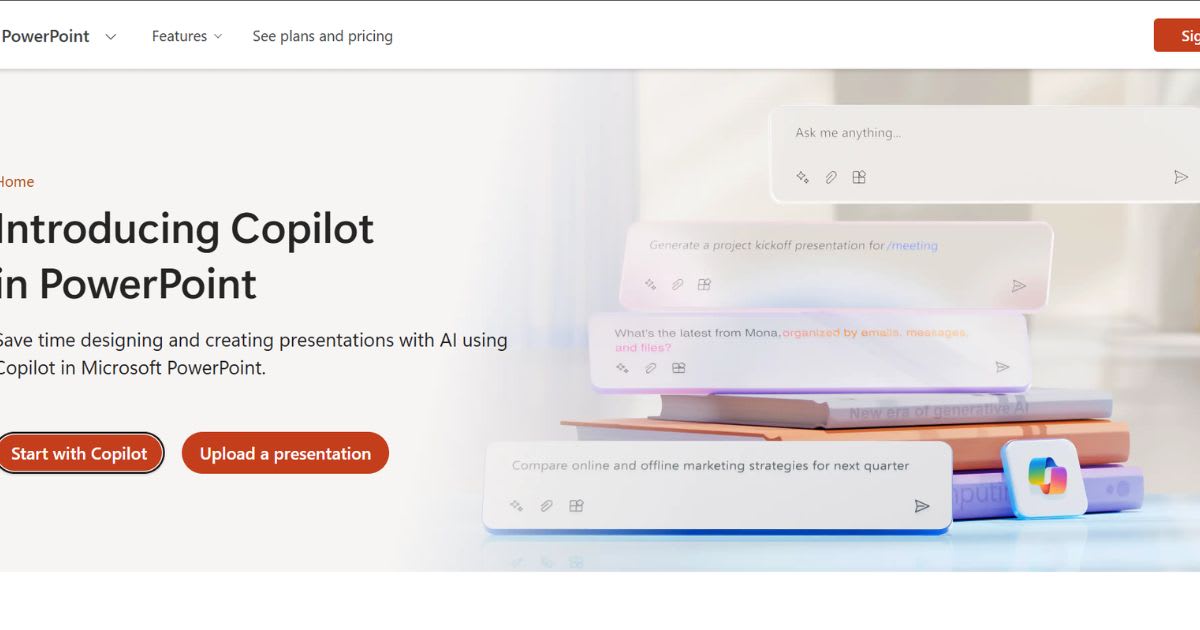
Copilot drafts slides inside Microsoft
PowerPoint, so files stay native. It suits teams on Microsoft 365.
It needs a paid Copilot plan. Ask your admin about licenses before you plan
around it.
Gemini in Google Slides
Gemini in Google Slides adds two
tools inside Google Workspace. They are "Help me visualize"
and "Beautify this slide." Both launched on Nano Banana Pro
for infographics and cleaner visuals. Google may update the model later. Access
depends on your plan.
Canva Magic Design
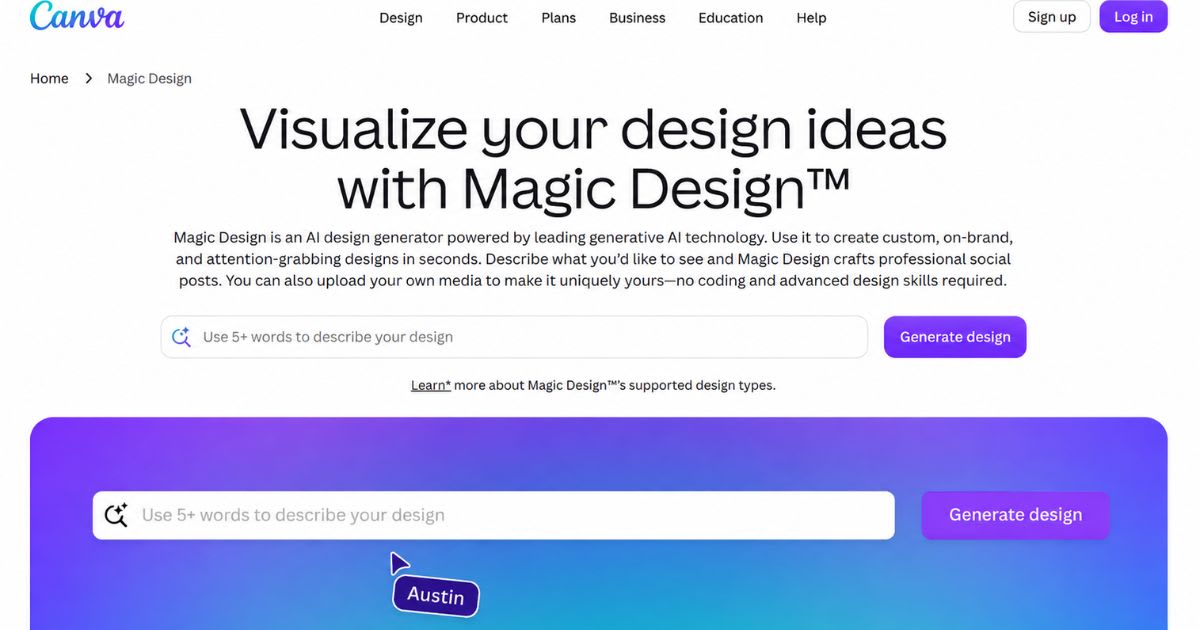
Canva Magic
Design turns a prompt into a ready
template. The free plan allows 20 AI uses a month. That cap covers every
AI feature, not just decks. It fits students and marketers who want quick,
simple visuals.
NotebookLM
NotebookLM builds a slide deck from your own sources and exports it
as a PDF. That suits research-heavy talks. Check whether you can edit the text
before you use it for client work.
Draft Your Outline With a Chatbot
First
Plan your story in a chatbot before you open design software.
ChatGPT, Claude, and Gemini all draft outlines well. Our ChatGPT vs Claude vs Gemini comparison shows which fits you best. Give the chatbot these four inputs:
•
Your audience and your goal.
•
The number of slides you want.
•
Your three real numbers, so it
cannot invent them.
•
A request for speaker notes last.
Four-Step Workflow for a Strong
Deck
Human planning comes first. The software handles layout. Follow
this flow to build a pitch deck fast. Fact-check every figure, then
export the file. A brand kit saves time at step three.
|
Step |
Your action |
The AI's job |
Output |
|
1. Outline |
Set audience and goal |
Draft a slide-by-slide outline |
Approved outline |
|
2. Design |
Paste the outline into the tool |
Build layouts and visuals |
First-draft deck |
|
3. Refine |
Fix wording and add branding |
Apply your brand kit |
Branded deck |
|
4. Review |
Fact-check every figure |
Export to PowerPoint or PDF |
Final file |
Fact-Check Checklist Before You
Present
AI decks look finished long before they are correct. Check every
item below before you share the file. One wrong number can cost you a client
or an investor. Treat each AI-generated slide as a draft, not a
fact.
•
Match every number to your own
source file.
•
Confirm each date, name, and
product claim.
•
Delete any statistic that has no
link you can open.
•
Check that image rights
allow business use.
•
Search each quote before you keep
it.
•
Open the deck on the screen you
will present from.
Score Your Own Test in Five
Minutes
Reviews cannot know your workflow, so test two tools
yourself. Use your own outline, not a demo prompt. Score each tool from
1 to 5. This gives you a fair and repeatable test that no other list
offers.
|
Test |
What to check |
Tool A score |
Tool B score |
|
Speed |
Minutes from prompt to first draft |
|
|
|
Edit control |
Can you change text, charts, and layout? |
|
|
|
Export quality |
Does PowerPoint keep fonts and margins? |
|
|
|
Brand fit |
Can you save logo, colors, and fonts? |
|
|
|
Accuracy |
How many wrong facts did you find? |
|
|
|
Free limit |
How many decks before the credits end? |
|
|
Common Mistakes With an AI
Presentation Maker
Most weak AI decks fail for the same few reasons. You can avoid
all of them with a little care. Each mistake below wastes credits, time,
or trust.
•
Accepting the first draft from a
vague prompt.
•
Spending free credits on
re-prompts instead of hand edits.
•
Skipping the export test until the
night before.
•
Trusting invented statistics.
•
Keeping the default look, so your
deck matches everyone else's.
Tools Change, So Keep Your Own
Copy
Plans, credits, and even products can change without notice. Tome,
for example, ended its presentation product in April 2025, according to one
tool tracker. Export every deck as PowerPoint or PDF and store it
yourself. Never keep your only copy inside a free tool.
Pros and Cons of AI Presentation
Tools
AI tools save time, but they are not hands-free. Speed and layout
help most. Accuracy and originality still need your eyes.
Pros:
•
Fast first drafts from a prompt or
file.
•
Consistent layouts and fonts.
•
Less design skill needed.
Cons:
•
Invented numbers or claims.
•
Export bugs in PowerPoint.
•
Free plans that run out quickly.
•
Unclear rights over AI-made
images.
Final Verdict
Pick by need, not hype. Choose Plus AI or Copilot for existing
files, Gamma for speed, and Beautiful.ai for tidy layouts. Use NotebookLM for
research talks. Test any of the best AI tools for creating presentations with
the two-minute edit test first.
Related
reading on Nexversal:
•
10 Best Free
AI Productivity Tools in 2026
•
ChatGPT Alternatives That Are
Actually Worth It
Sources:
•
Google
Workspace Updates: Nano Banana Pro in Slides
Frequently asked questions
Which AI is the best for making presentations?+
No single tool wins for everyone. Plus AI and Copilot suit people who work in PowerPoint or Google Slides. Gamma is fast for first drafts. Beautiful.ai keeps layouts tidy, and NotebookLM suits research talks.
What is the 5-5-5 rule in presentations?+
It is a simple text limit for slides: no more than five words per line, five lines per slide, and five text-heavy slides in a row. It keeps slides easy to read. Treat it as a guideline, not a strict law.
Can ChatGPT make a PPT?+
Partly. ChatGPT writes strong outlines, slide text, and speaker notes. Some plans can also export a basic .pptx file, and OpenAI added a PowerPoint add-in in May 2026. The design stays basic, so you still need to polish it.
Is Canva or PowerPoint better?+
It depends on your goal. Canva is better for quick, designed visuals with ready templates. PowerPoint is better for detailed business decks, offline work, and company templates. Many people design in Canva and present from PowerPoint.
Can DeepSeek make a PowerPoint presentation?+
Not directly. DeepSeek returns text, and its chat app and API have no feature that exports a .pptx file. It can write outlines, slide text, speaker notes, and VBA code for PowerPoint. Paste that into PowerPoint, or pair it with a slide-design tool.
Is there a free AI presentation maker available?+
Yes. Presentations.AI gives 100 free credits without a card, and Gamma gives 400 one-time credits. Canva has a free plan with a monthly AI cap, and NotebookLM is free to start. Free limits change often, so check each site before you build.
Related articles
 AI Chatbots & Assistants
ChatGPT Alternatives That Are Actually Worth It (2026)
ChatGPT alternatives that actually beat it at something: Claude, Gemini, Perplexity, and more. Find your best fit.
 AI Chatbots & Assistants
Best Midjourney Alternatives in 2026: 8 Tools Compared
Explore the best midjourney alternatives in 2026 for photorealism, open-source control, free tiers, and lower cost.
 AI Chatbots & Assistants
Grok AI Review 2026: Is xAI’s Chatbot Worth Using?
Read this in-depth Grok AI review for pricing, X search, reasoning tools, and a full comparison against ChatGPT and Claude in 2026.
New AI tool reviews, in your inbox.
Get new reviews and comparisons in your inbox. No spam, unsubscribe anytime.
Comments (0)
Be the first to comment.