10 Best Free AI Productivity Tools in 2026
See 10 free AI Productivity tools for work and study in 2026 — ChatGPT, Gemini, and Claude compared side by side. Find your fit fast.
Intorduction
Finding the Free AI Productivity Toolscan feel like scrolling an endless app store. Here's the good news: you don't need dozens of subscriptions to get more done. Tools like ChatGPT, Gemini, Claude, and Perplexity handle task automation, research, writing, and workflow automation — all for free.
This guide breaks down which free AI productivity tools actually deliver. You'll learn what each tool does best, where its free plan falls short, and which one fits your needs. Want to save time on routine work? Improve your writing? Organize information or streamline daily tasks? You'll find practical choices here — no upfront payment required.
What Are Free AI Productivity Tools and How Do They Work?
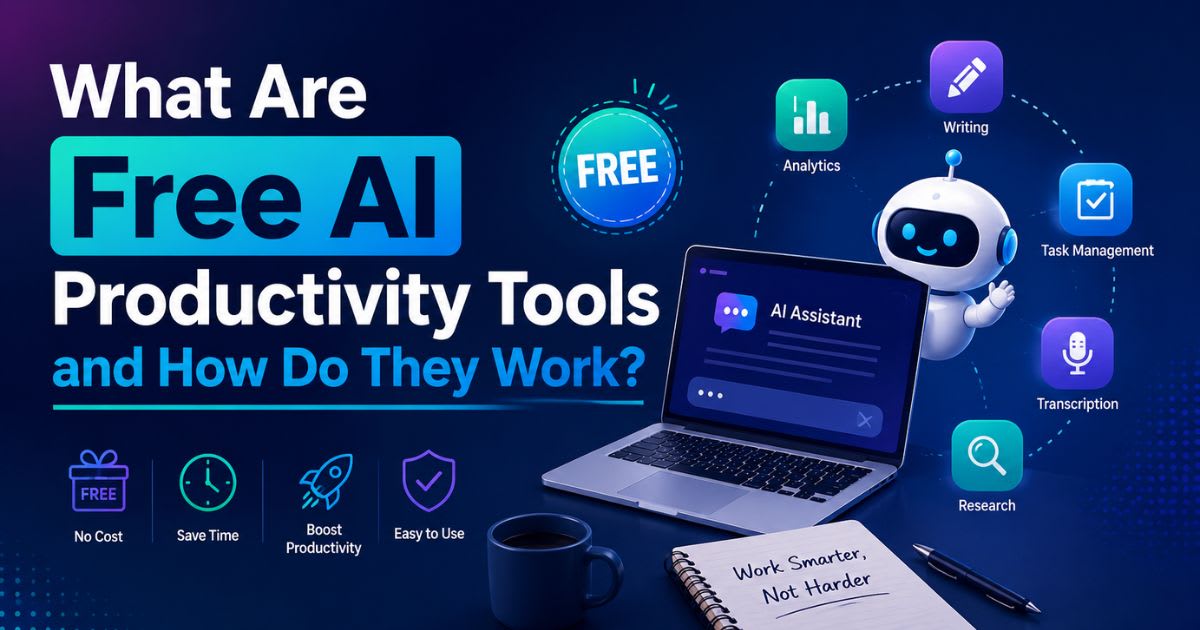
Free AI productivity tools use artificial intelligence to help you complete common tasks faster. They draft emails, summarize documents, brainstorm ideas, and analyze information. They also organize tasks, generate reports, and handle repetitive activities. These tools don't replace your entire workflow. Instead, they remove small pieces of friction that add up through the day. Spend 30 minutes writing routine emails? Let an AI assistant create the first draft. Research topics often? An AI search tool can summarize your sources. Over time, these small wins add up — without an expensive software stack.
What Can AI Productivity Tools Actually Do?
Modern tools do far more than simple chat. Gemini's official docs highlight brainstorming, planning, summarization, and drafting as everyday uses. Google's broader productivity ecosystem now covers AI assistance for Gmail, meetings, research, and workflow automation.
Common uses include:
- Writing and rewriting emails, documents, and reports
- Summarizing long documents and meetings
- Researching topics and finding supporting information
- Brainstorming ideas and creating outlines
- Creating presentations and other business content
- Organizing information and personal notes
- Automating repetitive digital tasks
Why Use Free AI Productivity Tools in 2026?

The biggest advantage is simple: you get to experiment without another monthly subscription. Free plans let students, freelancers, creators, and small businesses find out which workflows actually benefit from AI before spending money on advanced features. But "free" doesn't always mean unlimited. Many services cap messages, limit usage, restrict models, or lock premium features behind a paywall. Current 2026 comparisons show free tiers vary widely — so check what each plan actually includes. Don't judge a tool by its advertised feature list alone.
How AI Can Save You Time
AI works best on tasks that are repetitive, predictable, or information-heavy. Use it to summarize a long report, turn notes into an email, or create a first draft. It can also help organize your research. The goal isn't to automate everything. Use AI tools where they cut down administrative work — while you stay in control of the decisions that matter.
Best Free AI Productivity Tools in 2026: Quick Comparison
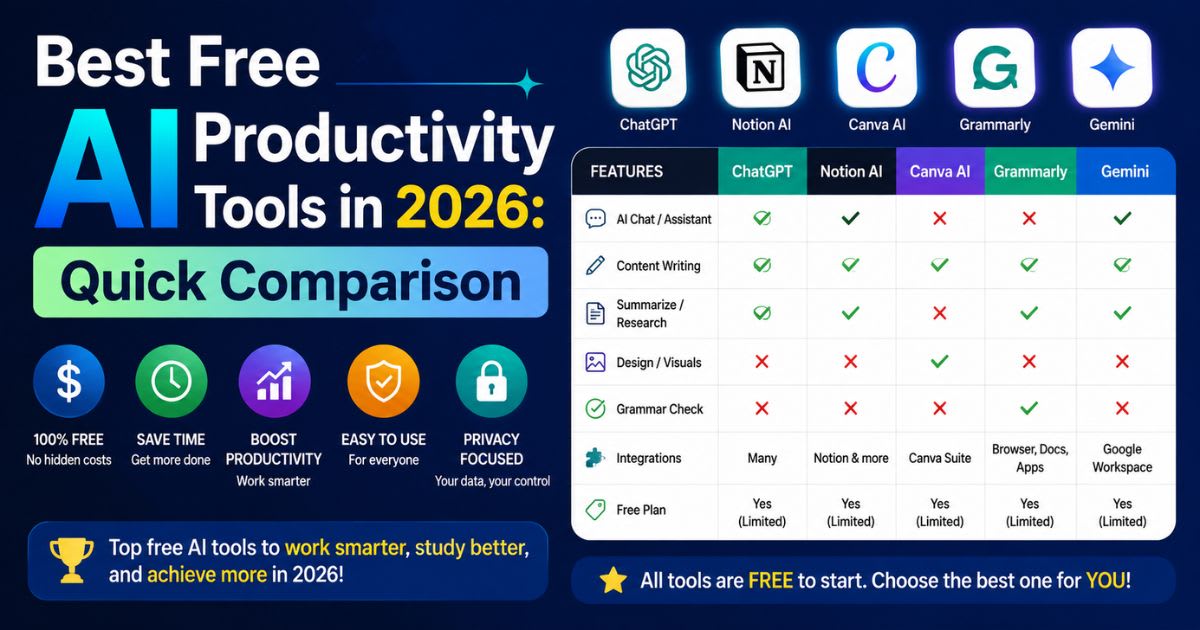
The strongest free tools aren't the ones with the longest feature lists. A better approach? Match each tool to a specific problem you actually have. Current 2026 comparisons commonly highlight Gemini, ChatGPT, Claude, Perplexity, Grammarly, and other specialized tools across writing, research, planning, and everyday work.
| Tool | Best For | Free Offering | Best Suited To |
|---|---|---|---|
| Gemini | All-around productivity | Yes | Work, study, research |
| ChatGPT | General AI assistance | Yes | Writing, analysis, ideas |
| Claude | Writing and reasoning | Yes | Documents and detailed work |
| Perplexity | AI research | Yes | Research and source discovery |
| Grammarly | Writing improvement | Yes | Emails and documents |
| NotebookLM | Document research | Yes | Your own sources |
| Microsoft Copilot | Microsoft users | Yes | Everyday work |
| Notion | Notes and organization | Limited AI access | Knowledge management |
| Otter.ai | Meeting transcription | Free tier | Meetings and notes |
| Canva | Visual productivity | Free tier | Presentations and designs |
Detailed Reviews: The Best Free AI Productivity Tools
Gemini – Best Free All-Around Productivity Assistant
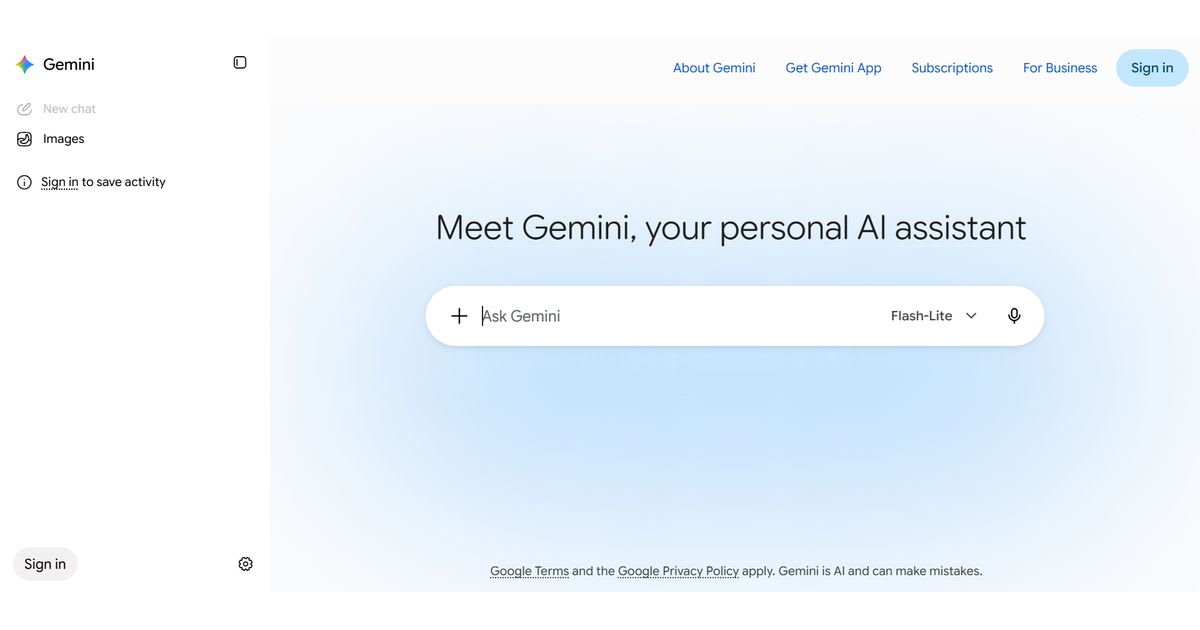
Gemini is one of the strongest choices when you want several productivity capabilities under one roof. Google's current free offering includes Gemini 3.5 Flash, image generation and editing, Deep Research, Gemini Live, Canvas, Gems, NotebookLM access, and 15 GB of storage. Its biggest advantage? Ecosystem integration. If you already use Google services, Gemini fits naturally into research, writing, planning, and everyday information tasks. That cuts down the need to constantly shift information between separate apps.
ChatGPT – Best Free General-Purpose AI Tool
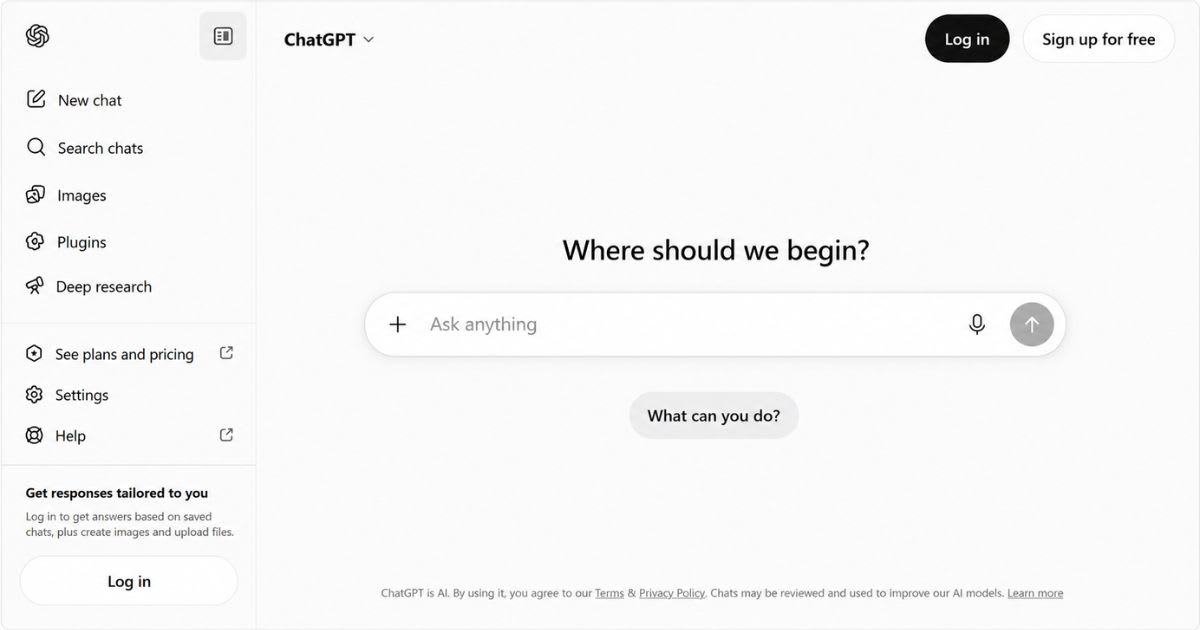
ChatGPT remains useful for a broad range of productivity tasks. You can use it for drafting, brainstorming, summarizing, coding, and analyzing information — or turning rough notes into polished content. Its flexibility is the real strength. You can build repeatable prompts for emails, research summaries, content briefs, customer replies, or learning workflows. The free tier has usage limits, so heavy users may eventually need a paid plan.
Claude – Best for Writing and Detailed Analysis
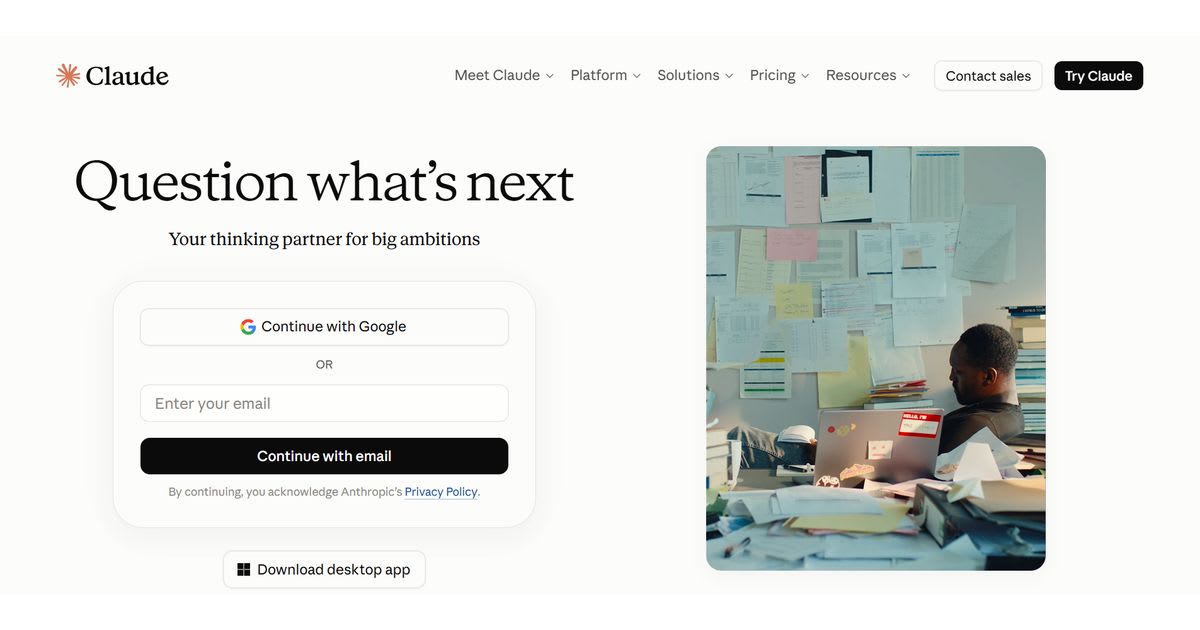
Claude works especially well when you're dealing with long documents, careful reasoning, or natural-sounding writing. It helps restructure complicated material — without sounding like corporate boilerplate. For writers and knowledge workers, that's genuinely valuable. Don't just ask for an answer. Give it context and request a structured analysis, rewrite, comparison, or draft instead.
Perplexity – Best Free AI Tool for Research
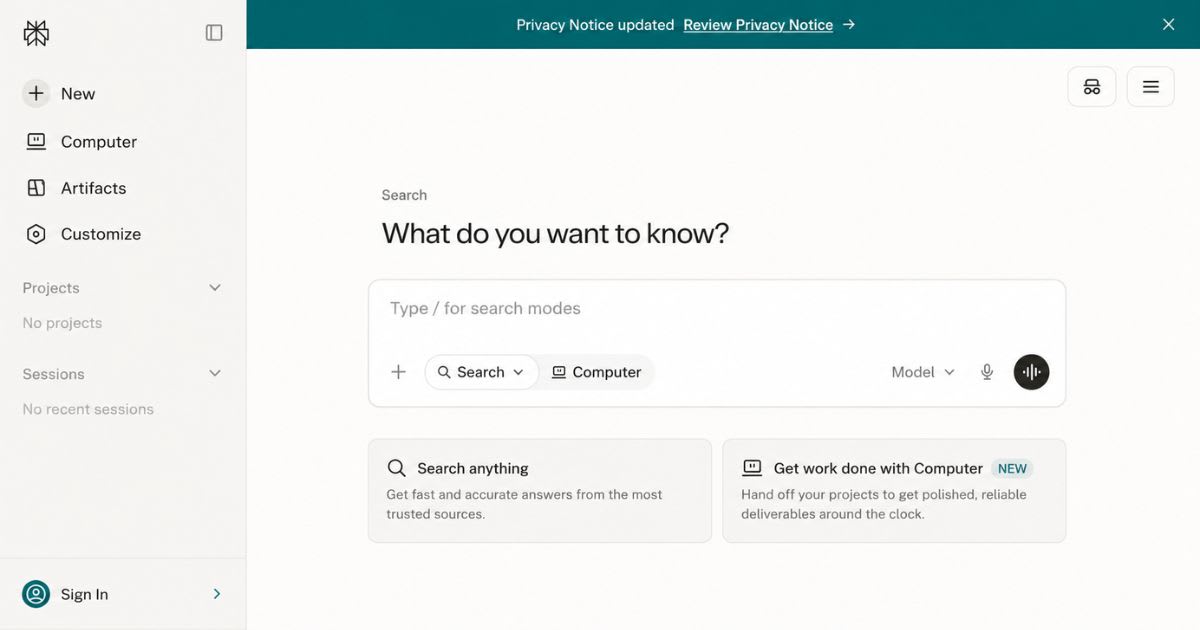
Perplexity focuses heavily on research and answers backed by real sources. It's more than a chat assistant — it helps you investigate questions and find supporting information from the web. That makes it useful for content research, competitor research, and initial fact-finding. Still, always double-check important claims against the original sources before you publish.
Grammarly – Best for Writing and Editing
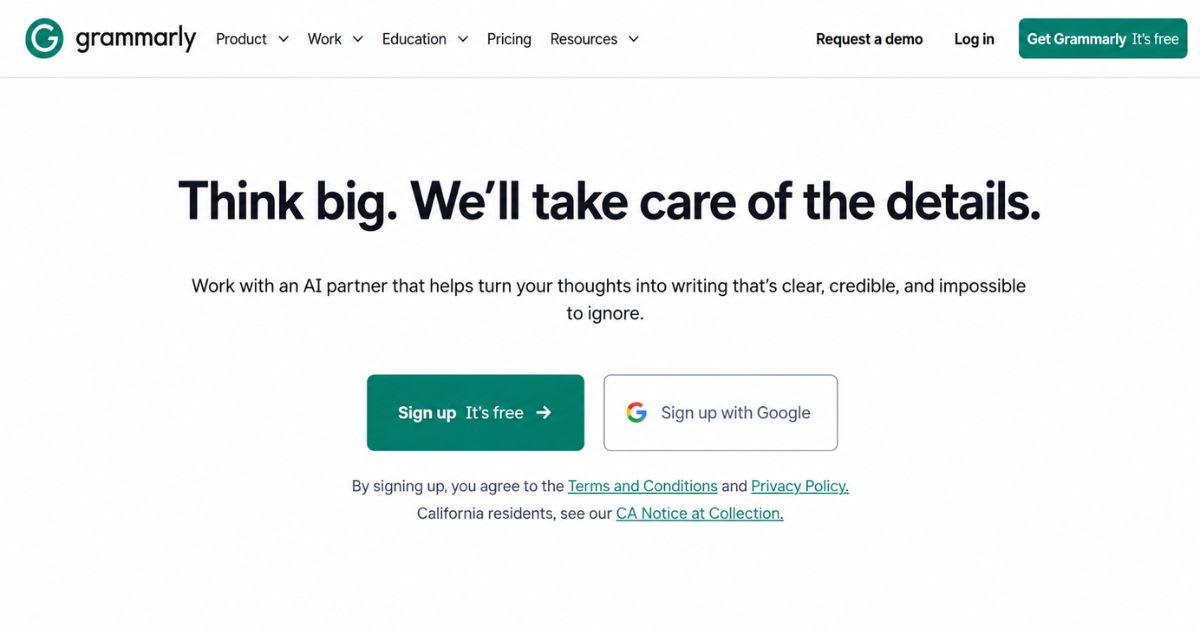
Grammarly helps improve grammar, spelling, clarity, and writing style. Its free offering makes it useful for people who already have a draft but want another layer of editing. It works particularly well for emails, school assignments, professional messages, and everyday documents. Think of it as a writing quality filter rather than a complete research assistant.
NotebookLM – Best for Working With Your Own Sources
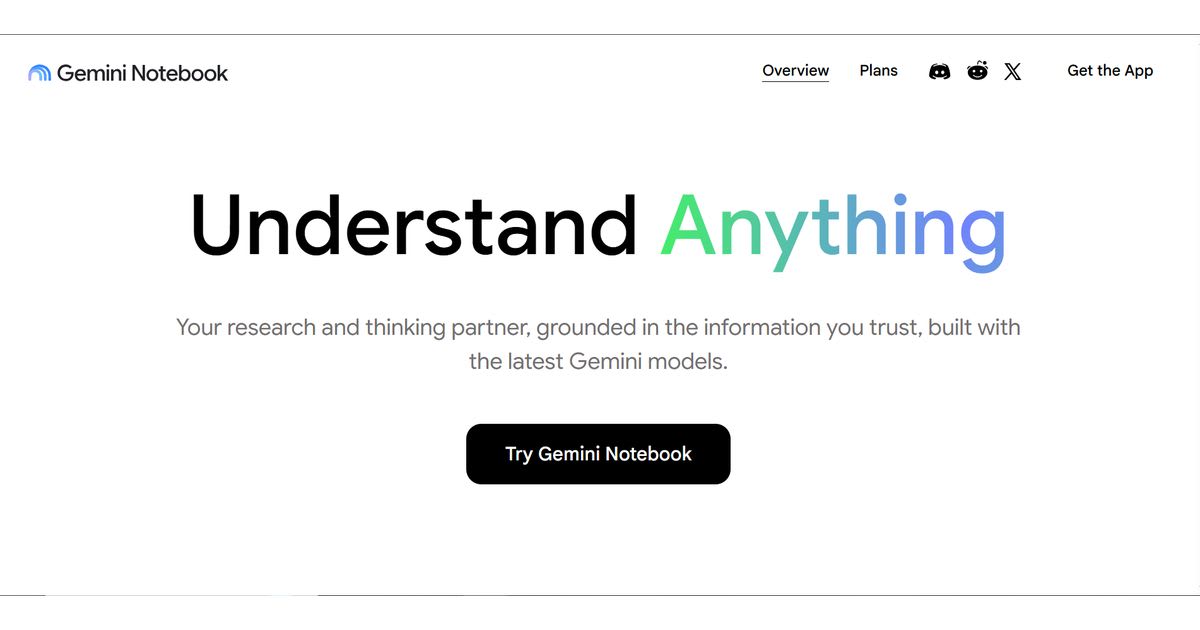
NotebookLM is useful when you need to understand information from documents rather than simply ask a general AI question. Google's current Gemini ecosystem lists NotebookLM as a research and writing assistant. This makes it useful for study notes, research material, reports, manuals, and other source-heavy projects. Its value comes from grounding your work in the information you provide.
Microsoft Copilot – Best for Microsoft Users
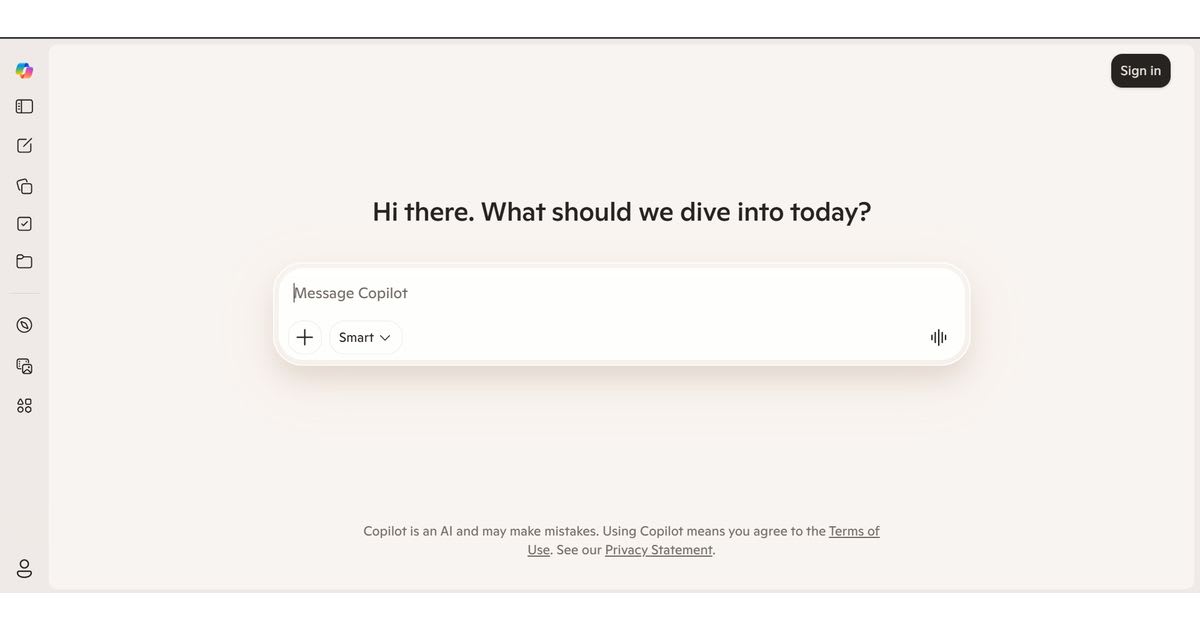
Copilot makes the most sense if your daily workflow already revolves around Microsoft products. The broader Microsoft ecosystem increasingly places AI alongside common work applications. For Windows and Microsoft-focused users, ecosystem compatibility matters more than having the theoretically strongest standalone chatbot.
Notion – Best for Notes and Knowledge Organization
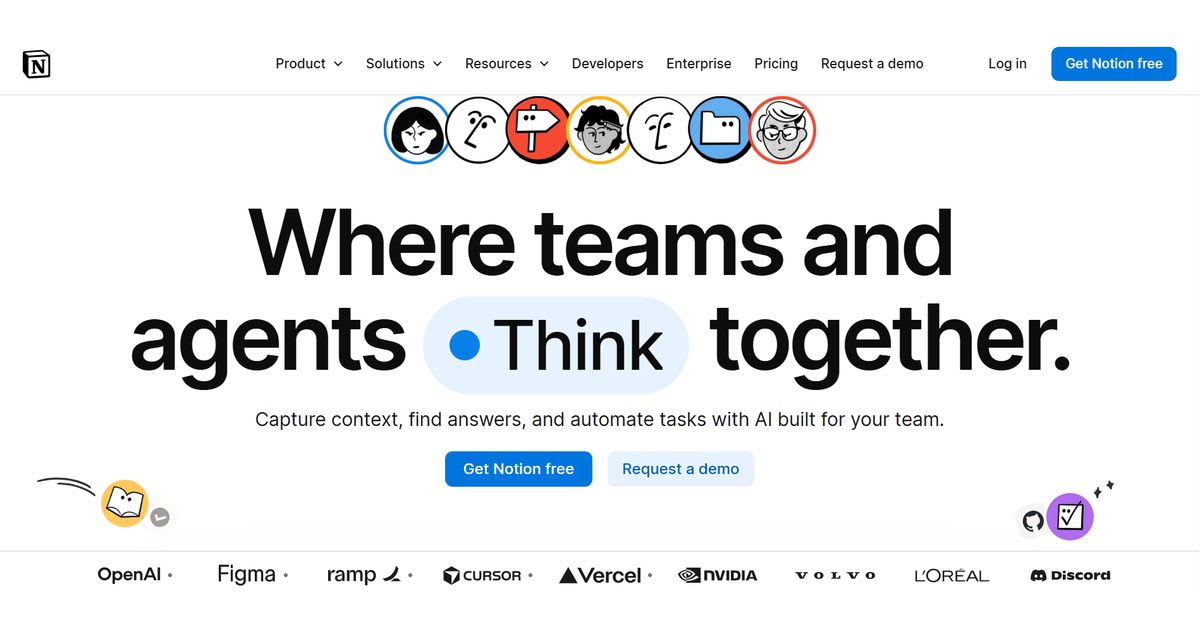
Notion combines notes, databases, project organization, and collaboration in one workspace. AI capabilities can help summarize information, generate drafts, and work with existing workspace content. Its strongest productivity benefit comes from keeping information centralized. You spend less time hunting across disconnected documents when your notes and projects live together.
Otter.ai – Best for Meeting Notes
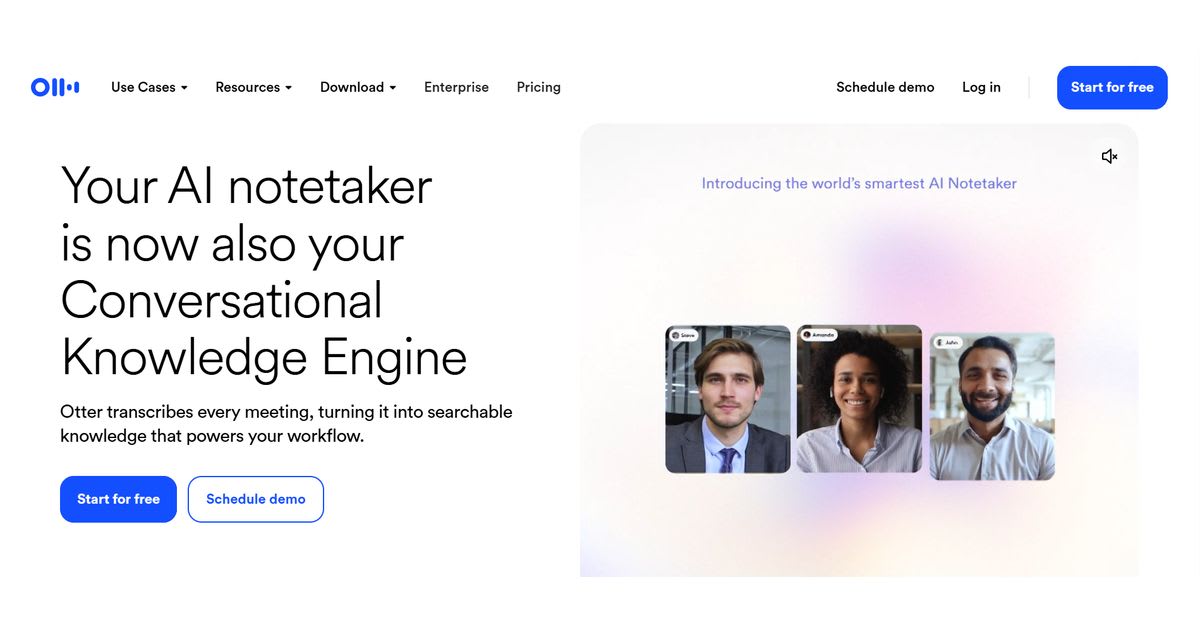
Meeting transcription tools solve a very specific productivity problem: remembering what happened during conversations. Otter can turn spoken discussions into searchable notes and help you review meetings afterward.
That reduces manual note-taking. However, always verify important decisions, names, numbers, and action items against the actual meeting.
Canva – Best for Visual Productivity
Canva is useful when productivity involves presentations, social graphics, documents, and visual communication. Its AI features can speed up parts of the creative process.
Instead of starting every presentation from a blank canvas, you can use AI-assisted creation to develop a starting point and then refine the design manually.
How We Evaluated These Free AI Productivity Tools
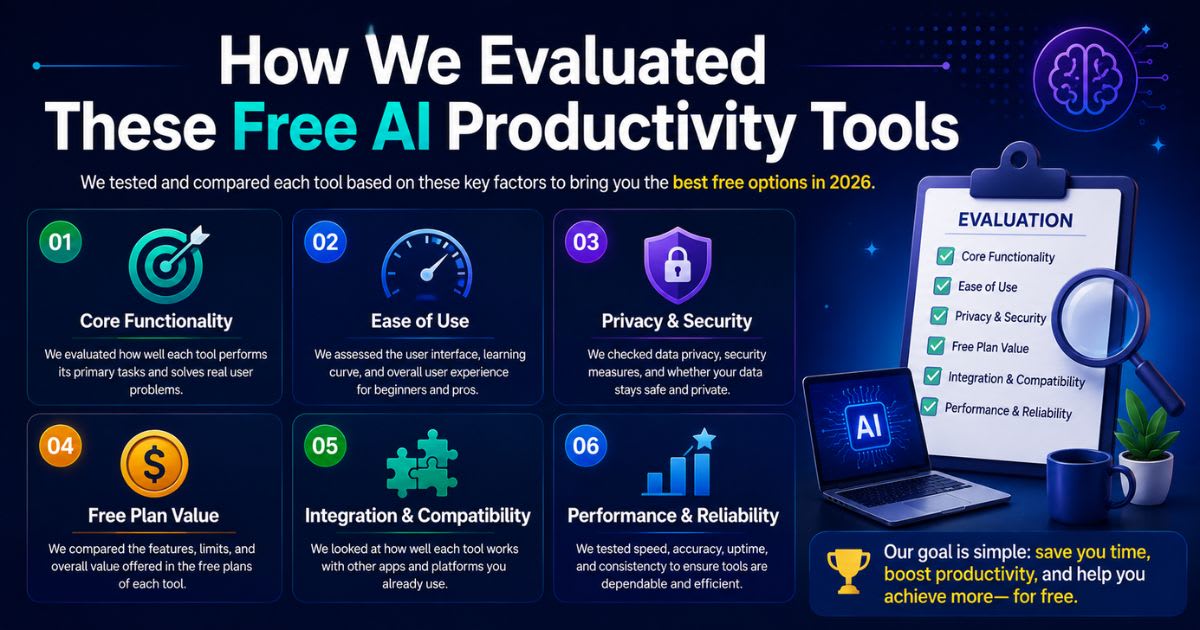
A useful comparison considers more than popularity. Free tools differ dramatically in their limits, output quality, privacy options, integrations, and usefulness for real tasks. Current comparison research also shows why "free" needs careful definition, because some plans provide genuine ongoing access while others offer restricted trials or limited AI credits.
The most useful evaluation focuses on practical value. A tool should save meaningful time, produce reliable results, remain easy to use, and provide enough free access to support a real workflow.
What We Looked At
- Free access: Is there a genuine free tier rather than a short trial?
- Usage limits: How quickly can normal users hit restrictions?
- Output quality: Does the tool produce useful results without heavy rewriting?
- Ease of use: Can beginners understand the workflow quickly?
- Productivity value: Does it remove meaningful work?
- Integrations: Does it fit existing applications and workflows?
- Privacy: What happens to the information you submit?
- Specialization: Does the tool solve a particular productivity problem well?
Best Free AI Productivity Tool by Use Case
There is no single winner for every situation. Someone writing articles needs different capabilities from a student studying PDFs or a manager organizing meetings. The smarter strategy is to choose one general-purpose assistant and add specialized tools only when they solve a real bottleneck. This avoids the "too many tabs" problem that can make AI less productive rather than more productive.
| Your Goal | Recommended Free Option |
|---|---|
| General productivity | Gemini or ChatGPT |
| Writing | Claude or ChatGPT |
| Research | Perplexity |
| Source-based research | NotebookLM |
| Grammar | Grammarly |
| Meetings | Otter.ai |
| Visual content | Canva |
| Google ecosystem | Gemini |
| Microsoft ecosystem | Copilot |
| Notes and organization | Notion |
Best Free AI Tool for Students
Students benefit most from Gemini, ChatGPT, Claude, and NotebookLM. These tools can explain difficult concepts, summarize source material, generate study questions, and help organize notes. The important rule is to use AI as a learning assistant rather than a shortcut around learning—ask for explanations, examples, practice questions, and feedback instead of simply requesting completed assignments.
Best Free AI Tool for Writers
Writers can combine a general AI assistant with an editing tool. ChatGPT or Claude helps with outlines and drafts, while Grammarly provides an additional editing layer. This combination improves work efficiency without making the entire writing process dependent on one application.
Best Free AI Tool for Research
Perplexity is a strong starting point when research and source discovery are your main concerns. NotebookLM becomes particularly useful once you've already collected the documents you need to understand. For serious research, don't stop at an AI-generated summary—open important sources and verify the claims yourself.
Free vs. Paid AI Productivity Tools: What's the Difference?
Free plans are excellent for experimentation and moderate personal use. Paid plans generally become attractive when you need higher usage limits, advanced models, premium integrations, larger context windows, or specialized capabilities.
Current 2026 comparisons show that the biggest difference between free and paid tiers is often usage capacity and gated features, rather than whether the basic AI experience exists at all.
When a Free Plan Is Enough
A free plan is usually sufficient if you use AI occasionally for writing, brainstorming, research, summaries, or study. You probably don't need an expensive subscription simply because a premium plan exists. Start free and observe where you actually hit limitations.
When Paying Becomes Worthwhile
A paid plan becomes easier to justify when AI becomes part of your daily workflow. If you repeatedly hit usage limits or need advanced integrations, the subscription can save enough time to justify itself. The best upgrade isn't necessarily the most expensive one—pay for the specific bottleneck that's slowing you down.
How to Use Free AI Productivity Tools Effectively
The biggest mistake is collecting tools instead of improving workflows. Ten AI apps won't automatically make you productive—constantly switching between them can create more friction. Start with one repetitive problem, build a simple workflow around it, then measure whether the tool actually saves time.
Start With One Productivity Problem
Ask yourself what consumes the most unnecessary time. Maybe you write repetitive emails, summarize meetings, research topics, organize notes, or create presentations. Choose one task and automate or accelerate it first. Once the workflow works reliably, move to the next bottleneck.
Create Reusable Prompts
Reusable prompts turn AI from a novelty into a practical system. Save prompts for recurring tasks such as email drafting, content outlines, research summaries, meeting follow-ups, or customer responses. Include the audience, context, desired format, tone, and important restrictions—better instructions usually produce more consistent results.
Combine Complementary Tools
You don't need one tool to do everything. A simple stack might use Gemini for general tasks, Perplexity for research, and Grammarly for editing. This approach gives each tool a clear role and reduces unnecessary app switching, because you know exactly which tool handles each job.
How AI Productivity Tools Can Improve Your Daily Workflow
The best productivity gains usually come from small changes repeated every day. AI can reduce drafting time, summarize information, organize research, and automate predictable tasks. That creates more room for focused work. However, productivity isn't about filling every available minute with more tasks—the real goal is spending more time on valuable work and less time on avoidable friction.
Use AI for Repetitive Work
Routine work is often the easiest place to start. Email drafts, summaries, formatting, brainstorming, and basic data transformations can all consume time without requiring your full attention. Automating these activities reduces administrative work while preserving human oversight.
Protect Human Decision-Making
AI can suggest options, but important decisions still require judgment. Financial choices, legal matters, hiring decisions, medical information, and sensitive business decisions deserve careful human review. Use AI to increase decision-making speed, not to remove decision-making responsibility.
Measure the Time You Actually Save
Don't assume a tool is useful because it feels impressive. Track how long a task took before and after using AI. For example, if writing a weekly report took 90 minutes and AI reduces the drafting stage to 30 minutes, you've found a measurable productivity gain. That's more useful than a vague feeling that the tool is "smart."
How to Choose the Best Free AI Productivity Tool
Start with the task rather than the tool. Identify what you want to improve, then find the AI application that handles that job well. Also consider your existing ecosystem—if your work already lives inside Google applications, Gemini may create less friction; if you spend your day inside Microsoft software, Copilot may fit more naturally.
Check the Free Tier Before Building a Workflow
Free plans can change. A feature available today may later become limited, moved behind a subscription, or restricted by usage. Before building an important business workflow around a free service, check the provider's current pricing and usage terms.
Consider Privacy Before Uploading Information
Never assume that a free AI service should receive confidential information. Review the provider's current privacy controls before submitting customer records, private business documents, passwords, financial information, or sensitive company data. For work involving confidential information, consider enterprise plans or tools with appropriate privacy controls.
Choose the Tool That Removes the Most Friction
The best free AI productivity tool is the one that solves your biggest problem with the least friction. If research consumes your day, use a research-focused tool. If writing slows you down, use an AI writing assistant. If meetings create administrative work, use transcription and summary software.
Meta Description
Best Free AI Productivity Tools in 2026: Discover top free AI tools for work, study, and daily tasks. Compare features and find your best fit.Frequently asked questions
Which AI tool is best for productivity?+
ChatGPT is one of the best AI tools for productivity, helping with writing, brainstorming, research, planning, and summarizing. It works well as an all-purpose daily assistant.
What is the best AI model for productivity?+
There is no single best AI model for every productivity task. A good model should offer strong reasoning, writing, summarization, and analysis capabilities.
What is currently the best free AI tool?+
ChatGPT is currently one of the best free AI tools for general productivity. It can help with writing, learning, brainstorming, planning, and everyday tasks.
What are the best AI productivity tools for 2026?+
Top AI productivity tools for 2026 include Gemini, Notion AI, ChatGPT, Canva, and Grammarly. The best option depends on your specific work, study, or productivity needs.
What is the best AI tool for personal use and productivity?+
ChatGPT is a strong choice for personal productivity because it can organize ideas, plan tasks, create schedules, and summarize information. It is one of the best free AI productivity tools for everyday use.
Related articles
 AI Productivity Tools
AI Tool for Excel Formulas: Never Guess Again (2026)
Looking for the best AI tool for Excel formulas? We compare 6 free and paid options for generating, fixing, and explaining formulas, with pricing.
 AI Productivity Tools
Automate Your Inbox With AI: Under an Hour (2026)
Automate your inbox with AI in under an hour — sort, draft, and reply without living in your inbox all day.
New AI tool reviews, in your inbox.
Get new reviews and comparisons in your inbox. No spam, unsubscribe anytime.
Comments (0)
Be the first to comment.