AI Tool for Excel Formulas: Never Guess Again (2026)
Looking for the best AI tool for Excel formulas? We compare 6 free and paid options for generating, fixing, and explaining formulas, with pricing.

Quick answer: The best AI tool for Excel formulas for most people is GPTExcel. It is free to start, needs no download, and turns a plain-English request like "add up column C only when column B says Paid" into a working formula in seconds. It also explains the formula. If you already pay for Microsoft 365, Copilot in Excel is the most seamless choice because it works inside your spreadsheet. And for tricky, multi-step logic, a chatbot like ChatGPT or Claude often reasons through the problem best.
Writing an Excel formula by hand means remembering exact syntax for functions like XLOOKUP, SUMIFS, and nested IF. An AI tool for Excel formulas flips that around: you describe the result in plain English, and the AI writes the formula. It is one of the most practical AI productivity tools for everyday spreadsheet work. This guide compares the six options worth your time in 2026 and helps you pick the right one.
Affiliate disclosure: some links below may be affiliate links. If you buy through them, Nexversal may earn a commission at no extra cost to you. This never changes our picks. We recommend tools on features, value, and fit — not on whether a company has an affiliate program.
The 6 best AI tools for Excel formulas at a glance

| Tool | Best for | Free plan | Starting price | Biggest limitation |
|---|---|---|---|---|
| GPTExcel | Best overall (free, purpose-built) | Yes — 4 requests/day | $6.30/mo (annual) | Daily cap on free plan; not inside Excel |
| Microsoft Copilot in Excel | People already in Microsoft 365 | No | ~$20/mo (Copilot Pro) | Needs a qualifying M365 license |
| Formula Bot | Formulas + data analysis | Yes — limited messages | $18/mo | Extra features unneeded for formulas only |
| Ajelix | Free multi-language option | Yes — 10 requests/mo | $5.95/mo | Only 10 free requests a month |
| ChatGPT | Complex, multi-step logic | Yes | $20/mo (Plus) | Not spreadsheet-native; verify every formula |
| Claude | Explaining & debugging formulas | Yes | $20/mo (Pro) | Not built into Excel |
Pricing and free-tier limits are accurate as of August 2026 and can change. Check each vendor's official pricing page before subscribing.
How we evaluated these tools

We want to be transparent about our method. This comparison is based on product research and each vendor's official documentation. It is not an independent, controlled lab test with scored runs. We reviewed each tool's formula features, free-tier limits, supported apps, and published pricing. Then we assessed them against a consistent set of criteria that matter when you need a formula:
| Factor | Weight | What it measures |
|---|---|---|
| Formula accuracy | 30% | Does it return a valid, correct formula for a clearly described task? |
| Complex / multi-step handling | 20% | Can it handle nested logic and dependent formulas? |
| Ease of use | 15% | How quickly can a non-expert get a usable formula? |
| Debugging | 15% | Can it fix a broken formula or explain an error? |
| Explanations | 10% | Does it teach you why the formula works? |
| Price / value | 10% | What do you get on the free tier and at the entry price? |
We are building a standardized benchmark. It runs the same five formula tasks across every tool: a conditional sum, a lookup, a nested condition, a text-cleanup formula, and a debugging task. We will update this article with scored results once that testing is done. Until then, the guidance below reflects product research rather than first-hand test scores.
1. GPTExcel — best overall AI tool for Excel formulas
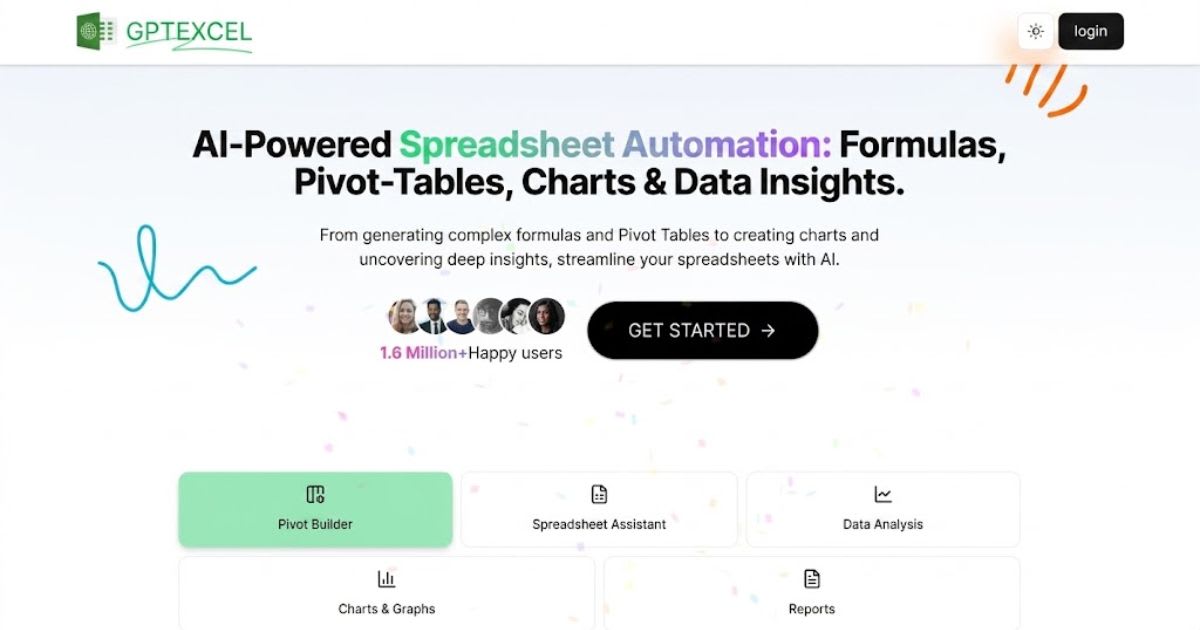
GPTExcel is our top pick for most people. It does one job — spreadsheet formulas — and does it well, for free. You describe what you want in plain English, and it generates a formula for Excel, Google Sheets, LibreOffice Calc, or Airtable. It also writes VBA macros and Apps Script, generates SQL and regex, and explains existing formulas.
Pricing (as of Aug 2026): Free plan (no credit card) with 4 requests/day and up to 10 AI chat messages a month. Pro is $6.30/month billed annually. Pro Plus is $12.60/month.
Pros: Free to start, no install, generates and explains, covers VBA/SQL/regex, works across spreadsheet apps. Cons: Daily cap on the free plan; not built into Excel, so you copy-paste between tabs.
Best for: Anyone who wants a fast, free formula generator without a subscription.
2. Microsoft Copilot in Excel — best if you live inside Microsoft 365

If you already pay for Microsoft 365, Copilot in Excel is the smoothest experience. You ask in the Copilot pane, and it writes the formula, adds the column, and can explain your data right in the workbook. There is no copy-paste.
Pricing (as of Aug 2026): Not free. Individuals can get it through Copilot Pro at about $20/user/month, on top of a Microsoft 365 Personal or Family plan. For businesses, Microsoft 365 Copilot runs roughly $21–$30 per user/month and requires a qualifying Microsoft 365 license.
Pros: Native to Excel, understands your workbook context, no copy-paste, backed by Microsoft. Cons: No free option, requires a paid Microsoft 365 base license, overkill for occasional formulas.
Best for: Teams and professionals already standardized on Microsoft 365.
3. Formula Bot — best for formulas plus data analysis
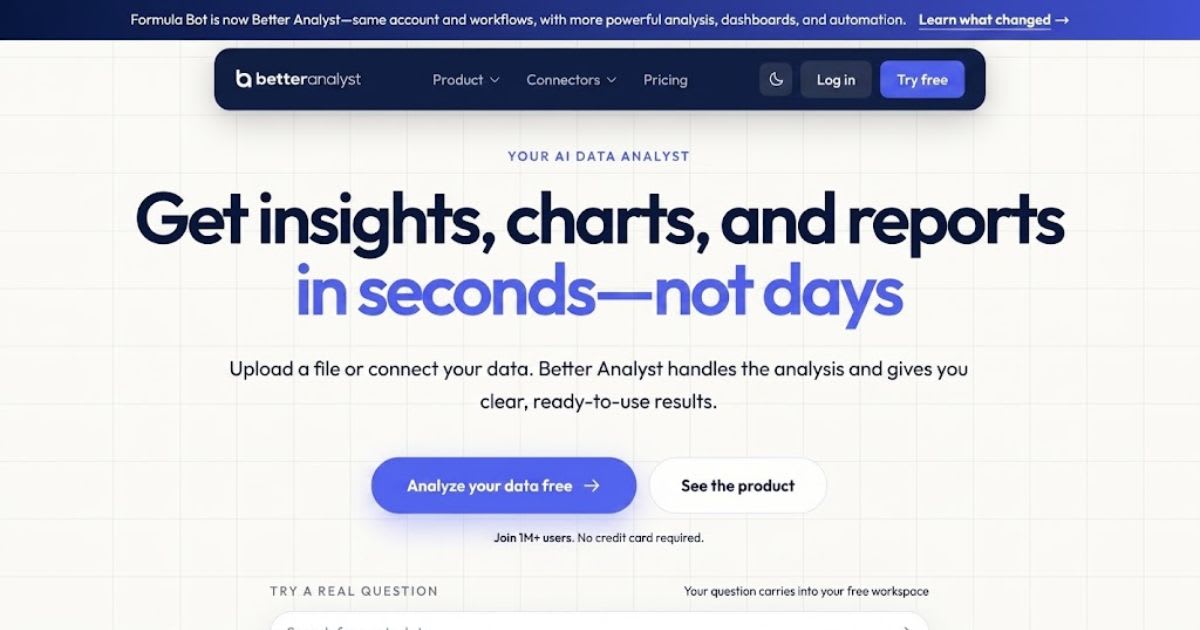
Formula Bot generates formulas for Excel and Google Sheets from plain English. It also shows you the exact code it generated, so you can verify and learn from it. On top of that, it builds charts and dashboards, runs text and sentiment analysis, and schedules recurring reports.
Pricing (as of Aug 2026): Free tier with limited messages. Starter is $18/month. Max is $29/user/month. Enterprise is $149/user/month.
Pros: Formula generation and analysis features, code transparency, browser add-ons for Excel and Sheets. Cons: Pricier than pure formula tools; extra features are unnecessary if you only want formulas.
Best for: People who want one tool for both writing formulas and analyzing the data.
4. Ajelix — best free multi-language option

Ajelix bundles a free Excel formula generator into a suite of 20+ spreadsheet tools. These include a formula explainer, a VBA generator, and a Google Sheets translator. Its standout is genuine multi-language support: describe your formula in your own language, and it still returns valid Excel syntax.
Pricing (as of Aug 2026): Free plan with 10 requests/month. The paid plan is $5.95/month for unlimited use.
Pros: Cheapest paid plan here, big toolset, strong multi-language support, explanations included. Cons: Only 10 free requests a month; interface spreads across many separate tools.
Best for: Non-native English speakers and anyone who wants a low-cost all-in-one spreadsheet toolkit.
5. ChatGPT — best for complex, multi-step formula logic
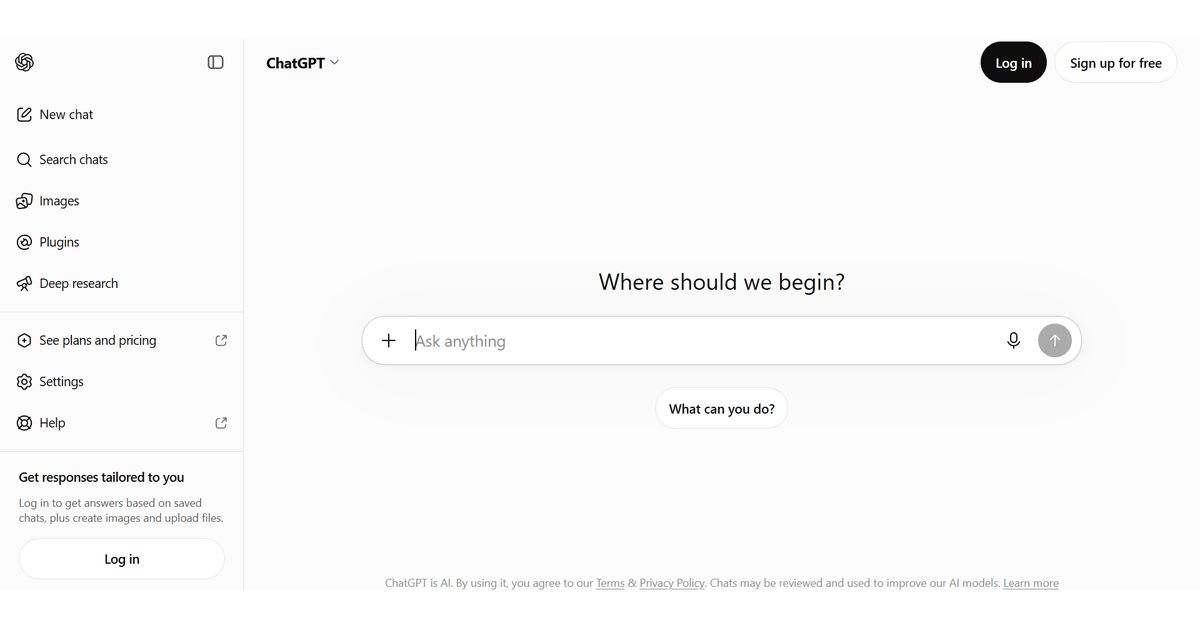
A dedicated generator is fastest for one-off formulas. But when the logic gets gnarly, a reasoning chatbot like ChatGPT often wins. Think nested conditions or "I am not sure how to structure this" problems. You can describe your whole spreadsheet, paste sample rows, and iterate while it keeps context.
Pricing (as of Aug 2026): The free tier handles most formula questions. Plus is $20/month.
Pros: Excellent at complex logic, remembers context, great at debugging pasted errors. Cons: Not spreadsheet-native, no live link to your file, and it can occasionally invent a function name. Always test the formula.
Best for: Tricky, multi-part formula problems and learning how to think about the solution.
6. Claude — best for explaining and debugging long formulas

Claude is the other strong general-purpose option. It is especially good at taking a long formula someone else wrote, explaining it in plain English, then rewriting it more cleanly. Like ChatGPT, it holds context across a conversation.
Pricing (as of Aug 2026): Free tier available. Pro is $20/month.
Pros: Clear, thorough explanations, strong at refactoring and debugging long nested formulas. Cons: Not built into Excel; verify any formula before relying on it.
Best for: Understanding, cleaning up, and debugging complex formulas you inherited.
How to use AI to write an Excel formula (step by step)
You do not need special software to start:
- Describe the result, not the formula. "The average of column E for rows where column B is Complete."
- Name your columns or ranges. Tell the tool your data is in B2:B500 and E2:E500. Specifics get better formulas.
- Paste the formula into Excel and press Enter on a test row.
- If you get an error, paste it back. Give the AI the exact error, and it will usually fix it.
- Ask it to explain the formula so you can adjust it later.
Prompt tip: The more context you give, the more reliable the formula. Add a couple of sample rows, what good output looks like, and your Excel version. Vague prompts get vague formulas.
Which AI tool for Excel formulas should you choose?
Want a free, fast formula generator? Use GPTExcel, or Ajelix for multi-language. Already pay for Microsoft 365 and want it inside Excel? Use Copilot in Excel. Need formulas and analysis in one place? Use Formula Bot. Stuck on complex, multi-step logic? Use ChatGPT or Claude.
For the widest audience, GPTExcel is the best AI tool for Excel formulas in 2026. It is free, purpose-built, and explains its work, so you get better at Excel over time. This is our editorial recommendation and is not based on any affiliate relationship.
Frequently asked questions
What is the best free AI tool for Excel formulas?
GPTExcel is the best free option for most people. Its free plan gives you 4 formula requests per day with no credit card, and it explains each formula. Ajelix (10 free requests/month) and Formula Bot's free tier are good alternatives. Both ChatGPT and Claude also write formulas on their free plans.
Can ChatGPT write Excel formulas?
Yes. ChatGPT can generate, explain, and debug Excel formulas from a plain-English description, and it is especially good at complex, multi-step logic. It is not connected to your live spreadsheet, so paste the formula in and test it before relying on it.
Does Microsoft Excel have built-in AI for formulas?
Yes, through Microsoft Copilot in Excel, but it is not free. It requires Copilot Pro (about $20/month for individuals) or a Microsoft 365 Copilot business license on top of a qualifying Microsoft 365 plan.
Are AI-generated Excel formulas accurate?
Usually, but not always. AI tools occasionally use the wrong function or a slightly off range. Always test a generated formula on a sample row and check the result before applying it to your whole dataset.
What is the difference between a formula generator and ChatGPT?
A dedicated generator like GPTExcel is faster for one-off formulas and outputs clean Excel syntax by default. A general chatbot like ChatGPT is better when the problem is ambiguous or multi-step, because it can reason through the logic and remember your earlier instructions.
Related reading
Frequently asked questions
What is the best free AI tool for Excel formulas?+
GPTExcel is the best free option for most people: its free plan gives you 4 formula requests per day with no credit card, and it explains each formula. Ajelix (10 free requests/month) and Formula Bot's free tier are good alternatives, and both ChatGPT and Claude can write formulas on their free plans.
Can ChatGPT write Excel formulas?+
Yes. ChatGPT can generate, explain, and debug Excel formulas from a plain-English description, and it is especially good at complex, multi-step logic. It is not connected to your live spreadsheet, so paste the formula in and test it before relying on it.
Does Microsoft Excel have built-in AI for formulas?+
Yes, through Microsoft Copilot in Excel, but it is not free. It requires Copilot Pro (about $20/month for individuals) or a Microsoft 365 Copilot business license on top of a qualifying Microsoft 365 plan.
Are AI-generated Excel formulas accurate?+
Usually, but not always. AI tools occasionally use the wrong function or a slightly off range, so always test a generated formula on a sample row and check the result before applying it to your whole dataset.
Related articles
 AI Productivity Tools
10 Best Free AI Productivity Tools in 2026
Stop wasting time on basic software. Here are the 10 best free AI productivity tools to automate your workflow and save you hours.
 AI Productivity Tools
Automate Your Inbox With AI: Under an Hour (2026)
Automate your inbox with AI in under an hour — sort, draft, and reply without living in your inbox all day.
 AI Productivity Tools
Best AI Tools for Social Media Marketing in 2026
See the best AI tools for social media marketing in 2026 — compare content creation, scheduling, analytics, and listening options.
New AI tool reviews, in your inbox.
Get new reviews and comparisons in your inbox. No spam, unsubscribe anytime.
Comments (0)
Be the first to comment.